AI, deepfakes and face morphing in document photos 2026
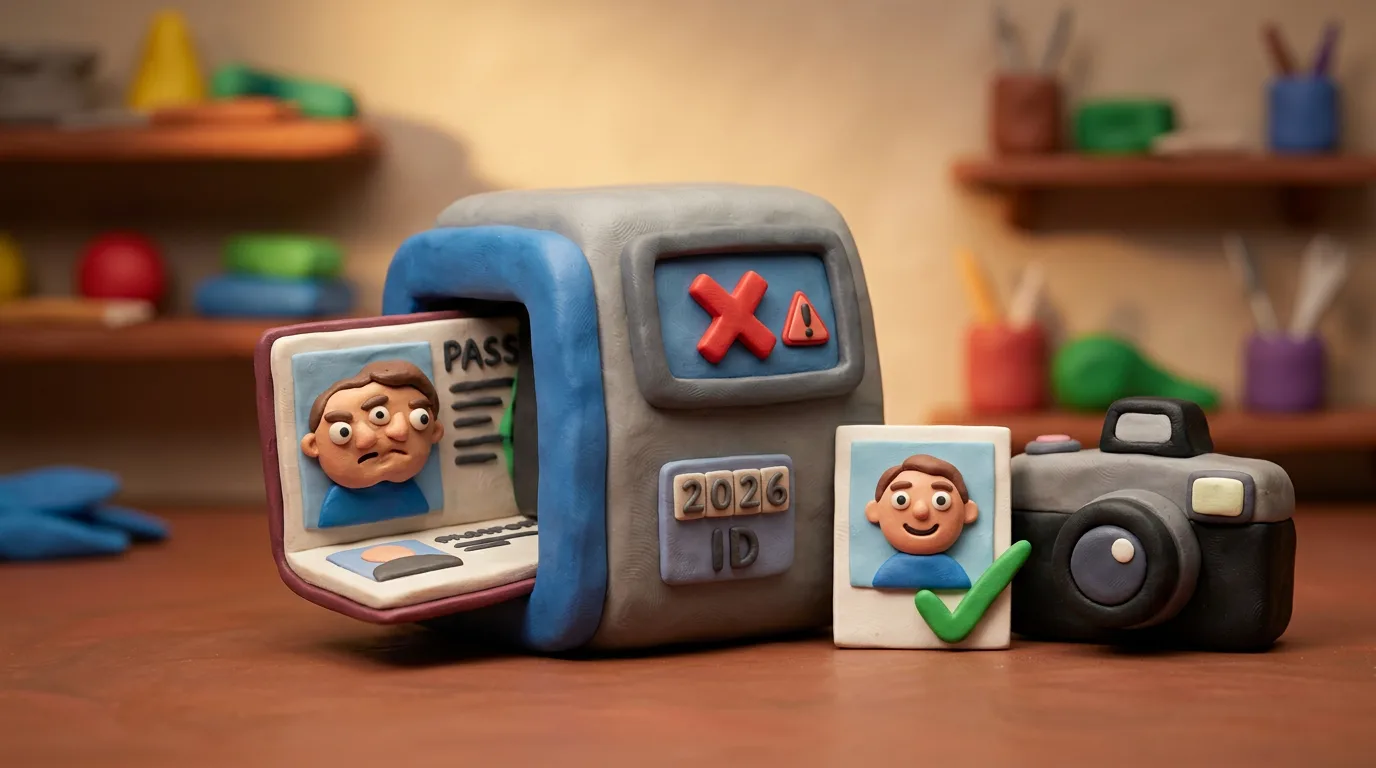
Your document photo must match your real, live face. Face morphing and AI retouching are rejected because MAD systems and live comparison at the e-gate catch them.
Key points
5 points- Face morphing is when two faces are blended into one image so two people can pass as a single passport holder.
- AI "beautify", filters and generated faces are rejected: the photo must match your real, live face.
- MAD (Morphing Attack Detection) systems and image-quality and integrity checks catch traces of editing.
- At the border, the e-gate takes a live image and compares it to the chip photo, so a fake stored photo does not help.
- An honest applicant only needs a genuine, recent, unedited photo; if the photo is captured live, just follow the operator.
Why this suddenly matters
A biometric passport rests on a simple promise: the photo in the document is you, and only you. The arrival of cheap AI has shaken that promise. That is why authorities in many countries and ICAO are revisiting document-photo rules, and the "no editing" requirement became stricter precisely in 2026.
What face morphing is
What worries experts most is not deepfake video but a quieter attack — face morphing. This is when the faces of two people are blended by software into one image so that the result looks enough like both. If such an image ends up in a passport, two different people can pass the check as a single document holder.
An honest photo matches one person. A morphed one deliberately matches two, and that is exactly why it is dangerous.
Why AI retouching and filters are banned
For the same reason, "enhancements", filters and generated or heavily edited faces are rejected. Biometrics compare the geometry of your real face with the photo. If an app smoothed your skin, changed your shape or "fixed" your features, the image no longer matches the live person.
- do not use "beautify", beauty filters or AI retouching;
- do not change the shape of your face, your eyes or your skin;
- shoot in even light rather than "fixing" the photo later.
How systems catch a fake
Verification works in several layers. Modern systems apply Morphing Attack Detection (MAD) and image quality and integrity analysis, looking for the telltale traces of blending and editing.
- Checking the photo at submission for traces of morphing and editing.
- Image quality and integrity analysis against retouching and artefacts.
- At the border, the e-gate takes a live image and compares it to the chip photo.
That is why many countries now capture the photo live at the office or through certified points — to guarantee that the image was not swapped.
What this means for an honest applicant
The good news: all these measures protect honest travellers rather than making life harder for them. All that is needed from you is a genuine, recent and unedited photo. If your country captures the photo live, just calmly follow the operator.
06Questions
5 answers01What is face morphing in plain words?
It is when software blends the faces of two people into one image so the photo resembles both. If it ends up in a passport, two different people can pass the check as a single document holder.
02Why can't I use AI retouching or filters?
Because the photo must match your real, live face for biometric verification. Smoothing skin, changing features or applying filters makes the image unlike you, and it gets rejected.
03How exactly are fake photos caught?
Modern systems apply Morphing Attack Detection (MAD) and image quality and integrity checks. At the border, the e-gate also takes a live image and compares it to the chip photo.
04Why do some countries now capture the photo live at the office?
To guarantee that the image is genuine and was not swapped for a morphed or edited one. This removes the very possibility of bringing a ready-made fake photo.
05What should an honest applicant do?
Submit a genuine, recent and unedited photo taken in good conditions, with no filters or AI "enhancements". If the photo is captured live, just follow the operator.
07Official sources
- ICAO Doc 9303 — Machine Readable Travel Documents
icao.int - Frontex / iMARS — Morphing Attack Detection research
christoph-busch.de - U.S. Department of State — Passport Photos (no editing / no AI)
travel.state.gov - Face Morphing Attack Generation & Detection: A Comprehensive Survey
arxiv.org
Author: Yevhen Kravchenko. Published . Checked against official sources on .
Make your photo to the current rules
Pick your document and upload a selfie — we crop it to size, replace the background and check it. Free. The sizes come from the same official sources as the news.