Free photo compressor for visa and document upload
Hit the 50-300 KB target your consulate wants. Country presets for US DS-160, UK GOV, Schengen, India and 20 more.
No sign-up · no watermarks · your photo stays in your browser
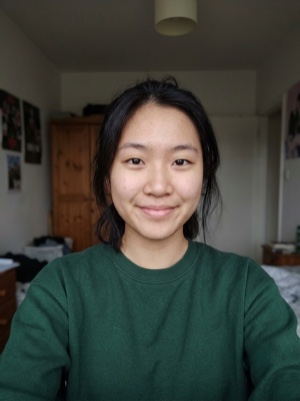
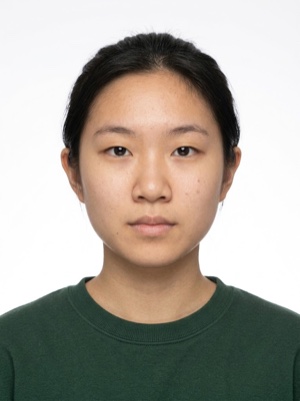
A heavy photo, under the portal’s limit
Compress a photo to an exact file size for visa portals — presets for US DS-160, UK, Schengen, India and more, or custom KB limits. Runs in your browser.
- 01
Pick a country preset or set a custom file-size band.
- 02
Drop your photo. Iterative search picks the highest quality that fits.
- 03
Download the compressed JPG and upload it to the consulate portal.
Compressing is free. A document photo — by the AI
Free, right here
- 01Everything right in your browser
- 02No watermarks
- 03The photo stays on your device
- 04As many times as you like
No sign-up, no card.
AI correction
When adjusting the file is not enough: fixes light, shadows, clothing and pose and makes the photo to the document’s rules. You see the result before paying.


If it’s rejected, we refund you
Make a document photoFrequently asked questions about document photos
Why do consulates demand such tiny file sizes?
Most visa portals are legacy systems with strict server-side limits. They store millions of applications and didn't scale storage with smartphone camera resolution. The 50-300 KB band is a compromise between recognizable face detail and DB cost.
Will compressing degrade the photo?
Slightly — JPEG is lossy. We pick the highest quality (Q value) that still fits within your byte cap. For 200-300 KB at typical resolutions this means Q≈80, which is visually identical to the original at viewing distance. Going below 50 KB starts to show blockiness.
Can I compress multiple photos at once?
Yes — drop up to 10 files at once and pick one preset; each file is compressed independently to the same target. Useful when applying for the whole family's visa in one go.