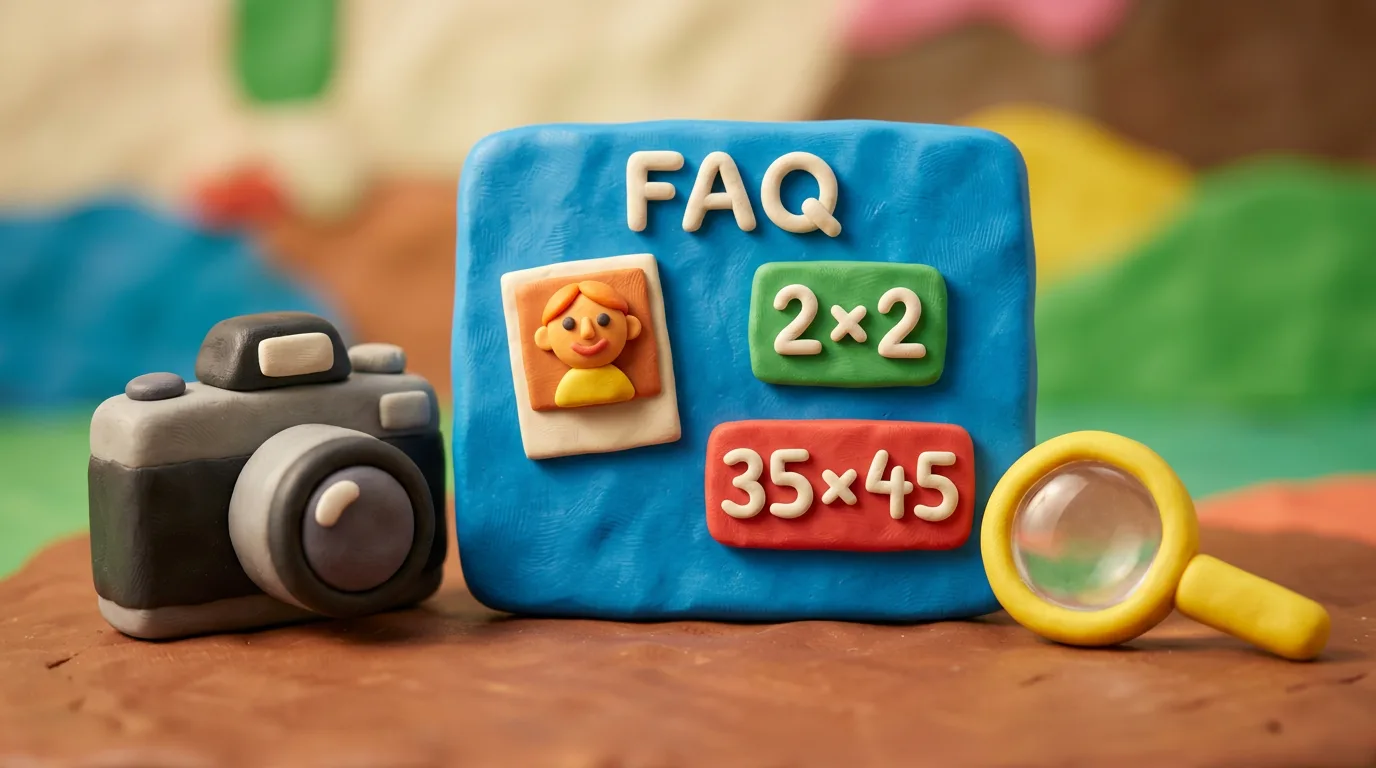
What size does the photo need to be?
It depends on the country and document: the USA uses 2×2 in (51×51 mm); most of Europe and the Schengen area use 35×45 mm. The exact size for your case is on each document page.
FAQ · 19 answers
Answers to common questions about document photos and the Anfas.Pro service. Search by keyword or jump by topic; for a specific document, each page has its own FAQ.
Nothing found. Try another word — or write to us, we’ll answer.
It depends on the country and document: the USA uses 2×2 in (51×51 mm); most of Europe and the Schengen area use 35×45 mm. The exact size for your case is on each document page.
Usually a plain, light background — white or light grey, with no shadows or patterns. The exact shade varies by country.
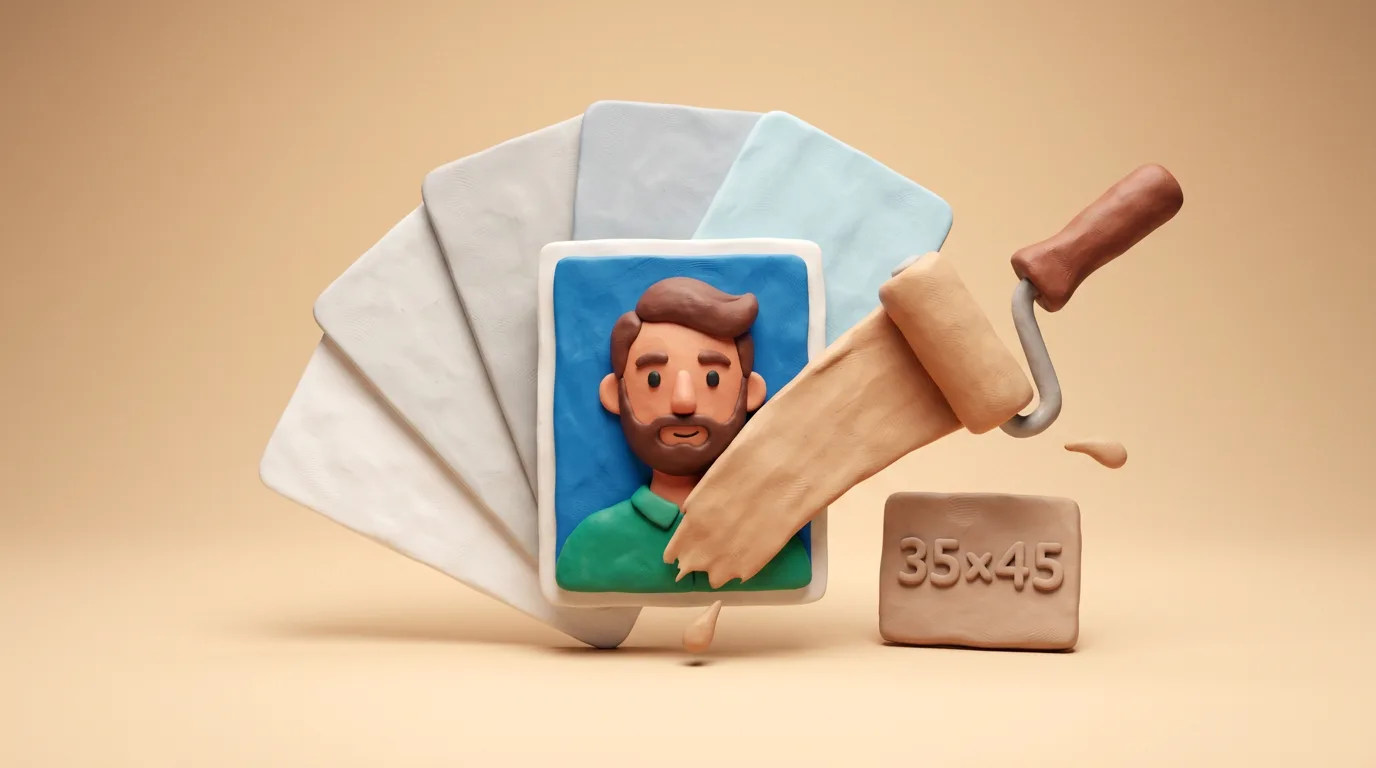 Full guide · 5 minPhoto background colour for documents by country: white, grey or ivory (2026)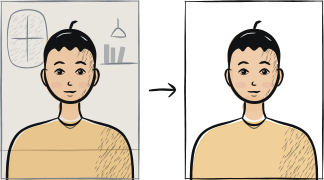
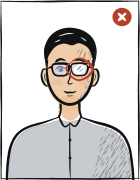
The trend is against glasses: the USA banned them in 2016, and most other authorities allow them only with no glare and no tint. The safest choice is to remove them.
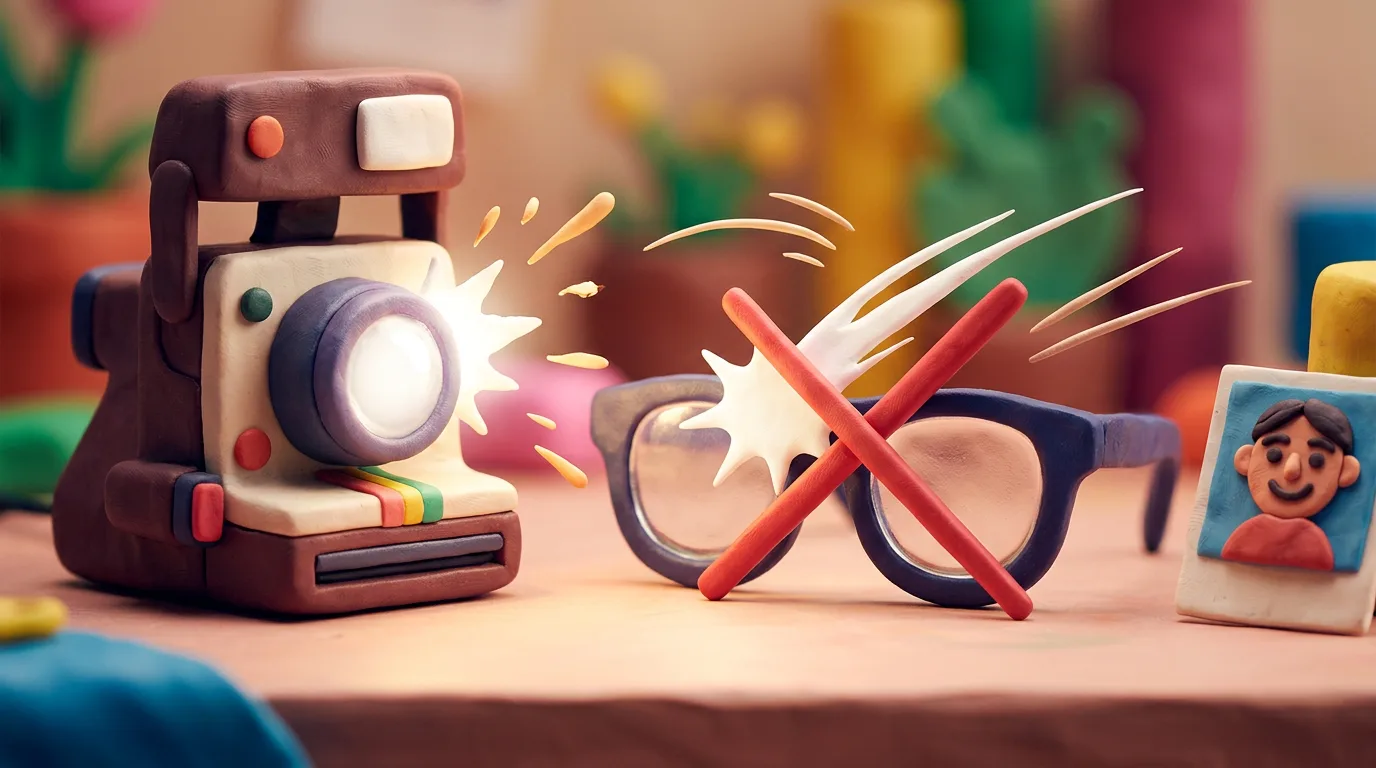 Full guide · 4 minGlasses in Document Photos in 2026: Are They Allowed?
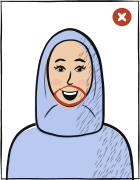
No — you need a neutral expression with your mouth closed and eyes open; a broad smile gets rejected.
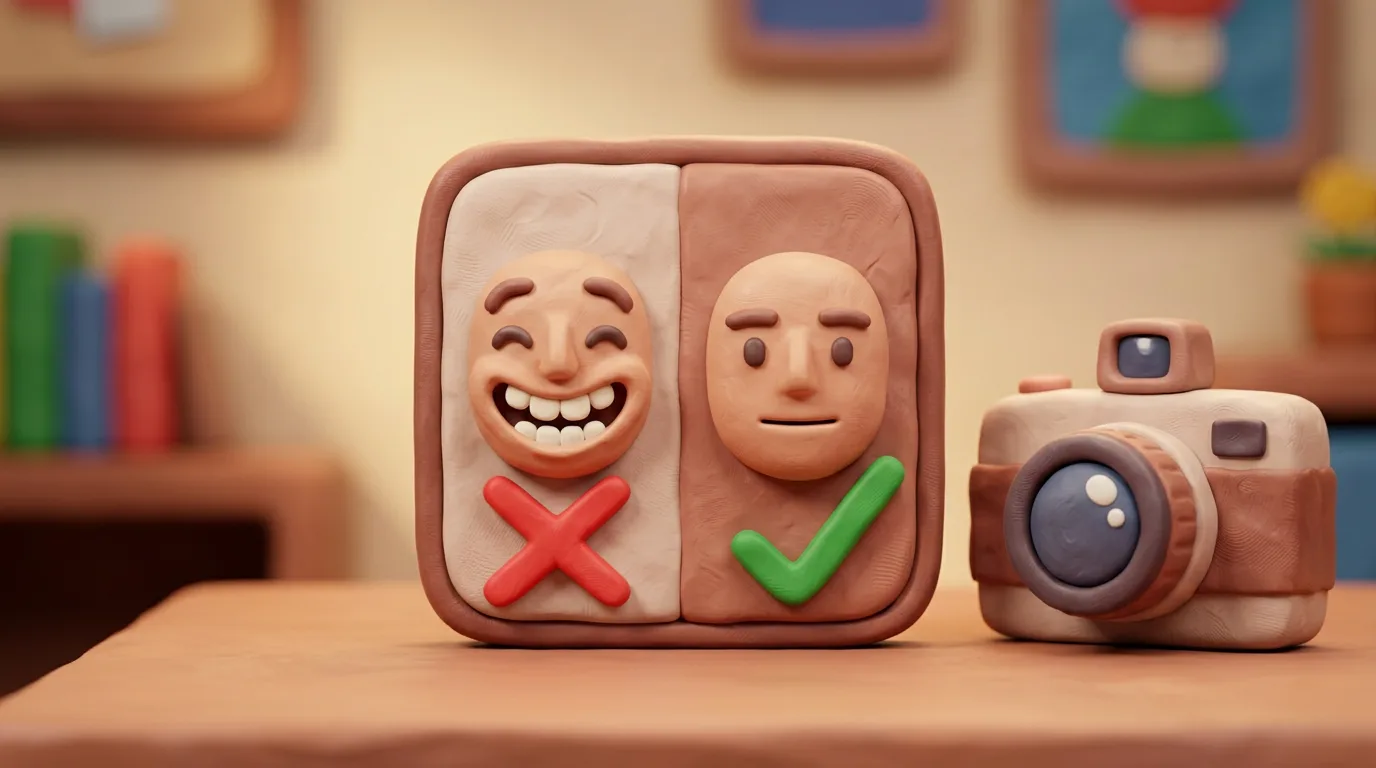 Full guide · 6 minNeutral expression for your document photo in 2026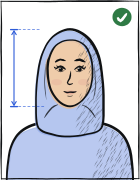
Head coverings worn for religious or medical reasons are usually allowed, as long as the full face is visible from chin to forehead.
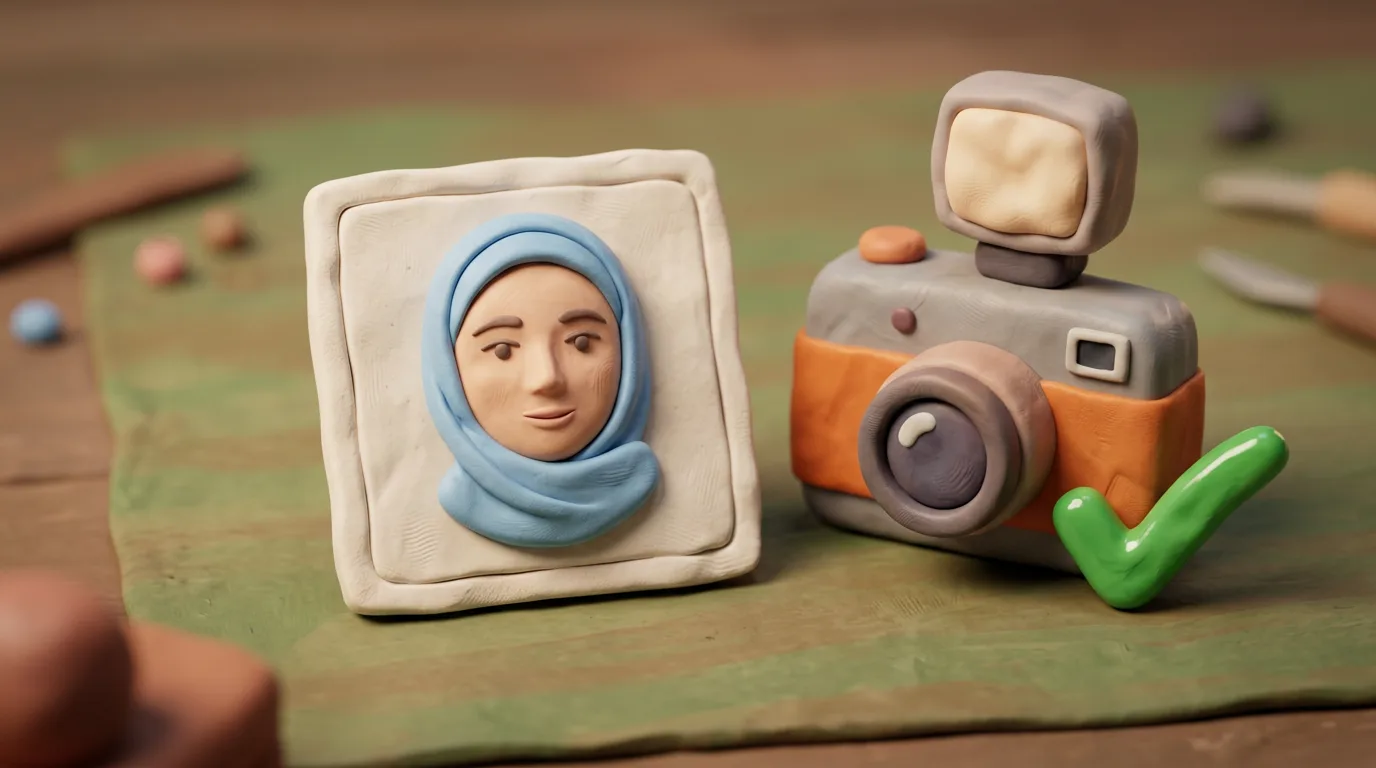 Full guide · 6 minHead Coverings in Document Photos 2026: The Rules
Daylight from a window, a plain light wall, the camera at eye level about 1.5 m away, a neutral expression — then crop to the format.

 Head straightHold the phone at eye level and your head straightens by itself.
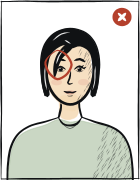
A calm faceClose your lips and look straight into the camera.
Head straightHold the phone at eye level and your head straightens by itself.
A calm faceClose your lips and look straight into the camera.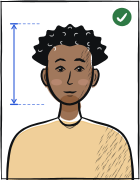
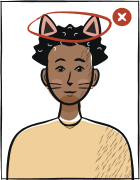 No filters or masksWe need your everyday face.
Face uncoveredMove your hair away so your eyes and eyebrows show.
No glare on glassesStand so that no light reflects in the lenses.
No filters or masksWe need your everyday face.
Face uncoveredMove your hair away so your eyes and eyebrows show.
No glare on glassesStand so that no light reflects in the lenses.Hover over a card to see how not to do it.
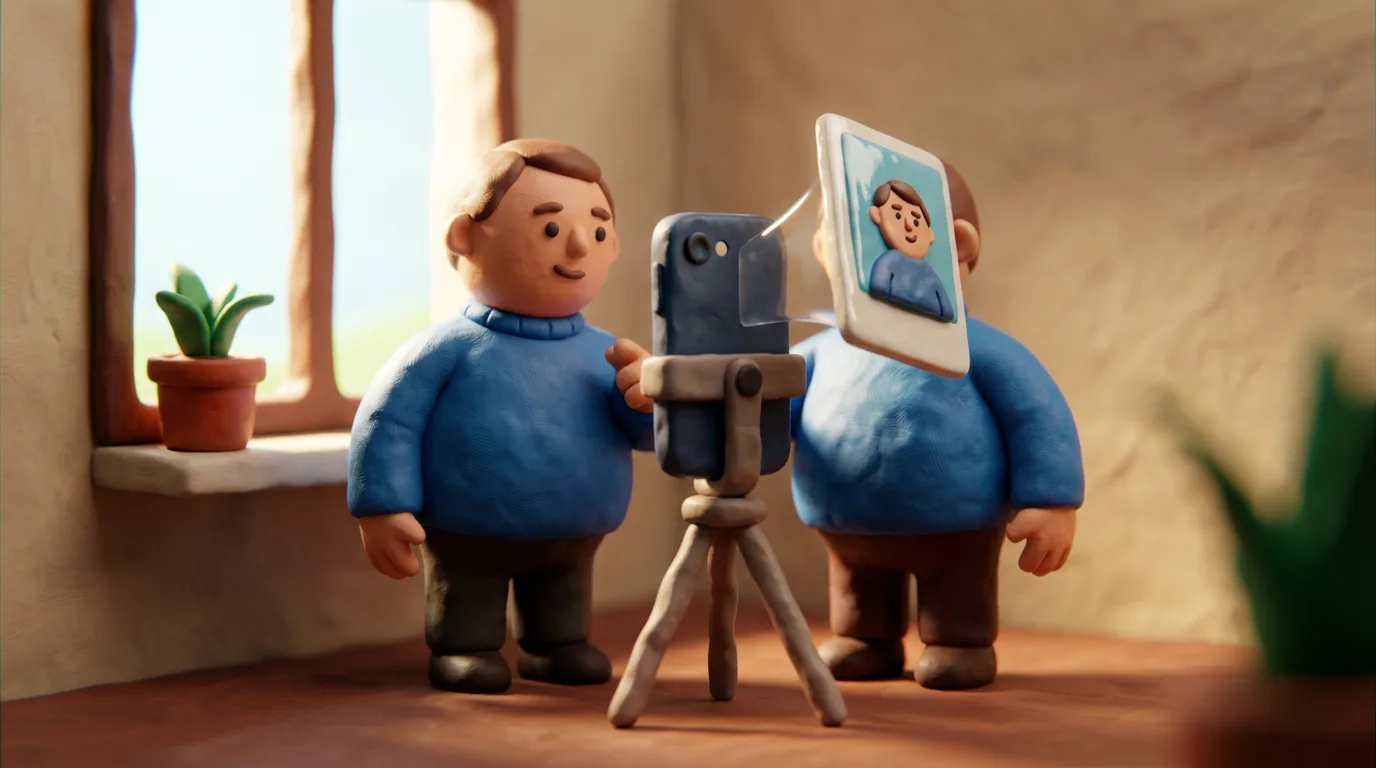 Full guide · 7 minHow to Take a Document Photo at Home With Your Phone 2026
Yes. Hold the phone at arm’s length at eye level — head and shoulders in the frame, and your face isn’t distorted. We fix the background, light and framing ourselves.
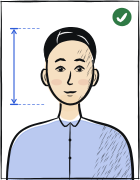
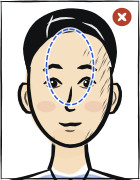
The most common causes are shadows, wrong size, smiling, glasses glare, a busy background, and an old photo.
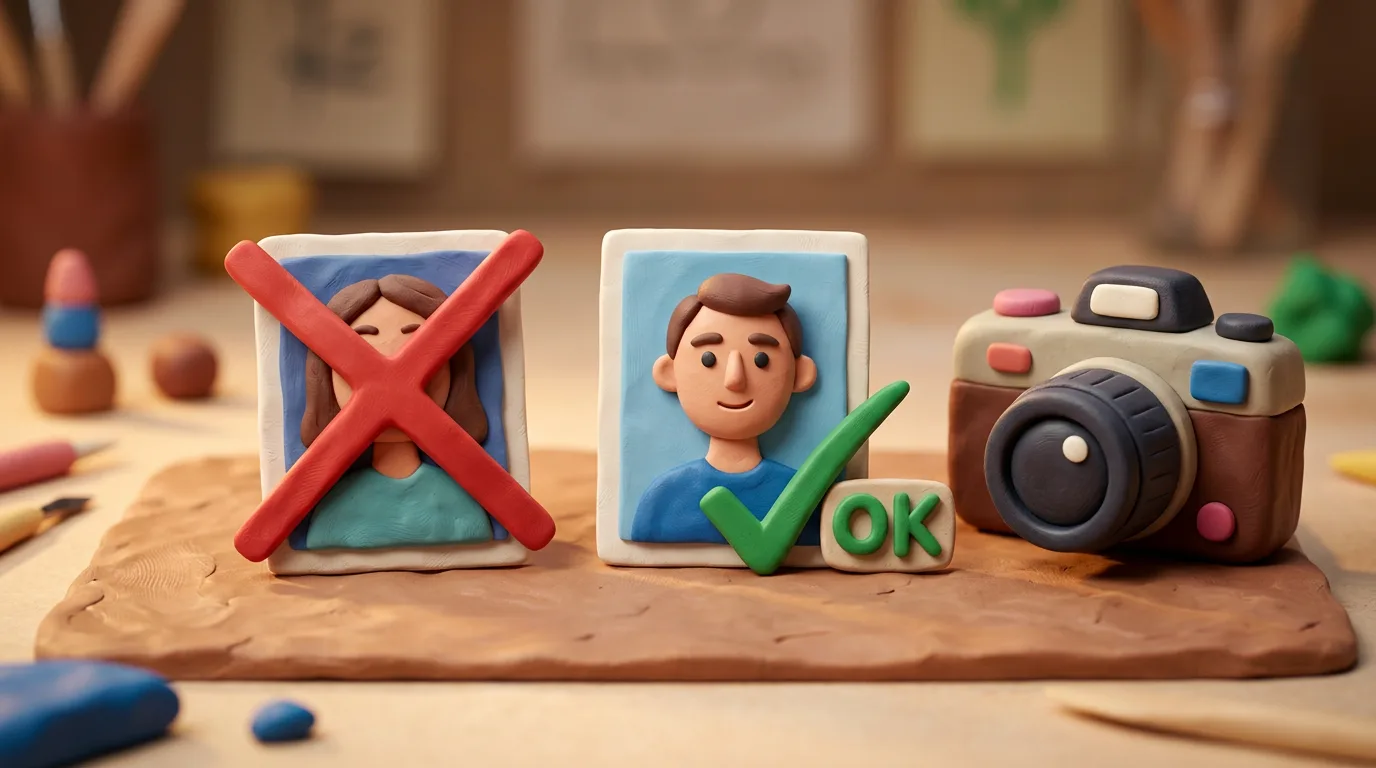 Full guide · 7 minWhy Document Photos Get Rejected in 2026 — and How to Fix It
Photograph the child alone, with a neutral expression on a light background; a baby can be laid on a white sheet and shot from above.
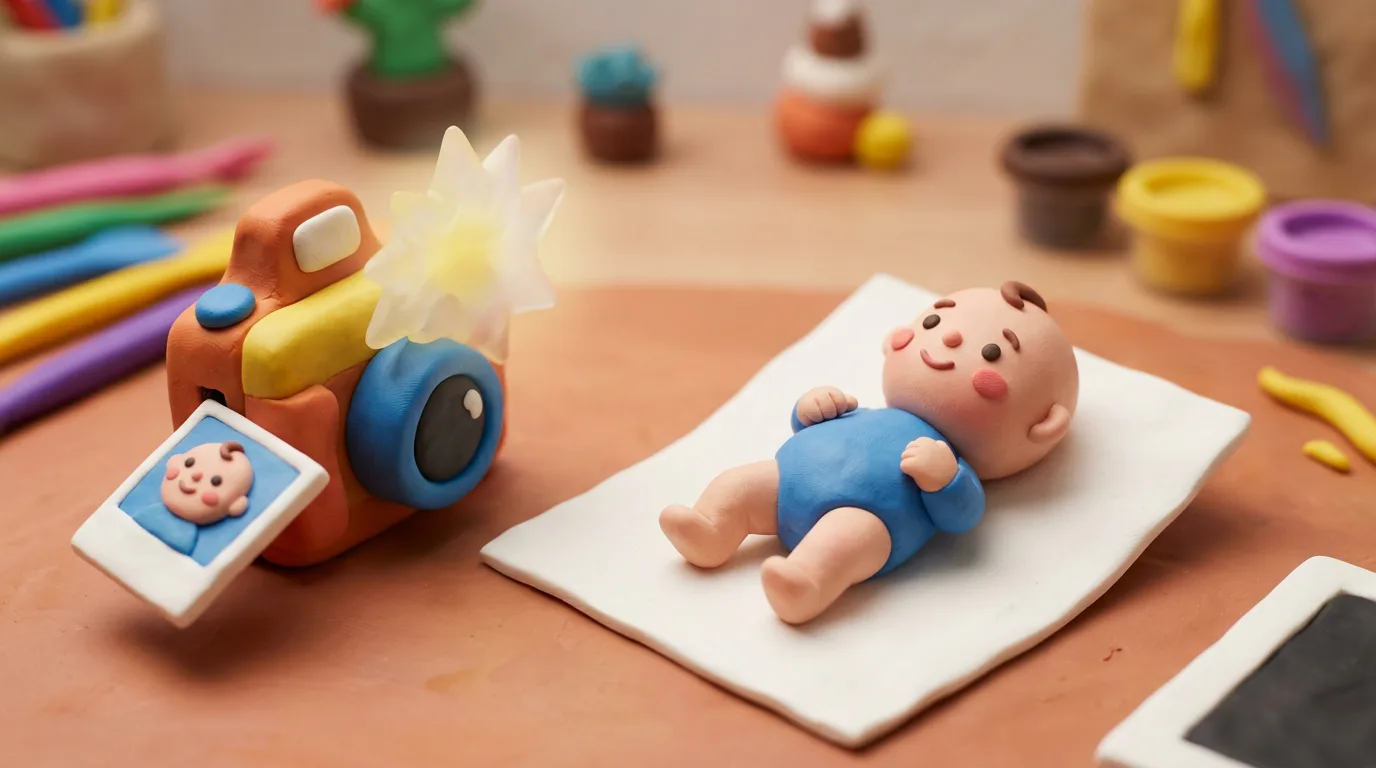 Full guide · 5 minPassport and visa photo for a child and baby: complete 2026 guide
You upload an ordinary selfie — the tool crops it to the exact country/document spec and gives you a ready file (for printing and for online upload).
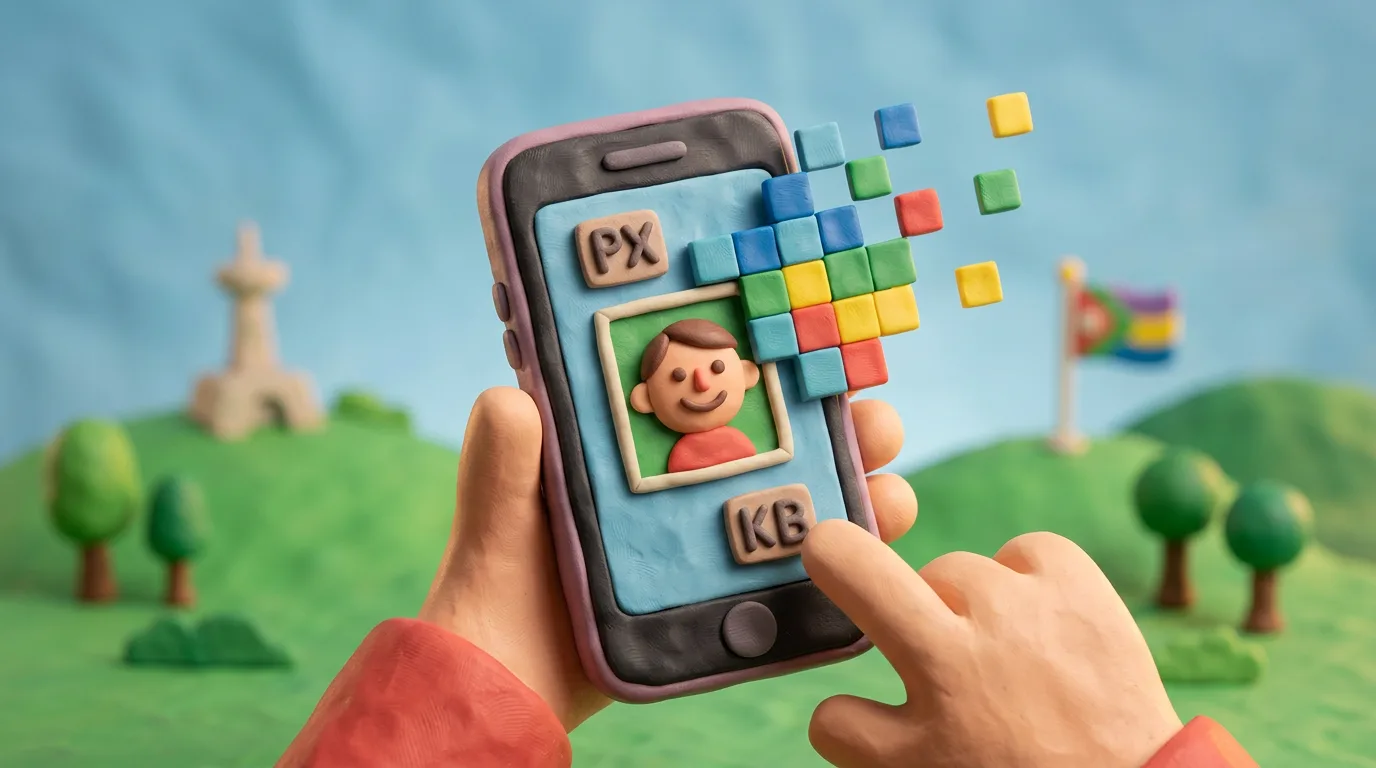 Full guide · 5 minDigital Document Photo Online: Pixels, File Size, Format and DPI (2026)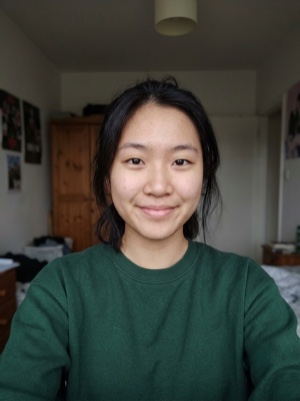
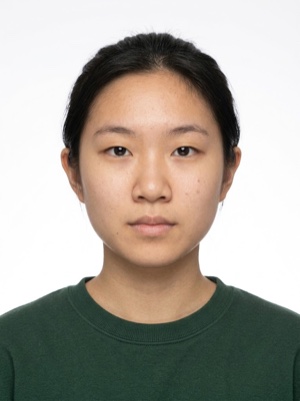 35 mm45 mm
Cropping to size, background replacement and a check against your document’s rules are free — no sign-up, no card. AI correction costs €5.99 per photo, one-off, no subscription, and you see the result before you pay.
 Full guide · 4 minHow Much Does a Passport Photo Cost? 2026 Price Guide
Yes — authorities care that the photo meets the spec, not who made it; many portals even require a digital photo.
 Full guide · 6 minOnline Passport Photos 2026: Are They Accepted?
Yes, if you need a paper copy: photo paper, ~300 DPI, the exact physical size, a clean straight cut.
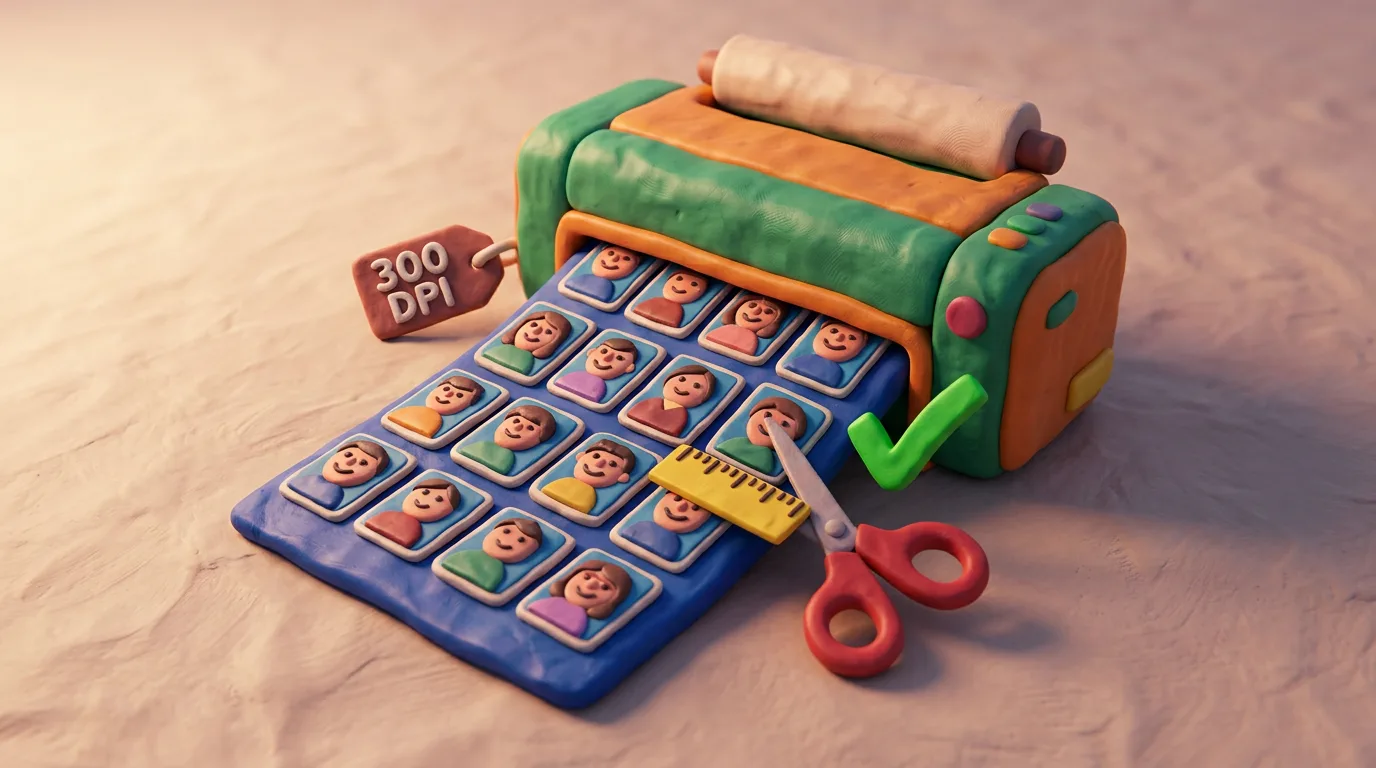 Full guide · 6 minPrinting Document Photos at Home 2026: Paper, DPI, Size
We guarantee that the photo we produce matches the spec we publish for that country and document, traced to an official source on every page.
Compare the rejection reason with our spec. If the mistake was on our side, we refund the full amount and fix the page. If the problem was the source shot (out of focus, low light), retake it using this checklist and run it through the tool again.
Most authorities require a photo from the last 6 months (the UK requires the last month). Retake it if you changed your hairstyle, gained or lost weight, or started wearing glasses.
 Full guide · 7 minHow Recent Must Your Document Photo Be? 2026 Guide
Write to hello@anfas.pro with the country and document. We add profiles in priority order based on real demand; your request raises that country’s priority.
Card payments via Plata by mono (acquiring by Universal Bank). We never receive or store your full card number or CVV. There is no subscription — you pay only when you download a finished photo. Billing questions: hello@anfas.pro.
Yes, for a limited time and only with your consent. Small encrypted copies of the source photo and the result are kept for no more than 7 days and are then deleted automatically; only the owner’s password-protected dashboard can open them. The result you take to checkout is stored encrypted for up to 24 hours if unpaid, or up to 30 days after successful payment so you can download it again. Details: privacy policy.
Write to hello@anfas.pro — we answer by email. If your country isn’t listed, name the country and the document.
Upload a selfie — we crop it to your document, replace the background and check it. Free.
 Spain passport
 Schengen visa
 UK passport
 China visa
 US passport
 Canada passport