How to Take a Document Photo at Home With Your Phone 2026
Shoot with the rear camera at eye level from 1–2 m against a plain light wall in soft daylight from a window, keep a neutral expression — then crop to your country's size with no filters.
Key points
5 points- Soft daylight from a window, facing the window — no direct sun and no overhead lamps that cast shadows.
- A plain light wall (white, light grey or off-white) and about 0.5 m of distance from it so there are no shadows.
- Your phone's rear camera, at eye level, from 1–2 m — no shooting up close and no distortion.
- Neutral expression, mouth closed, eyes open, looking into the lens, hair off the face.
- Crop to your country's size with an online tool and turn off filters and beautification.
Why a home photo is possible at all
A modern smartphone shoots well enough for a biometric photo as long as you control three things: light, background and angle. ICAO, GOV.UK and U.S. State Department requirements broadly agree, so one carefully taken photo fits almost any country. All that's left is to crop it to the local size.
Lighting
Soft daylight is best. Stand facing a window so the light falls evenly across your whole face. Avoid direct sun: it creates harsh shadows and squinting. Don't shoot under an overhead lamp — it throws shadows under your brows, nose and chin. There should be no shadows on your face or on the background.
Background and camera
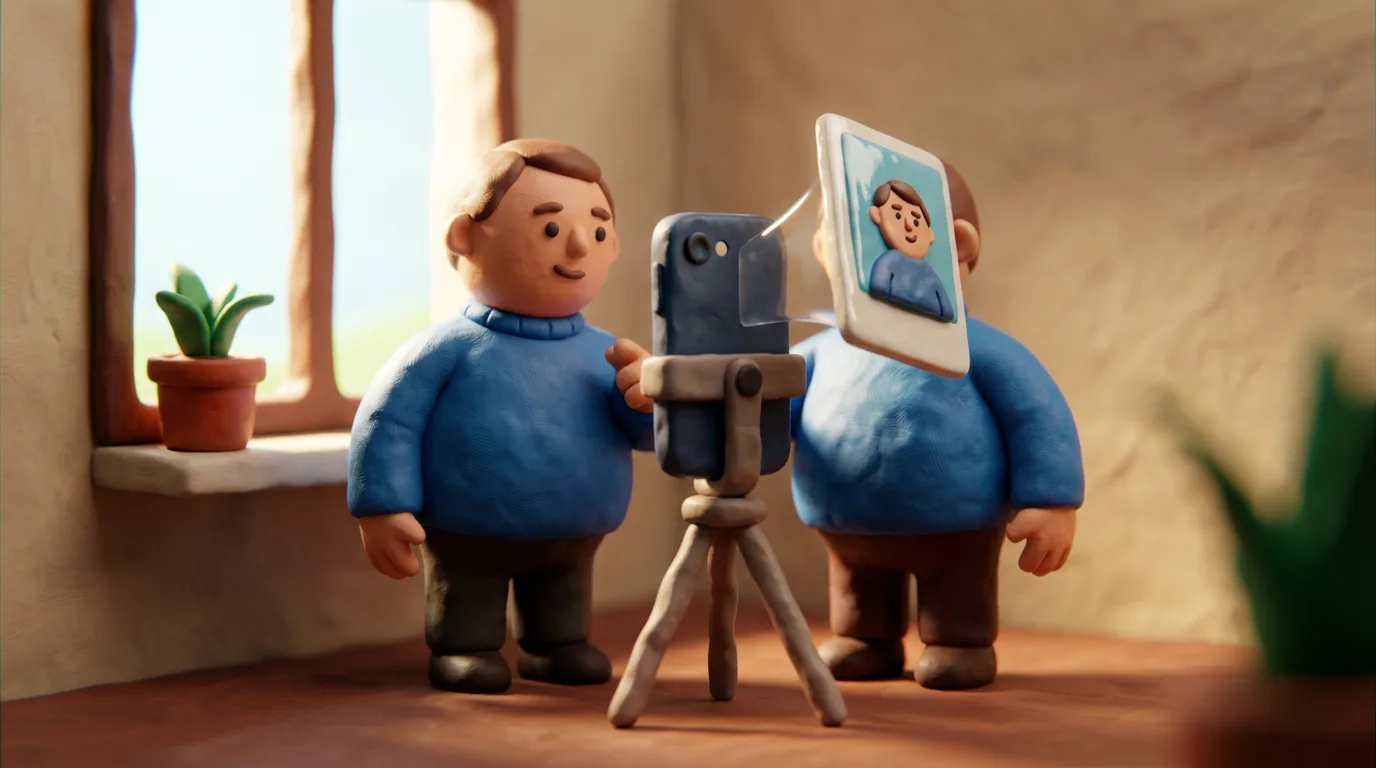
Use a plain light wall with no pattern: white, light grey or off-white, depending on your country's rules. Step about 0.5 m away from the wall so shadows don't fall behind you. Shoot with the rear camera — it's higher quality than the front one. Keep the phone at eye level and put it on a tripod or ask someone to take the photo.
Step-by-step
- Stand facing a window, about 0.5 m from a plain light wall.
- Put the phone on a tripod at eye level, 1–2 m from you.
- Switch on the rear camera and turn off filters and beautification.
- Keep your head straight, look into the lens, neutral expression, mouth closed.
- Take several frames and pick the most even one, with no shadows or glare.
- Crop the photo to your country's size and head proportion with an online tool.
Common mistakes
- Shooting with the front camera or up close — the face gets distorted.
- Shadows on the background because you stand too close to the wall.
- Smiling, an open mouth or squinting eyes.
- Glasses with glare, a hat, or hair across the face.
- Filters, beautification or retouching that change facial features.
Tip: take 5–10 frames in a row and review them on a larger screen — level shoulders and the absence of shadows show up better there than on a small preview.
06Questions
5 answers01Can I shoot with the front camera?
Better not. The front camera is usually weaker than the rear one and distorts facial features more. Use the rear camera with a tripod, or ask someone to take the photo.
02How far away should I hold the phone?
Roughly 1–2 metres and at eye level. Shooting up close makes the nose look bigger and the face rounder. Government instructions usually don't state an exact distance — this is general best practice, so the key is to avoid shooting up close.
03What background works?
A plain light wall with no pattern or objects: white, light grey or off-white. Check your own country's rules for the exact shade.
04Can I edit the photo?
You can crop it to size and even out the brightness a little, but don't turn on filters, beautification or retouching — they change your features and lead to rejection.
05Will a phone photo be accepted officially?
Yes, if it meets the requirements for light, background, pose and size. That said, studio photos are statistically approved more often, so for critical submissions they're the safer option.
07Official sources
- GOV.UK — Get a passport photo: Digital photos
gov.uk - GOV.UK — Passport Service: How to take a digital passport photo
passport.service.gov.uk - U.S. Department of State — Passport Photos
travel.state.gov - U.S. Department of State — Photo Requirements
travel.state.gov - ICAO — Photograph Guidelines (machine-readable travel documents)
home-affairs.ec.europa.eu
Author: Yevhen Kravchenko. Published . Checked against official sources on .
Make your photo to the current rules
Pick your document and upload a selfie — we crop it to size, replace the background and check it. Free. The sizes come from the same official sources as the news.