What happens to your document photo after upload (2026)
A document photo or scan is sensitive personal data, and in the EU a facial image processed to identify a person is a special category under GDPR. A reputable service processes the file, returns the result, and deletes the original within a stated retention period. Check for HTTPS, the privacy policy, and the retention period.
Key points
5 points- A document photo or scan is sensitive personal data; in the EU a facial image processed to identify a person is special-category biometric data under GDPR.
- A reputable service processes the upload, returns the finished file, and deletes the original within the period stated in its privacy policy.
- Shady "free" online tools may keep, reuse, or sell your images.
- Upload only over HTTPS, and do not send passport scans by ordinary email or messenger without protection.
- Before uploading, check who the data controller is and read the privacy policy and retention period.
Why a document photo is especially sensitive data
A photo or scan of a document contains several key identifiers at once: your name, date of birth, document number, signature, and facial image. Together this is effectively a ready-made "kit" for a fraudster — enough to open an account, apply for credit, or pass an identity check in your name. Under the EU General Data Protection Regulation (GDPR) such data is personal data, and a facial image, when it is processed by specific technical means precisely to identify a person uniquely, falls into a special category (biometric data) and requires stronger protection. This is not an empty formality: unlike a password, your face and passport details cannot simply be "reset".
What happens to the file at a reputable service
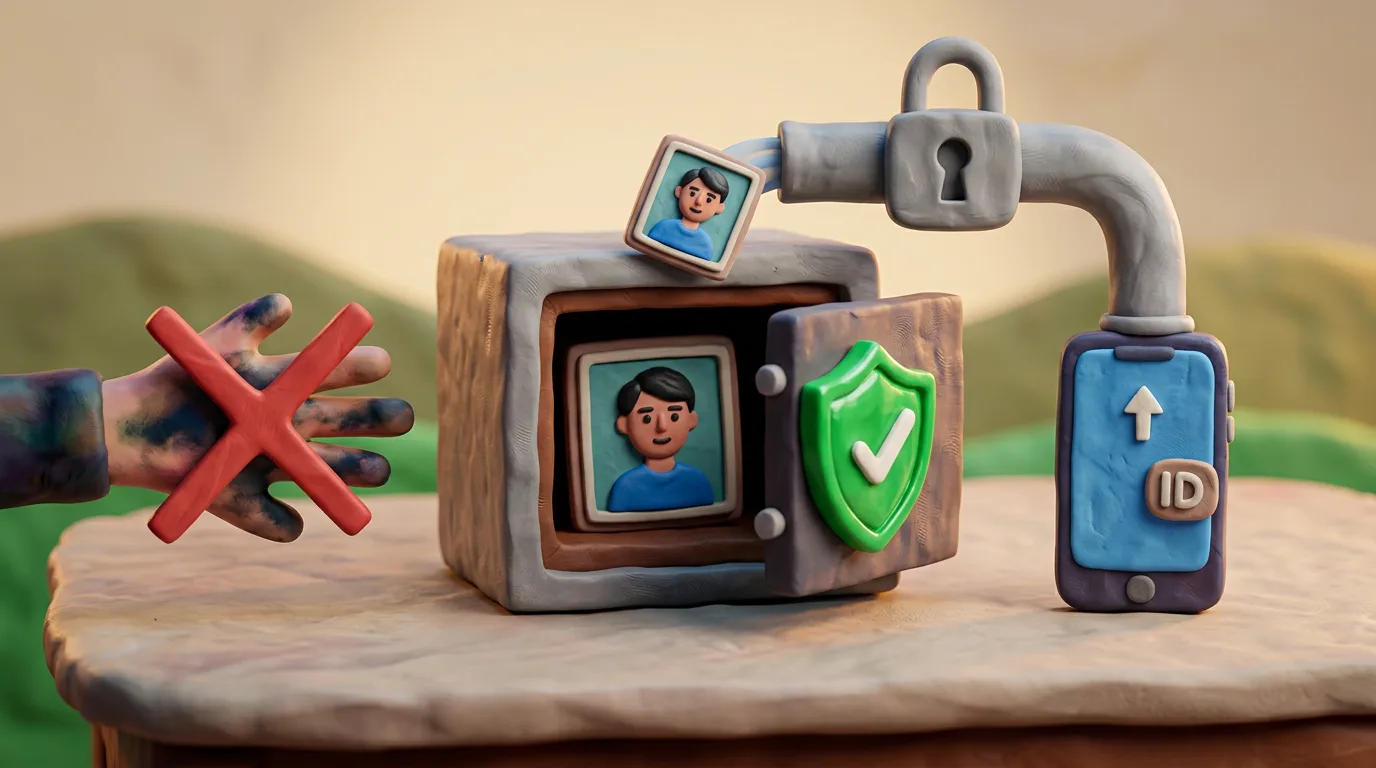
A service that follows the principles of minimisation and storage limitation (Article 5 of the GDPR) uses your image only for the stated purpose — preparing the finished file — and does not keep it "just in case". The original is deleted within the period clearly stated in its privacy policy, and only the processes that genuinely need the data can access it. Anfas.Pro, for example, processes the image in memory and deletes the original immediately after delivering the result, so a copy of your document does not pile up on third-party disks.
Data should be kept no longer than is necessary for the purpose of processing. Once the purpose is met, the original is deleted.
Which risks to keep in mind
- Shady "free" tools. In exchange for being "free", they may keep, reuse, or even sell your images to third parties.
- Insecure connection. Without HTTPS, data travels in the open and can be intercepted on a public network in transit.
- Email and messengers. A passport scan passes through several third-party servers and is often stored there unencrypted for an indefinite time.
- Social media. A posted document photo can be copied, and removing it from the internet completely is almost impossible.
How to protect yourself
- Use sites with HTTPS — look for the padlock icon in your browser's address bar.
- Read the privacy policy and the specific retention period before you upload the file.
- Choose services that do not keep your image longer than the result requires.
- Do not post document photos on social media or send them over unprotected channels.
- Check who the data controller is and how to contact them with questions.
| Signal | Trustworthy | Risky |
|---|---|---|
| Connection | HTTPS | HTTP without encryption |
| Privacy policy | Clear retention period | Missing or vague |
| Fate of the original | Deleted | Kept indefinitely |
That is why choosing a service you can trust is not a formality but real protection for your data. A few minutes spent checking HTTPS, the privacy policy, and the controller's identity significantly lower the risk that a copy of your document ends up somewhere you never expected.
05Questions
5 answers01Is a photo of my passport biometric data?
The image itself is personal data. In the EU it becomes special-category biometric data under GDPR when it is processed by specific technical means to identify a person uniquely.
02Is my original deleted after processing?
At a reputable service, yes. Anfas.Pro processes the image in memory and deletes the original after delivering the result; the exact retention period is always stated in the privacy policy.
03Why is it risky to send a passport scan by email?
The message passes through several servers and is often stored on them unencrypted, so a copy of the document can be intercepted or kept by third parties.
04How can I tell an online service is trustworthy?
Check for HTTPS, read the privacy policy and retention period, and find out who the data controller is and whether the original is deleted after processing.
05Is it safe to keep document photos on social media?
No. A posted image can be copied, and removing it completely from the internet is practically impossible.
06Official sources
- GDPR Art. 9 — Processing of special categories of personal data (EUR-Lex)
eur-lex.europa.eu - ICO — What is special category data?
ico.org.uk - GDPR Art. 5 — Principles: data minimisation and storage limitation (EUR-Lex)
eur-lex.europa.eu - ICO — Data sharing and security guidance
ico.org.uk - Google Transparency Report — HTTPS encryption on the web
transparencyreport.google.com
Author: Yevhen Kravchenko. Published . Checked against official sources on .
Make your photo to the current rules
Pick your document and upload a selfie — we crop it to size, replace the background and check it. Free. The sizes come from the same official sources as the news.