 Kenya
Kenya eTA Photo 2026: Size, Background Requirements, and Selfie Upload Rules
In 2026, you can upload a smartphone selfie for the Kenya eTA: it requires a white background, 500x500 pixels size, JPEG format, and no glasses.
Key points
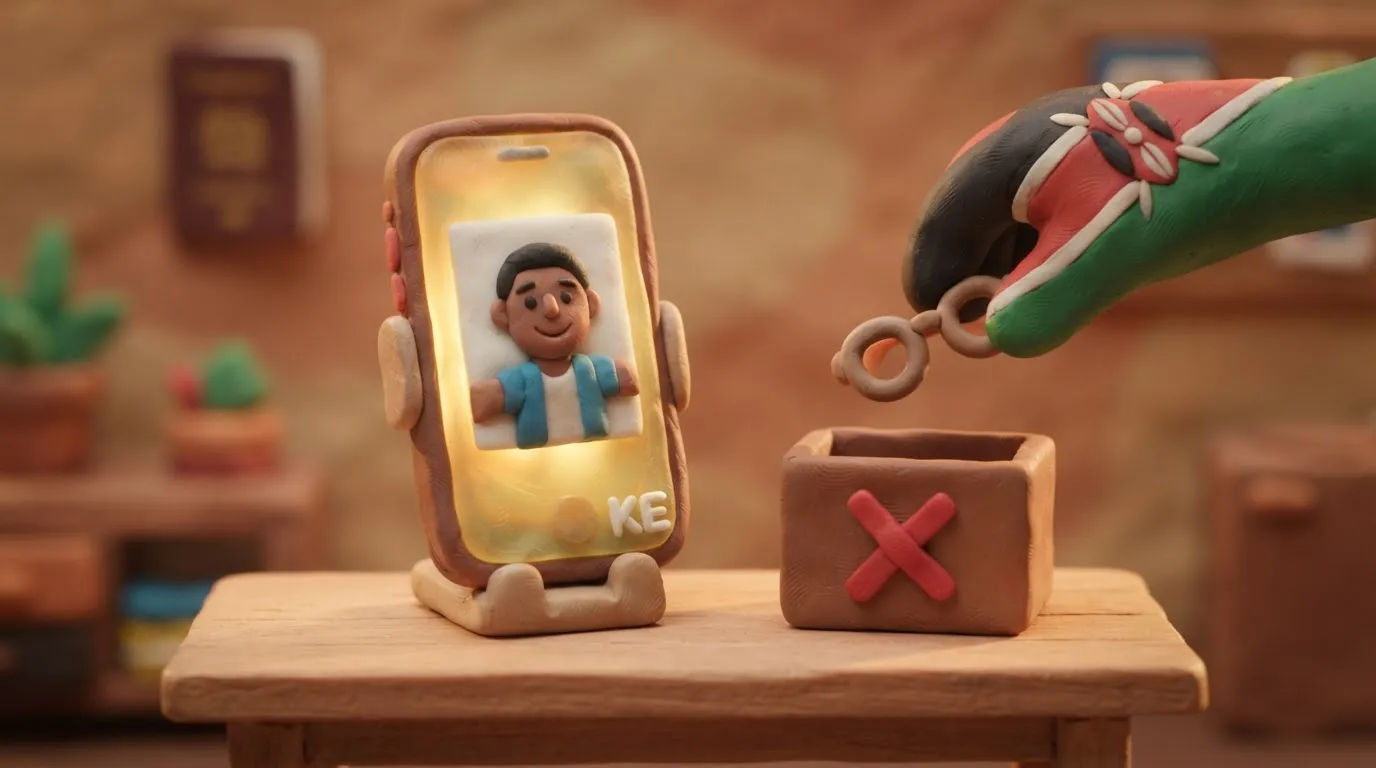
4 points- For the Kenya eTA, it is officially allowed to upload a smartphone selfie instead of a studio photo.
- The photo size must be 207x207 or 500x500 pixels, format — strictly JPEG up to 300 KB.
- The background must be solid white or light, without shadows or patterns.
- Glasses are strictly prohibited due to the risk of glare; the face must occupy 70-80% of the frame.
In 2026, travelers applying for Kenya's Electronic Travel Authorisation (eTA) no longer need a photo studio. The official system accepts a selfie taken on a smartphone, provided it meets strict technical requirements for background, lighting, and file size.
What has changed and current requirements
Kenya has fully transitioned to the eTA (Electronic Travel Authorisation) system, which replaced traditional visas. The application process takes place exclusively online on the official portal etakenya.go.ke. One of the key advantages of the new system is the ability to take a photo directly while filling out the form or upload a ready-made selfie.
| Characteristic | Kenya eTA photo requirements (2026) |
|---|---|
| Photo type | Studio photo or clear selfie (no filters) |
| Background | Solid white or very light, no shadows |
| Size in pixels | 207x207 or 500x500 px (1:1 ratio) |
| Format and file size | JPEG only, maximum size — up to 300 KB |
| Face | Must occupy 70-80% of the frame area, looking straight |
| Glasses and accessories | Prohibited (to avoid glare) |
Who this applies to
These rules apply to all foreign travelers, including citizens of Ukraine, who plan to visit Kenya for tourism, business, medical treatment, or transit. Important: children and infants must also have a separate approved eTA and their own photo that meets the general standards (eyes open, white background, no foreign objects or parents' hands in the frame).
What to do now: instructions for taking a selfie
- Prepare the background. Find a solid white or light wall. If you don't have one, you can hang a white sheet. Make sure there are no patterns or foreign objects behind you.
- Adjust the lighting. It is best to take a photo during the day facing a window so that the light falls evenly on your face and does not create harsh shadows on the background.
- Remove accessories. Remove glasses, hats, massive jewelry, and headphones. Headwear is allowed exclusively for religious reasons (the facial oval from the chin to the forehead must be completely visible).
- Take the photo. Hold the camera at eye level. Look straight into the lens, keep a neutral facial expression (no smiling), and your mouth must be closed.
- Edit the file. Crop the photo into a square format (1:1 ratio, for example, 500x500 pixels) and save it in JPEG format. Make sure the file size does not exceed 300 KB.
Common mistakes
- Glare from glasses. Even prescription glasses worn every day must come off for the eTA photo; this is the most common reason the automated system rejects a photo.
- A PNG or PDF file. The system returns an error, because it accepts only JPEG.
- Beauty filters. The selfie must not be edited with them, and skin tone should look natural.
- An old photo. It must be taken no earlier than 6 months before you apply.
05Questions
3 answers01Can I smile in the Kenya eTA photo?
No, your facial expression must be neutral, your mouth closed, and your gaze directed straight at the camera.
02Is a PNG format photo acceptable?
No, the official system accepts files exclusively in JPEG format with a size of no more than 300 KB.
03How to photograph an infant for the eTA?
Lay the baby on a white sheet. Make sure their eyes are open and there are no toys, pacifiers, or your hands in the frame.
06Official sources
- Official Kenya eTA portal
etakenya.go.ke
Author: Yevhen Kravchenko. Published . Checked against official sources on .
KenyaKenya Passport Renewal Abroad: Two Photos 45 × 35 mm, eCitizen Form and Fees from Ksh 7,550
Kenyan passport renewal in the UK: eCitizen form and two receipts, two photos 45 × 35 mm, birth certificate, ID and a Kenyan recommender.
 Kenya
Kenya eTA Photo Requirements: "Selfie or Passport-Type Photo", Passport Valid 6 Months, About 3 Working Days
Kenya eTA: a selfie or passport-type photo, a passport valid 6 months with a blank page; usually processed in 3 working days.
 Kenya
Kenyan ID Card Abroad: Photos 35 x 45 mm on White, Free UK Replacements Until 30 October 2026
Kenyan ID abroad: 2–3 passport photos on white (35 x 45 mm in Canada).

Make your photo to the current rules
Pick your document and upload a selfie — we crop it to size, replace the background and check it. Free preview. The sizes come from the same official sources as the news.