Retouching and Filters on Document Photos: Allowed in 2026
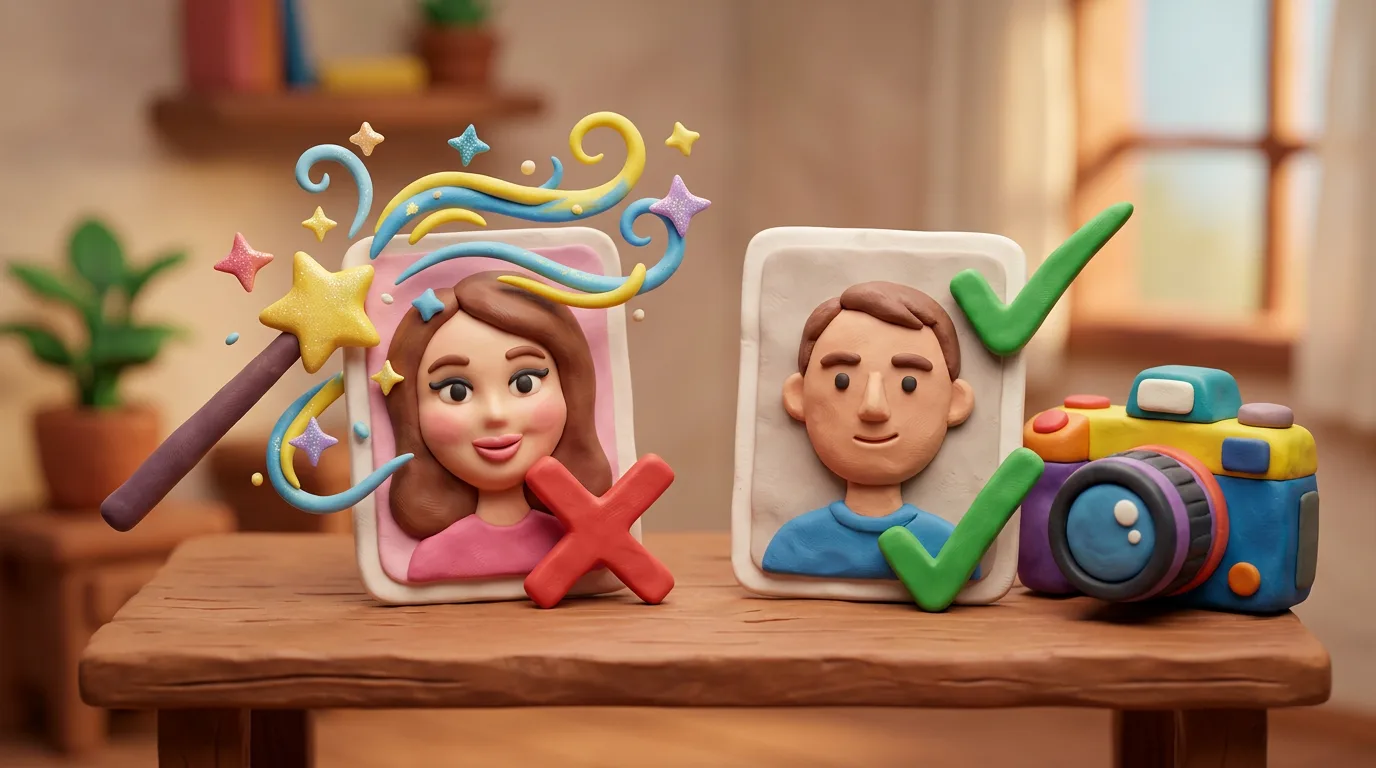
A document photo must be a true, unaltered likeness of your current appearance. Modest brightness correction and cropping to spec are usually allowed; beauty filters, AI retouching, and reshaping your face, skin, eyes or background are not, because they break biometric matching.
Key points
5 points- A document photo is a true, unaltered likeness of your current appearance, not your "best" selfie.
- Usually allowed: cropping to spec, modest brightness and colour correction for a natural look.
- Banned: beauty and smoothing filters, social-media and AI filters that change your appearance.
- You cannot reshape the face, remove moles or wrinkles, whiten skin, or change eye colour.
- Digitally replacing the background or "painting in" details is a direct rejection as fraud risk.
The core rule: a true likeness
A photo for a passport, visa or ID is not a flattering portrait but a biometric document. It must be a true, unaltered likeness of your current appearance — not your "best" look and not how you wish you appeared. At the border and during submission, an automated system compares your face to the photo, so any edit that changes your appearance breaks that match and is treated as a fraud risk. That is why the rules around retouching and filters are far stricter than people expect from an everyday snapshot.
What is usually allowed
Technical edits that do not change your likeness are generally acceptable. These are steps that prepare the file for an official format rather than "improve" you. The exact permissions vary by country, so always check the requirements of the issuing authority before you open any editor. When in doubt, it is safer to change nothing and simply retake the shot.
- Cropping and resizing to the official format and head proportions.
- Modest brightness and colour correction so your skin tone looks natural and true to life.
- Red-eye removal is allowed by some authorities; the U.S. prohibits it.
What gets your photo rejected
Anything that changes your appearance is banned — even if the result looks "better" and entirely realistic. Common reasons for rejection include:
- Beauty filters and skin smoothing (Snapchat, Instagram, AI).
- Reshaping the face, eyes or nose, or slimming.
- Removing moles, freckles, wrinkles or skin blemishes.
- Whitening skin or teeth, or changing eye colour.
- Digitally replacing the background, or adding or removing any details.
The U.S. Department of State explicitly rejects photos that are "digitally enhanced or altered to change your appearance," as well as filtered photos common on social media.
Why the rules are this strict
Biometric face matching relies on stable features — the distance between your eyes, the shape of your nose, the contour of your face and jaw. A filter or retouch shifts these points, and the system may fail to recognise you at the border or flag the photo as suspicious, which delays the document. In its Doc 9303 standard, ICAO warns directly that retouching degrades the quality of biometric data. The safe approach is simple: shoot in even daylight against a plain background, switch off every filter and do not "beautify" the result — even light editing can cost you a rejection and a fresh application.
05Questions
5 answers01Can I brighten a photo that is too dark?
Modest brightness and colour correction for a natural skin tone is usually acceptable if it does not change your likeness. But the U.S. advises retaking the photo in better light rather than editing it.
02Is red-eye removal allowed?
It depends on the country. Some authorities allow it, but the U.S. Department of State prohibits it because the edit changes the eye's natural colour and shape. Better to retake the shot in different light.
03Can I remove a pimple or a mole?
No. Removing moles, freckles, wrinkles or temporary blemishes changes your likeness and leads to rejection. The photo must show you as you look right now.
04What if I only applied a light beauty filter?
Even a "light" filter smooths skin and shifts facial features, so it is rejected. U.S. systems screen photos for signs of filters and AI processing.
05Can I swap the background in an editor?
Digitally replacing the background is risky: many authorities require a real, plain background. It is safer to shoot against an even, light-coloured wall than to paint one in.
06Official sources
- U.S. Department of State — Passport Photos
travel.state.gov - U.S. Department of State — Visa Photo Requirements
travel.state.gov - GOV.UK — Get a passport photo: Digital photos
gov.uk - GOV.UK — Photo standards (accessible)
gov.uk - ICAO Doc 9303 — Machine Readable Travel Documents
icao.int
Author: Yevhen Kravchenko. Published . Checked against official sources on .
Make your photo to the current rules
Pick your document and upload a selfie — we crop it to size, replace the background and check it. Free. The sizes come from the same official sources as the news.