Printing Document Photos at Home 2026: Paper, DPI, Size
Print on real photo paper at 300 DPI or more, at the exact size (35×45 mm or 2×2 in), with true colours and clean edges. For online submissions, uploading a digital photo is often easier.
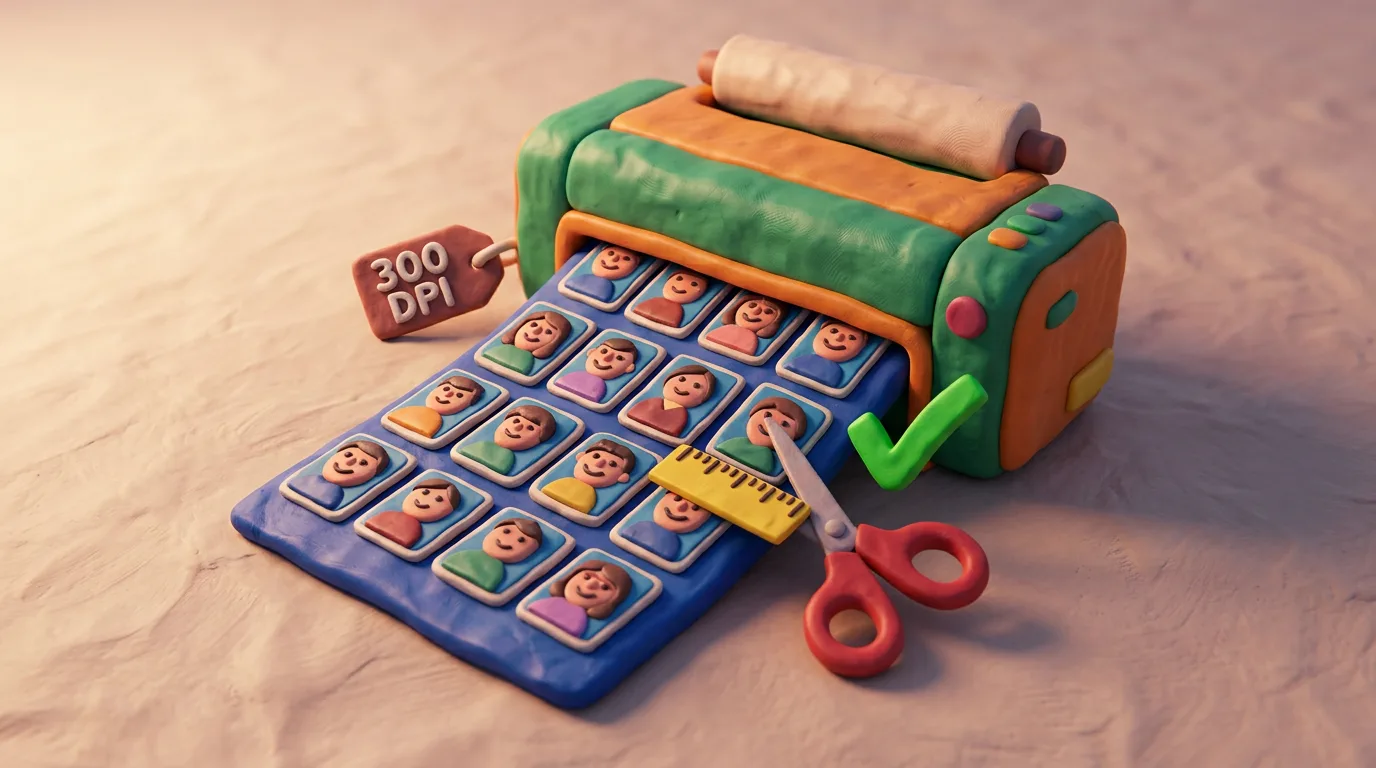
Key points
5 points- Print only on photo paper (glossy or matte), never on plain office paper.
- Keep resolution at 300 DPI or more and use a high-detail image so it isn't pixelated.
- Print at the exact size (e.g. 35×45 mm or 2×2 in) without stretching the proportions.
- Keep colours true-to-life with no colour cast, and cut precisely along the line.
- For online submissions, uploading a digital photo is often easier than printing.
Why home document photos are easy to get wrong
Your camera may capture a perfect shot, but at a paper submission it's the print that gets rejected: dull paper, low resolution, the wrong size or a colour cast. The good news is that every one of these mistakes can be closed off in advance, before the sheet ever reaches the printer. Country standards differ in the details of framing and background, but the print-quality requirements (photo paper, 300 DPI, exact size, true colour) are almost the same everywhere, because they follow international guidance such as ICAO. So it's worth setting the process up correctly once — and then simply repeating it.
Paper, resolution and size
Use real photo paper — glossy or matte. On plain office paper the ink spreads, the surface looks dull, skin tones shift, and such a photo is rejected without exception. Print at 300 DPI or more, and start from a high-detail image so no pixels or printer dots show on the print even up close. The size must match the requirement exactly (for example 35×45 mm or 2×2 in / 51×51 mm) — never stretch the frame to fit the format, or you'll distort the proportions of the face and the head geometry that reviewers look at first. Watch the colour too: natural, lifelike tones with no stray yellow or blue cast. If your printer shifts the colour, calibrate it or hand the file to a photo lab.
Step-by-step instructions
- Check your country's official size and background requirements.
- Prepare a high-resolution file and set 300 DPI or more.
- Set the exact physical size in millimetres or inches without changing the proportions.
- Lay out several shots on a 10×15 cm (4×6 in) sheet to save paper.
- Print on photo paper with a good printer or at a photo lab.
- Cut along the line with a guillotine or a knife against a ruler — clean, with no white border unless one is required.
Common mistakes
- Printing on plain paper instead of photo paper.
- Low resolution — visible pixels or printer dots.
- A stretched or cropped photo with broken proportions.
- A colour cast (yellow, blue) from an uncalibrated printer.
- Crooked edges or an unwanted white border.
If the submission is online, printing is often not needed at all: many authorities now prefer a digital photo upload — it's faster and more precise.
| Parameter | Guideline |
|---|---|
| Paper | Photo paper, glossy or matte |
| Resolution | 300 DPI or more |
| Size | Exactly as required (35×45 mm or 2×2 in) |
| Colour | True-to-life, no cast |
Printing at home makes sense for in-person or paper submissions, when you are physically expected to hand over a finished photograph. But where an authority accepts a digital photo, an upload is almost always more reliable than a home-made print: the system checks size, background and proportions for you, and you see the result instantly without wasting paper. Before printing, check whether submitting online is simply easier in your case.
05Questions
5 answers01Can I print document photos on plain paper?
No. You need real photo paper — glossy or matte. On office paper the ink spreads, the surface looks dull, and the print is rejected.
02What resolution do I need for printing?
300 DPI or more, and the photo itself must be high-detail. Otherwise pixels or printer dots will show on the print.
03How can I save photo paper?
Lay out several shots on a single 10×15 cm (4×6 in) sheet, leaving room to cut, then carefully cut along the line.
04Can I stretch the photo to fit the size?
No. Stretching distorts the proportions of the face and the photo will be rejected. Print at the exact size without changing the aspect ratio.
05Do I always have to print the photo?
No. For online submissions many authorities prefer a digital photo upload — it's faster and more precise than printing at home.
06Official sources
- GOV.UK — Get a passport photo: photo requirements
gov.uk - U.S. Department of State — Passport Photos
travel.state.gov - U.S. Department of State — Uploading a Digital Photo
travel.state.gov - ICAO — Doc 9303, Machine Readable Travel Documents
icao.int
Author: Yevhen Kravchenko. Published . Checked against official sources on .
Make your photo to the current rules
Pick your document and upload a selfie — we crop it to size, replace the background and check it. Free. The sizes come from the same official sources as the news.