 Australia
Australia Visa and Passport Photo 2026: Size, Background, and Digital Upload Requirements
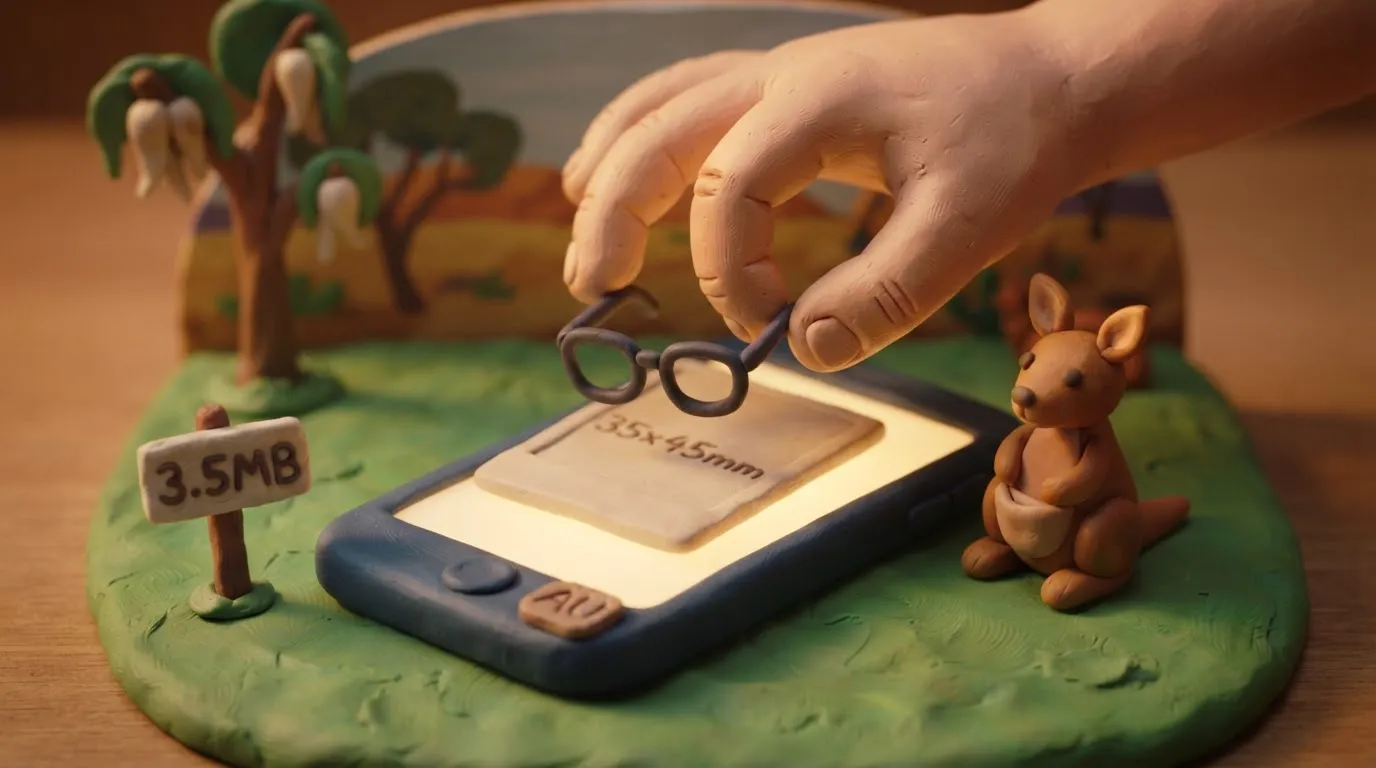
In 2026, Australian visas and passports require a 35-40x45-50 mm photo without glasses; digital files for ImmiAccount must be in JPEG format up to 3.5 MB.
Key points
5 points- Physical photo size: 35–40 mm in width and 45–50 mm in height.
- Glasses are strictly prohibited, except for confirmed medical reasons (e.g., after surgery).
- Digital photo for ImmiAccount: JPEG format, size from 70 KB to 3.5 MB.
- The background must be plain light grey or white, without shadows.
- For children under 3 years old, an open mouth is allowed, but other rules remain unchanged.
The most important rule of 2026: Australia requires strict adherence to biometric standards for visa and passport photos. The most common reason for rejection is the presence of glasses in the photo or an incorrect face size in the frame. For online submission through the ImmiAccount system, digital files must meet clear technical parameters.
What has changed and current requirements
Australian photo standards are among the strictest in the world. Here are the detailed parameters in effect for 2026:
| Parameter | Australia's Requirement |
|---|---|
| Physical size | Width 35–40 mm, height 45–50 mm (35x45 mm is standardly used) |
| Face size | From chin to crown: 32–36 mm |
| Background | Plain light grey or white, without shadows and patterns |
| Glasses | Prohibited. Poor eyesight is not an exception. |
| Digital file (ImmiAccount) | JPEG format, size from 70 KB to 3.5 MB (1200 × 1600 pixels recommended) |
| Photo age | Taken no more than 6 months before submission |
AustraliaPassport · requirements
Who this applies to
These rules apply to all applicants, including Ukrainians, applying for any type of Australian visa (tourist, work, student, humanitarian) through the ImmiAccount portal, as well as those applying for an Australian passport.
Special rules for infants: For children under 3 years old, a slightly open mouth is allowed. However, there must be no other people, parents' hands, or toys in the frame. The child must be photographed against a plain light background.
What to do now
- Remove your glasses: Even if you wear them constantly, they must be removed for the photo. An exception is made only with a doctor's certificate stating the inability to remove glasses due to recent eye surgery.
- Maintain a neutral facial expression: The mouth must be closed, eyes fully open and looking straight into the lens. Smiling is not allowed.
- Keep hair off your face: The edges of your face (from forehead to chin and from ear to ear) must be clearly visible.
- Prepare the digital file: If you are applying online, ensure the photo is saved in JPEG format, has no digital retouching (filters), and is no larger than 3.5 MB.
Common mistakes
- Digital retouching: Using filters or software to remove skin blemishes or change the background will result in automatic rejection of the photo by the system.
- Incorrect lighting: Shadows on the face or on the background behind you are unacceptable. Lighting must be even.
- Clothing blending with the background: Avoid light-colored clothing that may blend with a white or light grey background.
Rules change frequently — before taking action, always check the current requirements on the official government source provided above.
05Questions
3 answers01Can I wear prescription glasses in the photo?
No, glasses are strictly prohibited. Poor eyesight is not grounds for an exception. Glasses are allowed only with a medical certificate (e.g., after recent eye surgery).
02What digital photo size is required for ImmiAccount?
The file must be in JPEG format, sized between 70 KB and 3.5 MB. The recommended resolution is 1200 × 1600 pixels.
03Can I smile in the photo?
No, your facial expression must be absolutely neutral, with your mouth closed and eyes open. Smiling will result in the photo being rejected.
06Official sources
- Australian Passport Office - Photo Guidelines
passports.gov.au - Department of Home Affairs - ImmiAccount
immi.homeaffairs.gov.au
Author: Yevhen Kravchenko. Published . Checked against official sources on .
AustraliaAustralian Citizenship Photo: JPEG 70 KB–3.5 MB Online, 32–36 mm Face on Paper, Glasses Off
Citizenship photo: online a JPEG of 70 KB–3.5 MB (1200 x 1600 px preferred); on paper 35–40 x 45–50 mm with a 32–36 mm face.
 Australia
Australia Visa Photo Requirements: JPEG 70 KB–3.5 MB, 1200 x 1600 px, Light Grey or Neutral Background
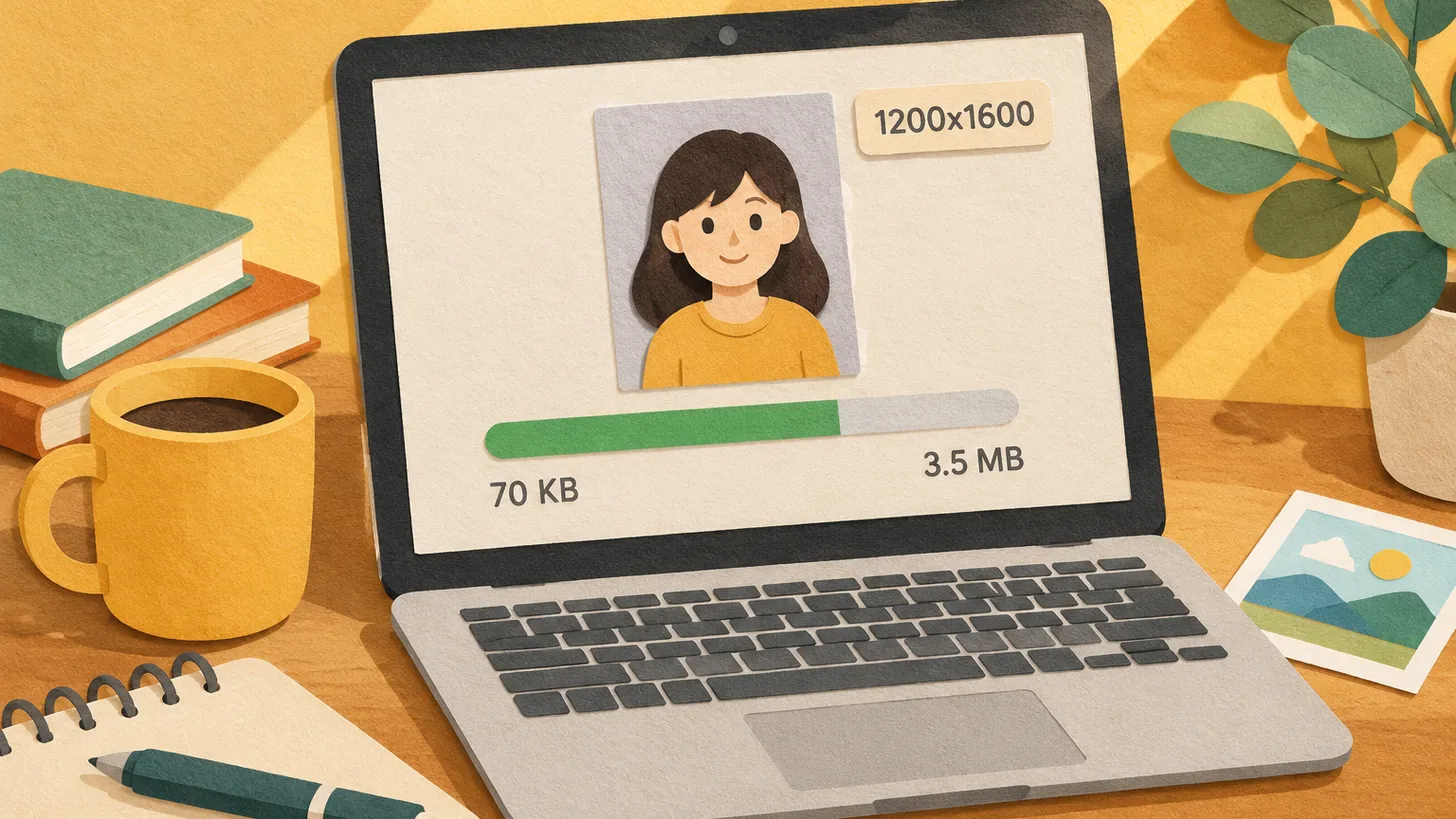
Home Affairs wants a digital JPEG for each applicant: 70 KB–3.5 MB, preferably 1200 x 1600 px, under 6 months, neutral or light grey background, unedited.
 Australia
Australian Passport Photo Requirements: Size, the Glasses Ban and Why Inkjet Prints Fail
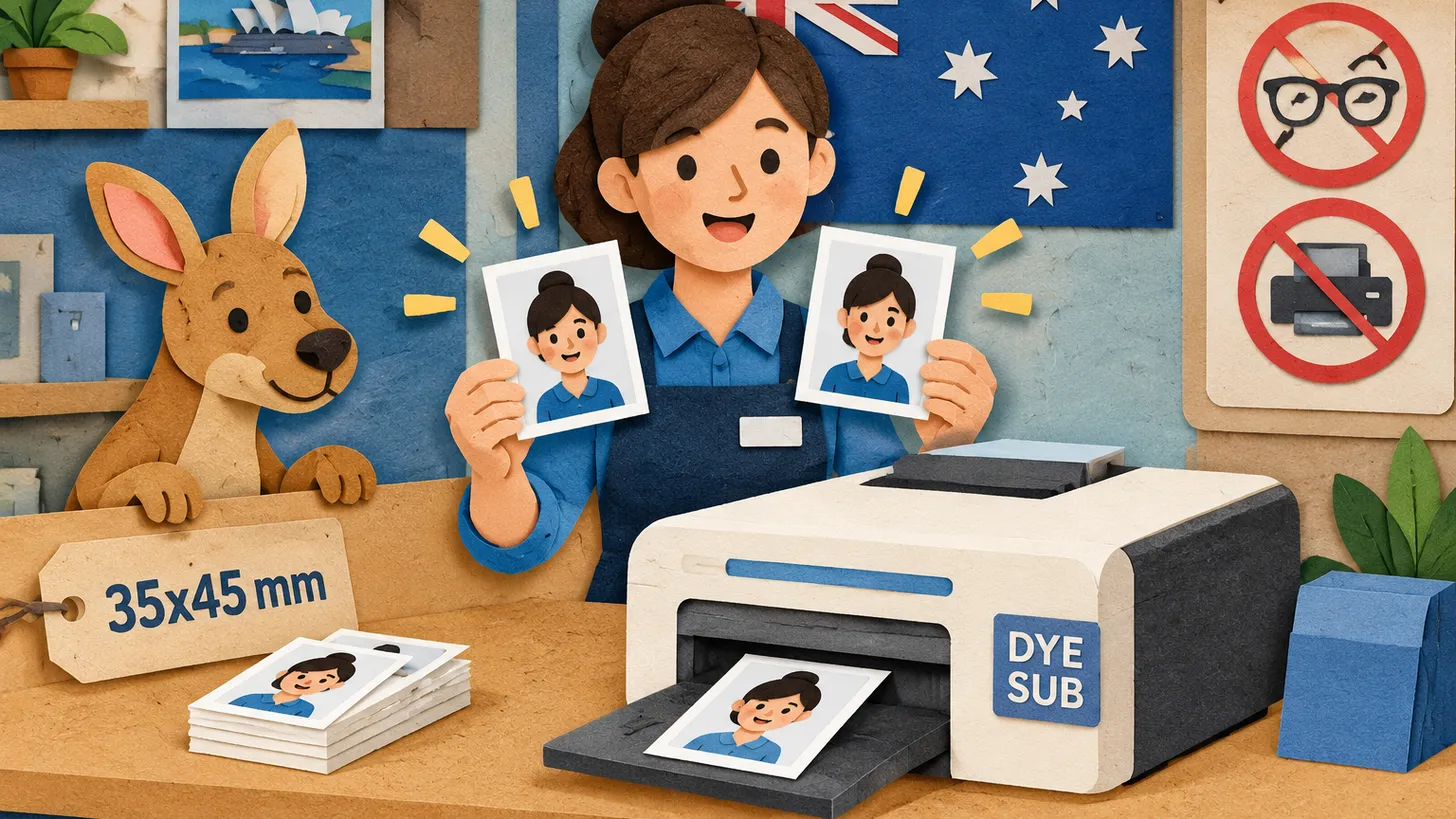
Two colour prints, 35–40 x 45–50 mm, face 32–36 mm, under 6 months old, on dye-sublimation glossy paper — and no glasses since 1 July 2018.
Make the photo for this document
Upload a selfie — we crop it to 35 × 45 mm, replace the background and check it against the document rules. Free.
Passport · AustraliaUpload