File Format and Size for Document Uploads 2026
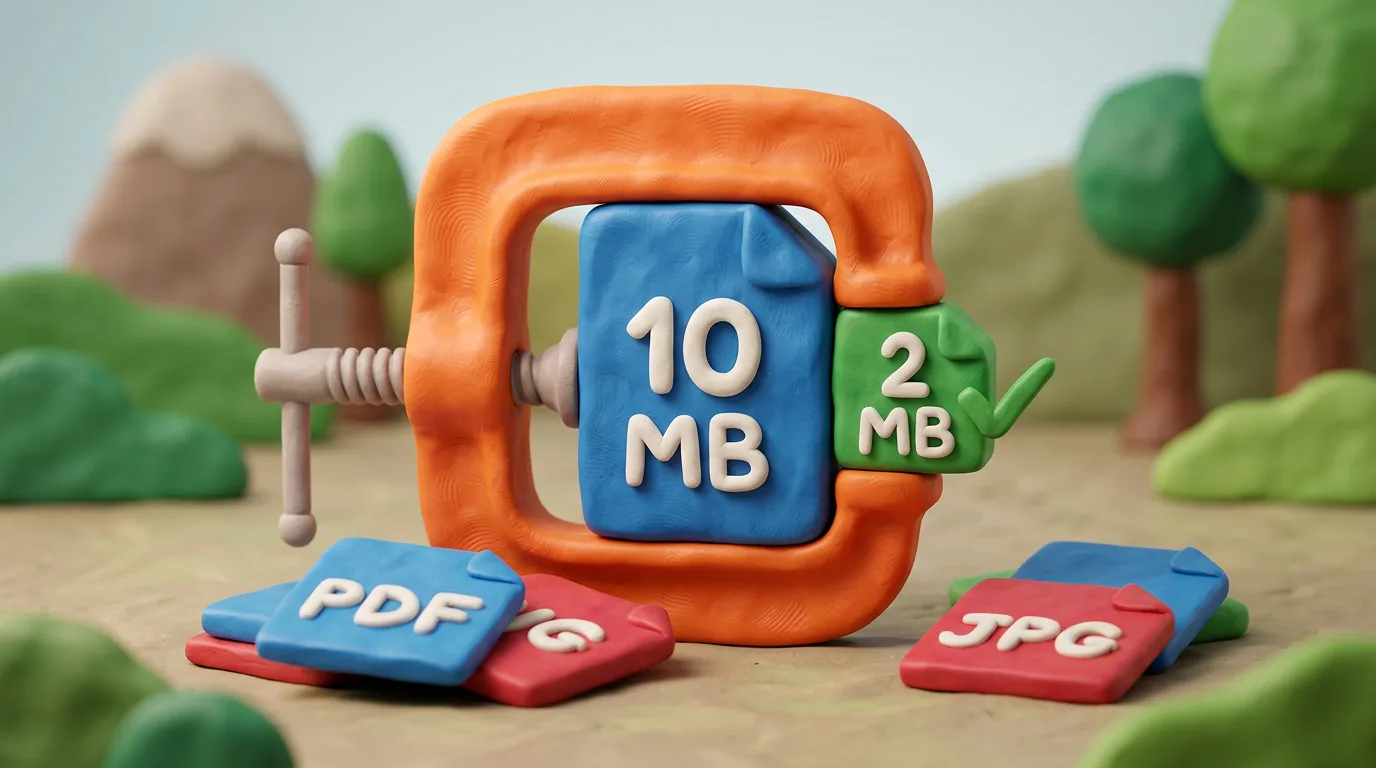
Upload in the format the portal requires: PDF for multi-page documents, JPG for photos and single scans. Compress by lowering resolution to 150–300 DPI and JPG quality to 70–85% to fit the size limit without ruining legibility.
Key points
5 points- Always use the format and size limit the portal states — otherwise the upload will fail.
- PDF for multi-page documents and scans; JPG for photos and single-page scans; PNG only on request.
- Reduce size by lowering resolution to 150–300 DPI and JPG quality to 70–85%.
- Converting a colour scan to grayscale cuts the size noticeably when it is allowed.
- Don't re-save a JPG many times, and always check the file opens and is readable.
What the portal requires
Before you upload, read the specific portal's instructions. Almost every online form sets three things: allowed formats (most often PDF and JPG/JPEG, sometimes PNG), a maximum file size (typically 1, 2 or 5 MB) and, for photos, pixel dimensions or DPI. If your file fails even one of these, the system rejects it.
Which format to choose
The format depends on the type of document. The general rule is simple: documents go in PDF, photos in JPG, and use PNG only when the portal explicitly asks for it.
| Format | Best for | Notes |
|---|---|---|
| Multi-page documents, scans | Keeps pages together; preserves text and layout | |
| JPG/JPEG | Photographs, single-page scans | Small size; lossy compression |
| PNG | Screenshots, text graphics | Lossless but heavier; only on request |
How to shrink size without losing quality
If the file exceeds the limit, don't shrink it at random. Work step by step:
- Lower the resolution to what you actually need — 150–300 DPI is enough for document scans.
- Export the JPG at a sensible quality — 70–85% gives noticeable savings with no visible defects.
- Convert a colour scan to grayscale, if allowed — the size drops substantially.
- Use a reliable compressor: a built-in export, or a trusted online or offline tool.
Compress the file once, after setting DPI and colour. Every extra re-save of a JPG loses a little quality for good.
Common mistakes
- Uploading a 10 MB photo when the limit is 2 MB: the form returns an error.
- Over-compressing until the text becomes unreadable.
- Uploading a different format from the one the portal requires.
- Unclear names like "scan001.jpg" instead of "passport_smith.pdf".
Give files clear names, and before submitting open each one: confirm it opens and is fully legible. A few extra seconds of checking save you from a rejection and a resubmission.
05Questions
5 answers01PDF or JPG — which is better to upload?
For multi-page documents and official scans, choose PDF: it keeps the pages together and preserves the layout. For photographs and single-page scans, JPG works better because it is smaller. Always follow the format the portal itself requires.
02How do I reduce file size without ruining quality?
Lower the resolution to 150–300 DPI, export the JPG at 70–85% quality, and where possible convert the scan to grayscale. That is usually enough to fit the limit while staying legible.
03Does DPI matter for an online upload?
For printing, DPI matters (300 is the standard). For digital uploads, portals usually check pixel dimensions and file size rather than the DPI in the metadata. So focus first on the portal's pixel and megabyte requirements.
04Why shouldn't I re-save a JPG many times?
JPG uses lossy compression: each re-save discards some data and the quality degrades step by step. Make all edits in one original file and export to JPG only once, at the end.
05What if the file is still larger than the limit?
First convert the scan to grayscale or black-and-white, then lower the resolution and JPG quality. For a PDF, apply a scan compression tool. If nothing helps, split the document into several files where the portal allows it.
06Official sources
- GOV.UK Design System — File upload component
design-system.service.gov.uk - Inside GOV.UK — Supported file formats
insidegovuk.blog.gov.uk - U.S. Department of State — Digital Image Requirements
travel.state.gov - Planning Portal — File size limit for supporting documents
planningportal.co.uk
Author: Yevhen Kravchenko. Published . Checked against official sources on .
Make your photo to the current rules
Pick your document and upload a selfie — we crop it to size, replace the background and check it. Free. The sizes come from the same official sources as the news.