 New Zealand
New Zealand Visa and NZeTA Photo 2026: Size, Background, and App Selfie Requirements
New Zealand visas and NZeTA require a photo on a light (not white) background; selfies are allowed in the NZeTA app under special rules.
Key points
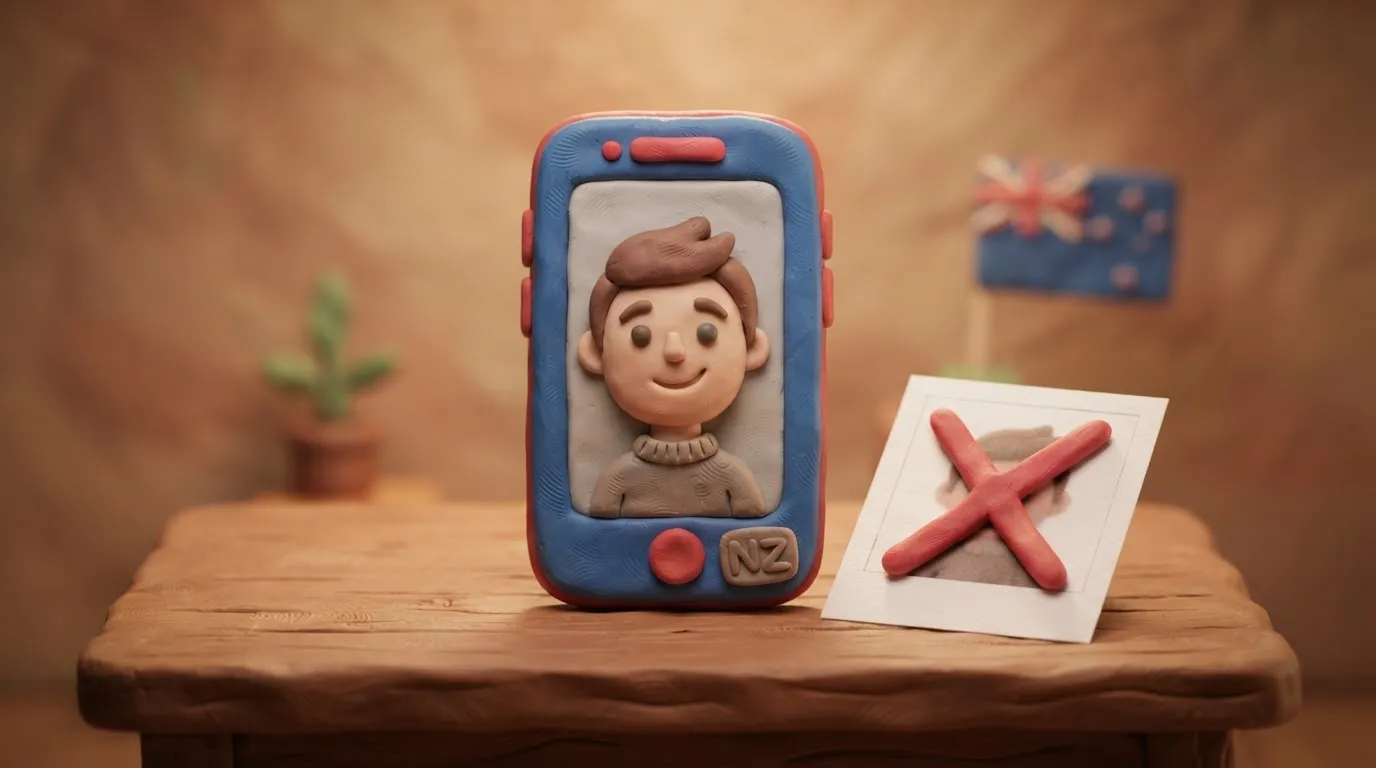
4 points- The photo background must be light (e.g., light grey or cream), but not pure white.
- For web applications, the file size must be between 500 KB and 3 MB (900x1200 to 2250x3000 pixels).
- Selfies are allowed in the NZeTA mobile app, but the phone must be held at eyebrow level at arm's length.
- The IVL fee, paid alongside the visa or NZeTA, is 100 NZD.
The most important rule of 2026: Immigration New Zealand (INZ) requires the background for visa and NZeTA photos to be light, but not pure white (light grey or cream is recommended). Additionally, selfies are permitted exclusively when applying through the official NZeTA mobile app, and strict positioning rules apply to them.
What has changed and current requirements
Photo requirements depend on how you submit your application: on paper, via the website, or through the NZeTA mobile app. It is also worth remembering that the IVL tourism levy, which is paid alongside the NZeTA or visa, is currently 100 NZD.
| Submission method | Size / Resolution | File requirements |
|---|---|---|
| Paper application | 35 x 45 mm | 2 identical printed photos |
| Online (website) | From 900x1200 to 2250x3000 pixels | JPG/JPEG, from 500 KB to 3 MB, 3:4 aspect ratio |
| NZeTA app | Minimum 540x720 pixels | JPG/JPEG, up to 10 MB (can be taken via camera) |
Who this applies to
These rules apply to all applicants, including Ukrainians, applying for New Zealand visitor, work, or student visas, as well as those eligible for visa-free entry who are applying for an NZeTA electronic travel authority (e.g., citizens of EU countries, Canada, the USA).
What to do now: how to take a proper selfie for NZeTA
If you are applying through the free NZeTA mobile app (the fee in the app is 17 NZD, on the website — 23 NZD), you can use your smartphone camera for a selfie. To prevent the system from rejecting the photo, follow these steps:
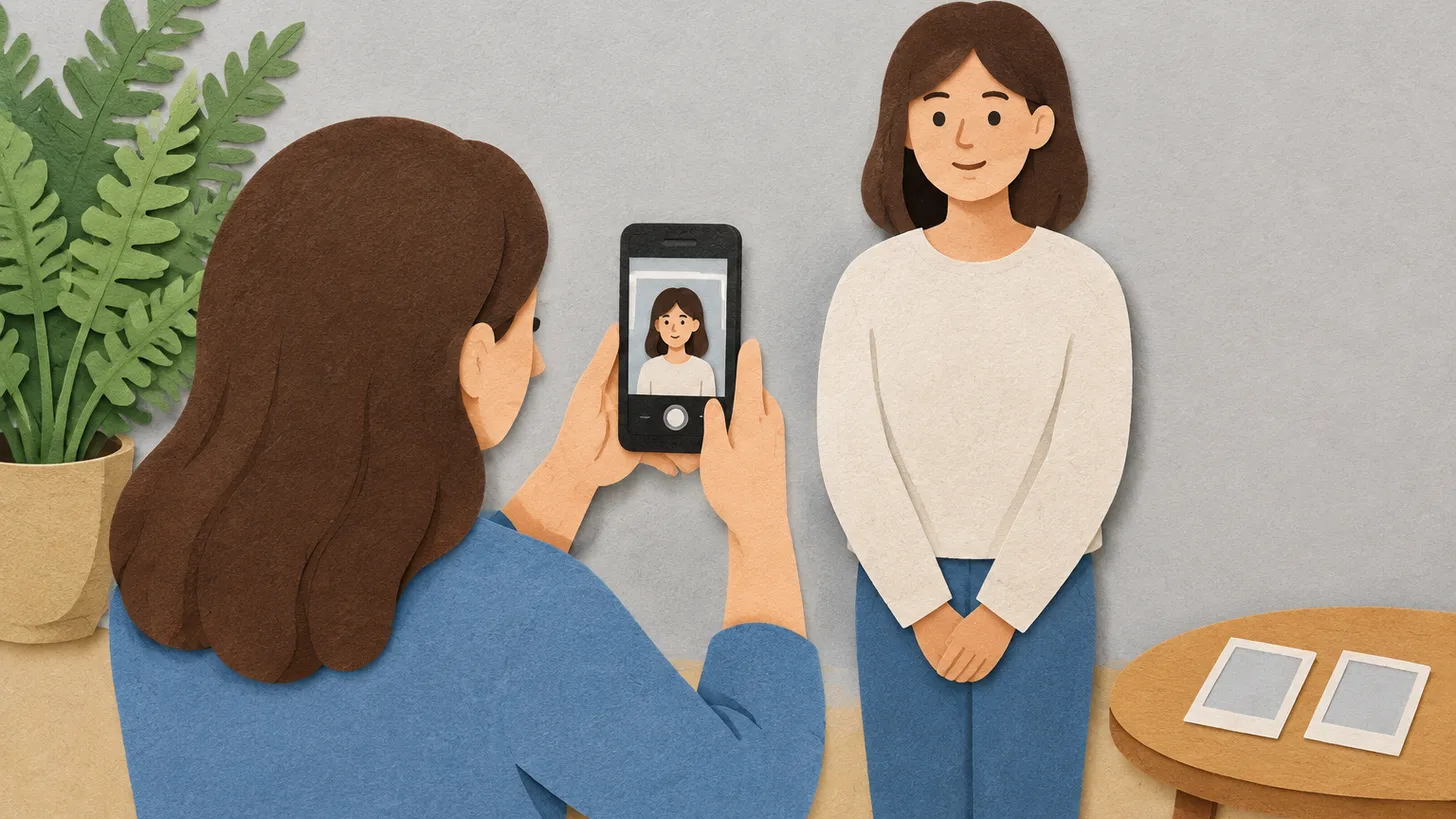
- Extend your arm: Hold the phone at full arm's length to create sufficient distance between the camera and your face.
- Correct height: Hold the phone exactly at eyebrow level, do not tilt it up or down.
- Lighting: The light source should be behind the phone (camera) and illuminate your face evenly, without shadows.
- Background: Find a light grey or cream wall without patterns or foreign objects.
- Facial expression: Look straight into the camera, do not smile, keep your eyes open and your mouth closed.
Common mistakes
- Pure white background: The system may reject the photo because a white background often blends with facial features or creates glare.
- Selfies for web applications: Selfies are allowed only in the NZeTA mobile app. For website submissions, the photo must be taken by another person from a distance of 1.5 meters.
- Glasses and headwear: It is forbidden to be photographed wearing glasses with thick frames or tinted lenses. Headwear is permitted only for religious or medical reasons (the edges of the face and hairline must be visible).
- Editing: Using filters or artificial intelligence to enhance the photo is strictly prohibited.
Rules change frequently — before taking action, always check the current requirements on the official government source provided above.
05Questions
4 answers01Can I use a white background for a New Zealand visa photo?
No, Immigration New Zealand recommends using a light, but not pure white background (e.g., light grey or cream) to avoid blending of contours.
02What digital photo size is required for an online application?
For website submission, the photo must be in JPG/JPEG format, between 500 KB and 3 MB in size, with a resolution from 900x1200 to 2250x3000 pixels.
03Are selfies allowed for the visa?
Selfies are permitted exclusively when applying for an NZeTA through the official mobile app. For all other online applications, the photo must be taken by another person from a distance of 1.5 meters.
04How much does the NZeTA and IVL fee cost in 2026?
The NZeTA costs 17 NZD via the app or 23 NZD via the website. Additionally, most applicants pay the IVL tourism levy of 100 NZD.
06Official sources
- Immigration New Zealand: Acceptable photos
immigration.govt.nz - Immigration New Zealand: NZeTA
immigration.govt.nz
Author: Yevhen Kravchenko. Published . Checked against official sources on .
New ZealandNZ Citizenship Photo Requirements: No Selfies, 1 JPEG Online or 2 Identical Prints by Post
NZ citizenship photo: passport-style, under 6 months, taken by someone else — no selfies.
 New Zealand
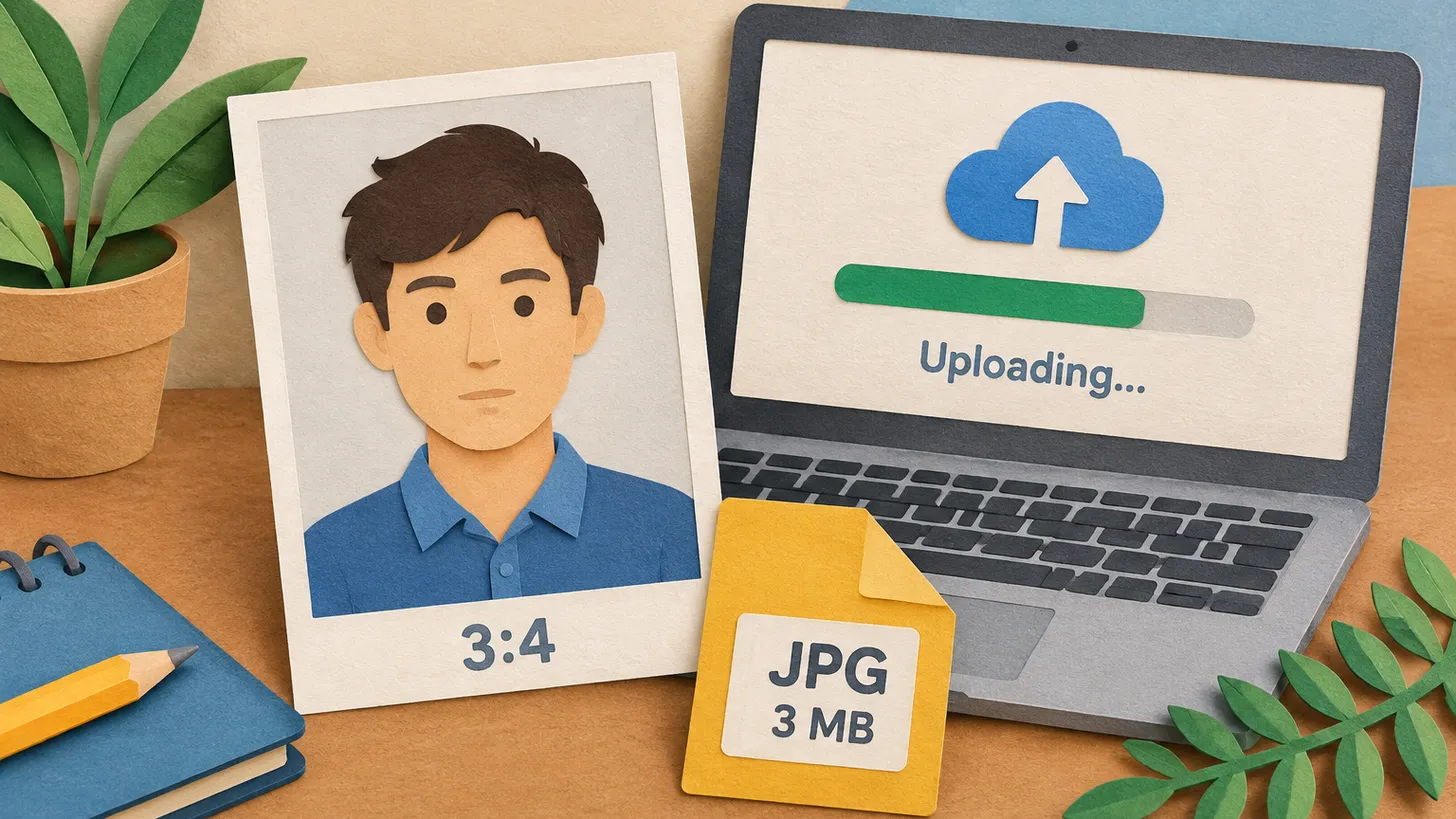
New Zealand Visa and NZeTA Photo Requirements: 3:4 Portrait JPG, 512 KB to 3.14 MB, Face 70–80 %
Immigration NZ wants a 3:4 portrait JPG of 512 KB to 3.14 MB, taken in the last 6 months, face 70–80 % of the image, ears visible, plain background.
 Italy
Italy United Kingdom
 Indonesia+5
What size photo to use if not specified: 5 reasons the size is missing
The authority might not publish the photo size for various reasons: EU residence permit specifications are secret, a German regulation refers to a technical directive, and the UK publishes file limits and crops the image itself for online passports.
Make your photo to the current rules
Pick your document and upload a selfie — we crop it to size, replace the background and check it. Free. The sizes come from the same official sources as the news.
Passport · New ZealandUpload