SourceCabinet of Ministers of Uzbekistan; Ministry of Foreign Affairs; Unified Portal of Interactive Public Services (my.gov.uz)
Verified
Quick answer: A Uzbekistan biometric passport photo must be 35 × 45 mm. Plain light background without textures, shadows, or foreign objects. Neutral expression, glasses prohibited. Last verified .
Uzbekistan biometric passport photo: size in mm, cm, inches and pixels
Millimetres
35 × 45 mm
Centimetres
3.5 × 4.5 cm
Inches
1.38 × 1.77″
Pixels at 300 dpi
413 × 531 px
Pixels at 600 dpi
827 × 1063 px
Uzbekistan-specific things to know
Uzbekistan names a single 35 × 45 mm photograph for the consular route of the biometric passport, while the biometric parameters themselves are taken at the collection point.
The regulation lets the collection point refuse the passport if the applicant insists on glasses, a head covering or items that change the appearance in the photograph.
The regulation says nothing about the background colour or the head size; embassies publish their own lists and some ask for two photographs.
How biometric passport photos are verified
The Uzbek regulation on the biometric passport for travel abroad (Cabinet of Ministers Resolution No. 49 of 30 January 2020) lists, among the documents a citizen on consular registration lodges at a consulate, «a photograph of 35 × 45 mm (1 pc.)» — the same for minors and for persons on temporary consular registration. The biometric parameters are taken at a «collection point» — a consular institution abroad or a branch of the Ministry of Foreign Affairs in Uzbekistan — and the regulation says that «if the person evades the fingerprinting and insists on being photographed in glasses or a head covering, with items that affect the appearance, the issue of the biometric passport may be refused». In Uzbekistan the application goes through the Unified Portal (my.gov.uz): the applicant fills in the form and then «must personally visit the data collection point to give fingerprints and a photograph» within the stated term. The passport is issued within ten working days from the acceptance of the documents at the collection point in Uzbekistan; abroad it follows the schedule of the diplomatic mail. The regulation gives no background colour or head size, so those rules on this page are the generic biometric-passport settings, not an Uzbek requirement.
Examples and mistakes
What makes Uzbekistan biometric passport photos accepted
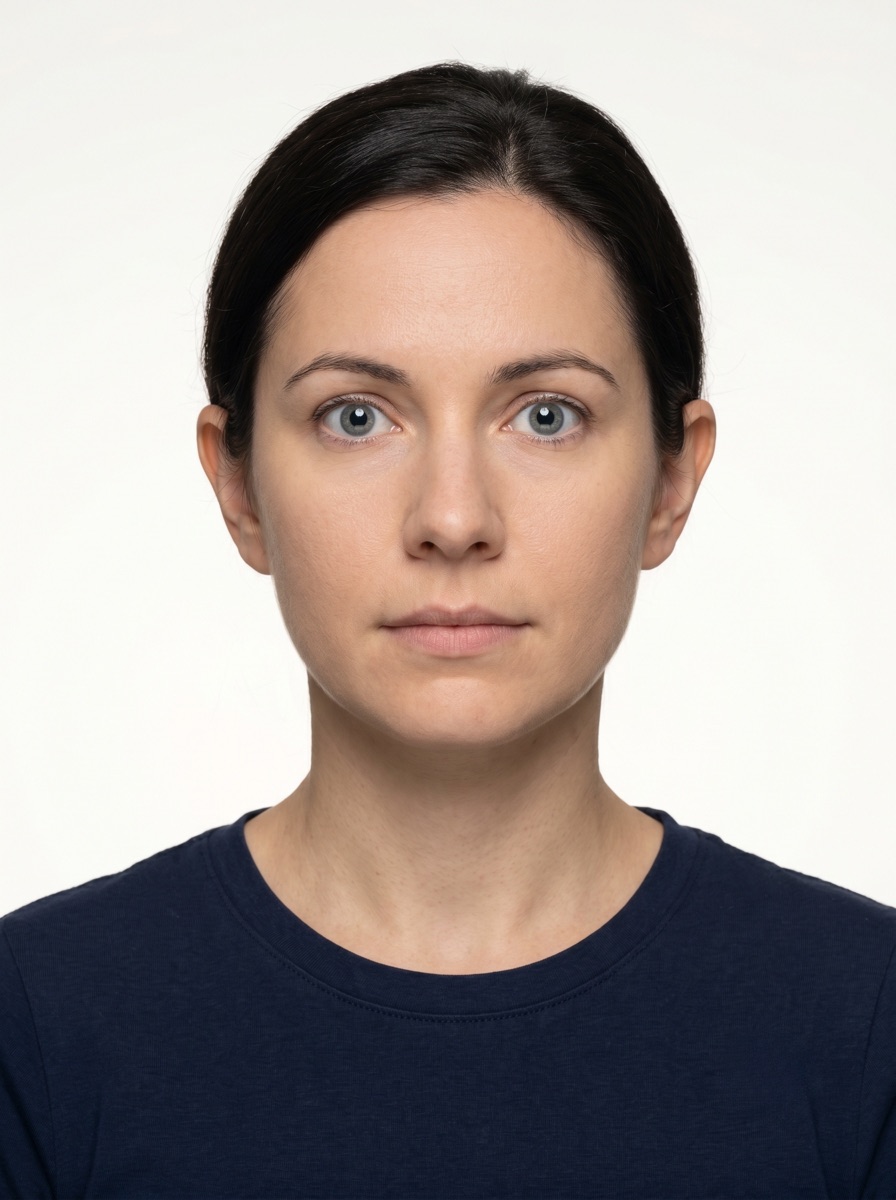
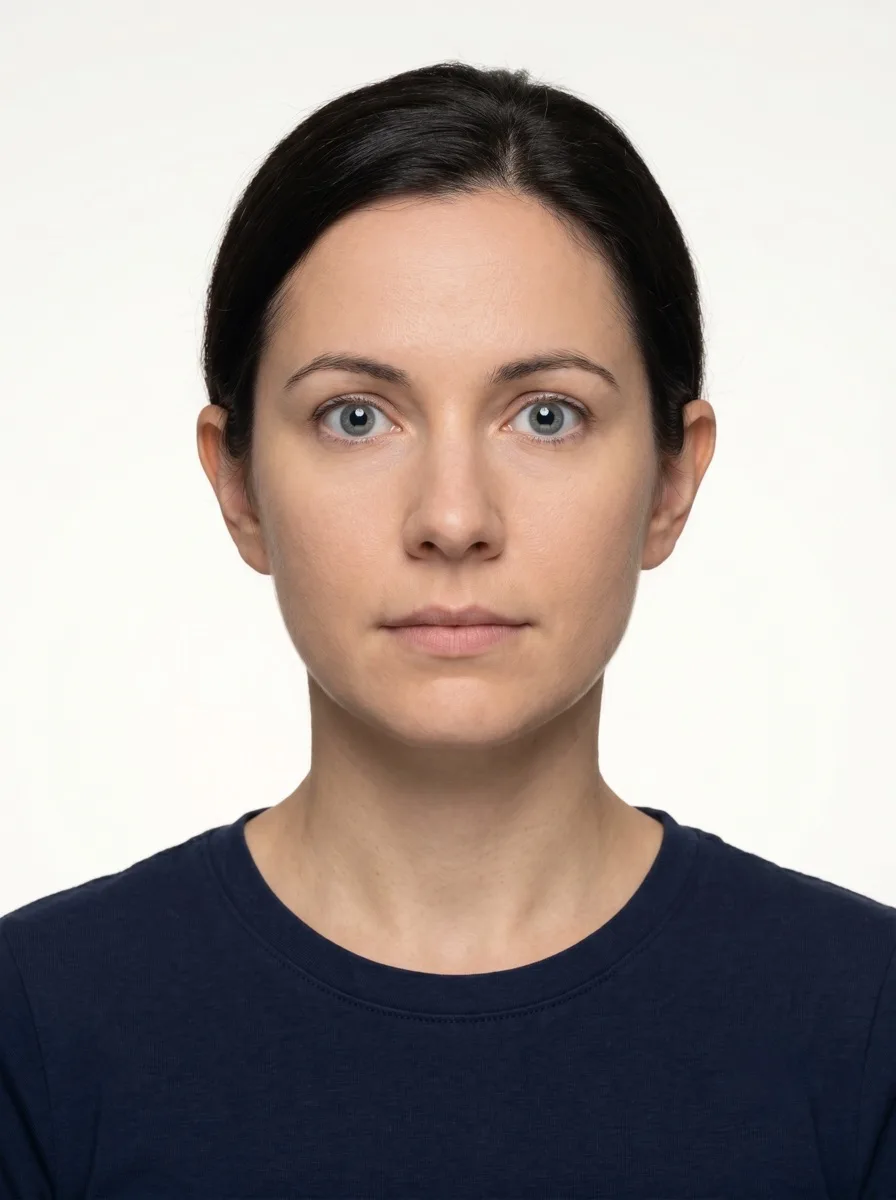
A photo that will be accepted, next to the six most common reasons Uzbekistan biometric passport photos get rejected.
Accepted
Compliant Uzbekistan biometric passport example (35 × 45 mm)
Face centred, looking directly into the lens
Plain background — no shadow, pattern or texture
Neutral expression, eyes open, mouth closed
No glasses, no hair across the face
Top 6 Uzbekistan biometric passport rejection causes
Background shadowShadow on the wall behind the head, or background with a visible pattern or gradient
Smile / open mouthVisible smile with teeth or open mouth instead of a neutral expression
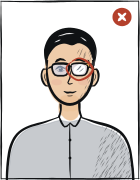
Glasses with glareGlasses with a clearly visible light reflection covering part of the eye
Hair across the faceLoose hair strands covering the eyes, eyebrows or part of the face
Eyes off-cameraEyes looking to the side instead of directly into the camera lens
Head tiltedHead tilted so the eye line is no longer horizontal
Typical rejection reasons and how to fix them
Typical reasons a photo is rejected under the rules Cabinet of Ministers of Uzbekistan; Ministry of Foreign Affairs; Unified Portal of Interactive Public Services (my.gov.uz) publishes: what is wrong and what to change.
Reason
Fix
A photograph that is not 35 × 45 mm, or not the number the consulate asks for (one in the regulation)
One photograph of 35 × 45 mm, or the number named on the page of your consulate.
Insisting on being photographed in glasses or a head covering or with items that change the appearance
A photograph without glasses or head covering and without items that change the appearance.
Evading the fingerprinting procedure at the collection point
Giving the fingerprints and the photograph in person at the collection point.
How to take your Uzbekistan biometric passport photo correctly
Background and light
Background: plain light
The tool puts in the required background. Stand half a metre from a plain light wall, face a window and shoot without flash — then there are no shadows on your face or on the wall.
Framing
Size: 35 × 45 mm
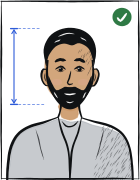
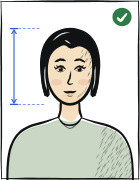
Camera at eye level, about a metre away; head and shoulders in the shot. The tool crops it to the required size.
Glasses
Glasses prohibited
Take them off before the shot.
Expression and gaze
Neutral expression, mouth closed, eyes open
Look straight into the lens with your head level; keep hair away from your eyes and eyebrows.
Print at 100% scale, borderless, and turn off fit-to-page so each photo keeps its exact size.
Where to submit your biometric passport application
An Uzbek biometric passport for travel abroad is applied for through my.gov.uz and a personal visit to a data collection point in Uzbekistan, or at an Uzbek consulate abroad for a citizen on consular registration.
Data collection point in Uzbekistan (after the my.gov.uz application)in person, after applying on the Unified Portal
my.gov.uz — the data collection point named for your application
Processing
Ten working days from the acceptance of the documents (regulation, clause 5)
Cost
See the my.gov.uz service page (a state fee applies)
The fingerprints and the photograph are taken at the point.
Resolution No. 49 of 30.01.2020 (lex.uz, edition with changes up to 2026), a citizen on permanent consular registration abroad lodges at the consulate: the application form, the original of the passport (copies are taken and the original returned), a photograph of 35 × 45 mm (1 pc.), a document confirming lawful stay in the foreign state, and the receipt for the consular fee and the fee for the actual costs.
Same regulation, minors and persons who did not get a biometric passport at 16 who are on consular registration with their parents or other legal representatives: the application form, the original birth certificate or the biometric passport, a photograph of 35 × 45 mm (1 pc.) and the originals of the parents' passports for the first issue; persons on temporary consular registration (study, contract work, family reunification) lodge the same size, one photograph, with a certificate of the place of study or work.
Same regulation, clause 6: in the case of evasion of the fingerprinting procedure and a persistent wish to be photographed in glasses or a head covering, with items affecting the appearance, the citizen may be refused the biometric passport for travel abroad; a consular fee and a fee for the actual costs are charged and are not refunded.
Same regulation, definitions: the application is an electronic document with the biographic data and biometric parameters of the recipient, generated by the collection point; the collection point is a consular institution abroad, the Consular-Legal Department of the Ministry of Foreign Affairs or its branches in Karakalpakstan and the regions, authorised to collect biographic data and biometric parameters and to issue the passports; the passport is issued in ten working days from acceptance in Uzbekistan and, abroad, according to the schedule of the diplomatic mail.
my.gov.uz, «Application for a passport for travel abroad»: the applicant logs in to the Unified Portal, fills in the form and sends it to the authorised body, personally visits the data collection point to give fingerprints and a photograph within the stated term, and for the biometric passport visits the competent body on the appointed day and time with a passport or an equivalent document.
Questions
Frequently asked questions
The regulation for consulates names a photograph of 35 × 45 mm (one); at a data collection point in Uzbekistan the photograph is taken for you.
The regulation says the citizen may be refused the passport if they insist on being photographed in glasses, a head covering or with items that change the appearance.
Ten working days from the acceptance of the documents at the collection point in Uzbekistan; abroad it follows the schedule of the diplomatic mail.
The Uzbekistan biometric passport photo must be 35 × 45 mm.
Plain light background without textures, shadows, or foreign objects. Behind you there should be only a plain wall: no pattern, shadows or objects. Any light wall at home will do — the tool sets the exact background colour.
Yes. A phone and a light wall near a window are enough. The rear camera is sharper than the front one, so ask someone to take the photo or use a 3-second timer. The tool crops it to size, fixes the background and checks it against the Uzbekistan biometric passport photo rules.
Most passport offices ask for a photo taken within the last six months. It should look like you today: after a new haircut or beard, take a new one.
We refund the payment in full. Email us within 14 days of purchase with your order number and the rejection notice from the Uzbekistan authority — the refund policy page has the details.
35 × 45 mm = 3.5 × 4.5 cm = 1.38 × 1.77 inches. At 300 dpi that is 413 × 531 pixels; at 600 dpi, 827 × 1063 pixels.
Yes. The same 35 × 45 mm format and head size apply to: international passport, visa.