Skip to content

Papua New Guinea citizenship application photo 35 × 45 mm

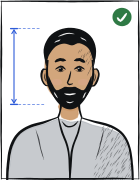
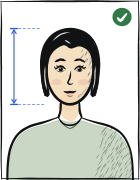
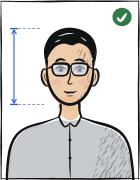
head 70–80 %

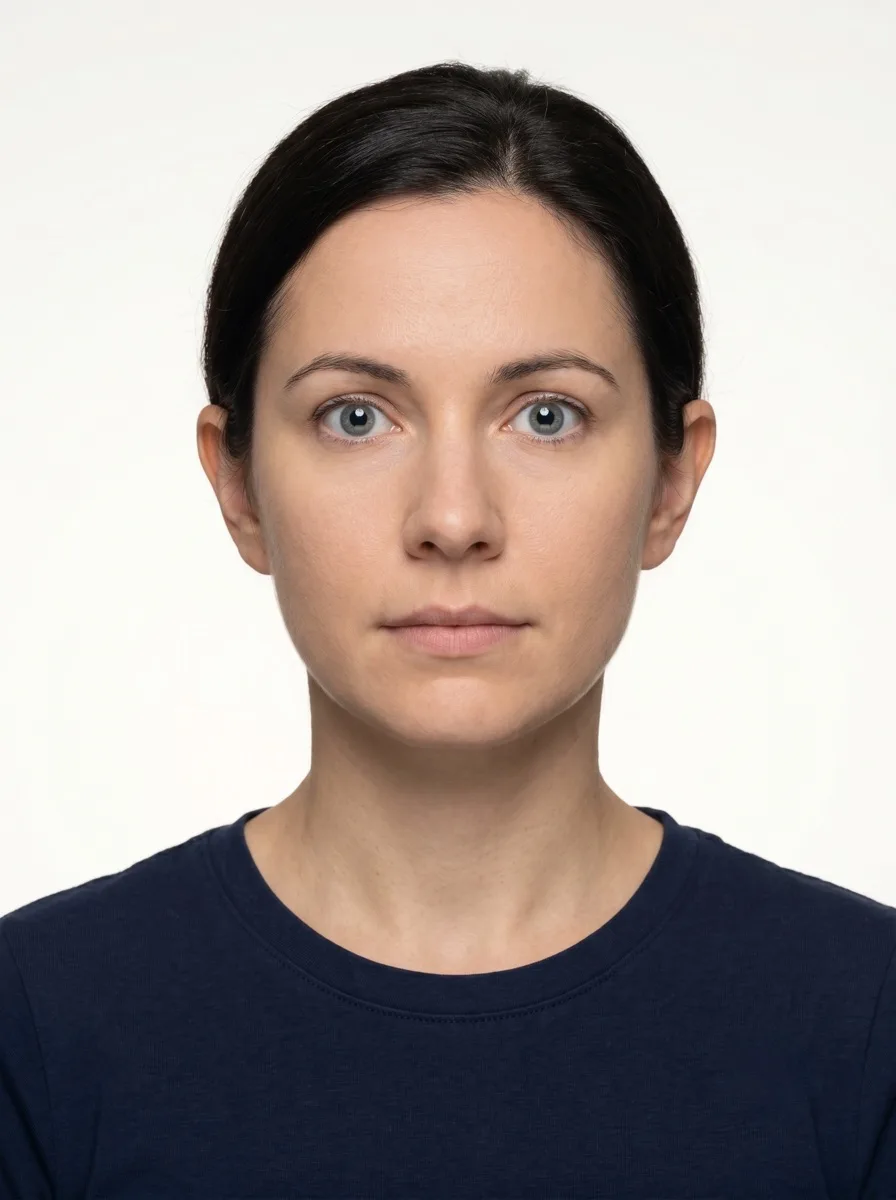
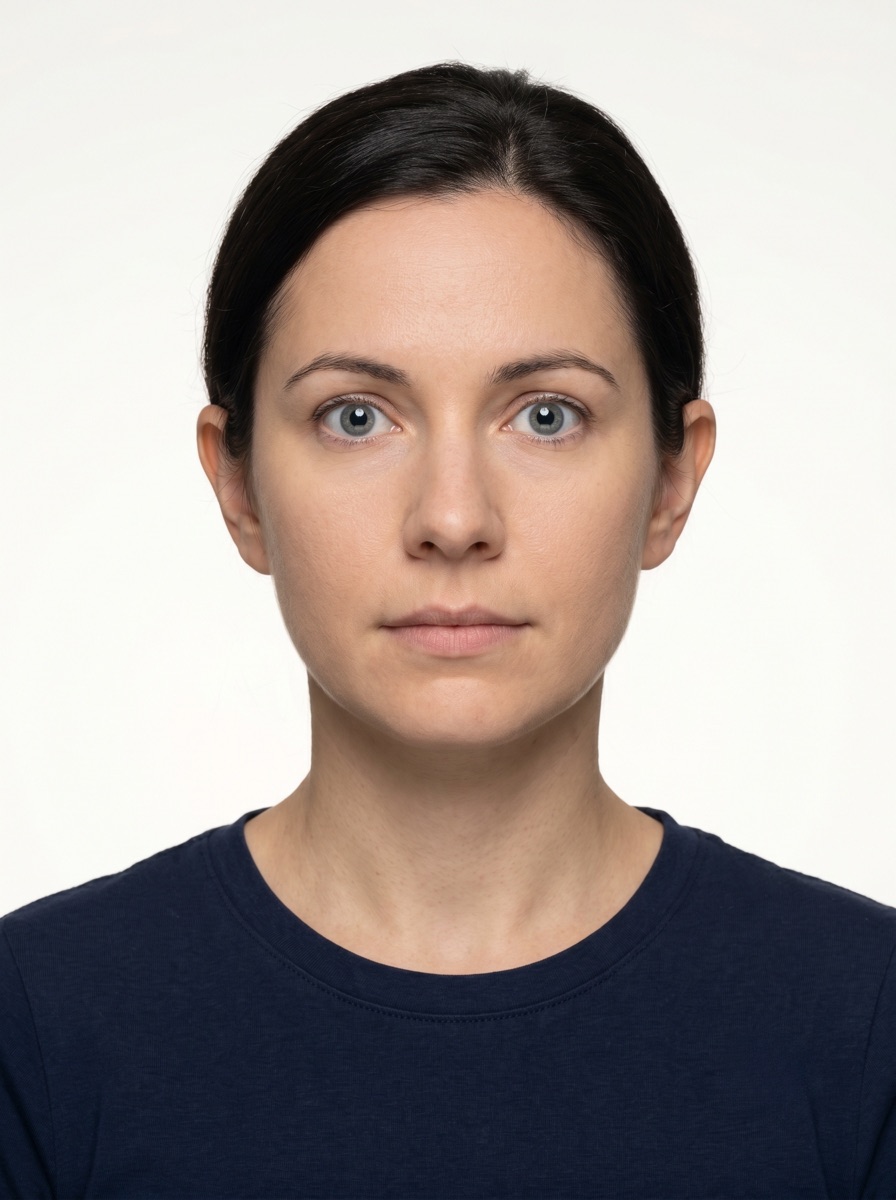
Sample

Cropping, background replacement, check · free preview

14-day refund if the authority rejects the photo

Papua New Guinea · Citizenship applicationPhoto requirements
Size
35 × 45 mm
Head
70–80 % of the photo height
Background
Plain light
Glasses
Clear lenses only, no glare
Expression
Neutral, mouth closed

SourcePNG Immigration and Citizenship Service Authority

Verified

Quick answer: The recommended Papua New Guinea citizenship application photo size is 35 × 45 mm. Plain light background without textures or noticeable gradients. Head occupies 70–80% of photo height. Neutral expression, clear lenses only, no glare. Last verified .

Requirements

Photo requirements

Photo requirements
Format35 × 45 mm Document photo free — Papua New Guinea citizenship application →
Head height70–80% of photo height
BackgroundPlain light background without textures or noticeable gradients.
PoseStrictly full face, head without rotation or tilt, shoulders level.
ExpressionNeutral expression, mouth closed, eyes open.
GlassesNo dark glasses; eyes must be clearly visible. See full rules →
LightingShadows on the face and background not permitted.
Head coveringNo headwear.
AttireNeutral clothing, shoulders visible, without uniform or distracting accessories.
File formatJPEG · sRGB / 24-bit

Papua New Guinea citizenship application photo: size in mm, cm, inches and pixels

Papua New Guinea citizenship application photo: size in mm, cm, inches and pixels
Millimetres35 × 45 mm
Centimetres3.5 × 4.5 cm
Inches1.38 × 1.77″
Pixels at 300 dpi413 × 531 px
Pixels at 600 dpi827 × 1063 px

How citizenship application photos are verified

Papua New Guinea citizenship document photos are checked by the office that handles your application, and the photo is kept in the national records.

The document is issued once and kept for many years. Use a recent photo that shows how you look now rather than an old passport photo.

  • Take a new photo for the application instead of reusing one from previous years.
  • If you apply on paper, print the photo at 100 % scale so it keeps its exact size.

Examples and mistakes

What makes Papua New Guinea citizenship application photos accepted

A photo that will be accepted, next to the six most common reasons Papua New Guinea citizenship application photos get rejected.

Accepted Accepted photo example, Papua New Guinea citizenship application (35 × 45 mm)

Compliant Papua New Guinea citizenship application example (35 × 45 mm)

  • Face centred, looking directly into the lens
  • Plain background — no shadow, pattern or texture
  • Neutral expression, eyes open, mouth closed
  • No glasses, no hair across the face

Top 6 Papua New Guinea citizenship application rejection causes

Rejected photo example, Papua New Guinea citizenship application: background shadow
Background shadow Shadow on the wall behind the head, or background with a visible pattern or gradient
Rejected photo example, Papua New Guinea citizenship application: smile / open mouth
Smile / open mouth Visible smile with teeth or open mouth instead of a neutral expression
Rejected photo example, Papua New Guinea citizenship application: glasses with glare
Glasses with glare Glasses with a clearly visible light reflection covering part of the eye
Rejected photo example, Papua New Guinea citizenship application: hair across the face
Hair across the face Loose hair strands covering the eyes, eyebrows or part of the face
Rejected photo example, Papua New Guinea citizenship application: eyes off-camera
Eyes off-camera Eyes looking to the side instead of directly into the camera lens
Rejected photo example, Papua New Guinea citizenship application: head tilted
Head tilted Head tilted so the eye line is no longer horizontal

How to take it

How to take your Papua New Guinea citizenship application photo correctly

Background and light

Background: plain light

The tool puts in the required background. Stand half a metre from a plain light wall, face a window and shoot without flash — then there are no shadows on your face or on the wall.

Framing

Head: 70–80 % of the photo height

Camera at eye level, about a metre away; head and shoulders in the shot. The tool crops it to 35 × 45 mm.

Glasses

Clear lenses only, no glare

If you wear glasses, check the shot: no glare on the lenses, eyes clearly visible.

Expression and gaze

Neutral expression, mouth closed, eyes open

Look straight into the lens with your head level; keep hair away from your eyes and eyebrows.

Full guide: Passport photo at home →

Drop your photo hereChoose a photo

Prepare your Papua New Guinea citizenship application photo

An ordinary selfie will do: we fix the background, light and framing ourselves — to this document's rules. The preview is free.

  • Head straightHold the phone at eye level and your head straightens by itself.
  • Face uncoveredMove your hair away so your eyes and eyebrows show.
  • No glare on glassesStand so that no light reflects in the lenses.

Printing and submission

Photos per print sheet
10 × 15 cm · 4 × 6″8 (4 × 2)
A4 · 21 × 29.7 cm36 (6 × 6)

Print at 100% scale, borderless, and turn off fit-to-page so each photo keeps its exact size.

Local application route

Local application route
AuthorityPNG Immigration and Citizenship Service Authority
SourceForm C6 — request for citizenship by marriage — photograph
Verified
What the source confirms
  • One recent photograph, head and shoulders only, taken full face without a hat or tinted glasses and with a light-coloured background; within 35 × 45 mm.

Questions

Frequently asked questions

What size is the Papua New Guinea citizenship document photo?

The recommended size for the Papua New Guinea citizenship application photo is 35 × 45 mm. The head occupies 70–80% of the photo height.

How recent must the photo be?

Usually no older than three to six months. A Papua New Guinea citizenship document is issued once and kept for years, so use a photo that shows how you look now.

What background should I use?

Plain light background without textures or noticeable gradients. A plain, evenly lit wall without shadows or pattern is enough — the tool sets the required background colour.

Can I wear glasses?

No dark glasses; eyes must be clearly visible. If you keep them on, there must be no reflections on the lenses and the frame must not cover your eyes.

Does my photo need to match my passport photo?

It doesn’t have to be the same photo, but it must clearly show the same person. If your appearance has changed a lot, the office may ask for a new photo.

What if the photo is rejected?

We refund the payment in full. Email us within 14 days of purchase with your order number and the rejection notice from the Papua New Guinea authority.

Papua New Guinea citizenship application photo: what is the size in cm, inches and pixels?

35 × 45 mm = 3.5 × 4.5 cm = 1.38 × 1.77 inches. At 300 dpi that is 413 × 531 pixels; at 600 dpi, 827 × 1063 pixels.

Papua New Guinea citizenship application photo: how many photos do I need?

One photograph, 35 × 45 mm.

Papua New Guinea citizenship application photo: can the same photo be used for other documents of this country?

Yes. The same 35 × 45 mm format and head size apply to: passport.
Requirements checked against Form C6 ·

More on this