 Botswana
Botswana eVisa Photo Requirements 2026: Official Size, Background, and Upload Rules
Botswana's eVisa system requires applicants to upload a JPG photo under 30 KB and combine all supporting documents into a single PDF file under 5 MB.
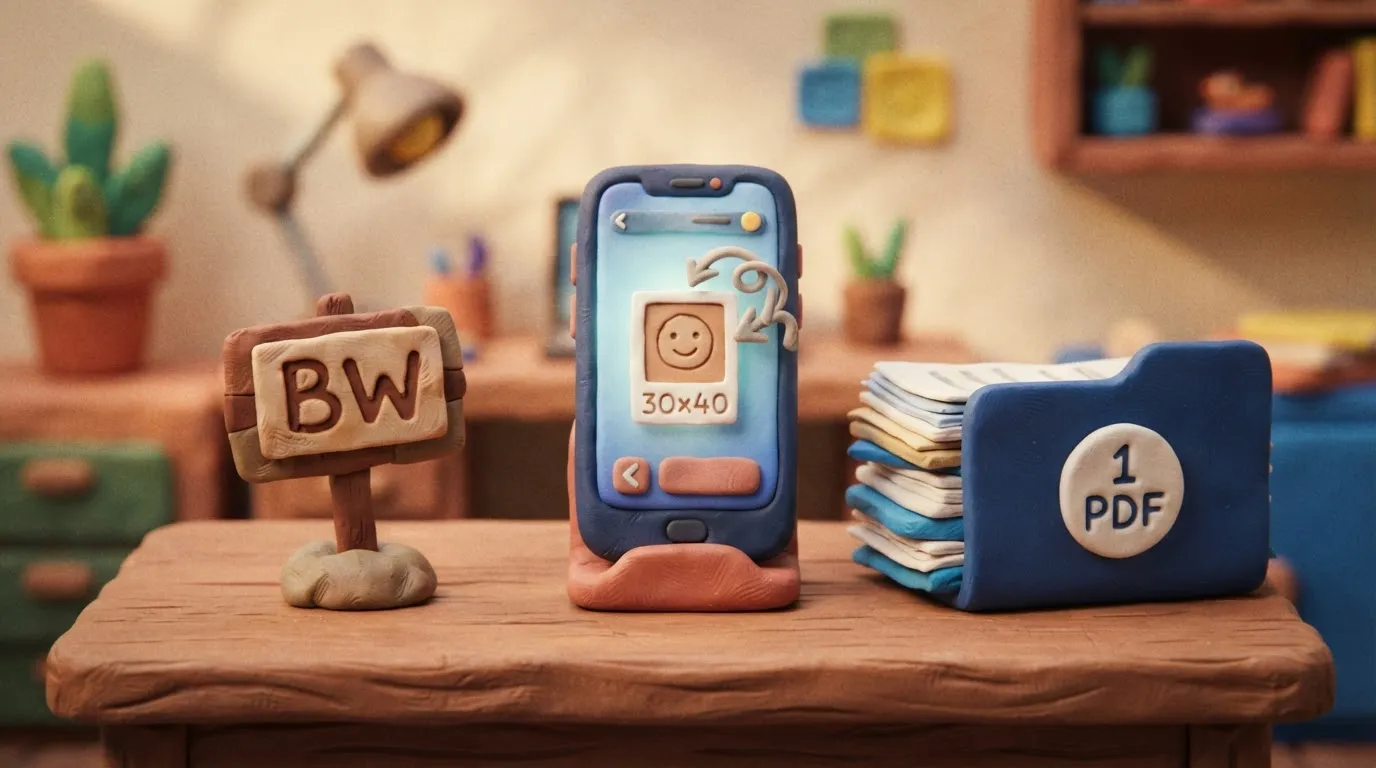
Key points
5 points- Digital photos must be in JPG format and strictly under 30 KB in size.
- The photo must have a plain white background with the face covering 70-80% of the image.
- All supporting documents must be combined into exactly one (1) PDF file.
- The single PDF file containing all documents must not exceed 5 MB.
- These rules apply to all nationalities requiring an eVisa, including Ukrainians.
When applying for a Botswana eVisa through the official government portal, applicants must adhere to strict digital file requirements. The most common reasons for application errors or delays are incorrect photo sizes and improperly formatted supporting documents.
What Are the Official Requirements?
Digital Photo Specifications
- Format: JPG only.
- Maximum File Size: 30 KB (kilobytes). This is an unusually small file size limit, meaning most smartphone photos will require heavy compression before upload.
- Dimensions: 30x40 mm (standard passport size).
- Background: Plain white with no shadows or patterns.
- Face Coverage: The face must cover 70% to 80% of the image.
- Recency: Taken within the last six months.
Supporting Documents Rule
Unlike many other visa portals that allow multiple file uploads, the Botswana eVisa system requires that all supporting documents must be saved and uploaded as exactly one (1) PDF document. This single PDF file must not exceed 5 MB in size. You must merge your passport data page, flight itinerary, hotel bookings, and any other required evidence into this single file.
Who Does This Affect?
These rules apply to all foreign nationals, including citizens of Ukraine, who are not exempt from visa requirements and must apply for a tourist, business, or transit visa online before traveling to Botswana.
What to Do Now
- Take a compliant photo: Ensure you have a recent color photo with a plain white background.
- Compress the image: Use an online image compressor to reduce the JPG file size to 30 KB or less without losing facial clarity.
- Prepare your documents: Gather your passport data page, flight itinerary, hotel bookings, and any other required documents.
- Merge into one PDF: Use a PDF merging tool to combine all supporting documents into a single file. Compress the PDF if it exceeds the 5 MB limit.
- Apply online: Submit your application through the official Botswana eVisa portal.
Common Mistakes
- Uploading multiple PDFs: The system only accepts one PDF file for all supporting documents. If you upload only your passport, your application will be incomplete.
- Photo file too large: Attempting to upload a high-resolution smartphone photo will result in an error. The photo must be compressed to 30 KB or less.
- Wrong background color: Photos with off-white, grey, or busy backgrounds are frequently rejected.
The rules change frequently — always verify the current requirements on the official government source provided above before taking action.
05Questions
3 answers01What is the maximum file size for the Botswana eVisa photo?
The digital photo must be in JPG format and cannot exceed 30 KB in size.
02How do I upload my supporting documents?
All supporting documents (passport copy, itinerary, hotel bookings) must be merged into exactly one (1) PDF file that is no larger than 5 MB.
03What background color is required for the photo?
The photo must have a plain white background with no shadows or patterns.
06Official sources
- Botswana eVisa Portal
evisa.gov.bw - Government of Botswana - Visa Application
gov.bw
Author: Yevhen Kravchenko. Published . Checked against official sources on .
Make your photo to the current rules
Pick your document and upload a selfie — we crop it to size, replace the background and check it. Free. The sizes come from the same official sources as the news.