 Brazil
Brazil eVisa Photo Requirements 2026: Size, Background & Upload Rules
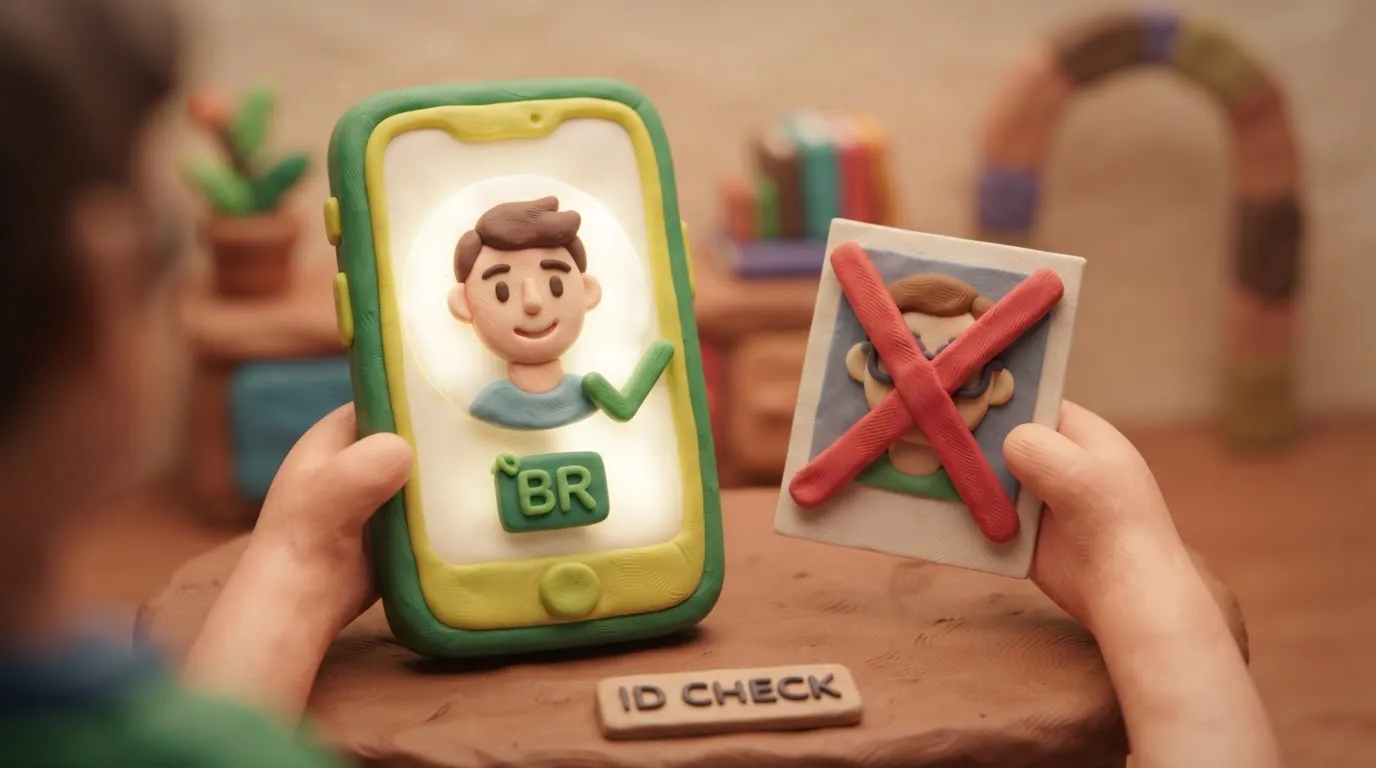
For a 2026 Brazil eVisa, applicants must upload a 3.5 x 4.5 cm (413 x 531 pixels) digital photo in JPEG/JPG format, under 2MB, with a plain white background.
Key points
5 points- Digital photo must be exactly 3.5 x 4.5 cm (413 x 531 pixels).
- File must be in JPEG or JPG format and under 2MB.
- Background must be plain white with no shadows.
- Glasses and headgear are strictly prohibited.
- Ukrainians do not need an eVisa for tourist stays up to 90 days.
What are the 2026 requirements?
When applying for a Brazil eVisa through the official VFS Global portal, your digital photograph must meet strict biometric standards. Failure to comply is the most common reason for application delays or rejections.
| Parameter | Official Requirement |
|---|---|
| Dimensions | 3.5 x 4.5 cm (413 x 531 pixels) |
| File Size | Maximum 2MB |
| File Format | JPEG or JPG only (PDF not accepted) |
| Background | Plain white |
| Expression | Neutral, no smiling or showing teeth |
| Accessories | No spectacles, no head coverings |
| Hair & Ears | Hair must be tied back; ears must be visible |
BrazilVisa · requirements
Who does this affect?
These photo rules apply to all travelers required to obtain a Brazil eVisa, including citizens of the United States, Canada, and Australia. Note for Ukrainians: Citizens of Ukraine enjoy visa-free entry to Brazil for tourism purposes for up to 90 days. However, Ukrainians applying for other visa types or holding dual citizenship with an eVisa-required country must adhere to these photo standards.
What to do now
- Prepare the setting: Find a well-lit room with a plain white background to avoid shadows on your face or behind your head.
- Adjust your appearance: Remove glasses and any headgear. Tie your hair back to ensure both ears and your shoulders are fully visible.
- Take the photo: Look directly at the camera lens with a neutral expression. Do not smile or show your teeth.
- Format the file: Crop the image to exactly 413 x 531 pixels. Save it as a JPEG or JPG file, ensuring the total file size is under 2MB.
- Upload: Submit the photo through the official VFS Global Brazil eVisa application portal.
Common Mistakes
- Wearing glasses: Spectacles are strictly prohibited and will result in immediate rejection.
- Incorrect file format: Uploading the photo as a PDF instead of a JPEG/JPG.
- Poor cropping: Failing to leave space above the head or cropping out the chin or shoulders.
- Smiling: Showing teeth or having a non-neutral expression.
Rules change frequently — before taking action, always verify the latest requirements on the official government source provided above.
05Questions
3 answers01What is the correct photo size for the Brazil eVisa?
The official VFS Global portal requires a digital photo sized 3.5 x 4.5 cm, which translates to exactly 413 x 531 pixels.
02Can I wear glasses in my Brazil eVisa photo?
No. Spectacles are strictly prohibited and will cause your application to be rejected.
03Do Ukrainians need to upload a photo for a Brazil eVisa?
Ukrainians traveling for tourism up to 90 days do not need a visa. However, Ukrainians applying for other visa types or holding dual citizenship with an eVisa-required country must follow these photo rules.
06Official sources
- VFS Global Brazil eVisa Portal
brazil.vfsevisa.com - Visit Ukraine - Brazil Entry Rules
visitukraine.today
Author: Yevhen Kravchenko. Published . Checked against official sources on .
BrazilBrazil National Identity Card (CIN) Photo: 3 x 4 Mostly No Longer Required — Here Is When You Still Need One
For Brazil’s ID card the photo is usually captured at the appointment.
Make the photo for this document
Upload a selfie — we crop it to 35 × 45 mm, replace the background and check it against the document rules. Free.
Visa · BrazilUpload