 Cameroon
Cameroon eVisa Photo Requirements 2026: 35x45 mm Size and Upload Rules
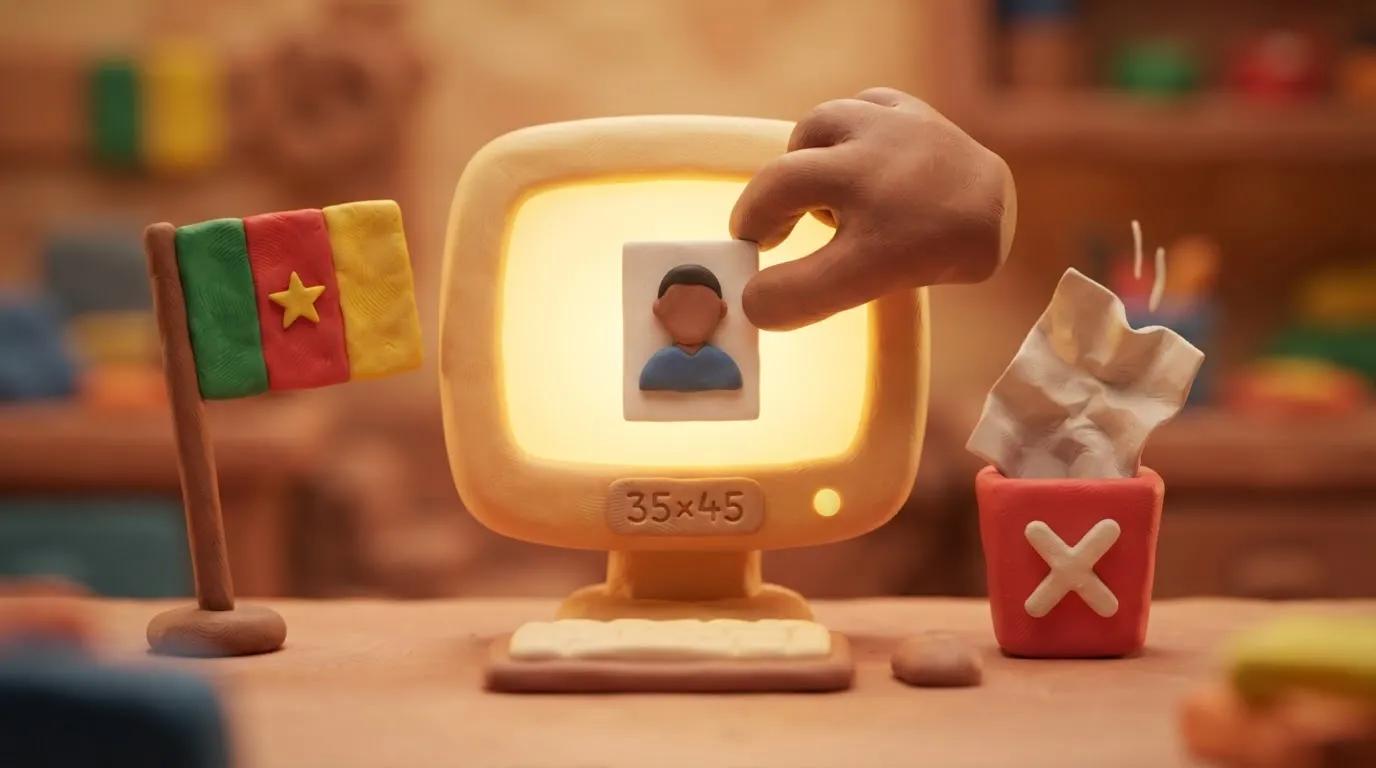
To apply for a Cameroon eVisa via the evisacam.cm portal, you must upload a 35x45 mm digital photo on a white background in JPG, PNG, or PDF format.
In this article · 6 sections
Key points
4 points- All Cameroon visa applications are submitted exclusively online through the official evisacam.cm portal.
- The photo size must be 35x45 mm, and the background must be strictly white or light.
- The file must be in JPG, PNG, or PDF format and of high quality (without blur or shadows).
- The face must occupy 70-80% of the frame, and the photo must be taken no more than 6 months before submission.
With Cameroon's transition to a fully digital visa issuance system, all applicants, including Ukrainian citizens, must submit their documents through the official government portal evisacam.cm. One of the most important conditions for successfully obtaining an electronic visa (eVisa) is a correct digital photo. Failure to comply with the technical photo requirements is one of the most common reasons for delays or rejections of visa applications in 2026.
What Has Changed
The Government of Cameroon has abolished the option to submit paper applications for regular tourist and business visas at embassies for most citizens (the system has been in effect since April 30, 2023). The process now takes place exclusively online. When filling out the application form on the portal, you must upload a digital photo that meets international biometric document standards.
| Parameter | Requirements for the evisacam.cm portal |
|---|---|
| Size (physical equivalent) | 35 x 45 mm |
| Background | Strictly white or light, without patterns or shadows |
| File format | JPG, PNG, or PDF |
| Face position | Centered, occupying 70-80% of the frame area |
| Photo age | Taken no more than 6 months before submission |
Who This Affects
These rules are mandatory for all foreigners (including Ukrainians) planning to travel to Cameroon for tourist, business, or visitor purposes and applying for an electronic visa (eVisa).
What to Do Now
- Take a new photo: Visit a photo studio or take a high-quality photo yourself under good lighting. Ensure you are looking directly at the camera, have a neutral facial expression, and your mouth is closed.
- Check the background and accessories: The background must be plain white. Remove sunglasses and headwear (except those worn for religious or medical reasons). It is also better to remove regular glasses to avoid glare.
- Prepare the file: Save the photo in JPG, PNG, or PDF format. Ensure the file has a high resolution (recommended 300 DPI or higher) but does not exceed the maximum allowed size for uploading to the portal (usually up to 5 MB).
- Upload to the official website: Go to the single official portal evisacam.cm, create an account, and upload the photo along with other mandatory documents (passport copy, yellow fever vaccination certificate, etc.).
Common Mistakes
- Using unofficial websites: There are many intermediary websites that charge additional fees. Always use only the government domain evisacam.cm.
- Incorrect background or shadows: Photos with a dark or colored background, or visible shadows on or behind the face, are automatically rejected by the system.
- Uploading a scan of an old photo: Using the photo from your current passport (if it was issued more than 6 months ago) will result in a rejection, as the photo must be recent.
Rules change frequently — before taking action, always check the current requirements on the official government source provided above.
05Questions
3 answers01Can I apply for a Cameroon visa somewhere other than the evisacam.cm website?
No, the Government of Cameroon accepts applications for regular visas exclusively through the official evisacam.cm portal. All other websites are intermediaries.
02What file format is required for uploading the photo?
The official system accepts files in JPG, PNG, and PDF formats.
03Can I wear glasses in the photo?
It is recommended to remove glasses to avoid glare on the lenses and frames obscuring the eyes, which can lead to application rejection.
06Official sources
- Embassy of Cameroon in the Netherlands (official eVisa information)
cameroon-embassy.nl - Embassy of Cameroon in Germany (upload requirements)
ambacam.de
Author: Yevhen Kravchenko. Published . Checked against official sources on .
Make your photo to the current rules
Pick your document and upload a selfie — we crop it to size, replace the background and check it. Free. The sizes come from the same official sources as the news.