 Dominican Republic
 Passport Photo Requirements: 2 × 2 Inch on White Online, or Taken at the Office
Dominican passport: in person the photo is taken at the office (paid at the cashier); online you attach a 2 × 2 in photo on white, 70–80%, ears visible.
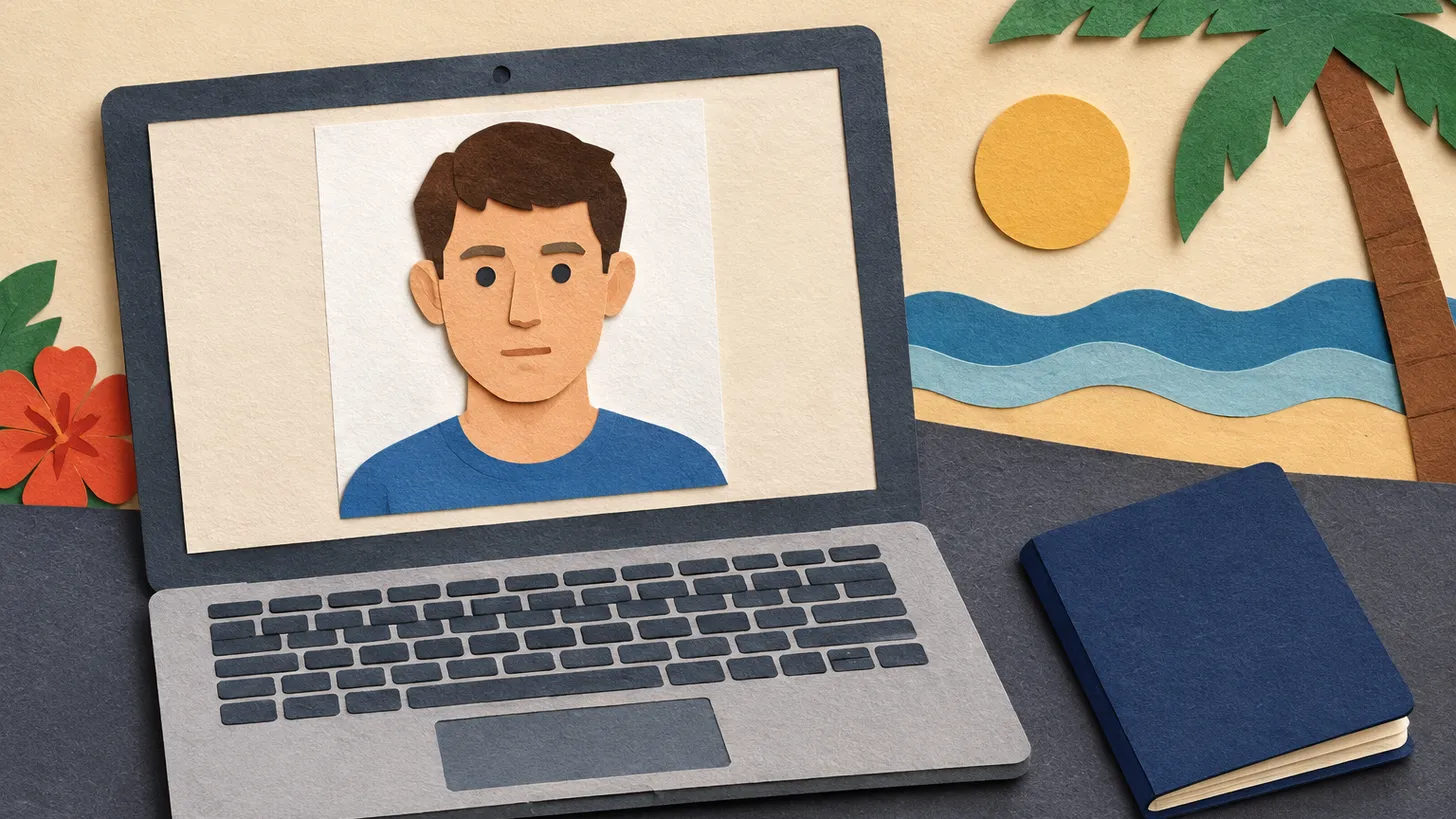
Key points
5 points- In-person mode: the digital photo is taken at the passport office; you pay for it at the cashier.
- Web mode: you attach a digital photo of 2 × 2 inches (5 × 5 cm) — no other formats.
- White background, head and upper shoulders 70–80%, at least 2 mm above the head.
- Forehead uncovered and ears visible; no earrings, chains, hats or sunglasses; no coloured contact lenses.
- The same specifications apply to an adult renewal in web mode.
The Dirección General de Pasaportes of the Dominican Republic has two ways to apply, and the photo works differently in each. In person, you do not bring a photo at all. Online, you attach one — and it must follow the ICAO-based specification below.
In person: the photo is taken at the office
You take a turn at information, then pay for the digital photograph at the cashier; the photo is taken at the passport office when you are called. Fingerprints and signature are also captured there. People who wear a turban or headdress for medical, religious or cultural reasons remove it completely and are attended by staff of the same sex in a private place.
Web mode: the photo you attach
| Point | Rule |
|---|---|
| Size | 2 × 2 inches (5 × 5 cm) — no other formats |
| Background | White, no other colour, no borders |
| Framing | Head and upper shoulders 70–80% of the photo; at least 2 mm from the top of the head to the top edge |
| Pose | Frontal, looking directly at the camera |
| Expression | Neutral: eyes open, mouth closed, forehead uncovered, ears visible |
Dominican RepublicPassport · requirements · check a photo
Not allowed in the web photo
- Sunglasses, earrings, chains, hats or other facial adornments.
- Coloured contact lenses.
- Shadows or reflections on the face or background; red eyes.
- Other people, objects or colour alterations; retouching that changes the natural look of the skin.
Documents for the web application are scanned as JPG files, without any alteration or erasure — otherwise the application is rejected.
Renewal
The adult renewal page repeats the same photo specification for the web mode. Fingerprints and signature are still registered in person after you book an appointment.
Applying online? Make a 2 × 2 inch photo on white on our Dominican Republic passport photo page.
05Questions
4 answers01Do I need to bring a photo to the passport office?
No. When you apply in person, the office takes the digital photo, and you pay for it at the cashier.
02What size photo for the online application?
2 × 2 inches (5 × 5 cm), on a white background; no other formats are accepted.
03Must my ears be visible?
Yes. The web-mode specification asks for the forehead uncovered and the ears visible.
04Can I wear earrings or coloured contact lenses?
No. Earrings, chains, hats, sunglasses and coloured contact lenses are not allowed.
06Official sources
- Dirección General de Pasaportes — Solicitud de pasaporte para adultos por primera vez
pasaportes.gob.do - Dirección General de Pasaportes — Solicitud de pasaporte para adultos por primera vez (Internet Archive copy, 19 September 2025)
web.archive.org - Dirección General de Pasaportes — Renovación de pasaporte para adultos (Internet Archive copy, 28 December 2025)
web.archive.org
Author: Yevhen Kravchenko. Published . Checked against official sources on .
Dominican RepublicDominican Republic Visa Photo Requirements: One Photo 4 x 5 cm, Front View, White Background
A visa for the Dominican Republic takes a single 4 x 5 cm photo, shot facing the camera on white.
 Dominican Republic
 Visa Photo Requirements 2026: 4x5 cm Size and Rules
A detailed overview of the official photo requirements for obtaining a Dominican Republic visa in 2026. Learn about the correct 4x5 cm size, background requirements, facial expression, and common applicant mistakes. This information is especially relevant for Ukrainians planning a long-term stay, work, or business in the country.
Make the photo for this document
Upload a selfie — we crop it to 51 × 51 mm, replace the background and check it against the document rules. Free preview.
Passport · Dominican RepublicUpload