 United Kingdom
 Ireland
UK eVisa photo: a file of at least 600×750 pixels instead of a plastic card
The UK eVisa requires a digital colour photo of at least 600 by 750 pixels and between 50 KB and 6 MB in size, uploaded without computer editing (such as filters).
In this article · 10 sections
- 01Goodbye to plastic: what the switch to eVisas means for your documents
- 02Technical specifications of the digital file for an eVisa
- 03The real reasons photos are rejected
- 04Photo age rules and "live" biometrics
- 05How to photograph a child for an eVisa
- 06Uploading the photo and giving biometrics (step by step)
- 07Ireland next door: digital versus physical systems
- 08The database: how the requirements compare with global practice
- 09Questions
- 10Official sources
Key points
6 points- An eVisa requires a JPG or JPEG digital file of at least 600×750 pixels.
- The photo file must be no smaller than 50 KB and no larger than 6 MB.
- You cannot use your passport photo or scan other photos.
- Staff guidance requires a colour image; black-and-white photos are not accepted.
- In most cases the image must be new and taken live.
- If a partner and children are joining you in the UK as dependants, they need their own UKVI accounts.
Short answer
To get a UK eVisa, you will need a digital photo of your face with minimum dimensions of 600 pixels wide and 750 pixels high. The photo must be saved as a JPG or JPEG, be in portrait orientation, and the file size must be between 50 KB and 6 MB. The eVisa has replaced physical immigration documents. In most cases the image must be new, taken against a plain light-coloured background, free of computer editing, and not the same photo as the one in your passport.
Goodbye to plastic: what the switch to eVisas means for your documents
According to GOV.UK, the eVisa has replaced physical immigration documents. You get an eVisa after a successful application for a visa or another type of permission to stay in the UK. You do not need to pay to create a UK Visas and Immigration (UKVI) account or to access your eVisa. A UKVI account is required to access your status.
Many applicants wonder what happens to photos now that the plastic card is no longer issued. If your appearance has changed so much that you can no longer be recognised from your current photo, you can change it in your UKVI account. If your account is not updated, you may face delays when travelling or while waiting for a visa decision.
Technical specifications of the digital file for an eVisa
Because the process has gone digital, the Home Office requirements focus on the technical characteristics of the file. GOV.UK does not publish requirements in millimetres for the eVisa. The technical limits are summarised in the table.
| File parameter | Official Home Office requirement |
|---|---|
| Minimum size in pixels | At least 600 pixels wide and 750 pixels high |
| Minimum file size | 50 KB |
| Maximum file size | 6 MB |
| Image format | JPG or JPEG only (other formats are not accepted) |
| Orientation | Vertical orientation (portrait image) |
| Colour | Colour only (greyscale is not accepted) |
| Background | Plain light-coloured / neutral |
United KingdomResidence Permit · requirements · check a photo
IrelandVisa · requirements · check a photo
The Home Office internal staff guidance (version dated 4 June 2026) states that the file must be at least 50 KB, otherwise the image will be too small and of poor quality. At the same time, the file cannot exceed 6 MB, otherwise it will be too large to store. If you want to avoid the risk of a technical rejection due to the wrong file format or orientation, you can prepare a photo for your immigration permission in the eVisa system with our tool.
The real reasons photos are rejected
A GOV.UK page published on 12 February 2026 warns: "Your photo will be rejected if it does not meet the rules". Based on the Home Office requirements and staff guidance, here are the most common reasons a photo is rejected:
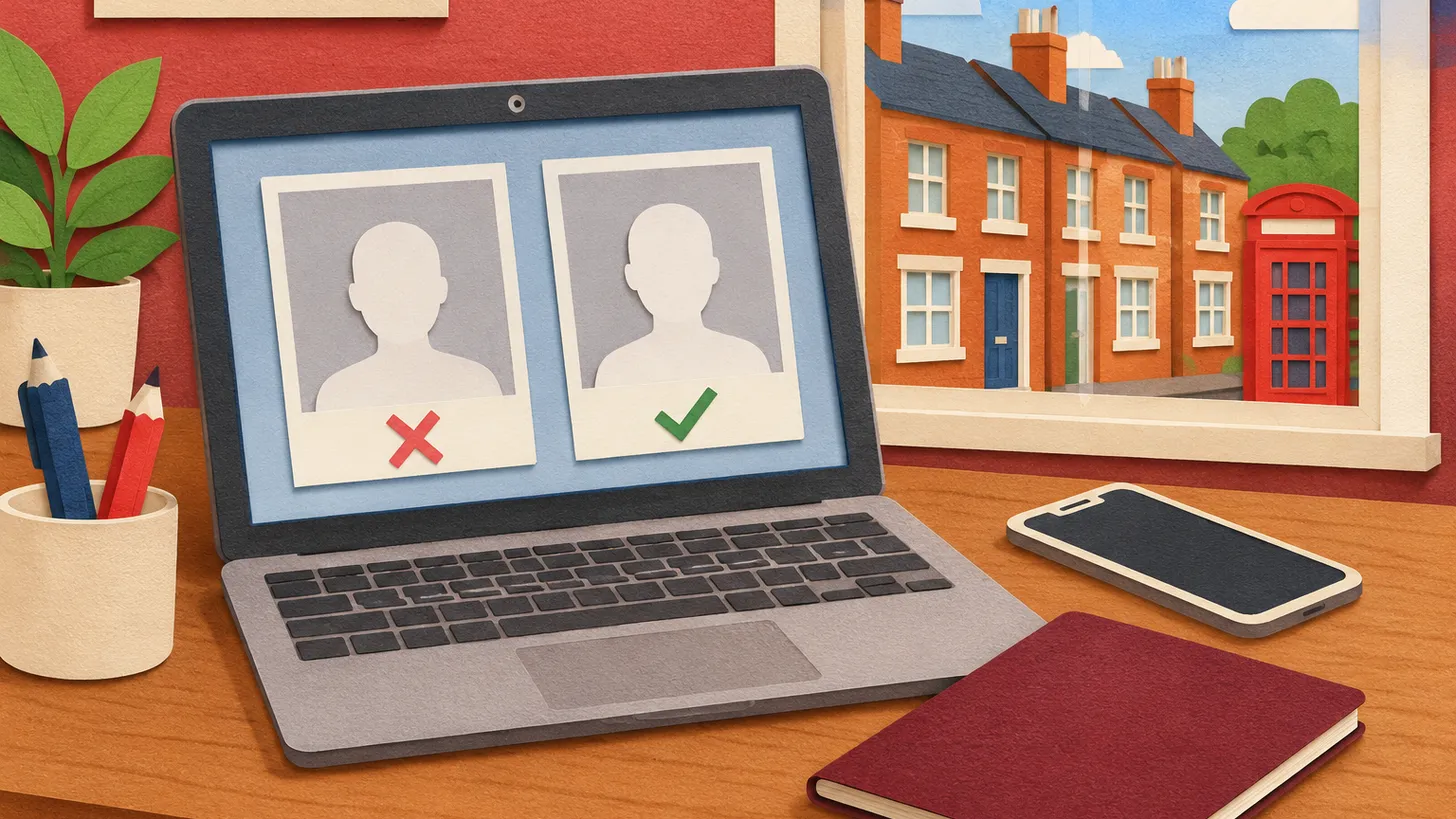
- Copying from a passport. The most frequent attempt is to take the photo from a passport. GOV.UK explicitly prohibits this. The image cannot be the same as the one in your passport or ID card, and cannot be a scan or a re-shot of another photograph ("be a scan or photo of another photo of you").
- Software editing and filters. The requirement states that the photo must not be altered using computer software or by other means, for example by adding a filter. Your photo also cannot be mirrored or flipped.
- Black-and-white photos. A black-and-white shot is not accepted. The Home Office staff guidance says the image must be in colour, because the department cannot accept greyscale images.
- Wrong file size. A file smaller than 50 KB or larger than 6 MB will not upload. Many people check only the pixel dimensions and forget about kilobytes — these are two separate thresholds.
- Landscape shot. The requirement for the image to be vertically orientated rules out an ordinary selfie taken with the phone held sideways, even if it exceeds the minimum in pixels.
The Home Office also requires your face to contrast with a plain light-coloured background. You must not wear sunglasses or glasses with tinted lenses in the photo. Ordinary glasses are allowed if needed, but your eyes must be visible without any glare or reflections on the lenses. Head coverings are not allowed unless worn for religious or medical reasons.
Photo age rules and "live" biometrics
In the database, 32 of 241 profiles set a maximum photo age: 2 profiles at 3 months, 30 profiles at 6 months. However, there is no officially published limit in months on how old a photo can be for the UK eVisa. In most cases, the Home Office internal guidance requires the facial image for an eVisa and ETA to be a "new and live digital image" and prohibits the use of a previously captured digital image. Database figures as of 22 Sep 2026, the date of this article.
On reusing biometrics: people may be eligible to reuse their biometric information. This means they usually do not need to give fingerprints again, but they must upload a new facial photo if they apply through the UK Immigration: ID Check app. For Electronic Travel Authorisation (ETA) permissions, the Home Office does not reuse a previously captured facial image.
How to photograph a child for an eVisa
The UK system has separate requirements for children's photos. Children must be alone in the photo.
- Children under 6. They do not have to look directly at the camera or have a neutral expression.
- Babies under 1. They do not need to have their eyes open in the photo. Parents can support the child's head with a hand, but the hand itself must not be visible in the shot. Children under one year old should lie on a plain light-coloured sheet, and the photographer should take the picture from above. Important: babies must not hold toys or use dummies.
If a partner and children are joining you in the UK as dependants, they need their own UKVI accounts.
Uploading the photo and giving biometrics (step by step)
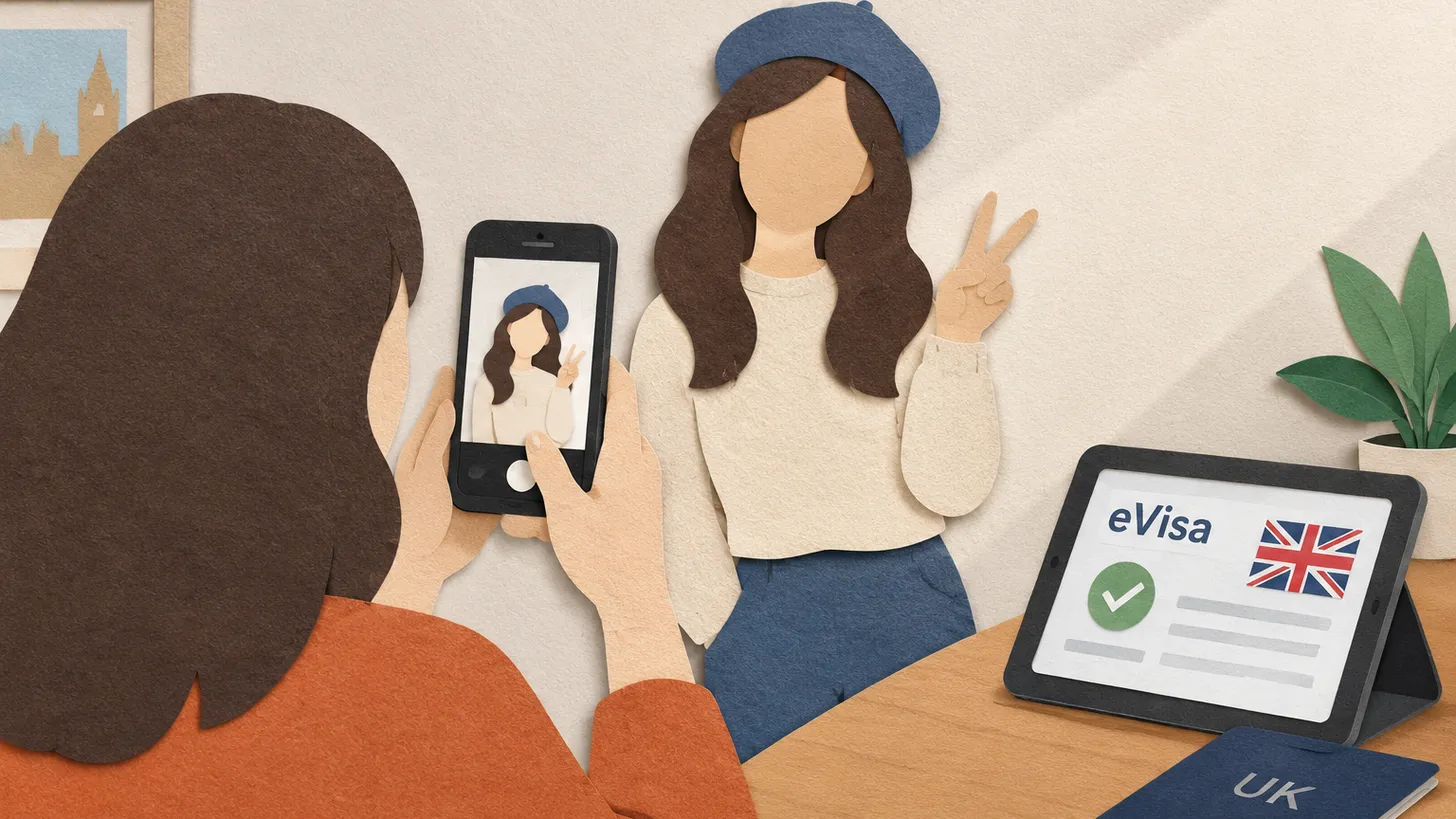
If you are creating an account or updating your details, the procedure involves using a smartphone. The department recommends asking another person to take your digital photo — this helps reduce the risk of your photo being rejected.
- Get a smartphone ready. To confirm your identity, you will need access to a smartphone to install the "UK Immigration: ID Check" app. You use this app to confirm your identity. There is an alternative route for those who do not have a smartphone or a valid passport.
- Prepare a document to sign in. You can use a biometric residence card (BRC) or a biometric residence permit (BRP). An expired BRP works as a sign-in key but has a cut-off date; anyone who delays switching to an eVisa risks losing the simplest way to sign in. You cannot access your eVisa until you link it to your UKVI account.
- Upload a new photo. Using a smartphone or tablet, take a photo that meets the light background requirements and upload it to the system. UKVI does not publish the text of the message you receive if the photo upload is rejected.
- Book a biometrics appointment (if required). According to Home Office guidance, you must book an appointment at a Service and Support Centre (SSC) within 15 working days, or at a UK Visa and Citizenship Application Services (UKVCAS) centre within 45 working days.
Ireland next door: digital versus physical systems
The neighbouring Irish route has kept the physical model. According to Ireland's Department of Justice (Gov.ie), the Irish Residence Permit (IRP) registration certificate remains a physical card. You receive an IRP each time you register with Immigration Service Delivery (ISD). Unlike the free UK eVisa, the Irish IRP costs 300 euros per person for each registration and renewal.
If you want to stay in Ireland after your IRP expires, you must apply to renew your immigration permission. If successful, you will be issued a new physical IRP, which you will receive by post within 10-15 working days.
At the time of checking, Immigration Service Delivery (ISD) had not made its pages with the exact photo requirements technically accessible for automated analysis. However, the database entry for the Irish visa profile records that printed photos must measure from 35 × 45 mm to 38 × 50 mm, on a plain white or light grey background, with the head taking up 70-80% of the frame.
The database: how the requirements compare with global practice
In a database of 241 document profiles, 229 specify a print size on paper, using 17 different sizes. In this verified database, the most common format is 35×45 mm (148 profiles), followed by 51×51 mm (16), 30×40 mm (14) and 40×60 mm (11). GOV.UK does not publish requirements in millimetres for the eVisa. Figures as of 22 Sep 2026.
On background: 52 of 241 profiles in the database specify white, 23 require a specific non-white shade (light grey or off-white), and the rest require a light background without specifying an exact colour — the UK requirement (plain light-coloured) falls into this last category. Figures as of 22 Sep 2026.
On photo age: 32 of 241 profiles set a maximum photo age (2 profiles at 3 months, 30 profiles at 6 months). For the remaining profiles, no such limit is recorded in the database. In most cases, the UK Home Office requires a new and live image. Figures as of 22 Sep 2026.
A note on price: a comparison of what the physical BRP card cost versus the free eVisa is not confirmed by official sources, as BRP prices are not published in current GOV.UK materials.
09Questions
6 answers01What exact photo size in millimetres is required for an eVisa?
GOV.UK does not publish requirements in millimetres for the eVisa. Because the process is digital, a file of at least 600 by 750 pixels is required.
02What file size should the photo be?
Your JPG or JPEG file must be at least 50 KB and no more than 6 MB. If the file is smaller, it will be too small and of poor quality; if it is larger, it will be too large to store.
03Can I upload a black-and-white photo?
No. The Home Office staff guidance explicitly states that the image must be in colour, and greyscale photos are not accepted.
04Can I use the photo from my current passport?
No, this is prohibited. GOV.UK rules require that the photo is not the same as the one in your passport or ID card and is not a rescanned image.
05Do I have to pay to access my eVisa, as with the BRP card?
No. Unlike the Irish IRP system, which costs 300 euros, access to your UK eVisa through a UKVI account is free.
06How do I photograph a baby for an eVisa?
Children under one year old may have their eyes closed. You can support their head with your hand (but the hand must not be in the shot) or lay the baby on a plain light-coloured sheet and take the photo from above. Dummies and toys are not allowed.
10Official sources
- UK Visas and Immigration (UKVI), Home Office
gov.ukopened - Home Office, UK Visas and Immigration
assets.publishing.service.gov.ukopened - UK Visas and Immigration (UKVI), Home Office
gov.ukopened - UK Visas and Immigration (UKVI), Home Office
gov.ukopened - UK Visas and Immigration (UKVI), Home Office
gov.ukopened - Department of Justice, Home Affairs and Migration, Ireland
gov.ieopened
Author: Yevhen Kravchenko. Published . Checked against official sources on .
United KingdomWhy UK passport photos get rejected: what HMPO examiners accept, from selfies and hoods to white bars
HMPO examiners accept selfies, light textured walls, bare shoulders and hoods if the face is clear; black-and-white photos and white bars fail.
 United Kingdom
UK Refugee Travel Document in 2026: eVisa and UKVI Account First, £102 Fee, 14 Weeks and the Photo Rules
A UK refugee travel document now needs an eVisa and an up-to-date UKVI account.
 United Kingdom
Expired BRP: Usable Only Until 31 December 2026 — What It Still Does and the Photo for Your Next Application
All BRPs have expired. Until 31 December 2026 at the latest, an expired card only opens a UKVI account, shows your eVisa or starts an extension.
Make the photo for this document
Upload a selfie — we crop it to 35 × 45 mm, replace the background and check it against the document rules. Free preview.
Residence Permit · United KingdomUpload