Document Photo: Online vs Booth vs Studio 2026 Guide
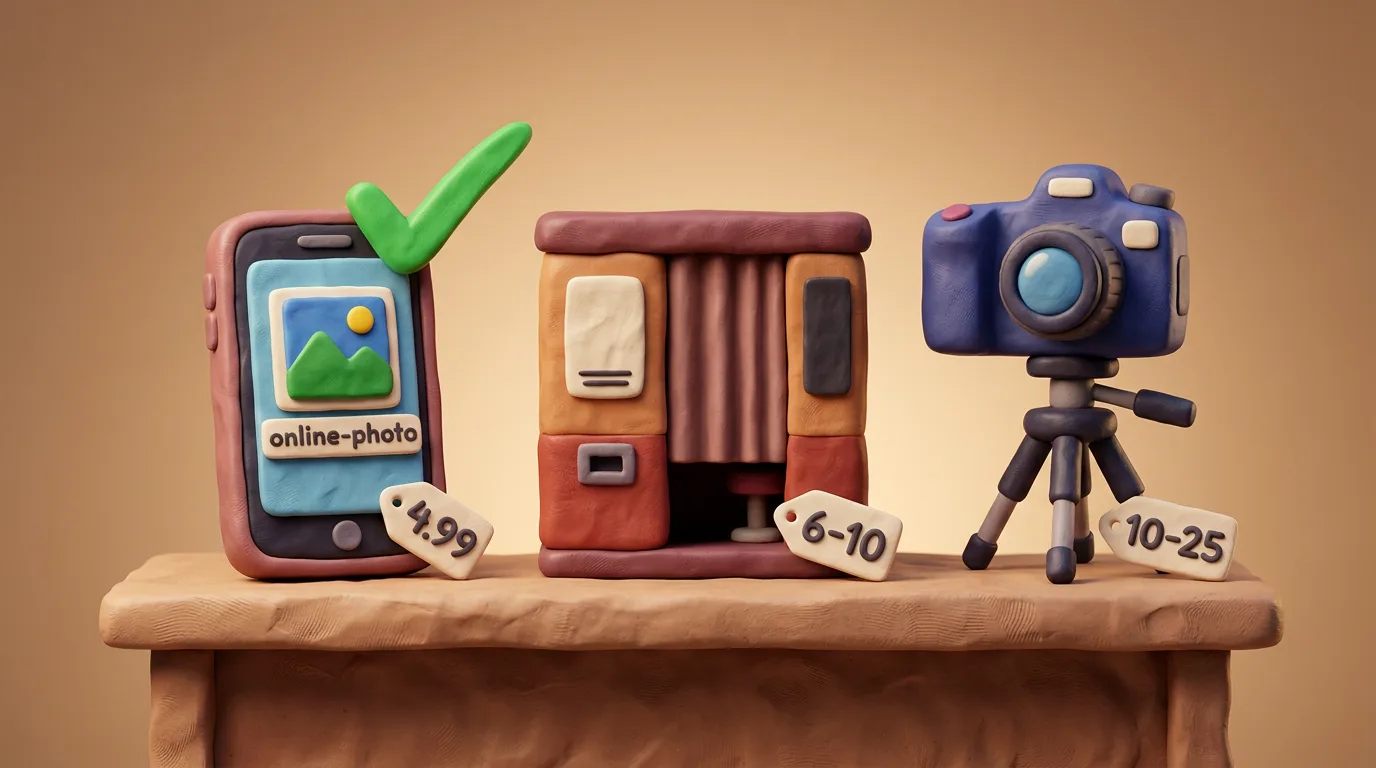
For most people an online tool is the fastest and cheapest route (free, instant, at home), but you must take a decent source photo; a photo booth gives instant prints with no expertise, while a studio offers the best quality and guidance, but costs more and is slower.
In this article · 6 sections
Key points
5 points- An online tool is the cheapest and fastest option (free, instant, at home), but the quality depends on your source shot.
- A photo booth gives instant prints with no expertise, but costs more (often €6–10) and lets you not retake the shot.
- A studio or photographer offers the best quality and on-the-spot guidance, but costs the most (often €10–25+) and is the slowest.
- A phone app is convenient, but quality varies a lot — choose a reputable one.
- Whichever option you choose, the photo must meet your country's specification.
There are four main ways to get a document photo: an online tool, a photo booth, a studio with a photographer, and a phone app. They differ in cost, time, quality and convenience, so there is no single "best" for everyone — there is the best for your situation. Below is an honest comparison, followed by a look at each option.
| Option | Cost | Time | Quality | Best for |
|---|---|---|---|---|
| Online tool | Free | Instant | Depends on source photo | Most people — fast and cheap at home |
| Photo booth | ~€6–10 | A few minutes | Consistent, no retakes | Anyone needing a print with no skill |
| Studio | ~€10–25+ | By appointment | Highest | Tricky cases and important submissions |
| Phone app | Free–€10 | Instant | Varies | People shooting themselves on a phone |
Online tool
You upload a selfie and the service auto-crops it to your country's specification. This is the cheapest and fastest route — free, instant and without leaving home, often with free retakes. There is one condition: take a decent source photo in even light against a plain light background.
Photo booth
A booth prints your shots right away and needs no expertise. On the other hand it is tied to a location, costs more (often €6–10) and does not let you retake a bad shot. It is a convenient option when you specifically need a print.
Studio or photographer
A studio gives the highest quality and on-the-spot guidance — the photographer sets the light and pose for you. You pay more for that (often €10–25+) and spend time booking. It is the best choice for tricky cases and important submissions.
Phone app
Apps are convenient and shoot straight from your phone, but quality and compliance vary a lot. Choose a reputable service and check the result against the official rules.
Whichever method you choose, the photo must meet your country's specification.
- In a hurry and saving money — an online tool.
- Need an effortless print — a photo booth.
- A tricky case or an important submission — a studio.
05Questions
5 answers01Which method is the cheapest?
Usually an online tool (often free, at least during a beta) or a free app. A booth and a studio cost more. Exact prices depend on the country and service, so the figures given are approximate.
02Does it matter where the photo is taken?
The result is what counts: the photo must meet your country's specification, wherever it was taken.
03Online tool or studio — which is better?
For simple cases an online tool is faster and cheaper. For tricky ones (children, special requirements, an important submission) a studio gives higher quality and on-the-spot guidance.
04Can phone apps be trusted?
Yes, if it's a reputable service. Quality varies, so always check the result against your country's official requirements before submitting.
05Will a photo taken at home be accepted?
Yes, if it meets the requirements for light, background, pose and size. For critical submissions a studio is statistically safer.
06Official sources
- Post Office (UK) — Passport photos & digital check and send
postoffice.co.uk - U.S. Department of State — Passport Photos
travel.state.gov - GOV.UK — Get a passport photo
gov.uk - Photo-Me (UK) — ID photos & booths
photo-me.uk - ICAO — Photograph Guidelines (machine-readable travel documents)
home-affairs.ec.europa.eu
Author: Yevhen Kravchenko. Published . Checked against official sources on .
Make your photo to the current rules
Pick your document and upload a selfie — we crop it to size, replace the background and check it. Free. The sizes come from the same official sources as the news.