 Madagascar
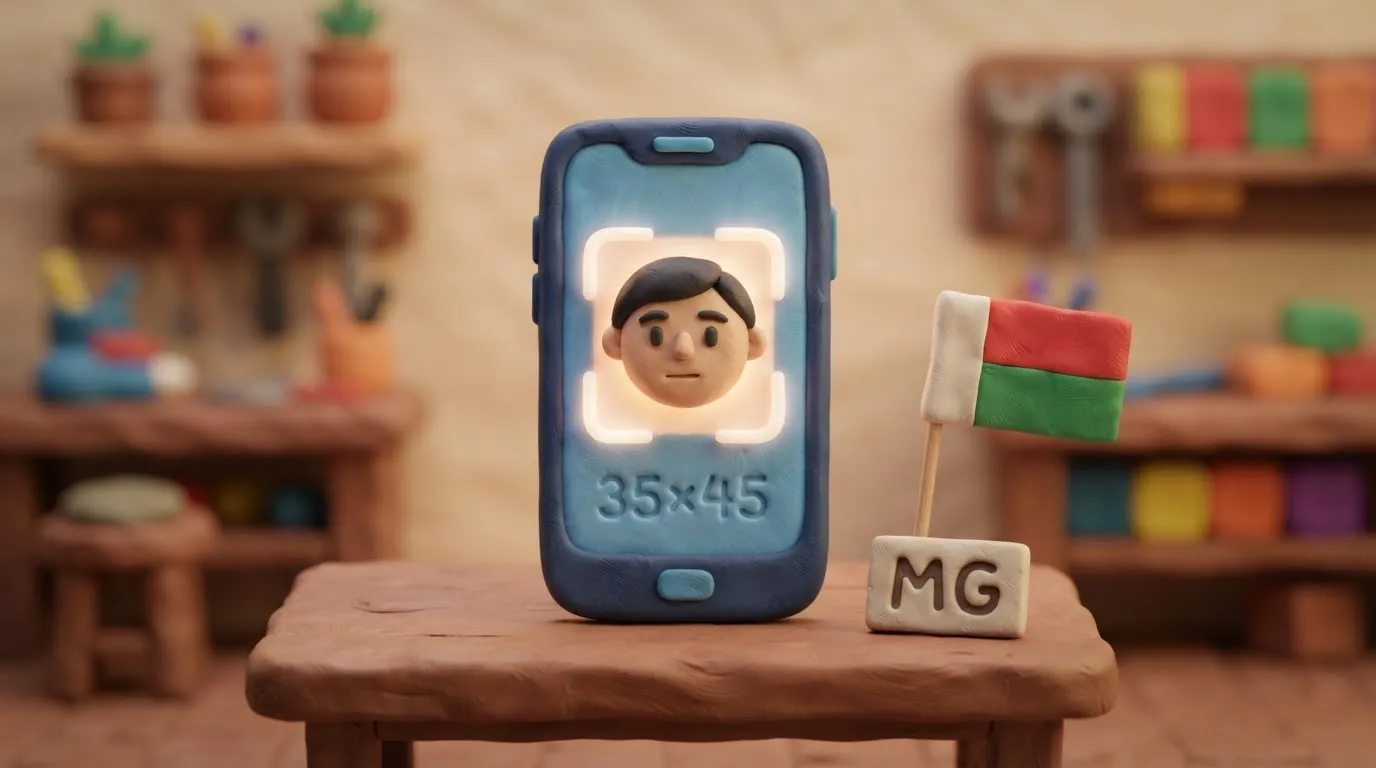
Madagascar eVisa Photo Requirements 2026: 35x45 mm Size
To apply for a Madagascar eVisa in 2026, you must upload a digital photo measuring 35x45 mm on a white background in JPEG or PNG format.
In this article · 6 sections
Key points
4 points- The official photo size for the Madagascar eVisa is 35x45 mm.
- The background must be strictly white, without shadows or patterns.
- The file is accepted in JPEG or PNG format, in color.
- The face must occupy 70-80% of the photograph's area.
What changed
In 2026, to obtain a tourist eVisa for Madagascar through the official portal, you must provide a digital photo that meets strict biometric standards. The official photograph size is 35x45 mm. Uploading a poor-quality image or a photo with incorrect proportions is one of the most frequent causes of application processing delays.
| Parameter | 2026 Requirement |
|---|---|
| Size (proportions) | 35 x 45 mm |
| Background | Plain white, no shadows |
| File format | JPEG or PNG |
| Face position | 70-80% of the photo area (head height 32-36 mm) |
| Photo age | Taken within the last 6 months |
Who this affects
These rules apply to citizens of Ukraine and other foreigners planning a tourist trip to Madagascar and applying for an eVisa (for 15, 30, 60, or 90 days) through the official government website evisamada.gov.mg.
What to do now
- Take a new photo: Take a picture against a white background. The face must be fully visible, the expression neutral, and the eyes looking straight into the camera.
- Remove accessories: Glasses are allowed only for medical reasons (without glare). Headwear is permitted only for religious reasons and must not cast a shadow on the face.
- Prepare the file: Save the photo in JPEG or PNG format. Ensure the file has a high resolution (minimum 300 DPI) and does not exceed the size limit (recommended up to 10 MB).
- Upload to the portal: When filling out the application form on the evisamada.gov.mg website, upload the photo along with a clear color scanned copy of the biometric page of your passport.
Common mistakes
- Incorrect background: Using a gray, blue, or textured background instead of plain white.
- Shadows on the face: Poor lighting that creates shadows on the face or on the background behind the applicant.
- Old photo: Uploading a photo that is already glued into a passport issued more than 6 months ago.
- Incorrect format: Uploading a photo in PDF format or a black-and-white image (the system only accepts color digital photos in JPEG/PNG).
Rules change frequently — before taking action, always check the current requirements on the official government source provided above.
05Questions
3 answers01Can I upload the photo in PDF format?
No, for the Madagascar eVisa, the photograph must be uploaded in JPEG or PNG format.
02What background is required for the Madagascar visa photo?
The background must be plain white, without any shadows, patterns, or foreign objects.
03Can I take the photo wearing glasses?
Glasses are allowed only for medical reasons, provided the frames do not cover the eyes and there is no glare on the lenses.
06Official sources
- Official Madagascar eVisa Portal
evisamada-mg.com - Document Requirements (Safari Memories)
safari-memories.com
Author: Yevhen Kravchenko. Published . Checked against official sources on .
Make your photo to the current rules
Pick your document and upload a selfie — we crop it to size, replace the background and check it. Free. The sizes come from the same official sources as the news.