 Maldives
Maldives IMUGA Traveller Declaration 2026: Photo Upload Rules & 6MB Limit
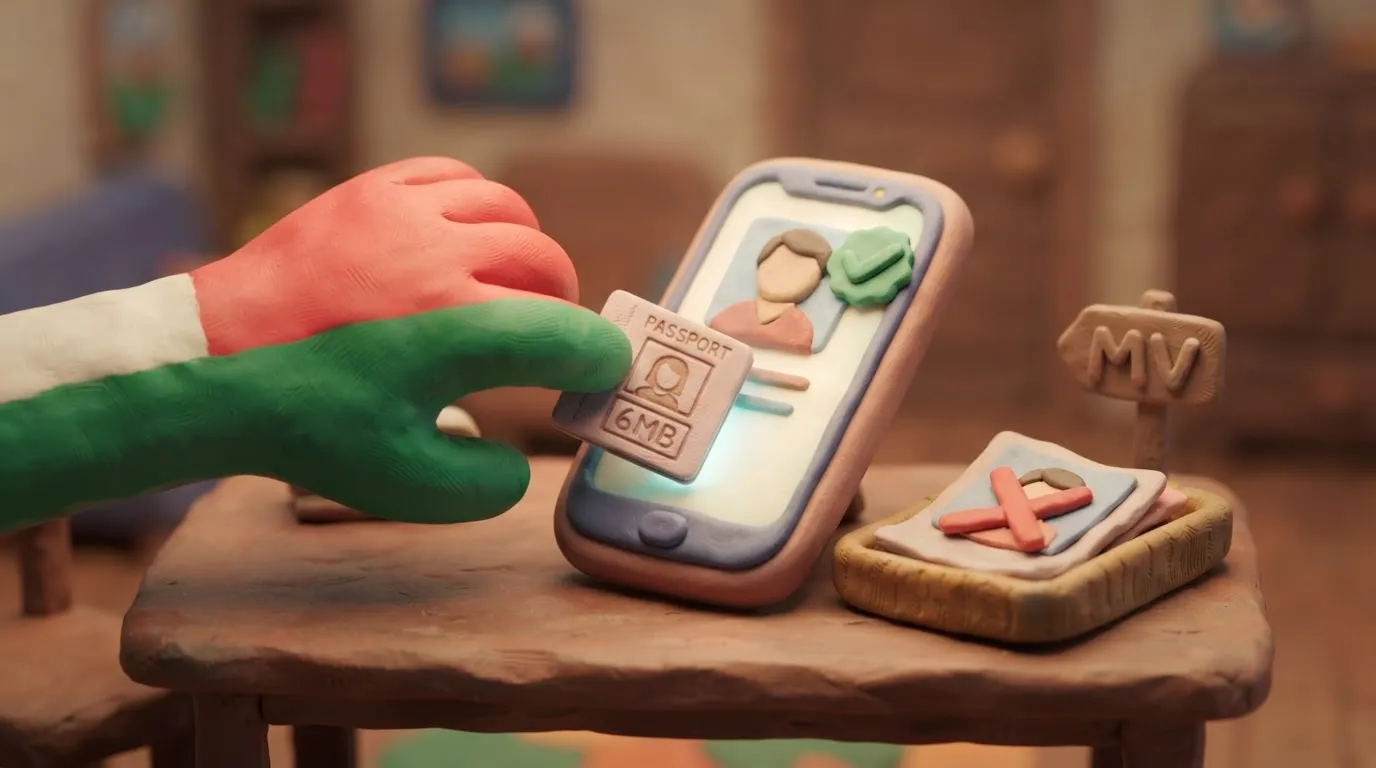
All travelers to the Maldives must upload a passport-style photo (max 6MB, JPEG/PNG) to the free IMUGA portal within 96 hours of arrival.
In this article · 6 sections
Key points
5 points- Mandatory IMUGA form must be submitted within 96 hours before arrival.
- Digital photo must be JPEG or PNG and under 6MB in size.
- Photo requires a solid white background with the face centered (70-80%).
- Departure declarations are no longer required.
- The IMUGA portal is 100% free; avoid third-party scam sites.
What changed
As of 2026, all travelers entering the Maldives must upload a digital passport-style photo under 6MB to the free IMUGA Traveller Declaration portal within 96 hours of their arrival. To enter the Maldives, every traveler (including infants) must complete this mandatory electronic form via the official government website.
A notable recent update is that outbound travelers departing from the Maldives are no longer required to complete the departure declaration—the form is now only mandatory upon arrival. The IMUGA system has strict digital photo requirements, and failing to meet the size or format limits is a common reason for form submission errors.
| Parameter | Requirement |
|---|---|
| File Format | JPEG or PNG |
| Maximum File Size | 6 MB |
| Background | Solid white, no patterns |
| Composition | Face centered (taking up 70-80% of the photo), looking directly at the camera |
| Restrictions | No sunglasses, no filters, no borders |
Who it affects
This applies to all foreign visitors, including Ukrainians and other international tourists, traveling to the Maldives for holidays, business, or transit. Every individual in a travel group must have their own submitted declaration.
What to do now
- Prepare your photo: Take a clear, recent passport-style photo against a white background. Ensure your eyes are visible and not covered by hair or glasses frames.
- Check the file size: Verify that your image is under the 6 MB limit. If it is too large, use a free online image compressor to reduce the file size before starting the form.
- Submit on time: Visit the official government portal (imuga.immigration.gov.mv) within 96 hours of your arrival time.
- Enter accurate details: Have your passport, flight number, PNR (booking reference), and the name of your first accommodation (resort, hotel, or liveaboard) ready.
- Save the QR code: Once submitted, the system will generate a QR code. Take a screenshot and save it to your device to present to immigration officers upon arrival.
Common mistakes
- Paying for the form: The IMUGA Traveller Declaration is 100% free. Avoid third-party scam websites that charge processing fees.
- Uploading a file over 6MB: The system will often freeze or reject the upload if the photo exceeds the maximum allowed size.
- Submitting too early: The portal will not allow you to select your arrival date if your flight is more than 96 hours away.
- Using casual photos: Uploading vacation selfies, photos with sunglasses, or images with busy backgrounds can cause issues at border control.
Rules change frequently — always verify current requirements on the official government source provided above before taking action.
05Questions
4 answers01How much does the IMUGA Traveller Declaration cost?
The IMUGA form is completely free when submitted through the official Maldives Immigration portal. Beware of third-party websites that charge unnecessary processing fees.
02When should I fill out the IMUGA form?
You must submit the declaration within 96 hours before your scheduled flight arrival time in the Maldives. The system will not allow you to select an arrival date further in the future.
03Do I need to fill out an IMUGA form when leaving the Maldives?
No. Outbound travelers departing from the Maldives are no longer required to complete the departure declaration.
04What happens if my photo is larger than 6MB?
The IMUGA portal will likely reject the upload or display an error. You must use an image compressor to reduce the file size to under 6MB before submitting.
06Official sources
- Maldives Immigration - IMUGA Portal
imuga.immigration.gov.mv - Maldives Immigration - Photo Standards
immigration.gov.mv
Author: Yevhen Kravchenko. Published . Checked against official sources on .
MaldivesMaldives Passport Photo Requirements: Face 32–36 mm, 600 dpi Print, Taken Within 30 Days
Maldives Immigration: ICAO-aligned photo, white background, face 32–36 mm (70–80 %), printed at 600 dpi or more, taken within the last 30 days, no borders.
Make your photo to the current rules
Pick your document and upload a selfie — we crop it to size, replace the background and check it. Free. The sizes come from the same official sources as the news.