 Rwanda
Rwanda eVisa Photo 2026: Irembo Portal Requirements
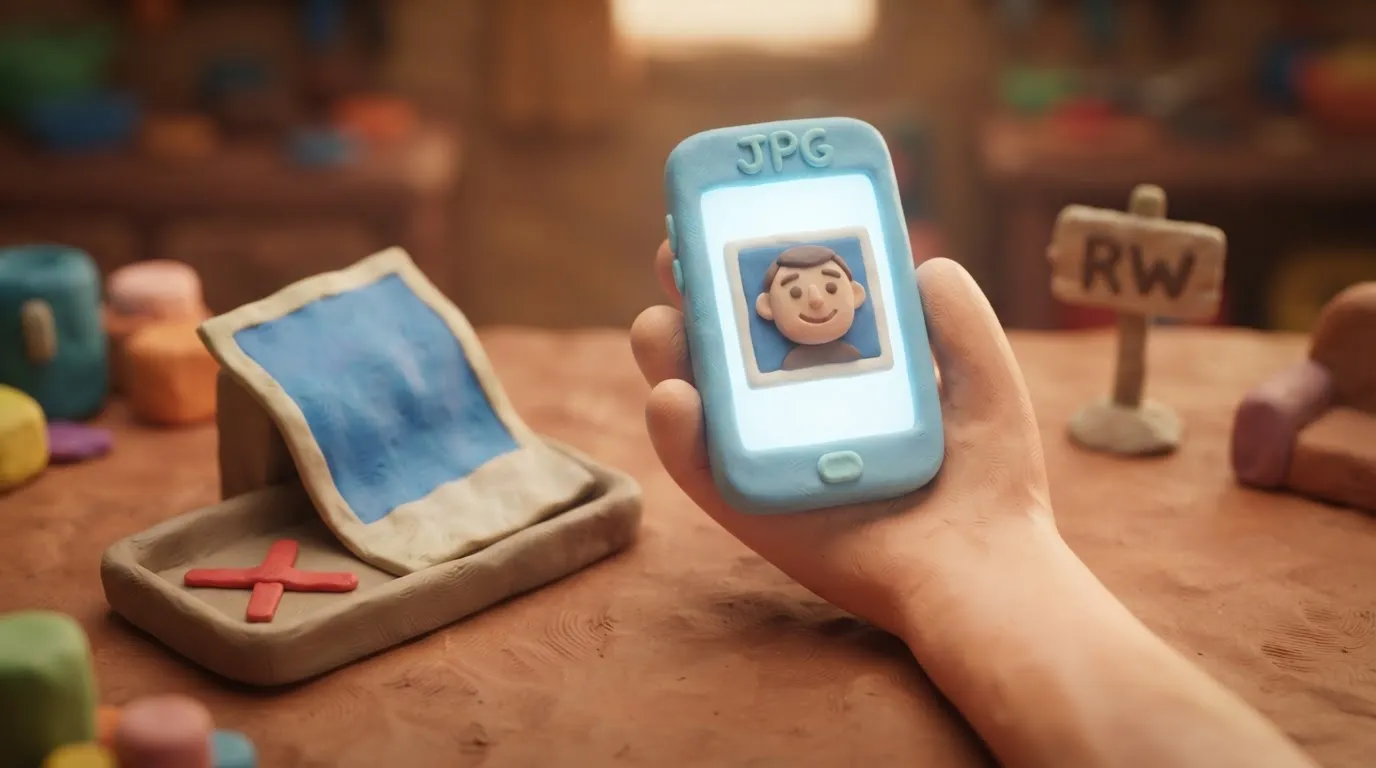
Applying for a Rwanda eVisa via Irembo in 2026 requires a digital photo in JPG format up to 500 KB on a white background without filters.
In this article · 6 sections
Key points
5 points- 2026 changes: The digital photo for a Rwanda eVisa is uploaded exclusively through the Irembo portal.
- File format: Only JPG is accepted.
- Maximum size: Up to 500 KB.
- Background: Must be strictly white, without shadows or patterns.
- Other documents (e.g., passport copy) are uploaded in PDF format (also up to 500 KB).
What changed
In 2026, clear technical requirements for the digital photo apply when applying for a Rwanda electronic visa (eVisa) through the official government portal Irembo. The system automatically rejects files that do not meet the specified format, size, and background parameters.
| Parameter | Irembo portal requirement |
|---|---|
| File format | JPG only |
| Maximum size | 500 KB |
| Background | Strictly white |
| Facial expression | Neutral or natural smile |
| Eye position | In the upper half (30-50% from the top) |
Who this affects
These rules apply to citizens of Ukraine and other foreigners applying for a new electronic visa or renewing an existing visa or residence permit through the Irembo platform (irembo.gov.rw).
What to do now
- Take a new photo: Take a picture against a plain white background. The face must be centered, eyes open and located in the upper half of the frame.
- Check the format and size: Save the file exclusively in JPG format. Ensure its size does not exceed 500 KB (compress the image without losing quality if necessary).
- Prepare other documents: The copy of the passport's biometric page and supporting letters must be in PDF format (also up to 500 KB each).
- Upload to Irembo: When filling out the application form on the portal, attach the file in the appropriate field.
Common mistakes
- Incorrect format: Uploading a photo in PDF or PNG format (the system only accepts JPG for photos).
- Exceeding the limit: Files larger than 500 KB will not upload.
- Background or lighting issues: Shadows on the face or background, using a colored background instead of white.
- Using an old photo: Uploading a scanned photo from an old passport or ID card (the photo must be current).
- Digital manipulation: Using filters or retouching that alters your appearance.
Rules change frequently — always check the current requirements on the official government source provided above before taking action.
05Questions
4 answers01What is the allowed photo file size on Irembo?
The maximum file size for a digital photo is 500 KB.
02In what format should the photo for a Rwanda visa be uploaded?
The photo must be saved exclusively in JPG format. Other documents (e.g., passport copy) are submitted in PDF format.
03Can I smile in the photo for a Rwanda visa?
Official Irembo requirements allow for a neutral facial expression or a natural smile.
04What background is required for the photo?
The background must be strictly white, without shadows, patterns, or foreign objects.
06Official sources
- Irembo: FAQs about How to Apply for a Visa
irembo.gov.rw
Author: Yevhen Kravchenko. Published . Checked against official sources on .
Make your photo to the current rules
Pick your document and upload a selfie — we crop it to size, replace the background and check it. Free. The sizes come from the same official sources as the news.