 Thailand
Thailand Visa Photo 2026: Size, Background, e-Visa Requirements
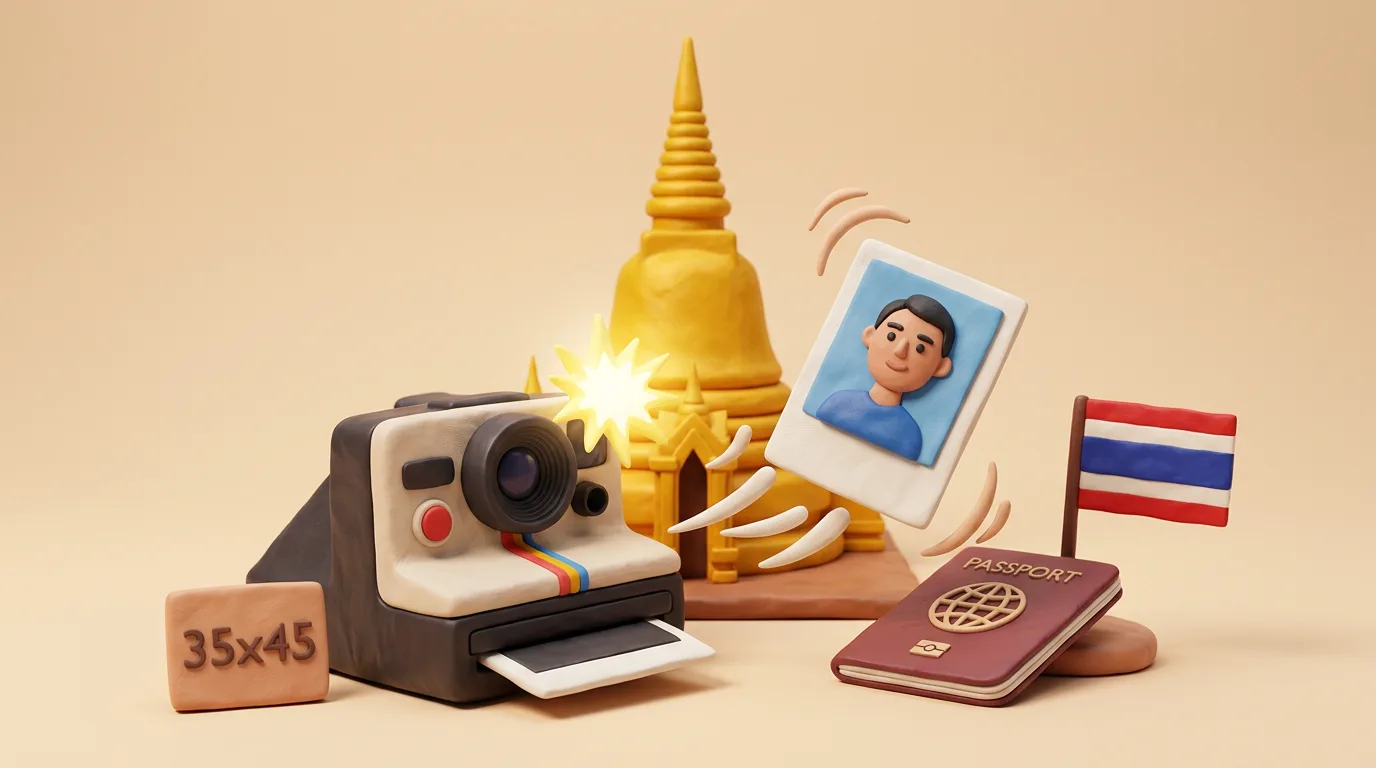
For a Thailand visa you need a colour photo on a white background: printed 35×45 mm (or 4×6 cm for visa on arrival and extensions), and for the e-Visa on thaievisa.go.th — a digital file (usually JPEG). Face full front, neutral expression, no headwear, taken within the last 6 months.
In this article · 5 sections
Key points
5 points- Printed photo: 35×45 mm (passport type) for the embassy/consulate, or 4×6 cm (40×60 mm) for visa on arrival and visa extension in Thailand.
- e-Visa (thaievisa.go.th): a digital file on a white background, usually in JPEG format (some portals also accept PNG); check the file size limit directly during upload.
- The background must be white; a cream, grey or blue background may be rejected.
- No headwear (exception — religious reasons); glasses are allowed only if the eyes are fully visible without glare, but we recommend taking the photo without them.
- The photo is colour, taken within the last 6 months; head height is about 70% of the photo height, face full front.
Short answer
A photo for a Thai visa is colour, on a white background, face full front. Printed version: 35×45 mm (standard passport-type photo) for submission at an embassy/consulate, or 4×6 cm (40×60 mm) — this size is usually requested for the visa on arrival (VOA) and for visa extension already in Thailand. For the online application on the official portal thaievisa.go.th, a digital file on a white background is uploaded, most often in JPEG format.
Sizes by submission type
| Submission type | Size |
|---|---|
| e-Visa online (thaievisa.go.th) | Digital file, white background, usually JPEG |
| Printed photo (embassy/consulate) | 35×45 mm |
| Visa on arrival / extension in Thailand | 4×6 cm (40×60 mm) |
ThailandThailand Visa · requirements
ThailandWork Permit · requirements
ThailandResidence Permit · requirements
Important: the requirements for the photo itself (white background, full front, neutral expression) are practically the same for tourist, DTV, work Non-B and retirement O-A/O-X visas. What differs is mainly the set of documents and the fees, not the basic photo parameters.
Mandatory requirements
- Background — white (close to #FFFFFF), without patterns, shadows or objects behind the head. A cream, grey or blue background may be rejected.
- Head occupies approximately 70% of the height of the photo, face full front, looking straight into the camera.
- Neutral expression, mouth closed, both eyes open.
- Glasses are allowed only if the eyes are fully visible without glare and the lenses are not tinted; for reliability we recommend taking the photo without them.
- No headwear (exception — religious reasons; the face must remain fully open).
- Colour photo, without filters or noticeable retouching, even lighting, no shadows on the face or background.
- Recent — taken within the last 6 months.
- Hair does not cover the eyes; the oval of the face is clearly visible.
Common reasons for rejection
- Background not white (grey, cream, shadow behind the head).
- Glare on the lenses of glasses or tinted/coloured lenses.
- Smile, open mouth, tilt or turn of the head.
- Old photo (older than 6 months) or a scan of a printed shot instead of a high-quality original file.
- File too large or a format the portal does not accept.
- Face too large/too small in the frame, chin or top of the head cut off.
Tip: always check against the prompts directly in your application on thaievisa.go.th — the portal shows the exact parameters (format and permitted file size) during photo upload.
04Questions
4 answers01What is the photo size for a Thailand visa?
A printed photo is 35×45 mm (standard passport type) for the embassy/consulate, or 4×6 cm (40×60 mm) for visa on arrival and extension in Thailand. For the online e-Visa, a digital file on a white background is uploaded, usually in JPEG format.
02Can I be photographed wearing glasses for a Thai visa?
Glasses are allowed only if the eyes are fully visible, there is no glare on the lenses and the lenses are not tinted. To avoid rejection due to glare, the safest option is to take the photo without glasses.
03Are the photo requirements the same for DTV, Non-B and retirement visas?
The basic requirements for the photo itself are practically the same: white background, full front, neutral expression. What differs is mainly the document package and consular fees, not the photo parameters. Check the exact requirements in your application.
04What format and file size are required for the Thailand e-Visa?
For online submission, the JPEG format on a white background is most commonly used (some portals also accept PNG). The permitted file size is shown by the thaievisa.go.th portal during upload — follow those prompts.
05Official sources
- Офіційний портал Thailand e-Visa (thaievisa.go.th)
thaievisa.go.th - Thailand e-Visas — Thailand Visa Photo Requirements
thailand-e-visas.com - Thaiest — Thailand Visa Photo Size 2026
thaiest.com
Author: Yevhen Kravchenko. Published . Checked against official sources on .
ThailandThailand 2026: New Passport Scanning Requirements in the THIM App for the Digital Arrival Card (TDAC)
The Immigration Bureau of Thailand has launched a new mobile app, THIM (Thailand Immigration Management), which simplifies the process of submitting the mandatory Digital Arrival Card (TDAC). Thanks to Optical Character Recognition (OCR) technology, travelers can simply scan their passport photo page, and the system will automatically fill in the required data. The pilot version started in June 2026, with a full launch scheduled for August 2026.
Make the photo for this document
Upload a selfie — we crop it to 40 × 60 mm, replace the background and check it against the document rules. Free.
Thailand Visa · ThailandUpload