 UAE
UAEPhoto for a visa and Emirates ID in the UAE / Dubai: 2026 requirements
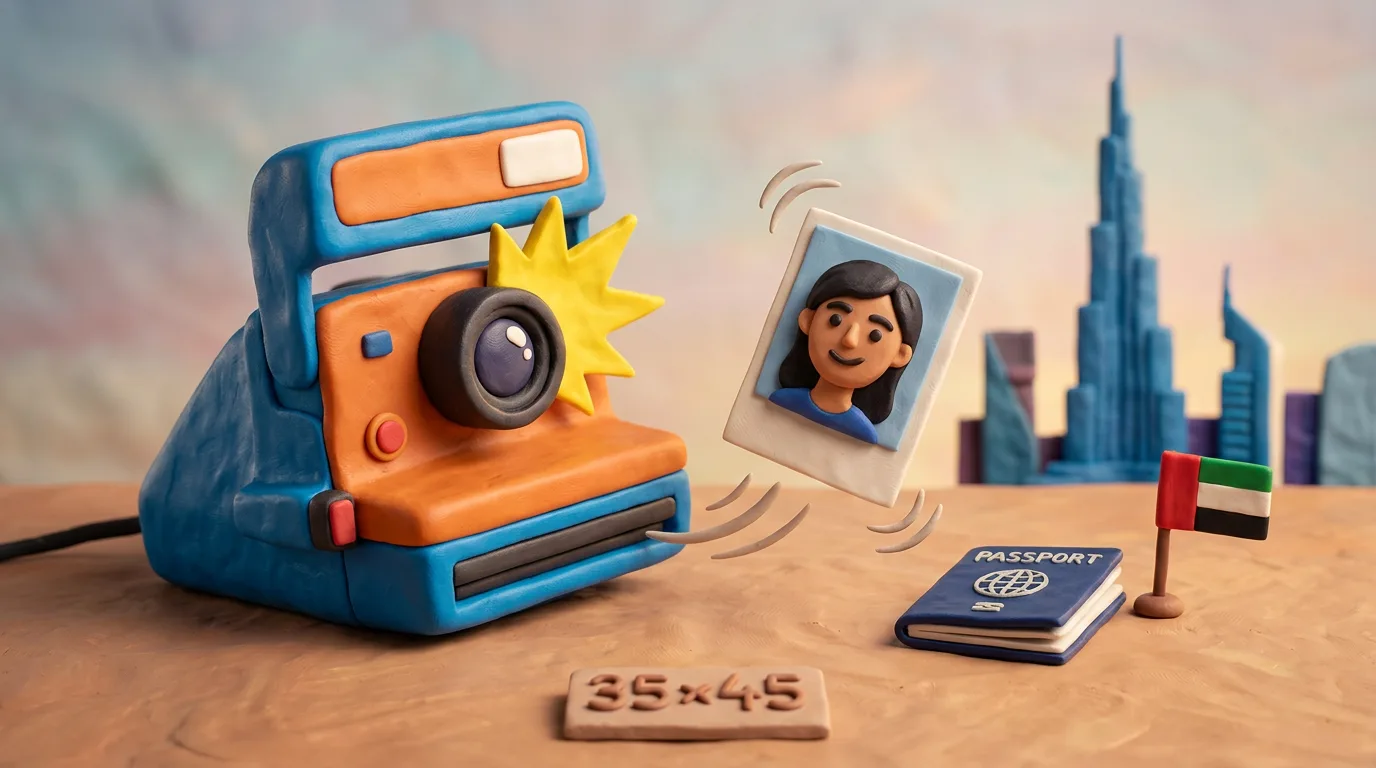
For a UAE visa and Emirates ID you need a recent colour photo on a pure white background, full-face, with open eyes, without glasses and without headwear (except religious/national). The print format is 35×45 mm for the Emirates ID, 43×55 mm for the visa, 40×60 mm for the passport; resolution from 600 DPI; for online upload in the UAEICP app — JPEG of approximately 300×369 px, the Emirates ID file up to 240 KB.
Key points
5 points- The background must be pure white only, uniform, without shadows or glare — this is a mandatory ICP requirement to the ICAO standard.
- Print size: Emirates ID — 35×45 mm, visa — 43×55 mm, UAE passport — 40×60 mm; resolution at least 600 DPI.
- Online in the UAEICP / ICP Smart Services app: JPEG, approximately 300×369 px; the Emirates ID file — up to 240 KB.
- Glasses only for medical reasons and without glare; sunglasses and headwear are prohibited (except religious or national).
- The photo must be recent — no older than 6 months, not identical to the one already on the document and without digital editing or AI retouching.
The Emirates have updated the rules: the photo for a visa and Emirates ID must comply with the ICAO standard and the requirements of the Federal Authority for Identity, Citizenship, Customs and Port Security (ICP). An error with the background, glasses or size is the most frequent reason for refusal, so prepare the image to the exact parameters.
Photo requirements
| Parameter | Value |
|---|---|
| Background | Pure white, uniform, without shadows or glare |
| Print size (Emirates ID) | 35×45 mm |
| Print size (visa) | 43×55 mm |
| Print size (UAE passport) | 40×60 mm |
| Resolution | at least 600 DPI |
| Online size (UAEICP app) | JPEG, approximately 300×369 px |
| File size (Emirates ID) | up to 240 KB |
| File size (visa, online) | approximately from 50 KB to 1 MB |
| Face share in the frame | Emirates ID — 60–70%, visa — 70–80% |
| Pose | Strictly full-face, head without tilt, parallel to the lens |
| Face | Both ears and eyebrows visible, neutral expression, mouth closed |
| Eyes | Open, looking at the camera, without coloured lenses |
| Glasses | Medical only, without glare; sunglasses prohibited |
| Headwear | Prohibited, except for religious or national attire |
| Recency | No older than 6 months, not identical to the photo on the document |
The colour of clothing must not blend with the white background — avoid white tops. Note: the Emirates ID and the passport have different sizes, so a single photo will not suit both documents.
Where to submit
The photo is uploaded online or submitted in printed form:
- The UAEICP app / ICP Smart Services portal — for tourist and residence visas and the Emirates ID across the country (log in via UAE Pass).
- GDRFA Dubai — smart services and the app for procedures in Dubai.
- Amer centres — submission with the help of an operator in Dubai.
- Typing centres (Tasheel/typing offices) — in-person submission in the other emirates.
For the Golden Visa the application is submitted through the ICP Golden Residency panel or GDRFA (Dubai) or at an Amer centre.
Why photos are rejected
- A background that is not white, is grey or has a shadow or glare.
- Glasses (including with glare) or sunglasses; in the GDRFA Dubai system glasses are often rejected even with clear lenses.
- Headwear without a religious/national justification.
- A tilt of the head, a smile with an open mouth, closed eyes.
- An old photo or the same one as on the current document.
- A file size over 240 KB for the Emirates ID, incorrect px or DPI, the wrong print size (confusing 35×45 mm and 43×55 mm).
- Traces of editing: filters, skin smoothing, AI retouching — a photo processed with digital software is not accepted by the ICP.
How to prepare the photo
Take the image under even lighting against a white wall, full-face, with open eyes and a neutral expression. Remove glasses and headwear (unless it is religious). Make sure the ears and eyebrows are visible and the head occupies approximately 60–70% of the frame for the Emirates ID and 70–80% for the visa. Before uploading, check the JPEG format, the size in pixels, the DPI and the file weight for the specific service.
05Questions
4 answers01What background is required for a UAE visa and Emirates ID photo?
Pure white only, uniform, without shadows, glare or extraneous objects. This is a mandatory ICP requirement to the ICAO standard; any other background is a common reason for refusal.
02Can I be photographed wearing glasses?
Sunglasses are prohibited. Ordinary glasses are permitted only for medical reasons and provided they do not cause glare and do not cover the eyes. In practice it is better to remove glasses: the automatic check often rejects them, and the GDRFA Dubai system requires removing even clear lenses.
03What size and format is the photo for online upload?
The print format is 35×45 mm for the Emirates ID, 43×55 mm for the visa and 40×60 mm for the UAE passport, with a resolution from 600 DPI. For online submission in the UAEICP app a JPEG of approximately 300×369 px is used; the Emirates ID file must not exceed 240 KB.
04Can I be in the photo wearing a hijab or national attire?
Yes. Headwear for religious beliefs or a national dress code is permitted, but the face must be fully uncovered — from forehead to chin, without shadows, with the ears and eyebrows visible.
06Official sources
- ICP — Federal Authority for Identity, Citizenship, Customs & Port Security (FAQ)
icp.gov.ae - ICP — Personal Photo Specifications (ICAO standard, PDF)
icp.gov.ae - u.ae — Офіційний портал уряду ОАЕ: Golden Visa
u.ae - GDRFA Dubai — General Directorate of Residency and Foreigners Affairs
gdrfad.gov.ae - Khaleej Times — UAE updates photo requirements for passports and Emirates ID
khaleejtimes.com
Author: Yevhen Kravchenko. Published . Checked against official sources on .
UAEUAE Work Permit Photo Requirements: White Background, 6/4 Size, Under 6 Months, Face 70–80 %
MOHRE: clear coloured photo with a white background.
 UAE
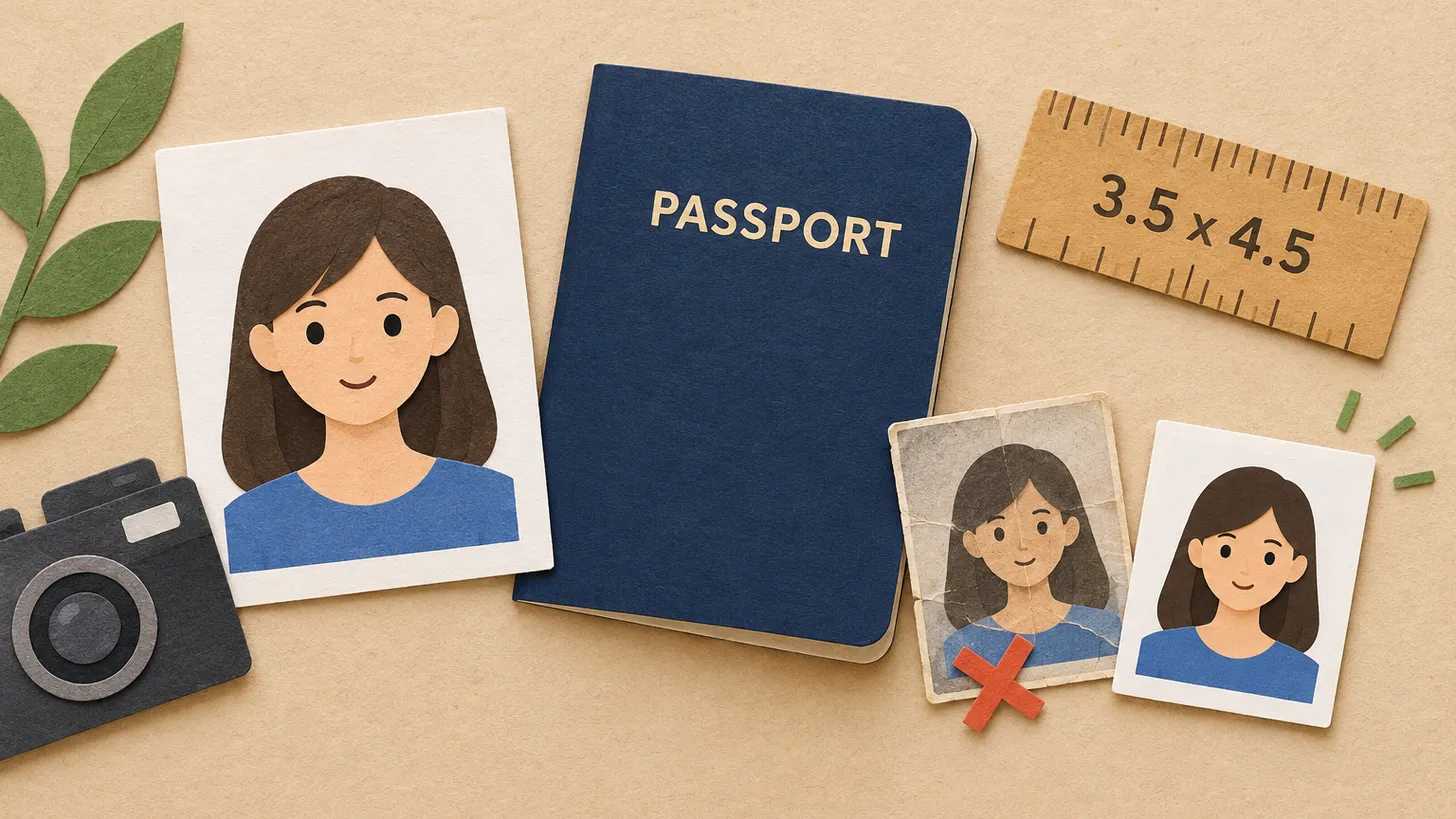
UAEUAE Passport Photo Requirements (ICP): 3.5 x 4.5 cm, White Background, ICAO Standard and the "Not Identical" Rule
ICP asks for a recent 3.5 x 4.5 cm ICAO photo on a white background; no hats or sunglasses, and a renewal photo may not be identical to the old one.
 UAE
UAEUAE Visas: ICP Photo Requirements for Golden and Green Visas
The UAE's ICP does not publish exact photo sizes for resident visas, only requiring a recent photo on a white background that meets ICAO standards.
Make the photo for this document
Upload a selfie — we crop it to 35 × 45 mm, replace the background and check it against the document rules. Free.
Resident Visa · UAEUpload