 Uganda
Uganda eVisa Photo 2026: Size, Background, and Upload Requirements
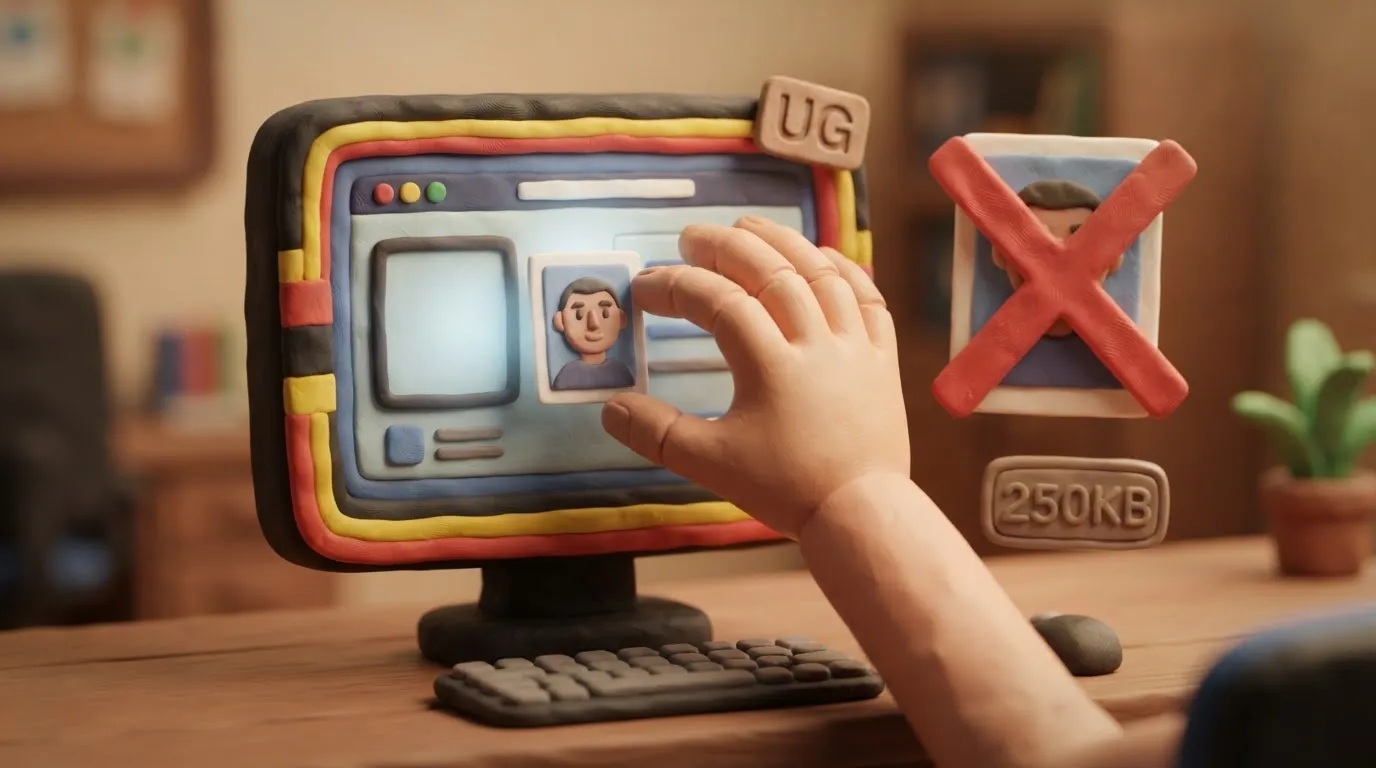
To get a Uganda eVisa, your photo must be square (at least 500x500 pixels), on a white background, and the file size must not exceed 250 KB.
Key points
5 points- The photo file size must be between 5 KB and 250 KB.
- The image format must be square (1:1 aspect ratio), minimum 500x500 pixels (equivalent to 51x51 mm).
- The photo background must be strictly white or light solid color, without shadows.
- Allowed file formats for upload: JPEG, PNG, BMP, or PDF.
- The photo must be taken no earlier than 6 months before the application date.
The most important rule for a successful Uganda electronic visa (eVisa) application in 2026 is strict adherence to the technical photo parameters, specifically the file size limit of up to 250 KB. The system automatically blocks uploads of larger files, which is the most frequent obstacle for applicants.
What has changed and current requirements
The official portal of the Uganda immigration service (visas.immigration.go.ug) uses an automated system to verify uploaded documents. Unlike many European countries that require a rectangular 35x45 mm photo, Uganda uses the American standard of a square photo.
| Characteristic | Uganda eVisa Requirement |
|---|---|
| File size | From 5 KB to 250 KB |
| File format | JPEG, PNG, BMP, PDF |
| Resolution | Minimum 500x500 pixels (1:1 square) |
| Physical size | 51x51 mm (2x2 inches) |
| Background | Strictly white, without shadows |
| Age of photo | Not older than 6 months |
Who this applies to
These requirements are mandatory for all foreigners, including citizens of Ukraine, applying for any type of electronic visa to Uganda. This applies to the regular tourist visa (Tourist eVisa), transit visa (Transit eVisa), as well as the single East Africa Tourist Visa, which grants the right to visit Uganda, Kenya, and Rwanda. The requirements are the same for both adults and children.
What to do now
- Take a fresh photo: Take a picture against a clean white background. The face must be fully visible, expression neutral, without glasses (unless medically necessary).
- Crop to a square format: Ensure the image has a 1:1 aspect ratio (for example, 500x500 or 600x600 pixels).
- Compress the file: Check the file size on your device. If it exceeds 250 KB, use any free online image compressor to reduce its size while maintaining quality.
- Prepare other documents: Remember that the copy of the passport biometric page and the yellow fever vaccination certificate must also meet the 250 KB limit.
Common mistakes
- Exceeding the file size limit: Uploading photos of 1-2 MB without prior compression leads to the system error "File size is too big".
- Incorrect proportions: Using a standard European 35x45 mm photo instead of the required 51x51 mm square format.
- Incorrect background: Photos on a gray or blue background, or with visible shadows on the wall, are often rejected by visa officers.
Rules change frequently — before taking action, always check the current requirements on the official government source provided above.
05Questions
3 answers01What is the maximum file size for a Uganda visa photo?
The maximum file size is 250 KB, and the minimum is 5 KB. If the file is larger, the system will automatically reject it.
02Will a standard 35x45 mm photo work for the eVisa?
No, the Uganda electronic visa requires a square photo with a 1:1 aspect ratio (minimum 500x500 pixels, which corresponds to a physical size of 51x51 mm).
03What should the background of the photo be?
The background must be strictly white or a very light solid color, without any patterns, foreign objects, or shadows behind the head.
06Official sources
- Official Uganda Electronic Visa Portal
visas.immigration.go.ug
Author: Yevhen Kravchenko. Published . Checked against official sources on .
Make your photo to the current rules
Pick your document and upload a selfie — we crop it to size, replace the background and check it. Free. The sizes come from the same official sources as the news.