 United Kingdom
UK Passport Photo Requirements: Digital Upload vs Printed Photo, Rule by Rule
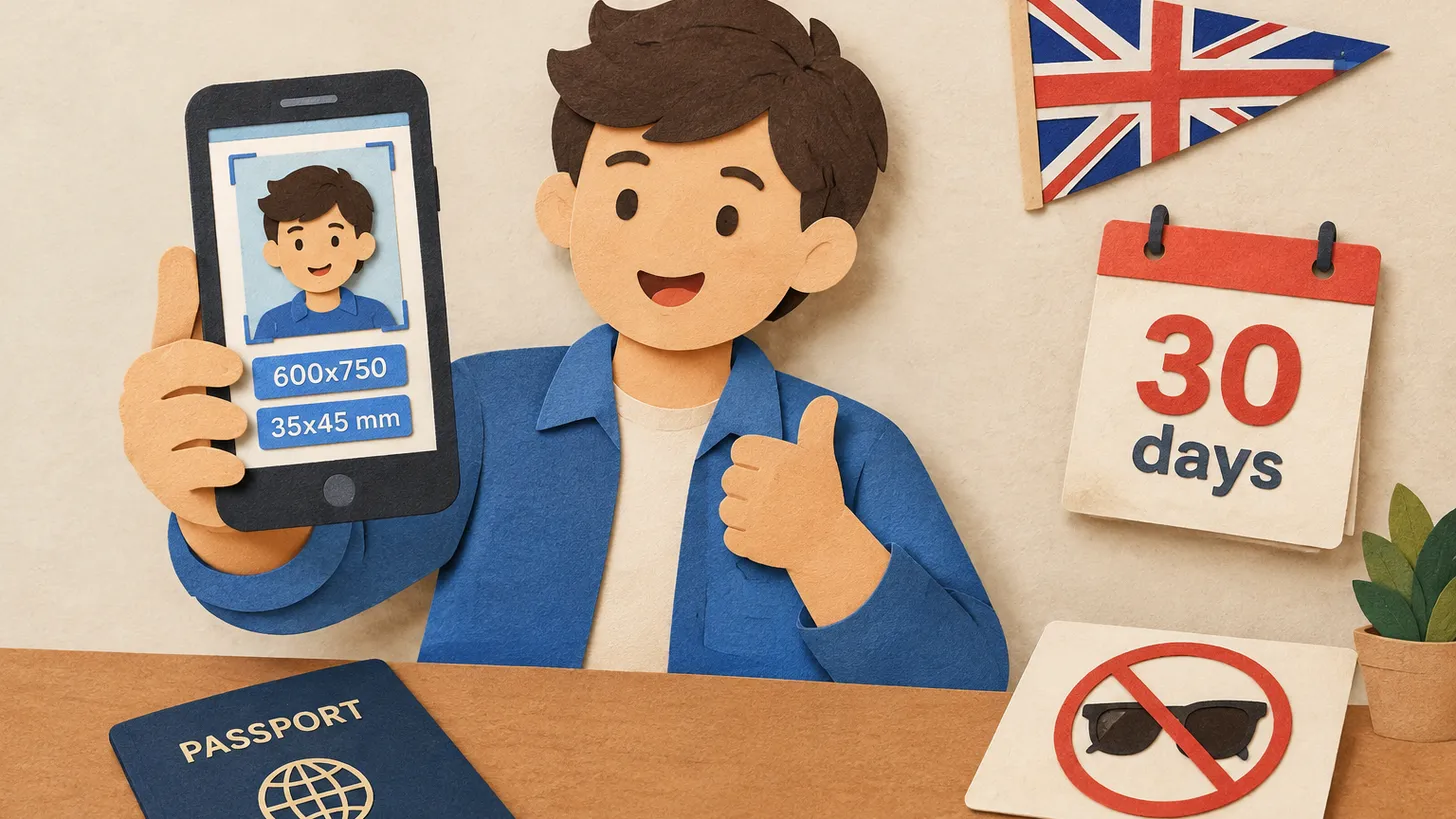
Online, your UK passport photo must be at least 600x750 px, 50KB–10MB and taken in the last month; printed photos are 35x45 mm on cream or light grey.
Key points
5 points- A digital photo must be at least 600 pixels wide and 750 tall and between 50KB and 10MB — clear, in colour and unaltered by software.
- Every UK passport photo must have been taken in the last month.
- Printed photos are 45 mm high by 35 mm wide with the head (crown to chin) 29–34 mm and a plain cream or light grey background; for a digital photo GOV.UK asks for a plain light-coloured background.
- Plain expression, mouth closed, eyes open and visible, no hair across the eyes, no shadows on the face or behind you.
- Glasses only if you have to wear them, with no tint, glare or frames covering the eyes; babies and small children have relaxed rules.
Most rejected UK passport photos are not rejected because the picture is bad, but because it was made to the wrong version of the rules. GOV.UK describes one set of appearance rules but different technical rules for a photo you upload and a photo you print. This guide puts them side by side. The appearance rules are UK-specific wording of the international biometric portrait standard, ICAO Doc 9303.
The rules that apply to every UK passport photo
Whether you apply online or on paper, GOV.UK says your photo must:
- have been taken in the last month;
- be clear and in focus, in colour, and not altered by computer software;
- be taken against a plain light-coloured background, in clear contrast to the background;
- contain no other objects or people;
- show a plain expression with your mouth closed, your eyes open and visible, and no hair in front of your eyes;
- show no shadows on your face or behind you;
- show no head covering unless it is for religious or medical reasons.
Digital vs printed: the differences
| Rule | Digital photo (online application) | Printed photo (paper application) |
|---|---|---|
| Size | At least 600 pixels wide and 750 pixels tall | 45 mm high by 35 mm wide |
| File size | At least 50KB and no more than 10MB | Not applicable |
| Head size | Full head and top of the shoulders in view | Crown to chin between 29 mm and 34 mm |
| Background | Plain light-coloured, clear contrast | Plain cream or light grey, clear contrast |
| Recency | Taken in the last month | Taken in the last month |
United KingdomPassport · requirements
The background line is the one people miss. For a digital upload GOV.UK asks for a plain light-coloured background; for printed photos the requirement is more specific — cream or light grey. If you print your photo, aim for the colours GOV.UK names rather than pure white.
Glasses, hair, head coverings
- Glasses: GOV.UK says “Do not wear glasses in your photo unless you have to do so.” If you must, they cannot be sunglasses or tinted, and your eyes must not be covered by the frames or by glare, reflection or shadow. Adjust the light, not your head, to get rid of reflections.
- Hair: no hair in front of your eyes. Tie it back or move it behind the ears.
- Head coverings: not allowed unless worn for religious or medical reasons; the face must still be fully visible.
- Expression: plain, with your mouth closed. A smile with teeth breaks the rule.
Children and babies
The photo of a child must show the child on their own. Babies must not be holding toys or using dummies. GOV.UK relaxes the rules by age: children under 6 do not have to be looking directly at the camera or have a plain expression, and children under one do not have to have their eyes open. Everything else — the light background, no shadows, taken in the last month — still applies.
How to avoid the most common mistakes
- Take the photo in the last month. An old photo that “still looks like you” is not enough.
- Stand away from the wall. Shadows behind your head are the easiest way to break the “no shadows” rule.
- Use even light from the front. A window on one side leaves half your face darker; face the window instead.
- Do not edit. GOV.UK requires a photo unaltered by computer software; filters, smoothing and background changes are the main way a good photo becomes an invalid one.
- Check the file. Under 600x750 pixels or under 50KB is too small; over 10MB is too big.
If you would rather start from a checked template, you can prepare a UK-size photo with our UK passport photo tool: it produces the 35x45 mm format and the digital-size file, on a light background.
06Questions
5 answers01How recent must a UK passport photo be?
GOV.UK says your photo must have been taken in the last month.
02What is the minimum size for an uploaded UK passport photo?
At least 600 pixels wide and 750 pixels tall, and between 50KB and 10MB in file size. It must be clear, in focus, in colour and unaltered by computer software.
03What size is a printed UK passport photo?
45 mm high by 35 mm wide, with the image from crown to chin between 29 mm and 34 mm high.
04Can I wear glasses in a UK passport photo?
Only if you have to. They cannot be sunglasses or tinted glasses, and the frames or any glare, reflection or shadow must not cover your eyes.
05Do babies need to look at the camera or have their eyes open?
Children under 6 do not have to look directly at the camera or have a plain expression, and children under one do not have to have their eyes open. Babies must not hold toys or use dummies.
07Official sources
Author: Yevhen Kravchenko. Published . Checked against official sources on .
United KingdomUK Contactless eGates: Walk Through Without Scanning Your Passport — Live Face Photo From 6 October 2026
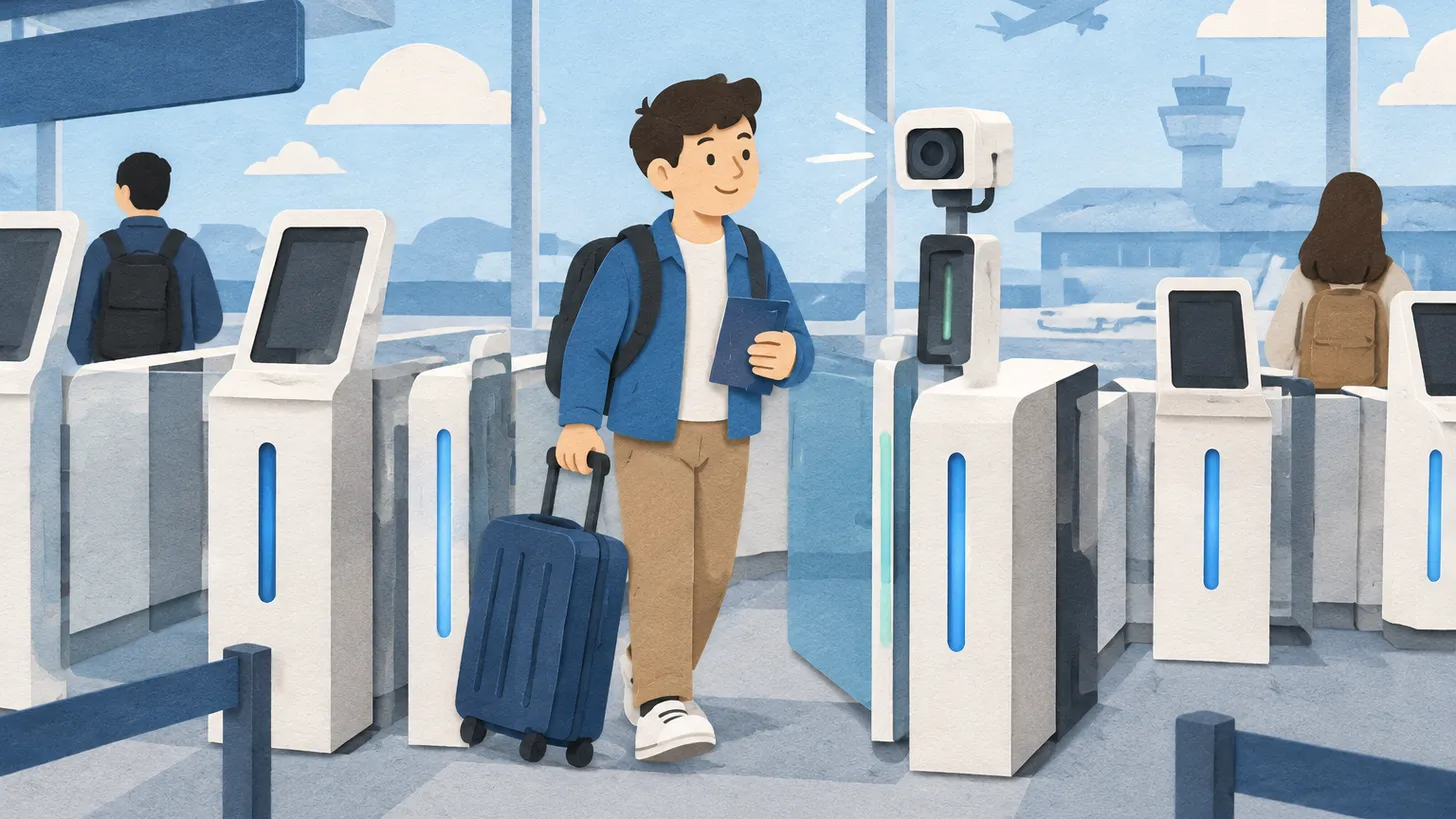
Contactless UK eGates take a live photo and check it against passport and immigration data, no passport on the reader.
 United Kingdom
UK Driving Licence Photo Requirements: Use Your Passport Photo Online, 45 x 35 mm by Post, £14 to Renew
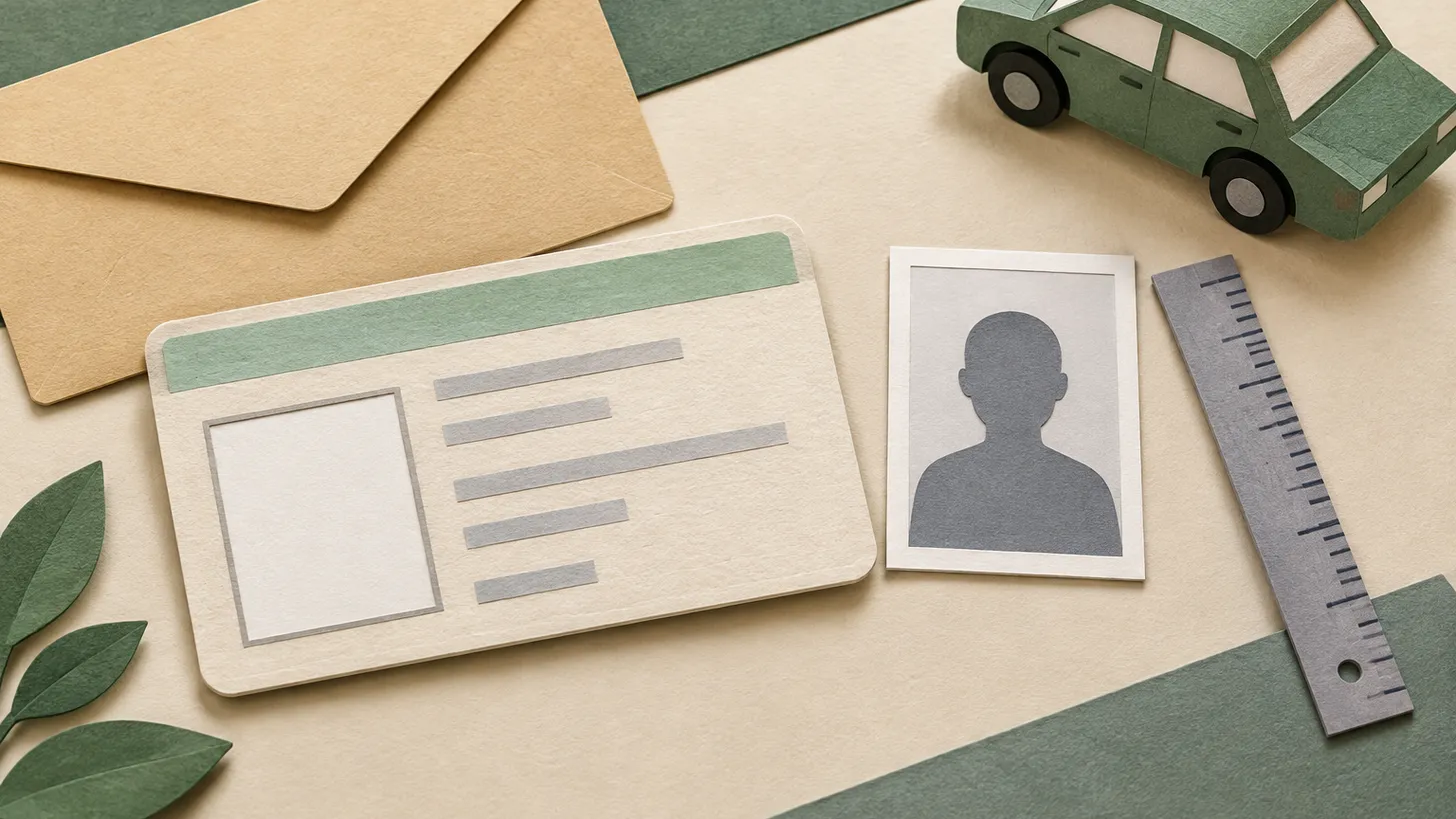
To change your UK driving licence photo you renew the licence: £14 online (passport photo or a new upload), £17 by post with a printed passport-type photo.
 United Kingdom
UK Visa and eVisa Photo Requirements: 600 x 750 Pixels, 50 KB to 6 MB, JPG and a Plain Light Background
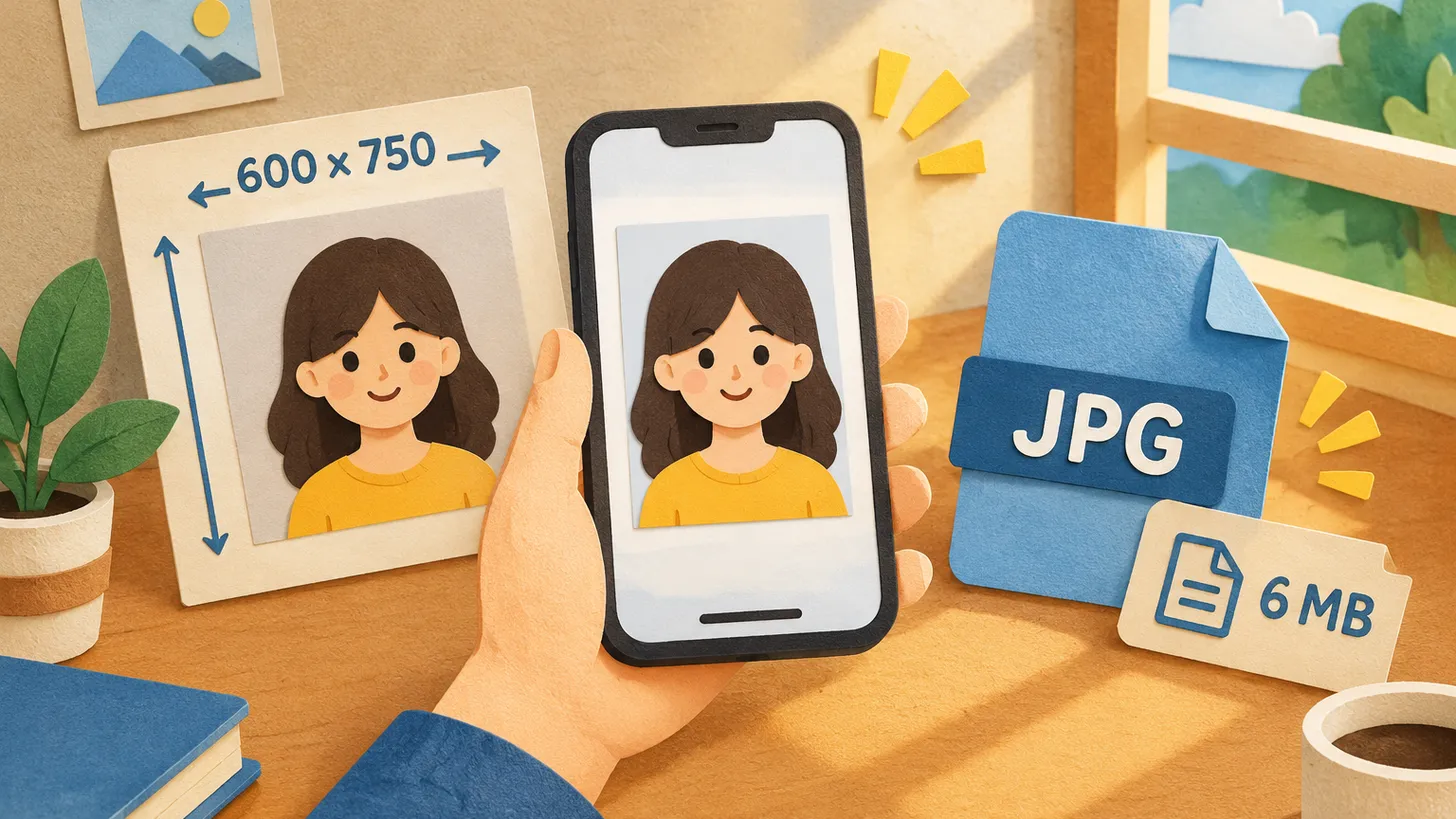
GOV.UK: a vertical JPG at least 600 x 750 pixels, between 50 KB and 6 MB, on a plain light background, showing head, shoulders and upper body.
Make the photo for this document
Upload a selfie — we crop it to 35 × 45 mm, replace the background and check it against the document rules. Free.
Passport · United KingdomUpload