Document scanner online — turn a photo into a scan
Photograph a passport, certificate or page with your phone — we straighten the perspective, remove shadows and give you a clean scan as PDF or JPG. All in your browser.
No sign-up · no watermarks · your photo stays in your browser
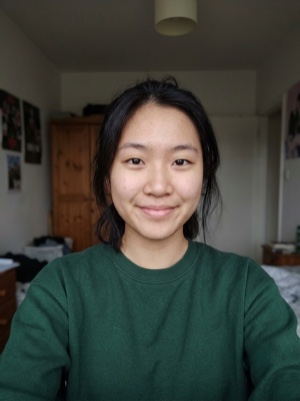
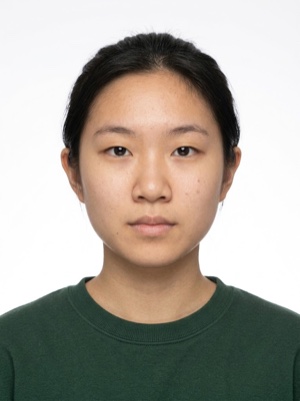
A scan from a photo, right in your browser
Make a scan from a photo online: we find the page edges, straighten it and even out the light. PDF or JPG under your size limit. Free, in your browser.
- 01
Photograph the whole document on a dark or coloured table — that is where the page edges show best.
- 02
Upload the photo — the page edges are found automatically. If not, place the four corners on the edges with a finger, the mouse or the arrow keys.
- 03
Choose the look and the format, a size limit if the website sets one, and download the PDF or JPG.
Scanning is free. A document photo — by the AI
Free, right here
- 01Everything right in your browser
- 02No watermarks
- 03The photo stays on your device
- 04As many times as you like
No sign-up, no card.
AI correction
When adjusting the file is not enough: fixes light, shadows, clothing and pose and makes the photo to the document’s rules. You see the result before paying.


If it’s rejected, we refund you
Make a document photoFrequently asked questions about document photos
Is it a real scan or just a photo?
It is a straightened image of the page: the perspective is corrected, the table is cut off and the light is evened out — as from a flatbed scanner. The resolution is your camera’s, up to 2,480 pixels on the long side (A4 at 300 DPI).
Is my passport sent anywhere?
No. The edges, the straightening, the light and the PDF are all computed in your browser; the photo is not uploaded to a server and is not stored anywhere.
How do I get the scan under a size limit in KB?
Pick a size limit — 100, 300 or 500 KB, 1 or 2 MB. We adjust the quality so the file fits, but never shrink the scan below 1,200 pixels on the long side: if the limit cannot be met without that, we say so.