Print visa (Thailand) photos at home — 40x60
A ready-to-cut sheet for visa (Thailand) photos, 40x60: on A4 — 21.
No sign-up · no watermarks · your photo stays in your browser
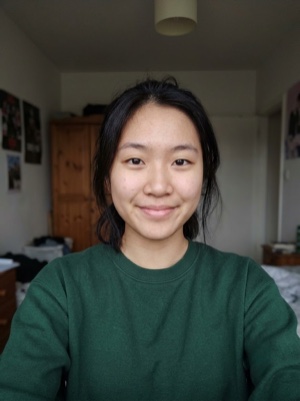
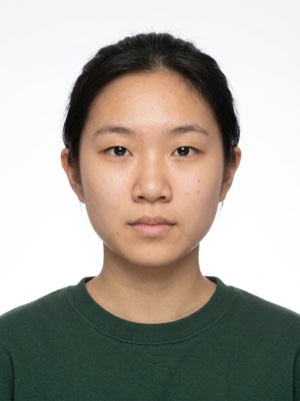
Upload your photo
- Size
- Frame
- Sheet
Which size do you need?
Upload any photo — we will find the face
How to print it, in three steps
- 01
Upload a photo — the tool finds the face and crops it to 40x60.
- 02
Choose the paper: an A4 sheet holds 21 photos, a 10x15 print holds 4.
- 03
Print at 100 % scale — “actual size”, not “fit to page”. Then cut along the grey lines.
Exact numbers for this document
| Print size | 40 × 60 mm |
|---|---|
| Head height | 70–80% of photo height |
| Background | Plain white |
What to know — visa (Thailand)
- According to the consulate, glasses (including ordinary prescription glasses) are not allowed; sunglasses are also forbidden.
Source: Visa photo requirements: MFA, embassies, e-Visa portal
How many 40x60 photos fit on a sheet
| Paper | With margins | Edge to edge |
|---|---|---|
| 10×15 | 4 | 4 |
| A4 | 21 | 21 |
| Letter (8.5×11 in) | 20 | 20 |
21 photos on A4
The print sheet is free. A document photo — by the AI
Free, right here
- 0110 × 15, A4 and ten more paper sizes
- 02Cut lines and a 300 DPI JPEG
- 03No watermarks
- 04The photo stays on your device
No sign-up, no card.
AI correction
When adjusting the file is not enough: fixes light, shadows, clothing and pose and makes the photo to the document’s rules. You see the result before paying.
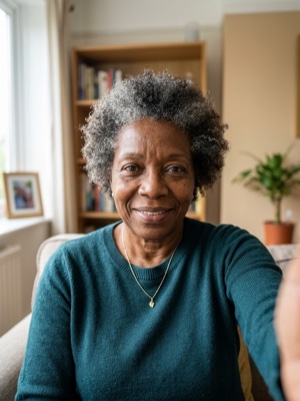
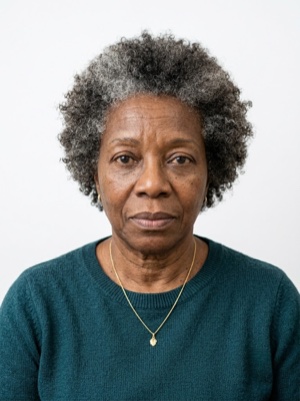
If it’s rejected, we refund you
Make a document photoFrequently asked questions
How many 40x60 photos will I get from one A4 sheet?
With a 5 mm margin you get 21; edge to edge, 21, if your printer can print borderless. A 10x15 print holds 4.
Why print at exactly 100 % scale?
The sheet is laid out at true size. “Fit to page” makes the photos larger or smaller than 40x60 — a ruler will show it straight away.