 USA
USA United Kingdom
 India
India Australia
 Canada
How to Take a Passport Photo at Home: Light, Distance and Background That Get Approved
Face a window, stand away from a plain light wall, shoot from 1.2–1.5 m with someone else holding the camera, no filters — and check the country's rules.
Key points
5 points- Face a window or use even front light: shadows on the face or behind the head are a rejection reason in the UK, US, Canada, Australia and India alike.
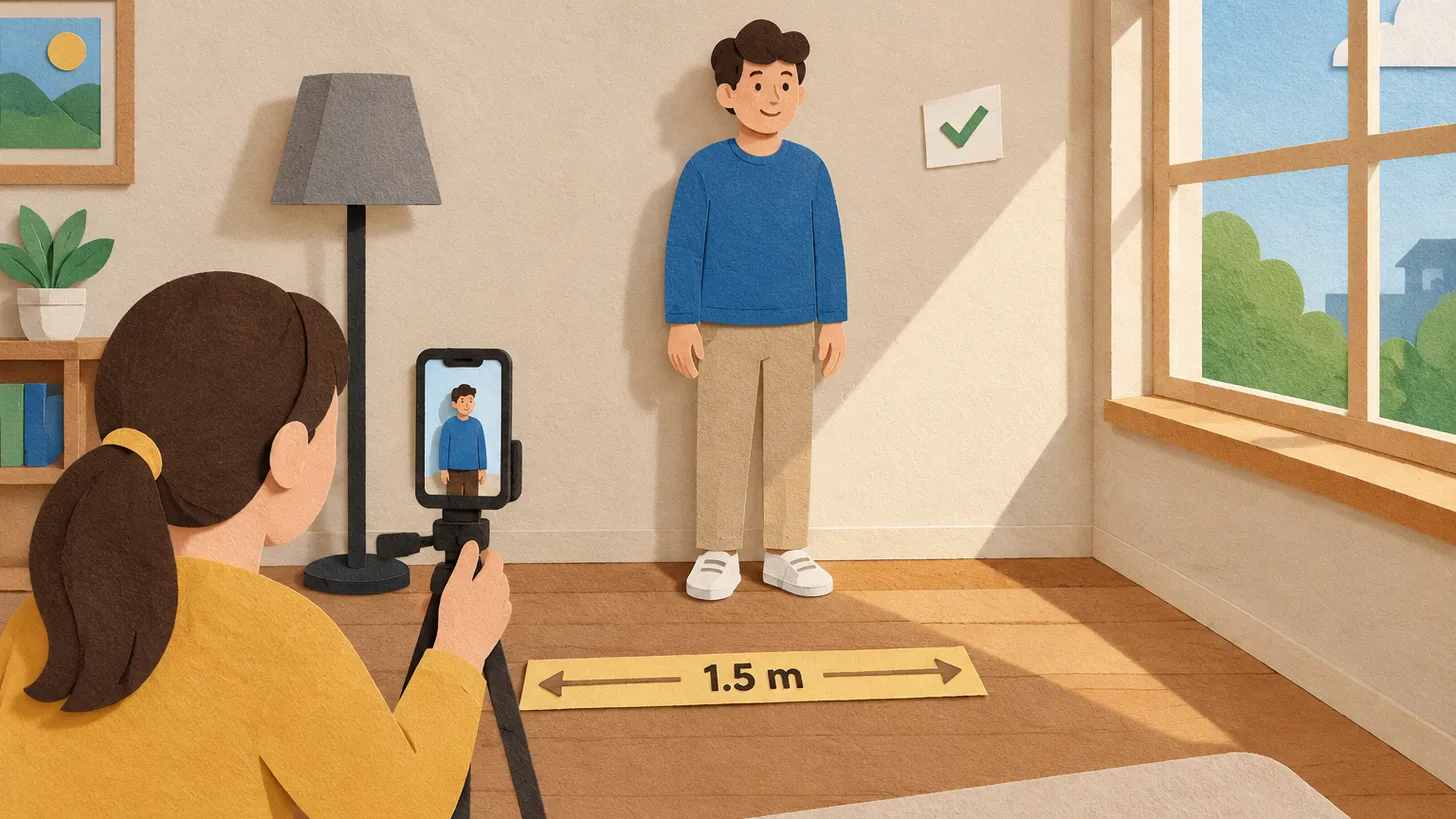
- Distance matters: Australia's official guidance sets 1.2 m as the minimum camera distance, India's Passport Seva says 1.5 m, and the Australian embassy in the US adds that someone else should take the shot — no selfies.
- The background must be plain: white or off-white for the US, white for India, plain light-coloured for the UK, plain white or light for Canada and Australia.
- No filters, beautify modes or retouching: the UK and India both require a photo unaltered by computer software.
- Germany is different: since 2025 its passports and ID cards accept only digital photos taken at the office or by a registered photographer.
A passport photo taken at home costs nothing and takes ten minutes — when it works. When it doesn’t, you lose a week to a rejected application. The difference is almost always the same four things: light, distance, background and editing. Here is how to get each one right, using what the issuing authorities themselves publish.
Step 1: Get the light right
Stand facing a window with daylight coming from the front, not from the side and not from behind. The rule you are following, in the words of the authorities, is “uniform lighting” (India), “no shadows on your face or behind you” (UK), “no shadows, glare or flash reflections” (Canada) and “even and free of shadows” (Australia). Practical consequences:
- Do not use the flash: it creates reflections on the skin and red-eye, which India lists by name.
- Do not stand in direct sun: hard light draws shadows under the nose and chin.
- If one side of the face is darker, turn toward the window or hang a white sheet on the dark side to bounce light.
Step 2: Choose the wall
| Country | Background |
|---|---|
| United States | White or off-white, no shadows, texture or lines |
| United Kingdom | Plain light-coloured, in clear contrast to you |
| Canada | Plain white or light-coloured |
| Australia | Plain white or light |
| India (passport) | White |
A smooth, unpatterned wall works. Curtains with folds, wallpaper and door frames show up as texture or lines. Stand about a metre away from the wall so your head does not cast a shadow onto it.
Step 3: Set the distance and the camera
- Distance: Australia’s official camera-operator guidance lists a minimum camera-to-subject distance of 1.2 metres; India’s Passport Seva says 1.5 metres. Choose 1.5 m and you satisfy both.
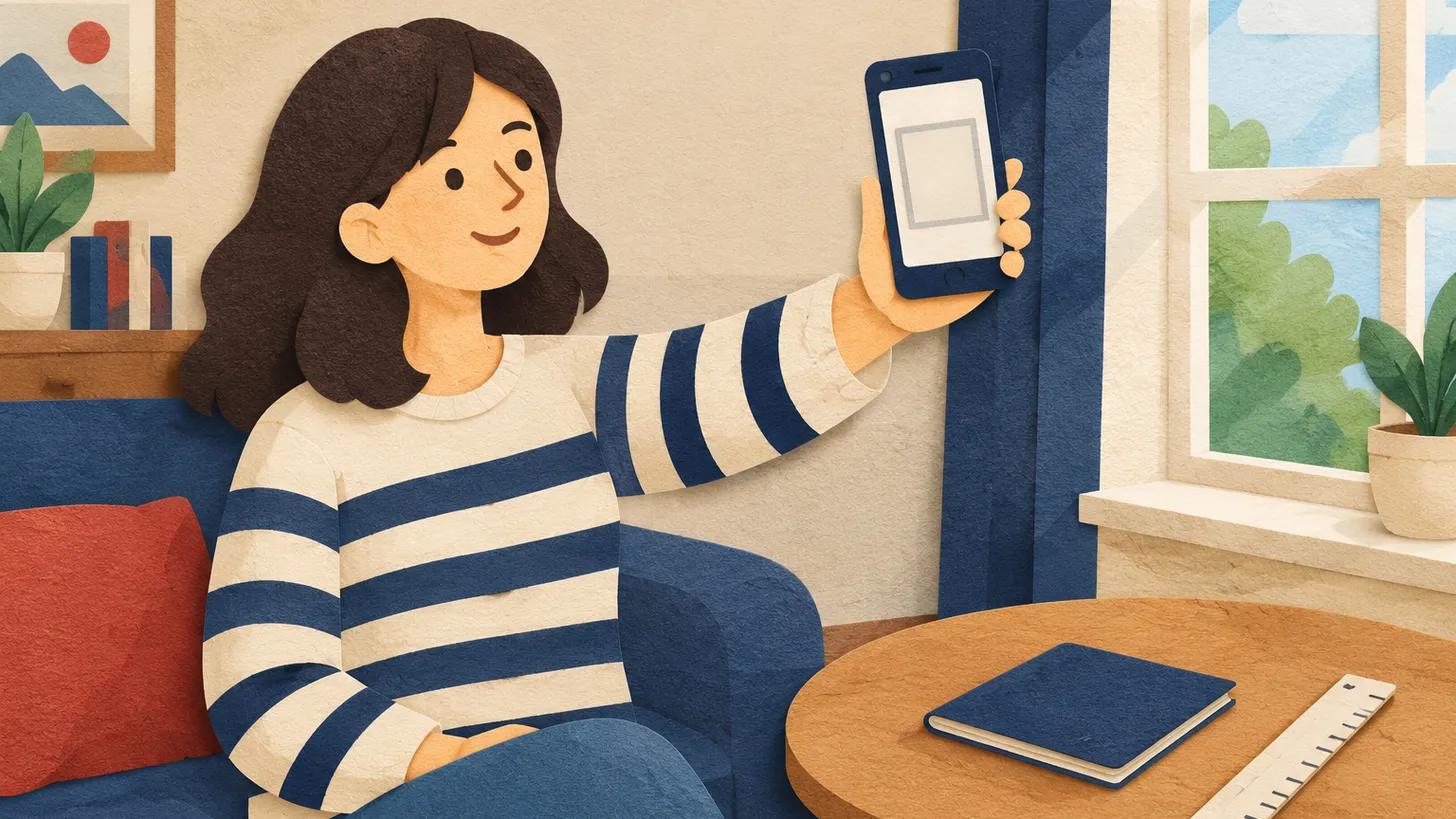
- Who takes it: the Australian embassy in the US advises that another person take the picture, with no selfies. A selfie is too close and distorts the face.
- Height: put the camera at eye level, on a tripod or a stack of books, and use the back camera.
- Zoom: shoot wide enough to include head and shoulders with space above the head; you will crop afterwards.
Step 4: Pose and face
- Look straight into the lens, head centred and level.
- Eyes open and visible, hair away from the eyes.
- Neutral expression with the mouth closed (a natural smile is accepted only by the US).
- Glasses off if you can; see our comparison of glasses, smiling and head-covering rules.
- Take a dozen frames and pick the sharpest.
Step 5: Do not edit
The UK requires a photo “unaltered by computer software”, and India’s guidelines say the same. That rules out beauty filters, skin smoothing, background swaps that leave a halo and generative “enhancements” that change the face. The only edits that belong here are cropping and resizing to the country’s format.
Step 6: Check size, age and format
- Size: UK 35 x 45 mm print or at least 600 x 750 px digital; US 2 x 2 in; India 630 x 810 px; Canada 50 x 70 mm; Australia 35–40 x 45–50 mm.
- Age: the UK needs a photo from the last month; the US, Canada and Australia accept up to 6 months.
- Printing: Australia requires dye-sublimation prints on heavy glossy paper, so a home inkjet print won’t do there.
When home photos do not work
Germany accepts only digital photos captured at the citizen office or by a registered photographer for its passports and ID cards, and Canada’s passport office asks for photos from a commercial photographer. In those cases, use your home practice photo only to learn how the light and distance look — the official photo has to come from the sanctioned route.
For everything else, our photo tool takes your home portrait and returns it framed to the exact country and document specification.
08Questions
5 answers01How far should the camera be when I take a passport photo at home?
Use 1.5 metres: Australia's official guidance lists a minimum of 1.2 m and India's Passport Seva says 1.5 m.
02Can I take a selfie for a passport photo?
The Australian embassy in the US advises that someone else take the photo and that selfies are not allowed; a selfie is too close and distorts the face.
03What background should I use at home?
A smooth, plain wall: white or off-white for the US, white for India, plain light-coloured for the UK, plain white or light for Canada and Australia.
04Can I use a phone filter or retouching?
No. The UK requires a photo unaltered by computer software and India says the same.
05Does this work for every country?
Not everywhere. Germany takes only digital photos captured at the office or by a registered photographer, and Canada's passport guidance asks for a commercial photographer.
09Official sources
- GOV.UK — Photos for passports
gov.uk - Passport Seva — ICAO-compliant photograph guidelines (PDF)
mportal.passportindia.gov.in - Australian Passport Office — camera operator guidelines (PDF)
passports.gov.au - Australian Embassy, USA — Passport photos
usa.embassy.gov.au - U.S. Department of State — passport photo requirements
travel.state.gov
Author: Yevhen Kravchenko. Published . Checked against official sources on .
USAFirst U.S. Passport Online: America.gov Will Let You Take the Passport Photo at Home
Rubio, 29 Sept 2026: first passports fully online on America.gov from next year, photo taken on your phone.
 USA
USATPS Travel Authorization Photo Requirements (Form I-131): Two 2x2 Photos, White Background, Head 1–1 3/8 Inch
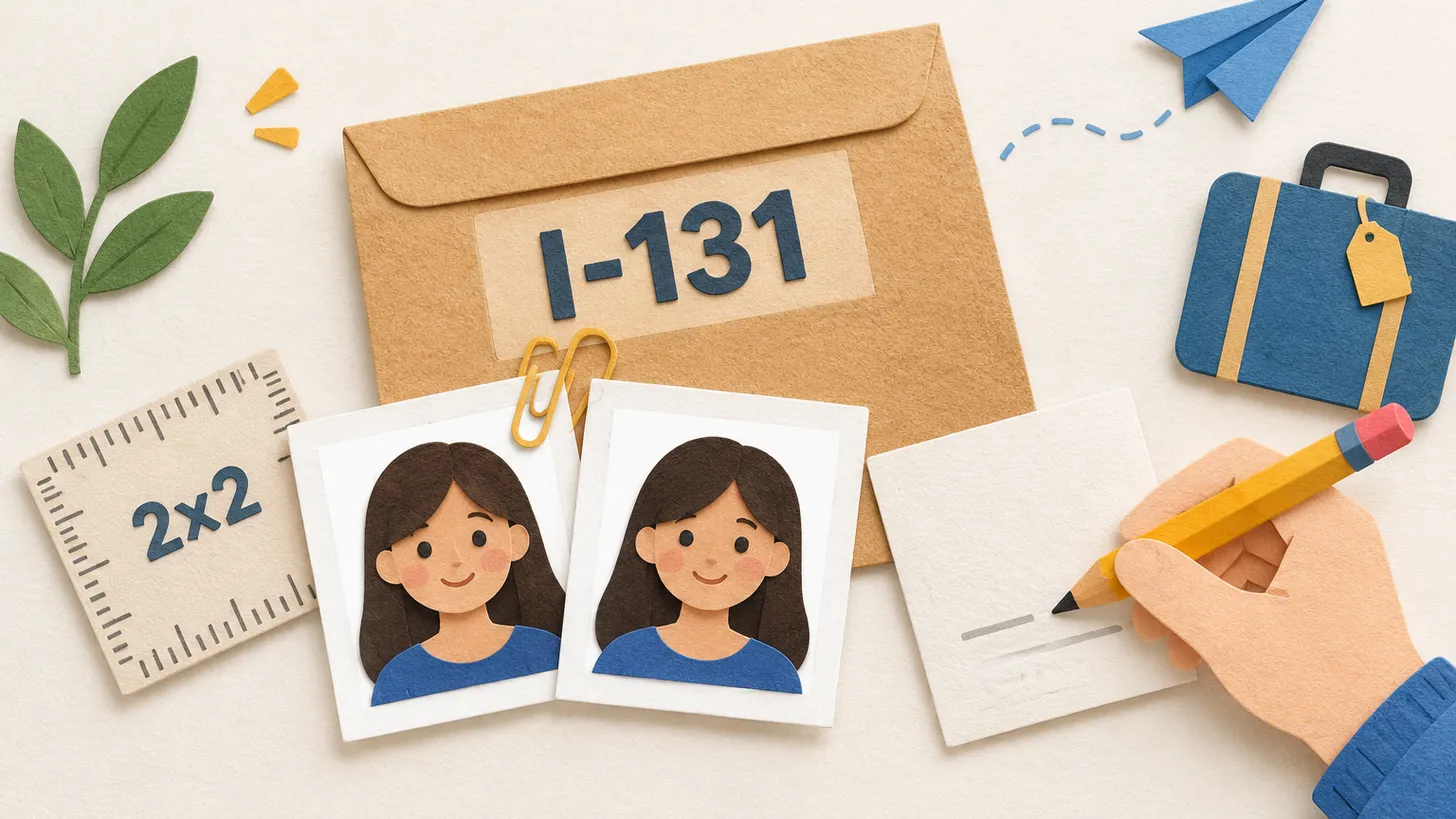
For a TPS Travel Authorization on Form I-131 you send two identical 2x2 inch colour photos on a white to off-white background, head 1–1 3/8 inch.
 USA
USAForm I-130 Photos for a Spouse Petition: Two 2x2 Inch Prints, Who Needs Them and the Head-Height Rule
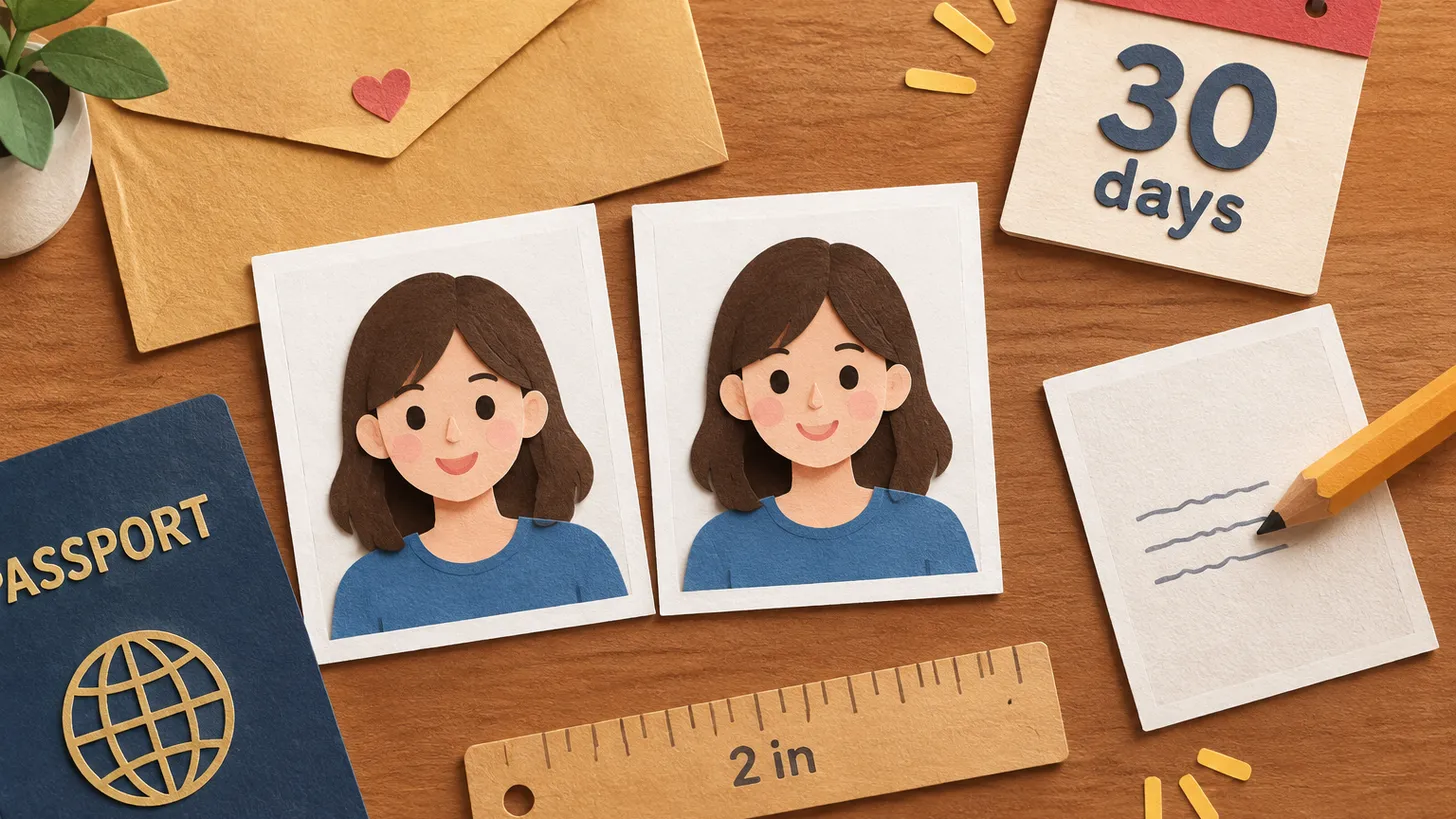
USCIS asks for two identical 2x2 inch colour photos of the petitioner and of the spouse (if in the US), taken within 30 days.
Make your photo to the current rules
Pick your document and upload a selfie — we crop it to size, replace the background and check it. Free. The sizes come from the same official sources as the news.