 Malaysia
 Employment Pass photo: white background only from 1 December 2026 for all expatriate passes
From 1 December 2026, ESD Online and Xpats Gateway accept only white-background photos for the Malaysia Employment Pass and other expat passes.

Key points
5 points- The Immigration Department's Expatriate Services Division (ESD) announced the change on 6 November 2026.
- From 1 December 2026, all passport photos submitted via Xpats Gateway and ESD Online must have a white background.
- It covers the Employment Pass, Dependant Pass, Professional Visit Pass – Expert, Long Term Social Visit Pass, Social Visit Pass – Internship and Investor Pass.
- Until now the ESD page allowed plain white or plain blue for VDR applications; VTR applications already required plain white.
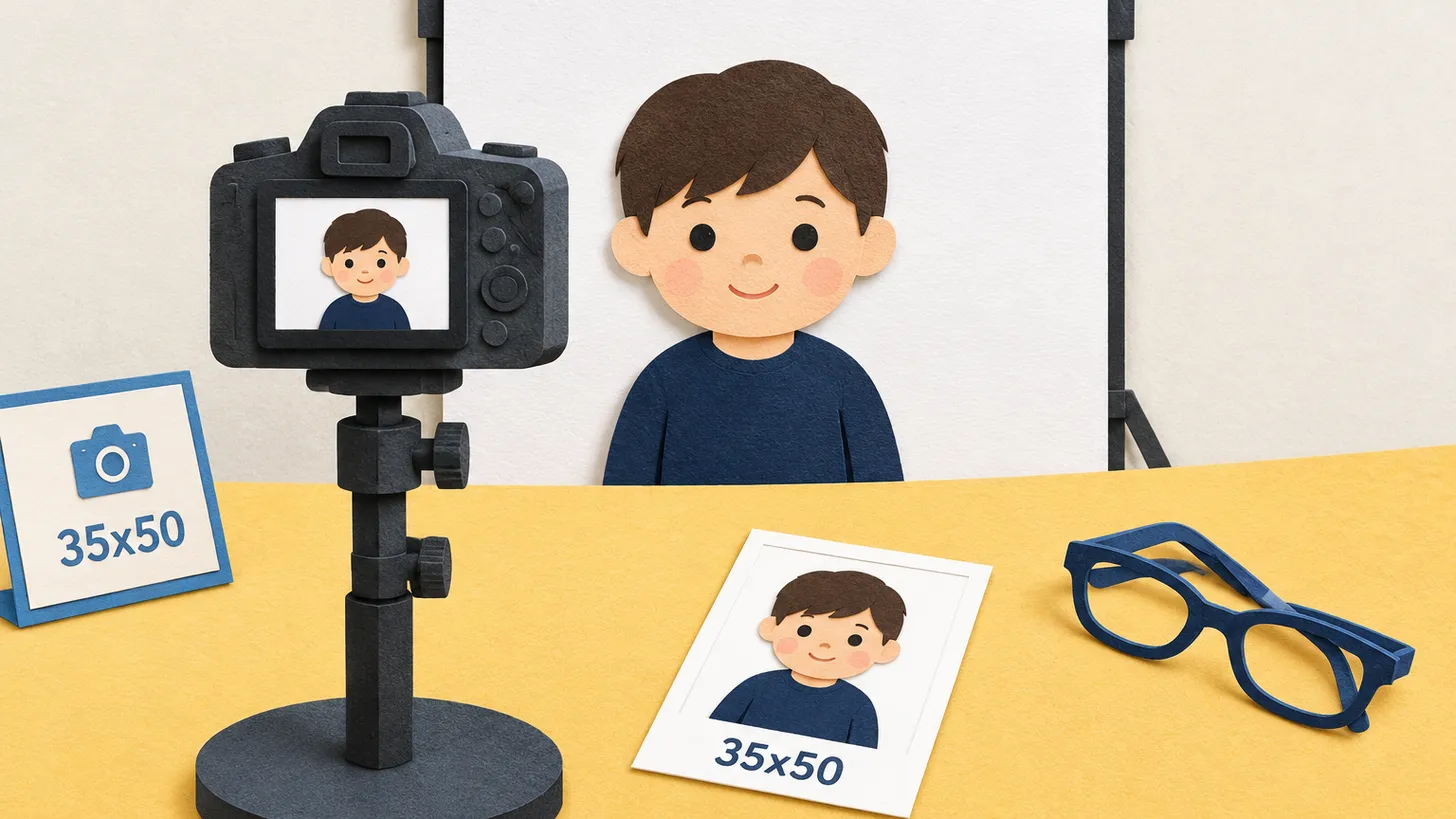
- Photo: 35 × 50 mm, head 30–35 mm from chin to crown, at most 25 KB when uploaded to ESD Online.
The Malaysia Employment Pass photo rules tighten on 1 December 2026. In an announcement dated 6 November 2026, the MYXpats Centre of the Immigration Department of Malaysia wrote: «Effective 1 December 2026, all passport photos submitted via Xpats Gateway and ESD Online must have a white background.»
Which passes are affected
The announcement says the requirement applies to all pass types, including:
- Employment Pass (EP);
- Professional Visit Pass – Expert (PVP – Expert);
- Dependant Pass (DP);
- Long Term Social Visit Pass (LTSVP);
- Social Visit Pass – Internship (SVP-i);
- Investor Pass.
The stated aim is consistent photo submissions and an easier photo check for applications that go through MyVISA.
What changes
The ESD photo page still lists two background rules: VTR application — plain white background; VDR application — plain white or plain blue background, in both cases with no border or frame. From 1 December 2026 a blue background is no longer an option for photos sent through ESD Online or Xpats Gateway.
The photo itself
| Parameter | ESD rule |
|---|---|
| Size | 35 mm wide × 50 mm high |
| Head height | 30–35 mm, chin to crown |
| Margins | about 5 mm at the top, 5–10 mm under the chin |
| File size in ESD Online | at most 25 KB |
| Pose | full face, front view, eyes open, neutral expression |
| Head covering | only for religious reasons; the face must stay fully visible |
MalaysiaWork Permit · requirements · check a photo
The image must be clear and sharp — not blurred, tilted, too far or too small. ESD warns that non-compliant photos lead to rejection of the application.
How to check a photo before applying
Since 21 August 2026, ESD Online has a Photo Verification section. The public version sits on the ESD Online landing page and works without logging in, so an applicant can check the photo before sending it to the employer. The employer's listed person can recheck it inside the application interface. After uploading, you can also download the photo and run it through the eVisa Malaysia photo check tool.
Applying for an employment visa at an embassy
Embassies keep their own lists. The Embassy of Malaysia in Manila, for example, asks employment visa applicants for 2 photos with a white background, 3.5 cm × 5.0 cm — «scan and send the actual photo, must be of good quality» — plus the passport, a copy of its bio page, the approval (MDEC, VDR, calling visa, immigration approval or e-VWR), a visa form filled in at the embassy and PHP 550.
Need a 35 × 50 mm photo on a white background? Make it on our Malaysia work permit photo page.
06Questions
5 answers01Can a Malaysia Employment Pass photo have a blue background?
Not from 1 December 2026: all passport photos submitted via ESD Online and Xpats Gateway must have a white background.
02What size is the Malaysia Employment Pass photo?
35 mm wide × 50 mm high, with the head 30–35 mm from chin to crown.
03What is the maximum file size in ESD Online?
25 KB.
04Does the rule apply to the Dependant Pass?
Yes. The announcement lists the Dependant Pass together with the EP, PVP – Expert, LTSVP, SVP-i and Investor Pass.
05How can I check my photo before applying?
Use the Photo Verification section on the ESD Online landing page; it works without logging in.
07Official sources
- Expatriate Services Division (ESD), Immigration Department of Malaysia — Standardisation of passport photo background requirement (6 Nov 2026)
esd.imi.gov.my - ESD — Passport photo requirements
esd.imi.gov.my - ESD — Enhancement of photo verification for MyVISA applications (20 Aug 2026)
esd.imi.gov.my - Embassy of Malaysia in Manila — Entry requirement for foreigners
kln.gov.my
Author: Yevhen Kravchenko. Published . Checked against official sources on .
MalaysiaMalaysia Visa Photo Requirements: 35 × 50 mm, White Background, Head 30–35 mm
A Malaysia visa photo is 35 × 50 mm on white.
 Malaysia
 Passport Photo Requirements: Live Capture at Immigration, 35 x 50 mm for Children and Abroad
Immigration takes the Malaysian passport photo on the spot: dark clothes, no glasses.
 Malaysia
Photo Requirements for Malaysia eVisa (eVisa/VDR)
Overview of current digital photo requirements for Malaysia e-Visa (eVisa) and Visa With Reference (VDR) applications, including the 35x50 mm size and background rules.

Make the photo for this document
Upload a selfie — we crop it to 35 × 50 mm, replace the background and check it against the document rules. Free preview.
Work Permit · MalaysiaUpload