 New Zealand
NZ Citizenship Photo Requirements: No Selfies, 1 JPEG Online or 2 Identical Prints by Post
NZ citizenship photo: passport-style, under 6 months, taken by someone else — no selfies. Online: 1 JPEG. Post or in person: 2 identical prints.
Key points
5 points- The Citizenship Office accepts passport-style photos; selfies are not accepted.
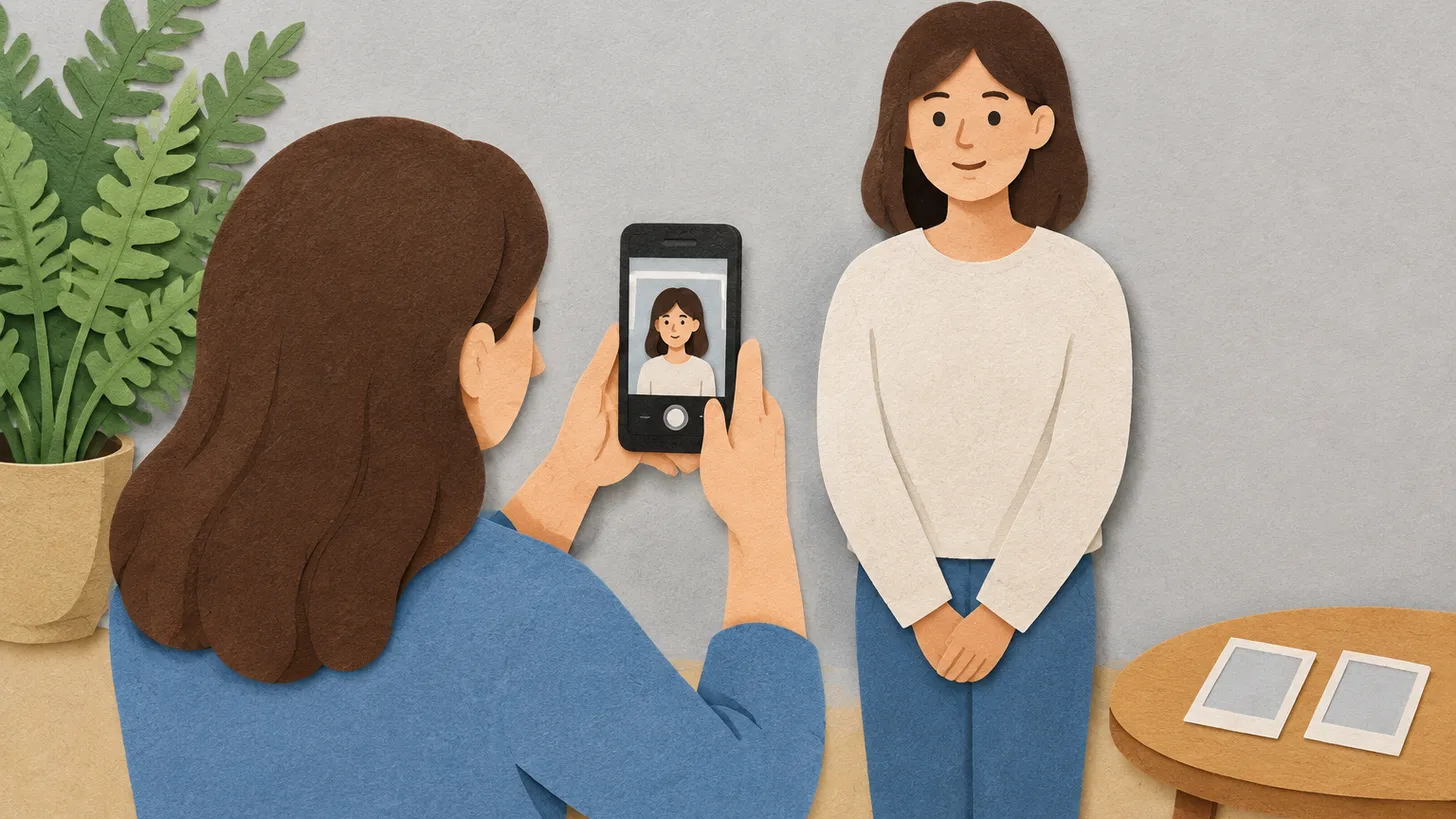
- A friend, colleague or family member can take the photo on a cellphone or camera.
- Online: 1 photo saved as a .jpeg file. By post or in person: 2 identical photos on photo-quality paper.
- Less than 6 months old; head and shoulders; eyes open; neutral expression, mouth closed.
- Prescription glasses are fine if the eyes are visible. Citizenship by grant costs $641 for adults.
A photo is one of the three things every New Zealand citizenship application must include, along with your full birth certificate and your passport or travel document. The government’s guide on govt.nz is short and specific — and has one rule people often miss: selfies are not accepted.
Who can take the photo
The Citizenship Office accepts passport-style photos. You don’t need a studio: if you have a cellphone or camera, ask a friend, colleague or family member to take the photo. The guide explains why not a selfie: they change the way your face looks.
How many photos
| How you apply | Photos |
|---|---|
| Online | 1 photo, saved as a .jpeg file |
| By post or in person | 2 identical photos, printed on photo-quality paper; your witness signs the back of one |
What the photo must show
- Only you, less than 6 months old, clear, sharp and in focus.
- Your head and shoulders, face looking directly at the camera.
- Eyes open and clearly visible — not covered by hair or sunglasses.
- A neutral expression — not smiling or frowning — with your mouth closed.
- Prescription glasses are allowed as long as your eyes are still visible.
For a baby: lie the baby on a plain sheet and take the photo from above, face in full view and eyes open, with no people or objects in the background.
The selfie in the identity check is different
If you apply online, you can choose an optional identity check: the application asks you to take a selfie and a short video of your face. That selfie is only for checking who you are; it is not your citizenship photo. If you complete the check, you may not need to visit an office to verify your identity.
Fees and timing
Citizenship by grant costs $641 for adults aged 16 and over and $320 for children aged 15 and under. A decision takes 3 to 14 months. Digital copies of documents must be in colour, no larger than 10 MB, in .pdf, .png or .jpeg.
Get a passport-style photo for your application on our NZ citizenship photo page.
06Questions
5 answers01Can I use a selfie for my NZ citizenship photo?
No. govt.nz says selfies are not accepted; ask a friend, colleague or family member to take the photo.
02How many photos do I need for NZ citizenship?
One .jpeg photo if you apply online; two identical photos on photo-quality paper by post or in person.
03Can I wear glasses in my NZ citizenship photo?
Yes, prescription glasses are allowed as long as your eyes are visible. Sunglasses are not.
04How old can the photo be?
Less than 6 months old.
05How much does NZ citizenship cost?
Citizenship by grant costs $641 for adults aged 16 and over and $320 for children aged 15 and under.
07Official sources
- govt.nz — What to get ready before you apply for NZ citizenship
govt.nz - govt.nz — How to apply for NZ citizenship
govt.nz - Department of Internal Affairs — New Zealand passport photos
passports.govt.nz
Author: Yevhen Kravchenko. Published . Checked against official sources on .
New ZealandNew Zealand Visa and NZeTA Photo Requirements: 3:4 Portrait JPG, 512 KB to 3.14 MB, Face 70–80 %
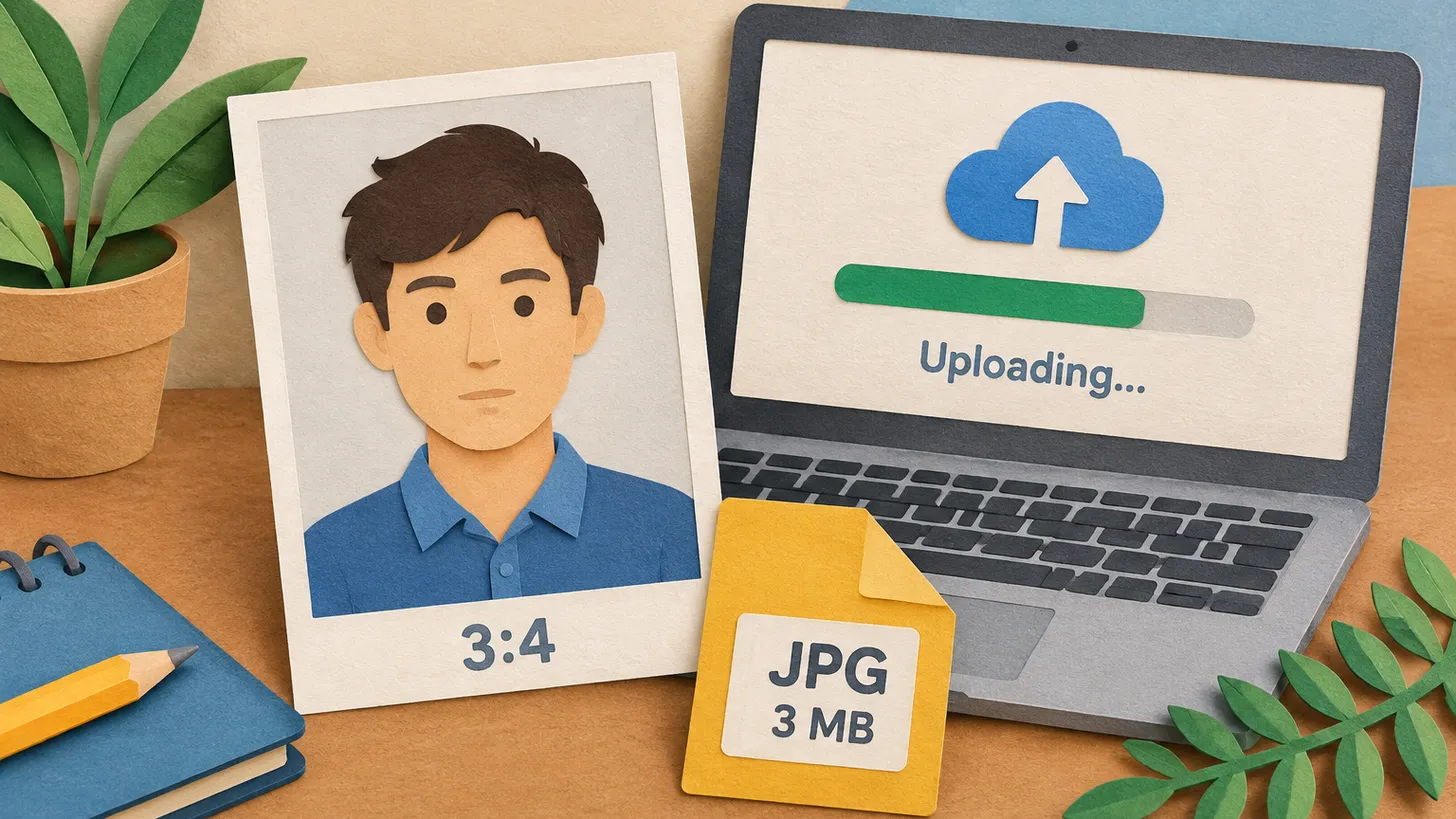
Immigration NZ wants a 3:4 portrait JPG of 512 KB to 3.14 MB, taken in the last 6 months, face 70–80 % of the image, ears visible, plain background.
 Italy
Italy United Kingdom
 Indonesia+5
What size photo to use if not specified: 5 reasons the size is missing
The authority might not publish the photo size for various reasons: EU residence permit specifications are secret, a German regulation refers to a technical directive, and the UK publishes file limits and crops the image itself for online passports.
 New Zealand
New Zealand Visa and NZeTA Photo 2026: Size, Background, and App Selfie Requirements
Immigration New Zealand has strict photo requirements for visa applications and the New Zealand Electronic Travel Authority (NZeTA). In 2026, it is important to consider specific background requirements (which must not be pure white), file sizes depending on the submission method, and clear rules for selfies, which are permitted exclusively in the NZeTA mobile app.
Make your photo to the current rules
Pick your document and upload a selfie — we crop it to size, replace the background and check it. Free. The sizes come from the same official sources as the news.