 New Zealand
New Zealand Visa and NZeTA Photo Requirements: 3:4 Portrait JPG, 512 KB to 3.14 MB, Face 70–80 %
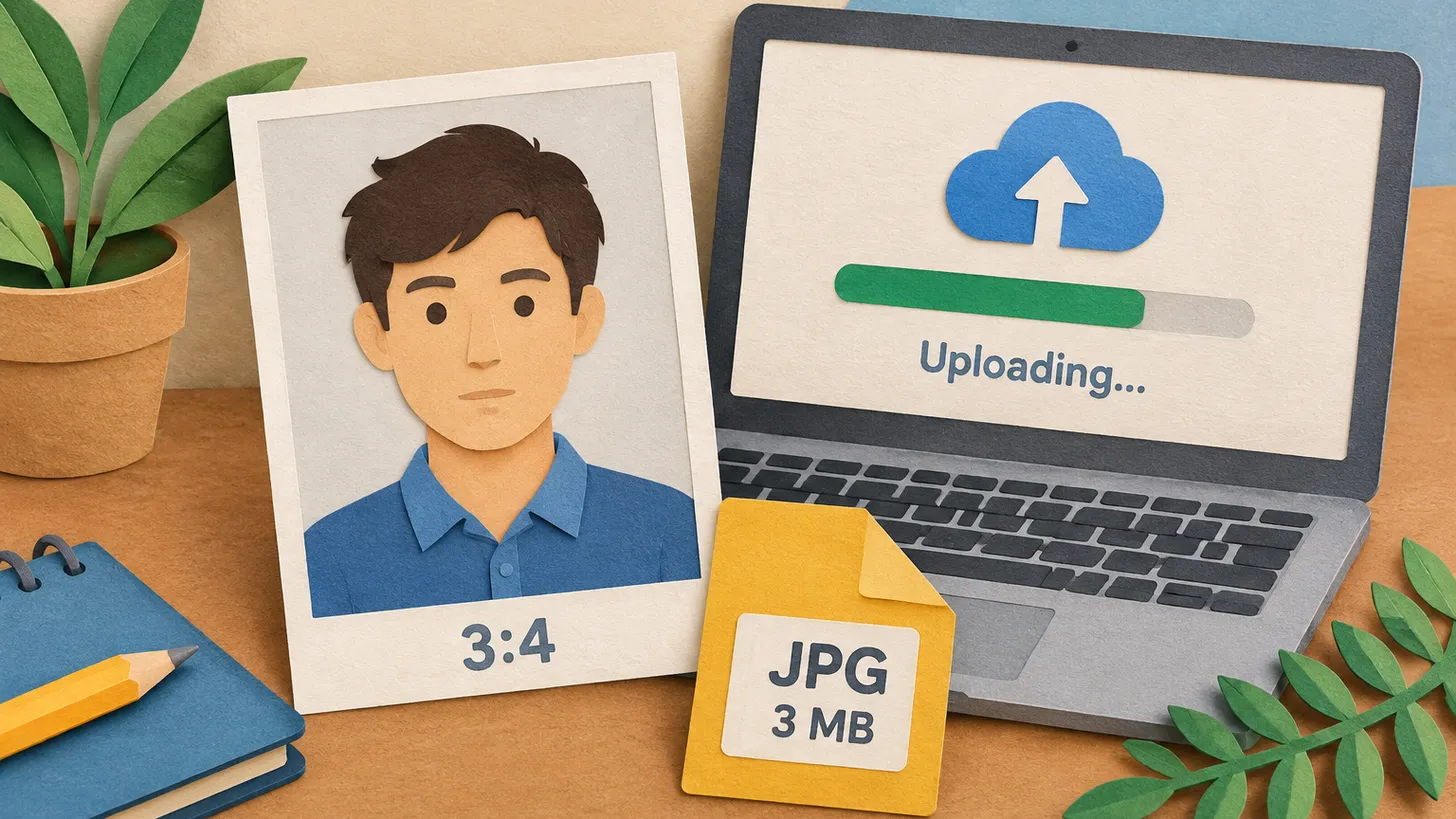
Immigration NZ wants a 3:4 portrait JPG of 512 KB to 3.14 MB, taken in the last 6 months, face 70–80 % of the image, ears visible, plain background.
Key points
5 points- For an online visa or NZeTA the photo must be between 512 KB and 3.14 MB, taken in portrait mode with a 3:4 aspect ratio, as a JPG or JPEG file.
- It must look as if taken within the last 6 months, be a photo of you, and not be a photo of a photo.
- Your face covers 70–80 % of the image, in the middle of the frame, looking straight at the camera, neutral expression, mouth closed.
- Ears must be visible unless you wear a scarf for religious or medical reasons; a head covering must not cover the mouth or the sides of the face.
- A paper visa application takes a 35 mm x 45 mm photo; an NZeTA can only be requested online.
Immigration New Zealand uses the photo you upload as biometric information, so its rules are more technical than most. The page “Acceptable photos for a visa or NZeTA” and the technical sheet for professional photographers set out the file, the framing and the lighting. Here they are in one place.
File and format (online applications)
| Requirement | Immigration New Zealand |
|---|---|
| File size | Between 512 KB and 3.14 MB |
| Orientation and ratio | Portrait mode, 3:4 aspect ratio |
| Format | JPG or JPEG |
| Dimensions (photographer sheet) | From 900 x 1200 to 2250 x 3000 pixels |
| Age | Looks like it was taken within the last 6 months |
The photo must also be of you, not edited or altered, and not a photo of a photo. If there is a problem you get an error message when you submit it with the online application, and a photo that does not meet the standards makes the application take longer — you may be asked for a new one.
Face, expression and head coverings
- Your face covers between 70 % and 80 % of the image and is in the middle of the frame.
- You look straight at the camera with a neutral expression and your mouth closed; the face is not turned to the side or at an angle.
- Your eyes are open and the image is in focus.
- Hair must not cover your face or ears — the photo must show your ears unless you wear a scarf for religious or medical reasons.
- Head coverings are removed unless worn for religious or medical reasons, and then must not cover the mouth or the sides of the face.
Glasses, light and background
- Glasses: prescription glasses are allowed if they are clear and not tinted (no sunglasses), do not have heavy frames that cover your face, and create no glare or reflection. If glasses cause problems it may be best to remove them.
- Light: no shadows on the face or the background, and good contrast between face and background. Immigration NZ suggests standing 0.5 metres from the background with the photographer 1.5 metres in front of you.
- Background: neutral and plain, showing only you and no other people or objects. Avoid t-shirts with pictures and patterned clothing: patterns can create technical issues.
Selfies and paper applications
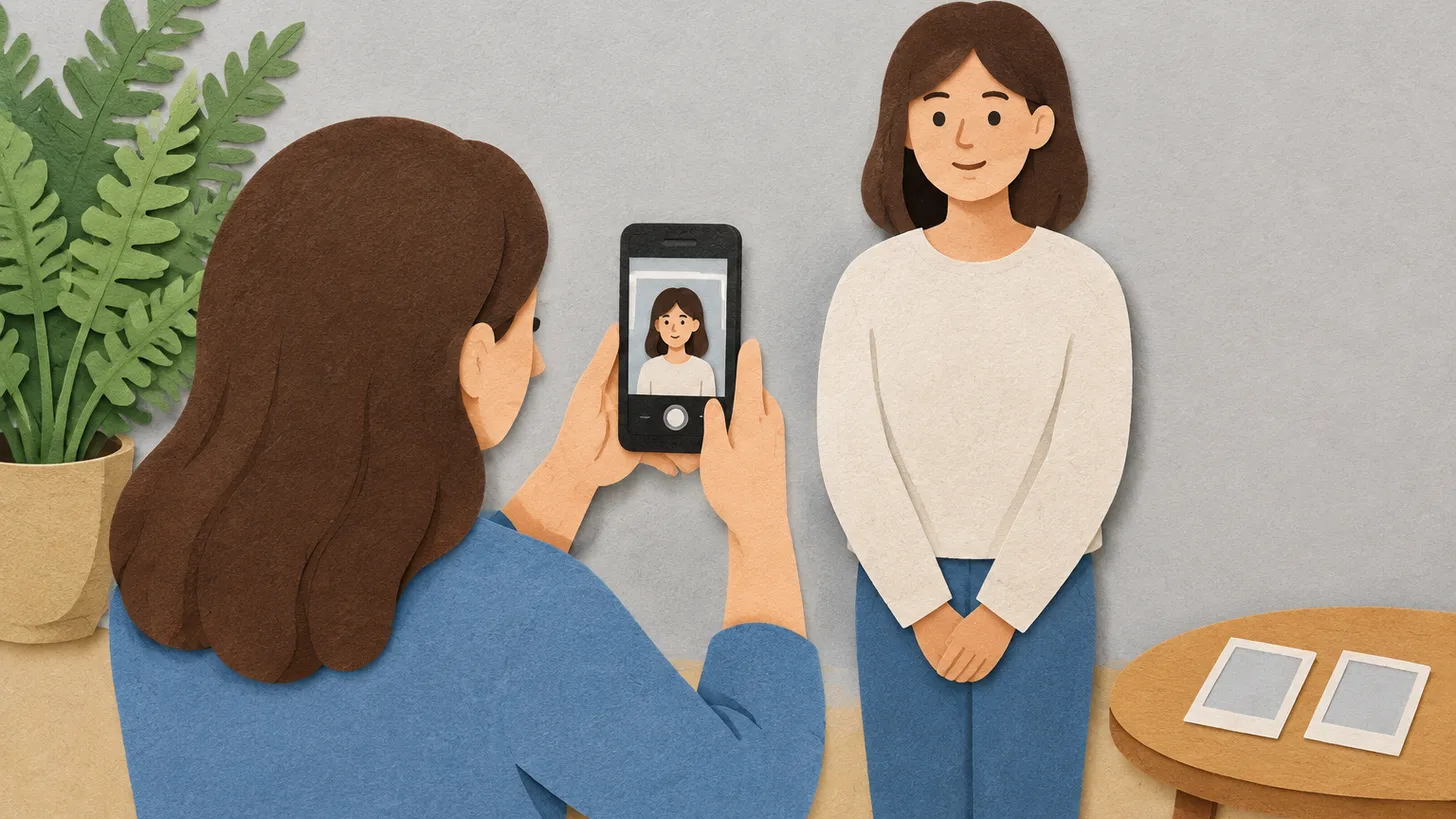
Immigration NZ recommends having someone else take the photo. A selfie can be used only if you apply for an NZeTA in the mobile app; then stretch your arm as far as possible, hold the phone at eyebrow height and keep the light source behind the phone. A paper visa application takes a photo 35 mm wide and 45 mm high — more instructions are on the paper forms. An NZeTA can only be requested online.
Common reasons for a new-photo request
- A face that fills too little or too much of the frame (outside 70–80 %).
- Hair or a head covering over the ears, mouth or sides of the face.
- Open mouth or a turned head.
- A file below 512 KB or above 3.14 MB, or a landscape image.
- Patterned clothes or objects in the background.
Our New Zealand visa photo tool sets the 3:4 frame and exports a JPG inside the file limits; the NZeTA photo tool does the same for an NZeTA.
06Questions
6 answers01What file size is allowed for a New Zealand visa photo?
Between 512 KB and 3.14 MB, as a JPG or JPEG file in portrait mode with a 3:4 aspect ratio.
02How much of the photo should my face fill?
Between 70 % and 80 % of the image, in the middle of the frame.
03Do my ears have to be visible?
Yes, unless you wear a scarf for religious or medical reasons; hair must not cover the face or ears.
04Can I wear glasses?
Prescription glasses are allowed if clear, not tinted, with no heavy frames covering the face and no glare or reflection.
05Can I use a selfie?
Only if you apply for an NZeTA in the mobile app; Immigration NZ recommends someone else take the photo.
06What size is a photo for a paper visa application?
35 mm wide and 45 mm high.
07Official sources
- Immigration New Zealand — Acceptable photos for a visa or NZeTA
immigration.govt.nz - Immigration New Zealand — Taking acceptable visa photos: technical requirements for professional photographers (PDF)
immigration.govt.nz - ICAO — Doc 9303, Machine Readable Travel Documents (the international biometric portrait standard, for comparison)
icao.int
Author: Yevhen Kravchenko. Published . Checked against official sources on .
New ZealandNZ Citizenship Photo Requirements: No Selfies, 1 JPEG Online or 2 Identical Prints by Post
NZ citizenship photo: passport-style, under 6 months, taken by someone else — no selfies.
 Italy
Italy United Kingdom
 Indonesia+5
What size photo to use if not specified: 5 reasons the size is missing
The authority might not publish the photo size for various reasons: EU residence permit specifications are secret, a German regulation refers to a technical directive, and the UK publishes file limits and crops the image itself for online passports.
 New Zealand
New Zealand Visa and NZeTA Photo 2026: Size, Background, and App Selfie Requirements
Immigration New Zealand has strict photo requirements for visa applications and the New Zealand Electronic Travel Authority (NZeTA). In 2026, it is important to consider specific background requirements (which must not be pure white), file sizes depending on the submission method, and clear rules for selfies, which are permitted exclusively in the NZeTA mobile app.
Make your photo to the current rules
Pick your document and upload a selfie — we crop it to size, replace the background and check it. Free. The sizes come from the same official sources as the news.