 Pakistan
Pakistan eVisa Photo Requirements 2026: 35x45 mm Size & NADRA Rules
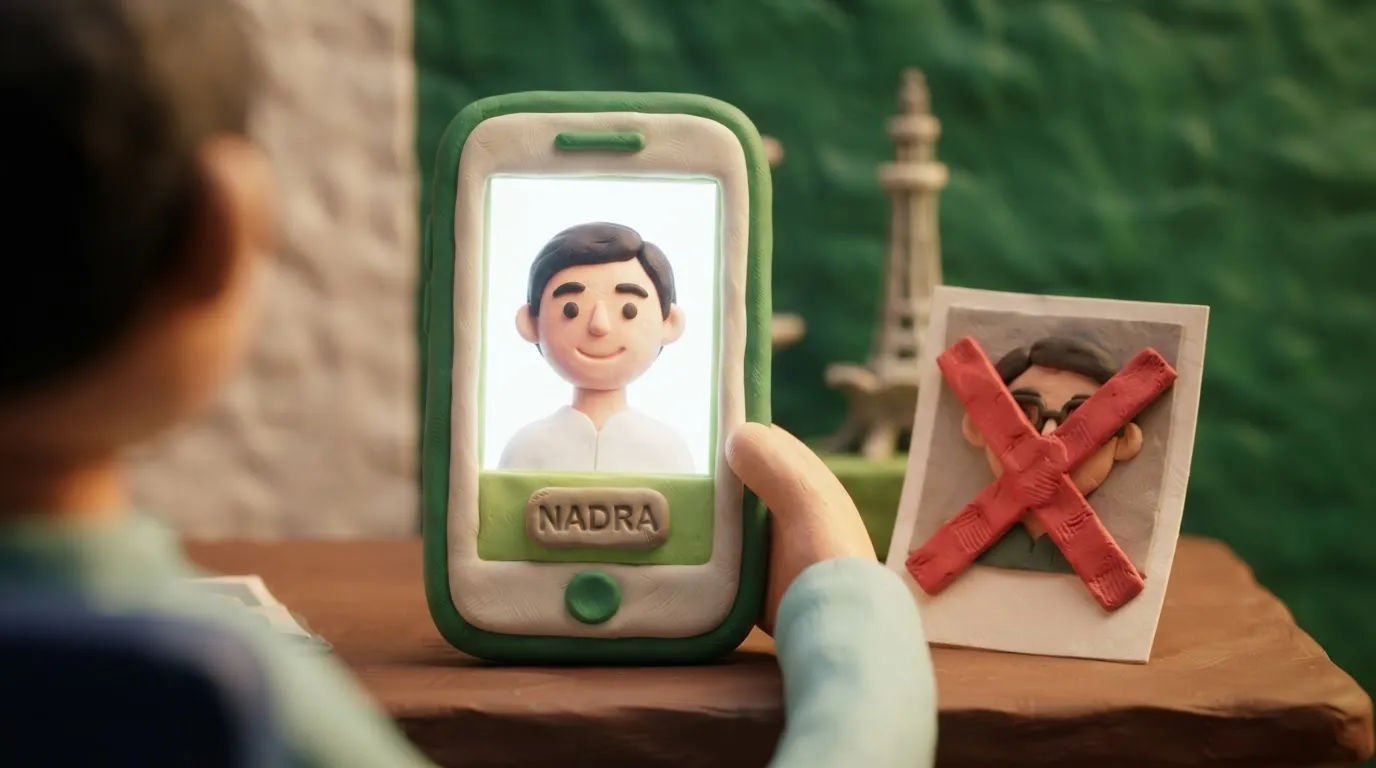
To obtain a Pakistan eVisa, you must upload a digital photo measuring 35x45 mm (up to 350 KB) on a white background without glasses.
Key points
6 points- Photo size: 35x45 mm (45 mm in height and 35 mm in width).
- Maximum file size for uploading to the NADRA portal is 350 KB.
- The background must be plain white, without shadows or patterns.
- The face must occupy 70–80% of the photograph's area.
- Glasses are prohibited; eyes must be clearly visible.
- The photo must be taken no earlier than 6 months before applying.
To successfully apply for a Pakistan eVisa through the official NADRA portal, applicants must strictly adhere to the digital photograph requirements. An incorrect format, size, or background of the photo is one of the most common reasons for delays or rejections in processing visa applications in 2026.
What has changed and current requirements
The Pakistan Online Visa System automatically checks uploaded files. If the photograph does not meet the technical parameters, the system will not allow you to complete the application. The main standard is a classic 35x45 mm passport photo, but with a strict file size limit of up to 350 KB.
| Parameter | Official NADRA requirement |
|---|---|
| Physical size | 35 mm (width) x 45 mm (height) |
| Maximum file size | 350 KB |
| Background | Plain white |
| Face proportions | The face and upper shoulders must occupy 70–80% of the frame |
| Glasses | Strictly prohibited (eyes must be clearly visible) |
| Date taken | No older than 6 months |
PakistanVisa · requirements
Who this applies to
These rules are mandatory for citizens of Ukraine and all other foreigners applying for any type of Pakistan eVisa (tourist, business, visit, etc.) through the official portal visa.nadra.gov.pk.
What to do now
- Take a new photo: Visit a photo studio or take a photo yourself on a white background with even lighting. Remove your glasses.
- Crop the image: Ensure the proportions are 35x45 mm and the face occupies 70-80% of the area.
- Compress the file: If your file is larger than 350 KB, use online image compressors to reduce its size without losing quality.
- Check the photo on the portal: Before submitting your application, use the "Photograph Verification" tool on the NADRA website to ensure the system accepts your file.
Common mistakes
- Wearing glasses: Even prescription glasses with clear lenses will result in the photograph being rejected.
- Incorrect background: Using a gray, blue, or textured background instead of plain white.
- Exceeding the 350 KB limit: Uploading high-resolution photos directly from a smartphone camera without prior compression.
- Incorrect cropping: Too much empty space above the head or a face that occupies less than 70% of the frame.
Rules change frequently — before taking action, always check the current requirements on the official government source provided above.
05Questions
3 answers01Can I wear glasses in a photo for a Pakistan visa?
No, according to the official NADRA rules, wearing glasses in the photo is strictly prohibited. The eyes must be clearly visible without any obstructions.
02What is the maximum file size for uploading?
The maximum size of a digital photograph for uploading to the Pakistan visa portal is 350 KB.
03Are head coverings allowed in the photo?
Head coverings are allowed only for religious reasons. However, facial features from the bottom of the chin to the top of the forehead and both edges of the face must be clearly visible.
06Official sources
- NADRA Photograph Guide
visa.nadra.gov.pk
Author: Yevhen Kravchenko. Published . Checked against official sources on .
Make the photo for this document
Upload a selfie — we crop it to 35 × 45 mm, replace the background and check it against the document rules. Free.
Visa · PakistanUpload