 Saudi Arabia
 eVisa Photo Requirements 2026: 200x200 px and White Background
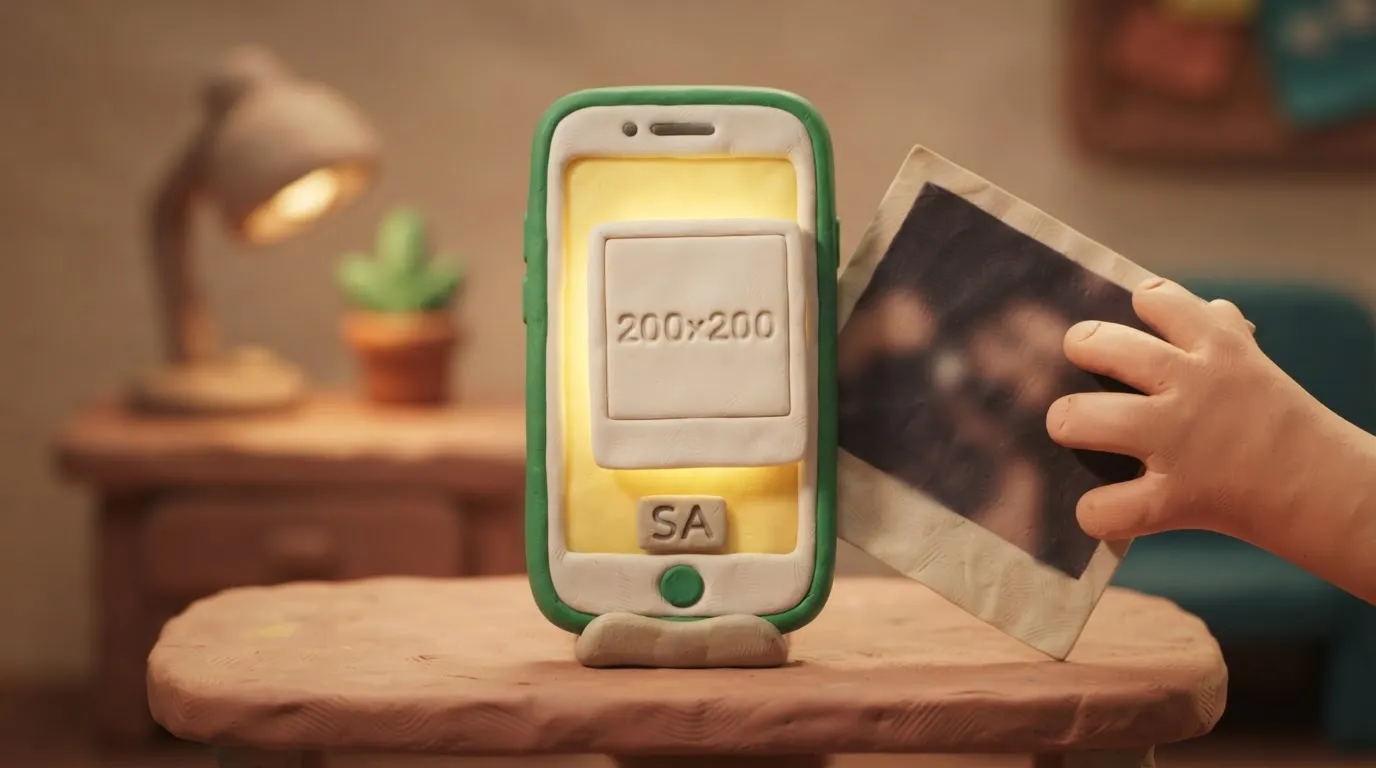
To apply for a Saudi Arabia eVisa in 2026, the photo must be 200x200 pixels, have a file size between 5 and 100 KB, and feature a white background.
Key points
5 points- Digital photo size: exactly 200x200 pixels.
- File size: from 5 KB to 100 KB.
- Background: strictly plain white, without shadows or patterns.
- The face takes up 70–80% of the frame.
- Age: the photo must be taken no more than 6 months before applying.
To successfully apply for an electronic visa (eVisa) to Saudi Arabia in 2026, applicants must strictly adhere to the technical requirements for the digital photo. Non-compliance with the size, file size, or background is one of the most common reasons for delays or visa rejections on official portals.
What has changed: Current requirements for 2026
The system automatically checks uploaded files. If your photo does not meet the specified parameters, you will not be able to complete the application.
| Parameter | Official requirement |
|---|---|
| Size in pixels | Exactly 200 x 200 px (square) |
| File size | From 5 KB to 100 KB |
| Background | Plain white (no shadows, patterns, or foreign objects) |
| Face proportions | The face must occupy 70–80% of the photo area |
| Photo age | Taken no more than 6 months before submission |
| Facial expression | Neutral, mouth closed, eyes open (no smiling) |
Who this applies to
These rules are mandatory for citizens of Ukraine and all other countries eligible for an electronic visa (eVisa) to Saudi Arabia for tourism, visiting relatives, attending events, or performing Umrah.
What to do now
- Take a new photo against a flat, well-lit white background, with no shadows on the face or the background.
- Crop the image to a square of exactly 200x200 pixels.
- Save it as JPG or PNG and check that the file is between 5 and 100 KB; if it is larger, an online image compressor helps.
- Upload the photo while filling out the form on the official portal visa.visitsaudi.com or ksavisa.sa.
Common mistakes
- Uploading a photo larger than 100 KB: the system shows an error.
- A gray, cream or textured background instead of plain white.
- Sunglasses or glare on the lenses. Headwear is allowed only for religious reasons, and the face must stay completely visible.
- A face that is too small or too large in the frame; it should take up 70-80%.
05Questions
3 answers01Can I wear glasses in the photo?
Only prescription glasses are allowed, provided the frames do not cover the eyes and there is no glare on the lenses. Sunglasses and tinted glasses are strictly prohibited.
02Is headwear allowed in the photo?
Headwear is allowed only for religious reasons. However, the face must be completely visible from the bottom of the chin to the forehead, without any shadows.
03What happens if the photo file is larger than 100 KB?
The system on the official portal will not allow you to upload the file if its size exceeds 100 KB or is less than 5 KB. You will have to compress the image before uploading.
06Sources
- Visit Saudi - Photo Requirements
visa.visitsaudi.com - KSA Visa (Unified Platform)
ksavisa.sa
Author: Yevhen Kravchenko. Published . Checked against official sources on .
Saudi ArabiaSaudi passport photo size: 4 × 6 cm, in colour, white background, not instant or reprinted
The Saudi passport application form asks for a 4 × 6 colour photo with a white background that is not an instant or reprinted photo.
 Saudi Arabia
Saudi national ID photo requirements: recent, colour, white background, front-facing, no glasses
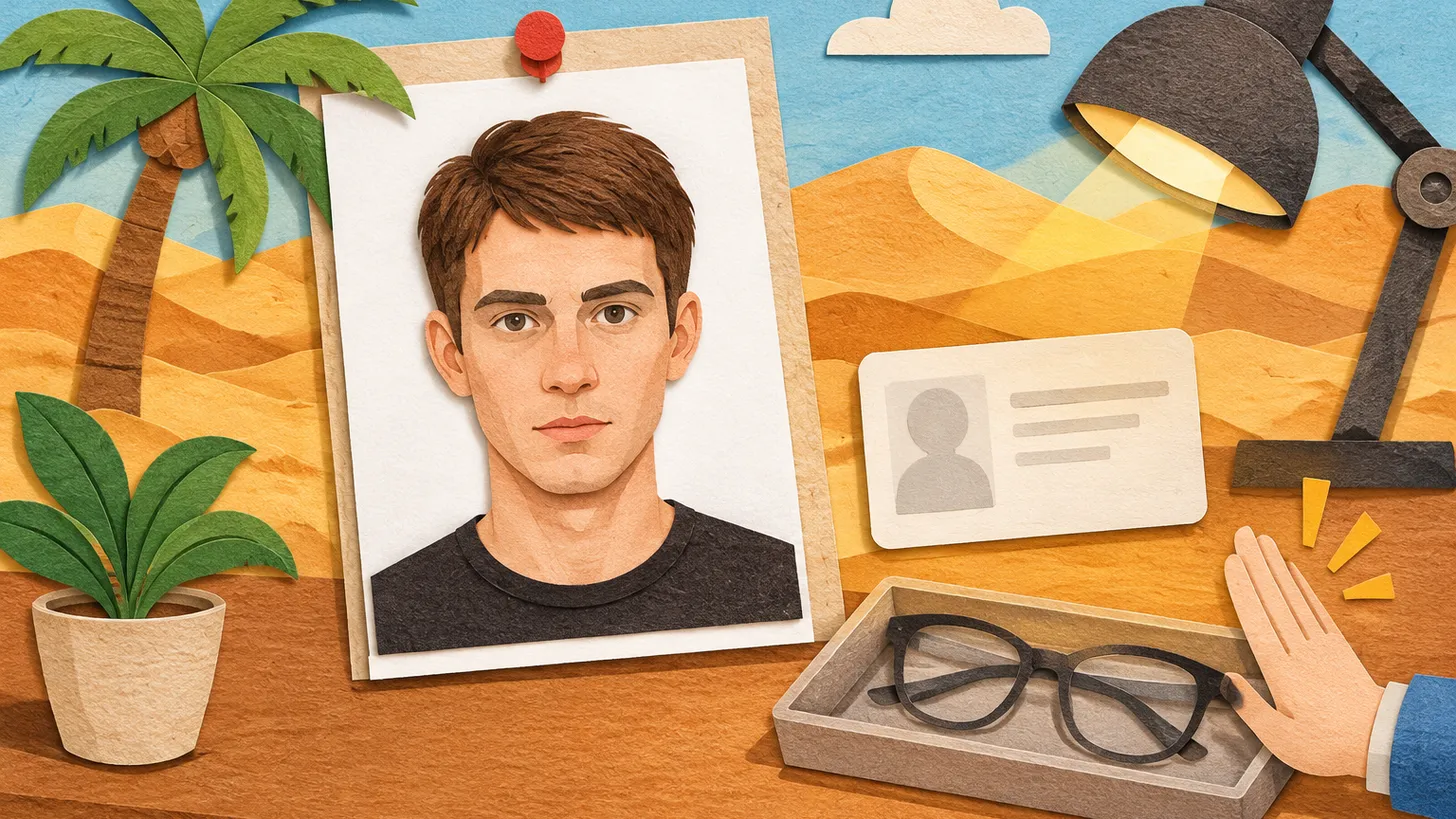
The Saudi Civil Status regulation asks for a recent, clear colour photo on a white background, facing the camera, without glasses or cosmetic lenses.
 USA
 India
 Egypt+6
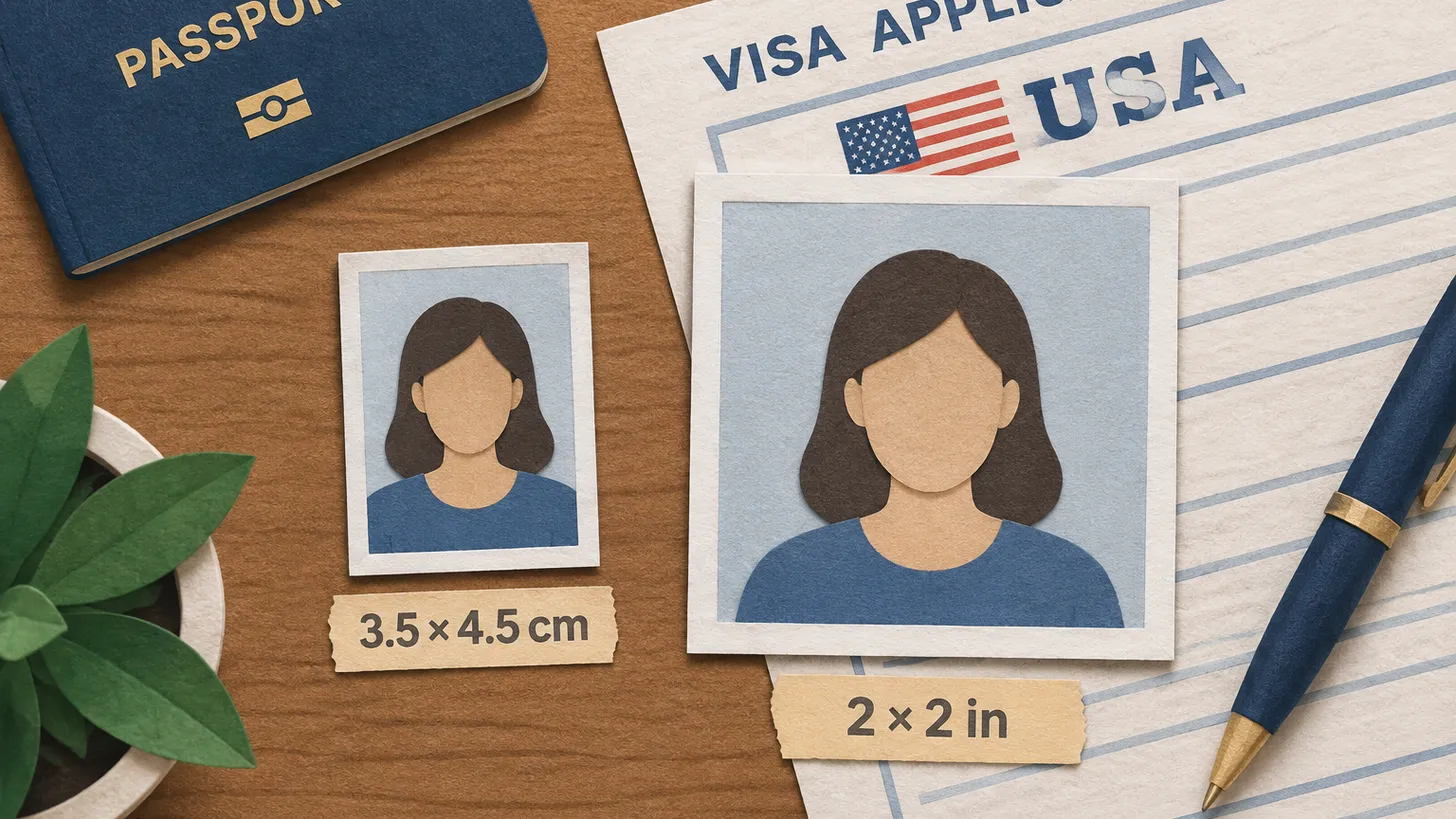
The 51x51 mm square photo: frame maths, signature rules and why a European-format print can't be cropped to fit
In the US 51x51 mm square, head height must be 50–69% of the frame height.
Make your photo to the current rules
Pick your document and upload a selfie — we crop it to size, replace the background and check it. Free preview. The sizes come from the same official sources as the news.
Visa · Saudi ArabiaUpload