SourceConsular Department of the Ministry of Foreign Affairs of Russia
Verified
Quick answer: A Russia visa photo must be 35 × 45 mm. Light grey plain background without textures or shadows; this differs from the Russian international passport, where the background is white. Neutral expression, clear lenses only, no glare. Last verified .
Russia visa photo: size in mm, cm, inches and pixels
Millimetres
35 × 45 mm
Centimetres
3.5 × 4.5 cm
Inches
1.38 × 1.77″
Pixels at 300 dpi
413 × 531 px
Pixels at 600 dpi
827 × 1063 px
Russia-specific things to know
The face share depends on the channel: 70–80 % of the photo on the e-visa, about 50 % at the Consulate General in New York. Follow the rule of the channel you use.
On the e-visa the photo is a rectangle with a 35:45 aspect ratio, without frames, showing you alone — no chair back, pictures on the wall or other people.
Glasses are accepted only with the eyes clearly visible, no flash reflection and no tint; the frames must not cover the eyes even partly, so lighter frames are better.
At consulates the photo must be a real print — photocopies are refused — glued to the form (never stapled) and not slipped into an envelope; a photo of each applicant is required.
The e-visa is single-entry, valid for 120 days from issue with a stay of up to 30 days from entry; the application can be sent no earlier than 86 and no later than 4 days before entry. The list of eligible nationalities is approved by the Government.
How visa photos are verified
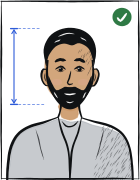
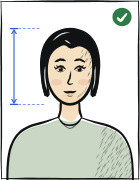
Photographs for Russian visas are set by the Consular Department of the Ministry of Foreign Affairs of Russia and differ by channel. The unified e-visa (evisa.kdmid.ru) takes a digital JPEG of the face, not more than six months old, with the applicant alone in the picture, full face, neutral expression with the mouth closed, a plain light-coloured background without shadows, and a rectangle with the 35:45 aspect ratio in which the face takes 70–80 % of the photo.
Read more
Consulates working with paper applications ask for a 35 × 45 mm photo glued to the form: the Consulate General in New York wants the face to cover about 50 % of the photo on a plain white or light background and does not accept photocopies; the embassy in Poland asks for one colour camera print on a light (white or off-white) background and warns that a photo that does not meet the rules makes the application incomplete. The six-month limit is common to all of them.
Examples and mistakes
What makes Russia visa photos accepted
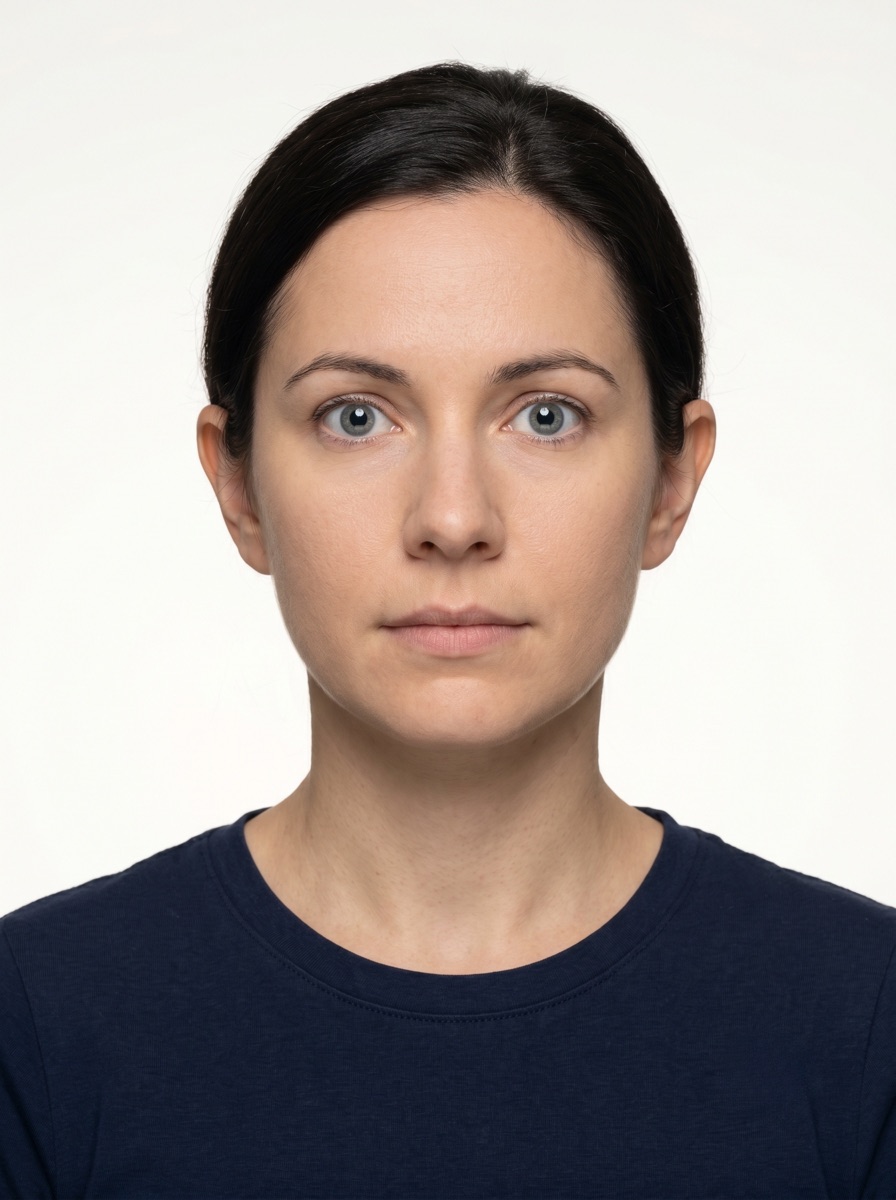
A photo that will be accepted, next to the six most common reasons Russia visa photos get rejected.
Accepted
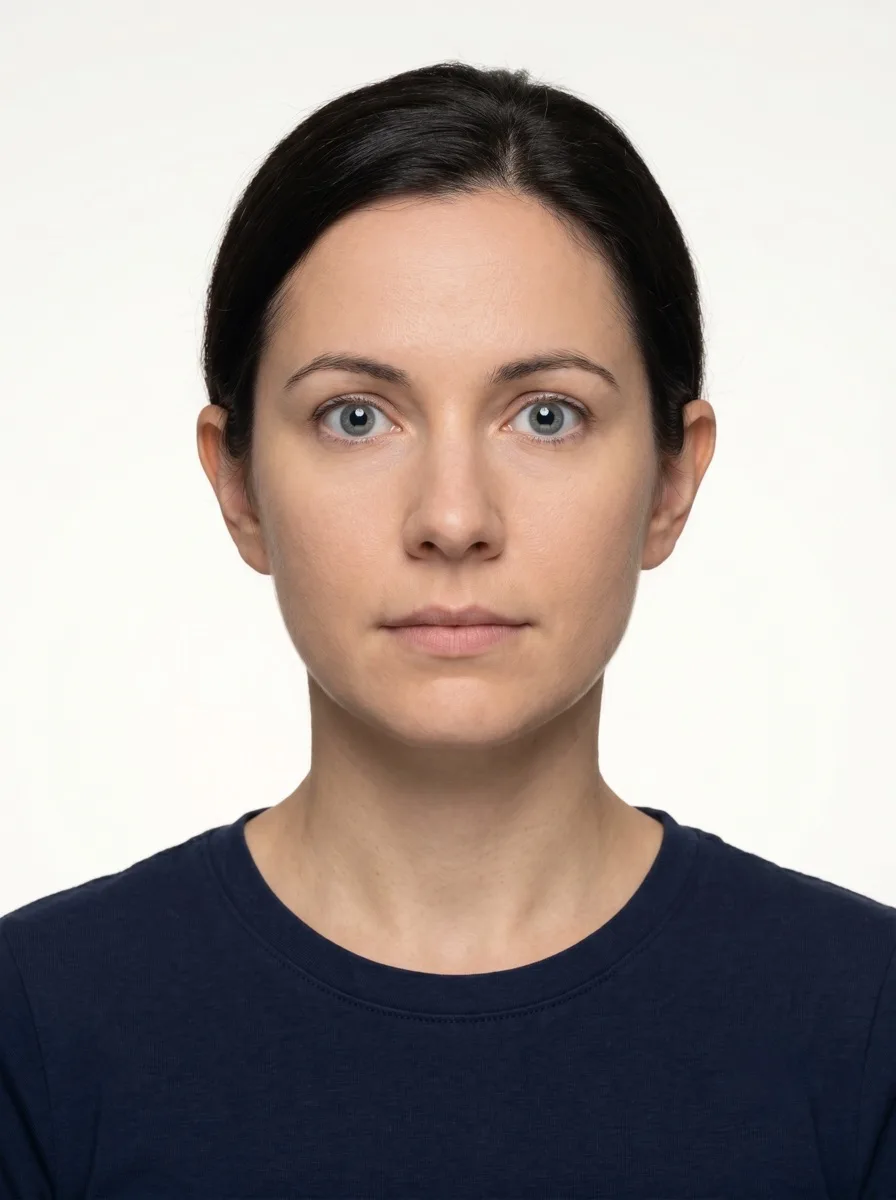
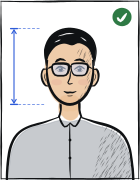
Compliant Russia visa example (35 × 45 mm)
Face centred, looking directly into the lens
Plain background — no shadow, pattern or texture
Neutral expression, eyes open, mouth closed
No glasses, no hair across the face
Top 6 Russia visa rejection causes
Background shadowShadow on the wall behind the head, or background with a visible pattern or gradient
Smile / open mouthVisible smile with teeth or open mouth instead of a neutral expression
Glasses with glareGlasses with a clearly visible light reflection covering part of the eye
Hair across the faceLoose hair strands covering the eyes, eyebrows or part of the face
Eyes off-cameraEyes looking to the side instead of directly into the camera lens
Head tiltedHead tilted so the eye line is no longer horizontal
Typical rejection reasons and how to fix them
Typical reasons a photo is rejected under the rules Consular Department of the Ministry of Foreign Affairs of Russia publishes: what is wrong and what to change.
Reason
Fix
Face share not matching the channel: 70–80 % on the e-visa, about 50 % at the New York consulate
Frame the head so the face takes 70–80 % of the photo for the e-visa, or about 50 % if your consulate states that figure.
Background not plain and light, shadows on the background, or other people or objects in the picture
Stand in front of a plain light wall with nothing behind you, light the scene evenly so the wall has no shadows, and make sure you are alone in the shot.
Glasses with flash reflection or tint, frames covering the eyes, or sunglasses
Take the glasses off, or wear a light frame with untinted lenses and shoot without flash so the lenses do not reflect.
Head tilted or turned, mouth open or smiling, eyes not clearly visible, hair across the eyes
Look straight at the camera with the head level and the nose on the line of symmetry, a neutral face with the mouth closed, eyes wide open and the hair pushed away from them.
Paper photo: a photocopy, stapled to the form, in an envelope, or a group photo
Bring a real print of one person, glued in the space on the form (double-sided tape is allowed), without staples or an envelope.
Photo older than six months
Take a new photo within six months before you apply; the e-visa also asks that it reflect your current appearance.
The tool puts in the required background. Stand half a metre from a plain light wall, face a window and shoot without flash — then there are no shadows on your face or on the wall.
Framing
Size: 35 × 45 mm
Camera at eye level, about a metre away; head and shoulders in the shot. The tool crops it to the required size.
Glasses
Clear lenses only, no glare
If you wear glasses, check the shot: no glare on the lenses, eyes clearly visible.
Expression and gaze
Neutral expression, mouth closed, eyes open
Look straight into the lens with your head level; keep hair away from your eyes and eyebrows.
Print at 100% scale, borderless, and turn off fit-to-page so each photo keeps its exact size.
Where to submit your visa application
Citizens of the countries on the Government's list apply for the unified Russian e-visa online from a personal account on the Foreign Ministry's site or in its mobile application. Everyone else, and every other visa category, goes through a Russian embassy or consulate, where a printed photo is glued to the form.
Russian unified e-visa (MFA portal and mobile app)online
evisa.kdmid.ru — personal account; only for the nationalities on the Government's list
Processing
Status shown in your account: «Draft saved», «Payment required», «Application is being processed», «Correction required», «Processing completed»
Cost
A fee for processing is paid by international bank card on the site or in the app
Digital JPEG of the face (35:45, face 70–80 %, under six months old) and a JPEG of the passport data page. Single-entry, 120 days of validity, stay up to 30 days; apply between 86 and 4 days before entry.
Russian embassy or consulate (paper application)in-person
The mission or visa centre that covers your country — its photo page is the rule (examples: New York, Poland)
Processing
Set by each mission
Cost
Consular fee by visa type and nationality, shown by the mission
One 35 × 45 mm print per applicant, glued to the form, under six months old, plain light background; the New York page asks for about 50 % face, the Poland page a light camera print. Incomplete photos make the application incomplete.
Russian e-visa photo (evisa.kdmid.ru): digital JPEG of the face, not more than six months old and reflecting your current appearance; you alone in the photo, no foreign objects or other people; no frames; rectangular with a 35:45 aspect ratio; neutral colours showing the natural skin tone; clear, well defined and in focus.
Same page, pose and light: full face with the head not tilted or turned, looking directly at the camera, neutral expression, mouth closed, eyes open and clearly visible, no hair across the eyes; uniform lighting with no shadows, no flash reflections on the face and no red eyes; plain light-coloured background with no shadows.
Same page, framing: top of the head and top of the shoulders shown; head in the centre, fully visible from the hairline or crown to the tip of the chin, the nose on the line of symmetry; the face takes 70–80 % of the photo. Glasses: eyes clearly visible, no flash reflection, no tinted lenses, frames not covering the eyes even partly. A religious head covering is allowed if the face is clearly visible from chin to forehead.
Consulate General of Russia in New York (paper): 35 × 45 mm with the head centred, taken within the last six months; the face covers about 50 % of the photo area, on a plain white or light-coloured background; neutral expression, neither frowning nor smiling, mouth closed; photocopies are not accepted; glue the photo to the form (double-sided tape may be used), do not staple it and do not put it in an envelope; a photo of each applicant, no group photos.
Embassy of Russia in Poland (paper): one recent colour photo, not more than 6 months old, on a light background (white or off-white), clear with the face in focus, printed on normal photographic paper (camera print), full face, non-smiling, without sunglasses or a hat or head covering unless worn for religious or ethnic reasons; stuck on the form. A photo that does not meet these requirements makes the application incomplete.
Questions
Frequently asked questions
A recent photo (not more than six months old) of you alone, in full face with the head straight, a neutral expression and the mouth closed, eyes open and clearly visible, on a plain light-coloured background without shadows and with uniform lighting. The shape is 35:45 (35 × 45 mm on paper). For the e-visa the face takes 70–80 % of the photo and the file is a JPEG; consulates working on paper ask for a glued print, and New York mentions about 50 %.
Yes. The Consulate General in New York gives 35 mm × 45 mm (1⅜ × 1¾ inches) with the head centred in the frame, and the e-visa asks for a rectangle with the 35:45 aspect ratio. The two channels differ in how large the face is: 70–80 % of the photo on the e-visa, about 50 % on the New York page. On paper the Poland page just says a recent colour camera print.
Glasses: yes on the e-visa if the eyes are clearly visible, there is no flash reflection, no tint and the frames do not cover the eyes even partly; sunglasses are not acceptable unless required for medical reasons (New York). Head covering: allowed for religious reasons (e-visa, Poland) if the face is clearly visible from the bottom of the chin to the top of the forehead. Otherwise no hat, cap or other head covering.
A digital JPEG of your face that meets the requirements, plus a JPEG of your passport data page. The portal states the shape and content — a 35:45 rectangle without frames, face 70–80 %, you alone, not more than six months old — and shows the file-size limit on the upload step. If the status becomes «Correction required», fix the photo or the data and send the application again.
Not a photocopy: the Consulate General in New York states that photocopied photographs are not accepted. The embassy in Poland asks for a colour print made on normal photographic paper (a camera print) in focus, with a full face and no smile, glued on the form. Whatever you print must also keep to the six-month limit, the light background and the neutral expression.
The Russia visa photo must be 35 × 45 mm.
Light grey plain background without textures or shadows; this differs from the Russian international passport, where the background is white. The wall should be evenly lit, with no shadow around the head and no pattern. You don’t need a studio backdrop: the tool sets the right background colour.
Consulates usually ask for a photo taken within the last six months, sometimes within three. Take a new one that looks like you today.
Often yes, but not always: tourist, student, work and transit visas can have different size or background rules. Compare the requirements of each Russia visa — if they match, one photo will do.
We refund the payment in full. Email us within 14 days of purchase with your order number and the consulate’s rejection notice.
35 × 45 mm = 3.5 × 4.5 cm = 1.38 × 1.77 inches. At 300 dpi that is 413 × 531 pixels; at 600 dpi, 827 × 1063 pixels.
Religious reasons only; must not cover the facial oval. The face must stay fully visible from chin to forehead and on both sides, with no shadow across it.