 Australia
Australian Citizenship Photo: JPEG 70 KB–3.5 MB Online, 32–36 mm Face on Paper, Glasses Off
Citizenship photo: online a JPEG of 70 KB–3.5 MB (1200 x 1600 px preferred); on paper 35–40 x 45–50 mm with a 32–36 mm face. Glasses off.
Key points
5 points- Online: a digital JPEG between 70 KB and 3.5 MB, preferred resolution 1200 x 1600 pixels.
- A scan of a photo or a photograph of a photo is not acceptable online.
- Paper: 35–40 mm wide, 45–50 mm high, chin to crown 32–36 mm.
- Glasses must be removed; vision impairment alone is not an accepted reason to keep them on.
- No more than 6 months old, neutral or light grey background, unedited.
The Department of Home Affairs publishes separate photo rules for Australian citizenship applications — and they differ depending on whether you apply online or on paper. Both versions share the same strict rule as Australian passports: glasses must be removed.
Online or paper: the two formats
| Application | Photo |
|---|---|
| Online | Digital JPEG between 70 KB and 3.5 MB; preferred resolution 1200 x 1600 pixels; a scan of a photo or a photograph of a photo is not acceptable |
| Paper | Passport-sized: 35–40 mm wide, 45–50 mm high; face from chin to crown at least 32 mm and at most 36 mm |
Photo quality
- No more than 6 months old, showing your full face.
- Good quality, in colour, against a neutral or light grey background that contrasts with your face.
- Unedited: do not remove the background, moles, wrinkles, scars or red eyes.
- Clear and focused, uniform lighting with no shadows or reflections, natural skin tone.
Pose and expression
- Face centred, looking straight at the camera, not tilted.
- Hair off the face so that the edges of the face are visible.
- Eyes open, mouth closed, neutral expression — not smiling, laughing or frowning.
- No other person or object in the photo. Infants under 3 may have an open mouth; all other rules apply.
Glasses, head coverings and jewellery
- Glasses must be removed. If you cannot remove them for medical reasons, they should be untinted, the frames cannot obscure the eyes and there can be no reflection. Vision impairment alone is not an acceptable reason.
- The same no-glasses rule applies to Australian passports: the Australian Embassy in Switzerland notes that since July 2019 glasses are no longer allowed in passport photos.
- A religious head covering is allowed if the whole face is visible from the bottom of the chin to the top of the forehead and both edges of the face, including the outer eye corners; plain material without patterns.
- Jewellery cannot cover any part of the face; no reflections from nose rings or studs.
Get the right crop on our Australian citizenship photo page.
05Questions
5 answers01What photo do I need for an online Australian citizenship application?
A digital JPEG between 70 KB and 3.5 MB, preferably 1200 x 1600 pixels. A scan of a photo or a photograph of a photo is not acceptable.
02What size for a paper citizenship application?
Passport-sized, 35–40 mm wide and 45–50 mm high, with the face 32–36 mm from chin to crown.
03Can I wear glasses in my citizenship photo?
No, glasses must be removed. Only for medical reasons may untinted glasses stay on, with no reflection and no frames over the eyes.
04What background colour?
Neutral or light grey, contrasting with your face.
05How recent must the photo be?
No more than 6 months old.
06Official sources
- Department of Home Affairs — Photo requirements for citizenship applications
immi.homeaffairs.gov.au - Australian Embassy Switzerland — Passport applications and photo guidance
geneva.mission.gov.au
Author: Yevhen Kravchenko. Published . Checked against official sources on .
AustraliaAustralia Visa Photo Requirements: JPEG 70 KB–3.5 MB, 1200 x 1600 px, Light Grey or Neutral Background
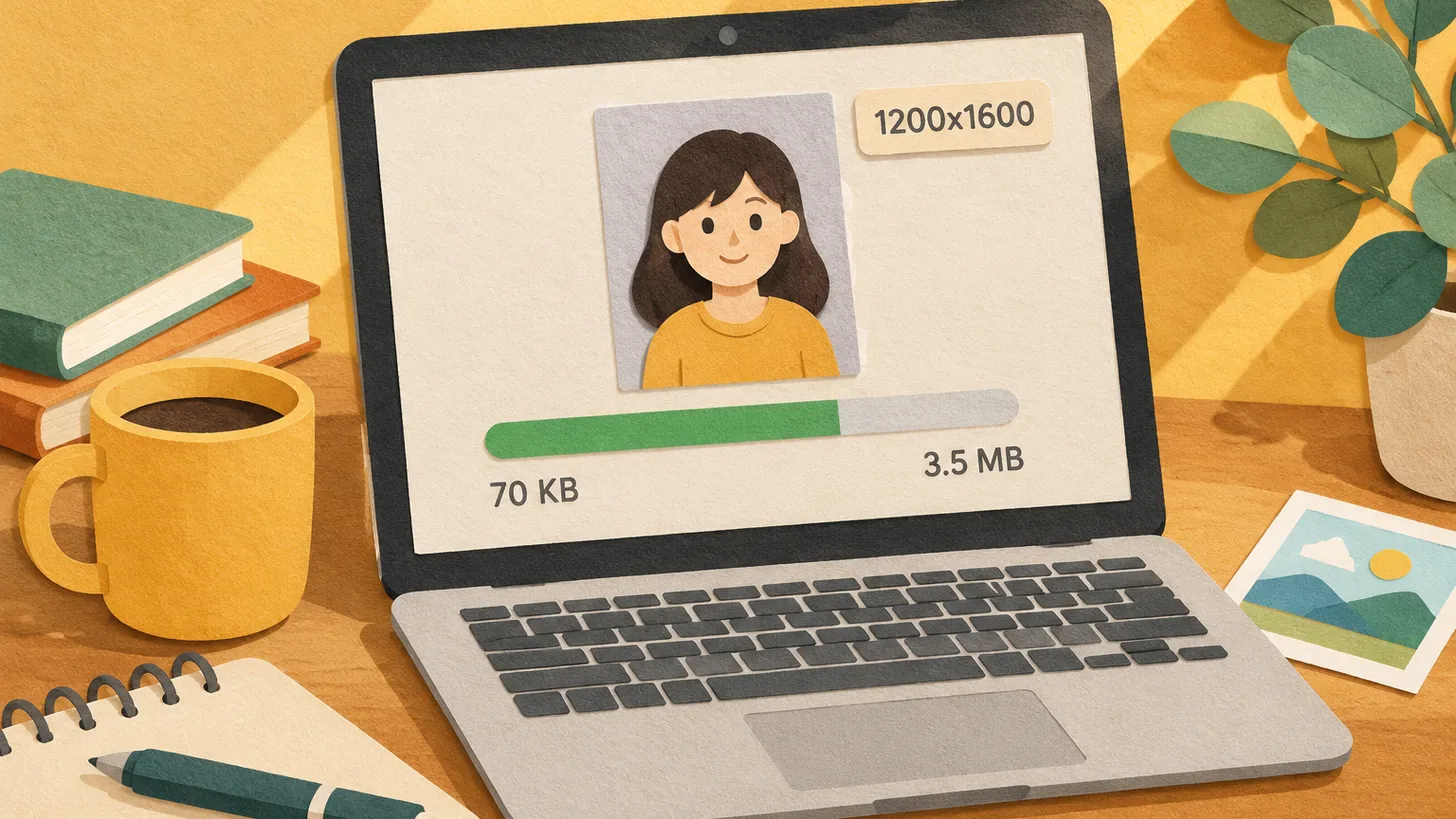
Home Affairs wants a digital JPEG for each applicant: 70 KB–3.5 MB, preferably 1200 x 1600 px, under 6 months, neutral or light grey background, unedited.
 Australia
Australian Passport Photo Requirements: Size, the Glasses Ban and Why Inkjet Prints Fail
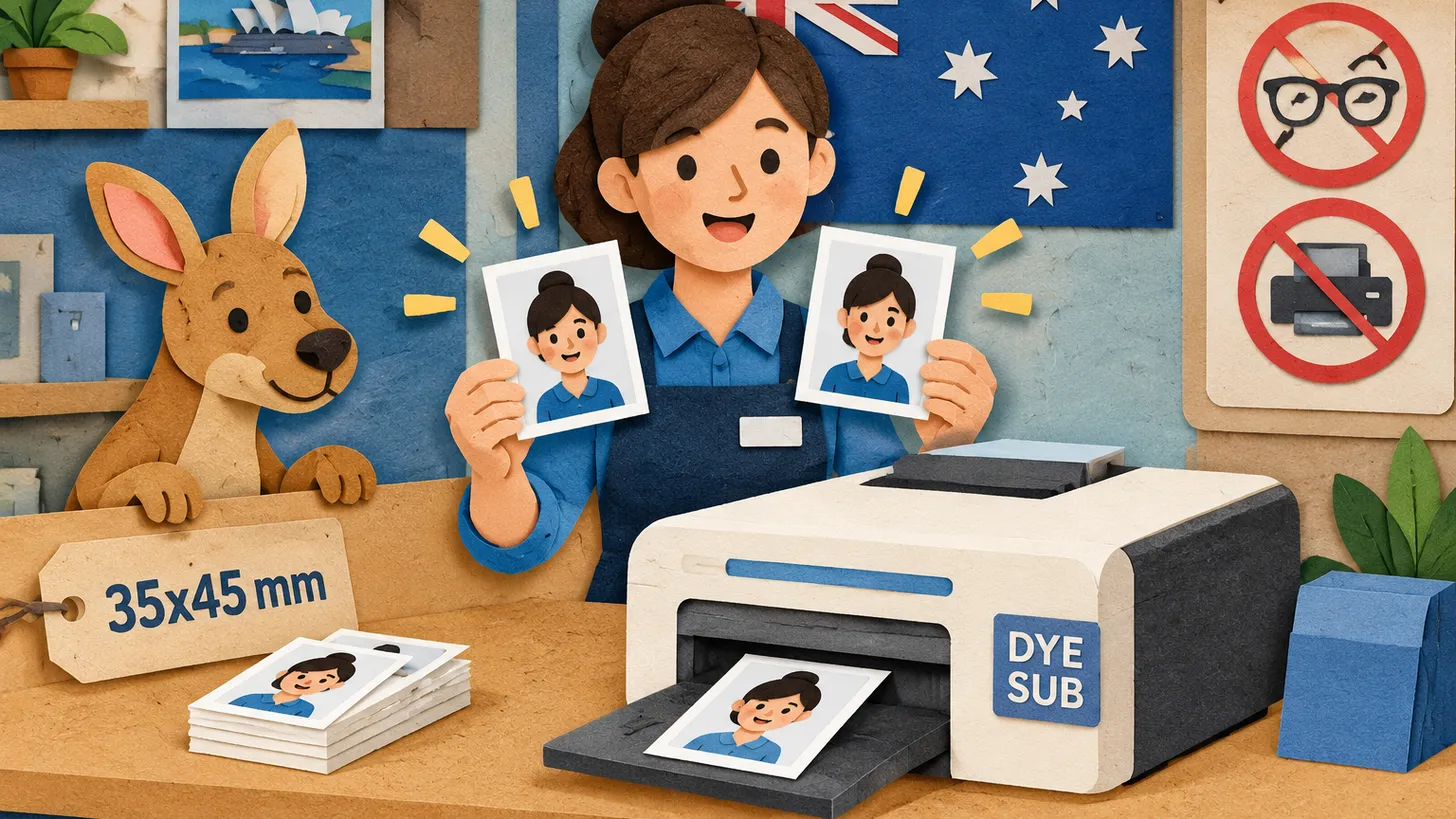
Two colour prints, 35–40 x 45–50 mm, face 32–36 mm, under 6 months old, on dye-sublimation glossy paper — and no glasses since 1 July 2018.
 USA
USA United Kingdom
 Canada+2
Glasses, Smiling and Head Coverings in Passport Photos: US, UK, Canada, Australia and India Compared
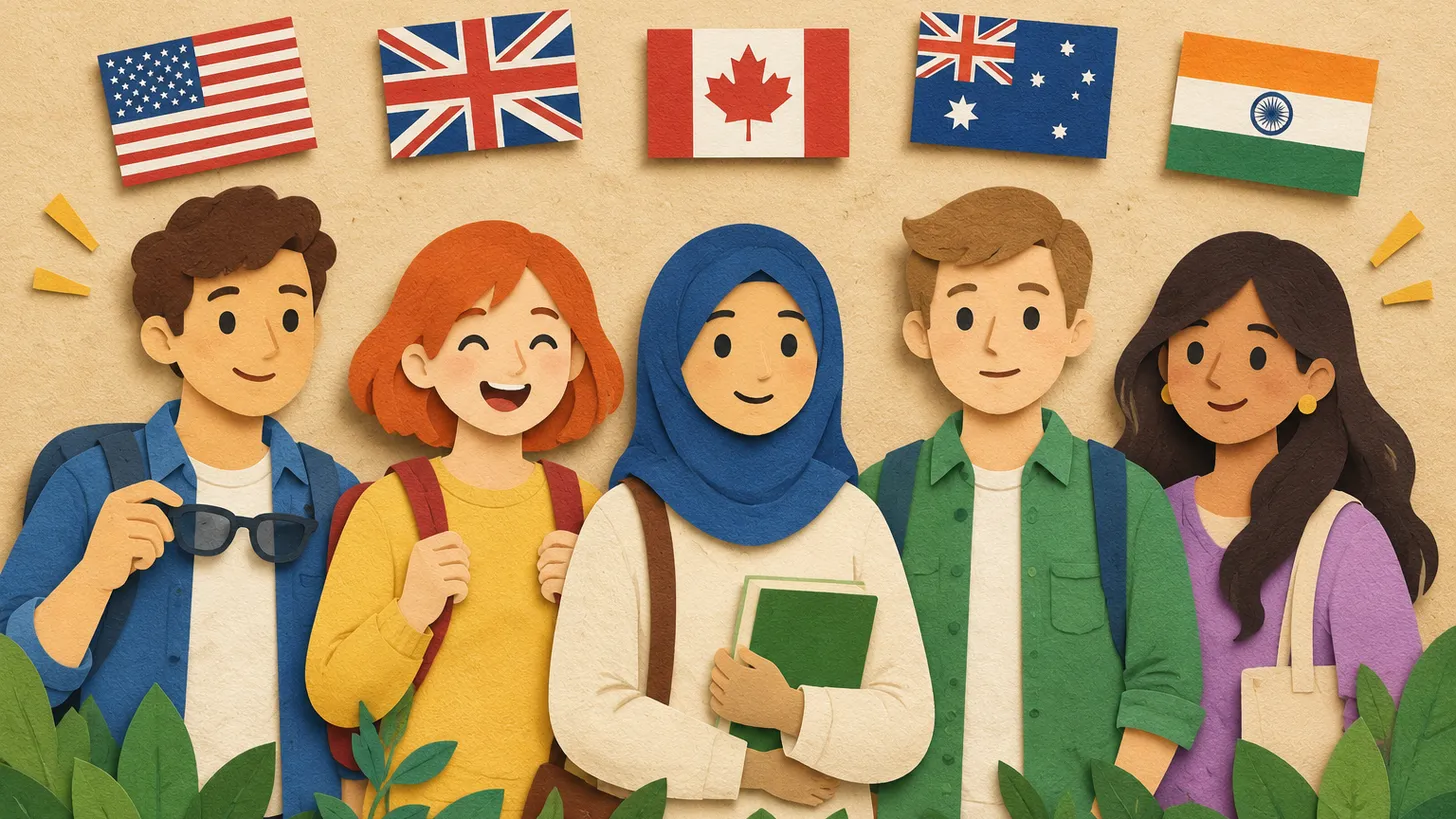
Australia bans glasses (since July 2018), the US only allows documented medical cases, the UK and Canada allow them with no glare; smiles: only the US accepts one.
Make your photo to the current rules
Pick your document and upload a selfie — we crop it to size, replace the background and check it. Free. The sizes come from the same official sources as the news.