 Israel
Israel ETA-IL Passport Scan Requirements 2026: Upload Rules and 2MB Limit
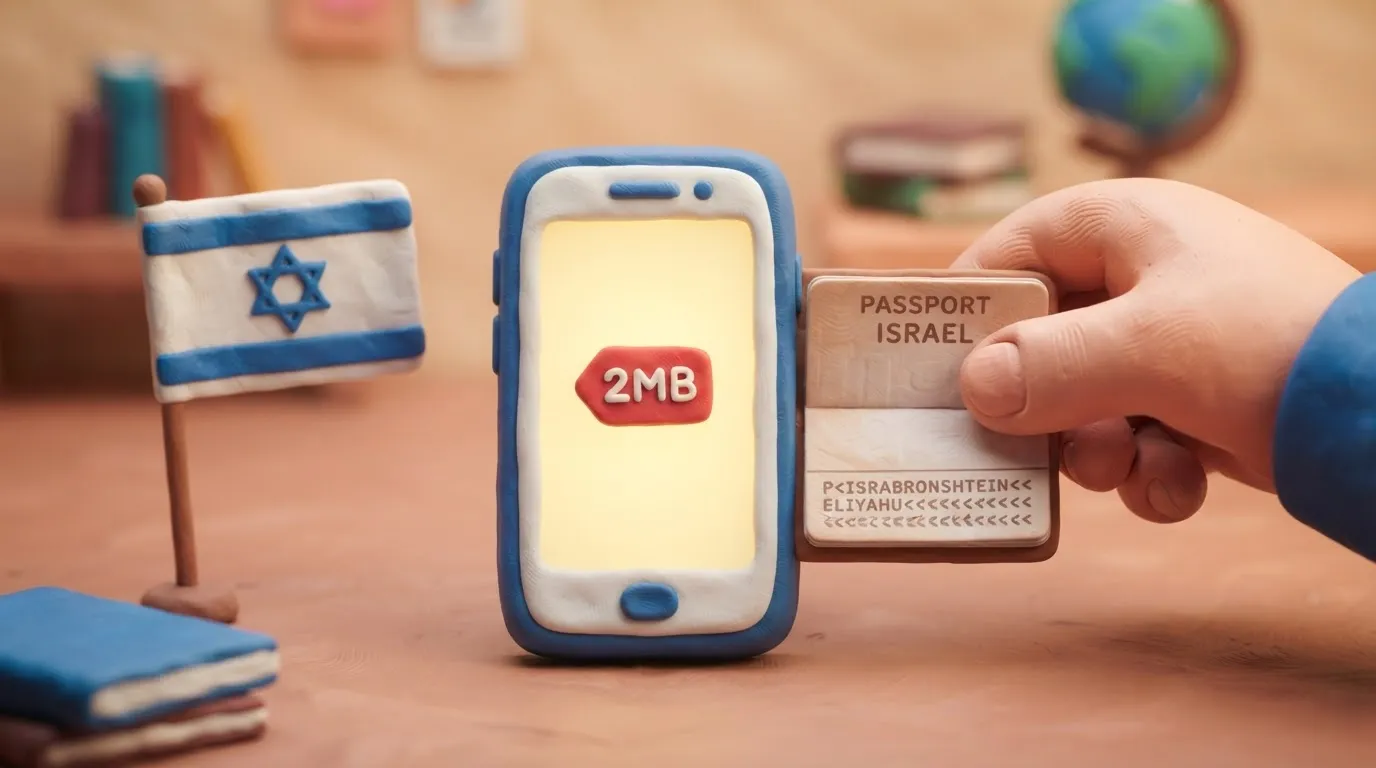
Travelers applying for Israel's mandatory ETA-IL must upload a clear passport scan in JPG or PNG format that is under 2MB and clearly shows the MRZ code.
In this article · 6 sections
Key points
6 points- ETA-IL is mandatory for all visa-exempt travelers entering Israel as of January 1, 2025.
- Passport scans must be uploaded in JPG, JPEG, or PNG format.
- The maximum allowed file size for the passport upload is strictly 2MB.
- The Machine Readable Zone (MRZ) at the bottom of the passport page must be fully visible.
- PDF files are not accepted by the ETA-IL upload system.
- The ETA-IL application fee is 25 NIS and processing takes up to 72 hours.
What Changed
As part of Israel's Electronic Travel Authorization (ETA-IL) system—which became fully mandatory for all visa-exempt travelers on January 1, 2025—applicants must upload a digital copy of their passport's biographic page. The Population and Immigration Authority (PIBA) utilizes an automated system to extract traveler data directly from this image. To ensure successful processing in 2026, the uploaded file must meet strict technical specifications, most notably a strict 2MB file size limit.
| Requirement | ETA-IL Specification |
|---|---|
| Maximum File Size | 2MB (Megabytes) |
| Accepted Formats | JPG, JPEG, PNG |
| Not Accepted | PDF, Word documents, files over 2MB |
| Required Content | Full biographic page including the MRZ (Machine Readable Zone) |
| Image Quality | Clear, in focus, no glare, no fingers obstructing text |
Who It Affects
These upload requirements apply to all citizens of the approximately 96 visa-exempt countries traveling to Israel for tourism, business, or short-term visits (up to 90 days). This includes citizens of Ukraine, the European Union, the United States, and the United Kingdom. Because the ETA-IL is mandatory prior to boarding a flight to Israel, failing to upload a compliant passport scan will block the application process and prevent travel.
What to Do Now
- Prepare Your Passport: Open your passport to the main biographic page (the page with your photo and personal details). Ensure the passport is valid for at least 3 months beyond your intended arrival date in Israel.
- Take a Clear Photo or Scan: Capture the entire page. Make sure the two lines of letters, numbers, and chevrons (<<<<) at the very bottom—known as the Machine Readable Zone (MRZ)—are completely visible and not cut off.
- Check the File Size and Format: Locate the file on your device and check its properties. If it is a PDF, convert it to a JPG or PNG. If the file is larger than 2MB, you must compress it or resize the image dimensions before uploading.
- Apply on the Official Portal: Go to the official PIBA website at israel-entry.piba.gov.il. Do not use third-party agencies that charge extra fees.
- Upload and Verify: Upload the file in Step 4 of the application. The system will automatically read the MRZ and populate your details. Verify that the extracted information perfectly matches your passport.
- Pay the Fee: Complete the application by paying the 25 NIS (approximately $7 USD) government fee via credit or debit card.
Common Mistakes
- Uploading a PDF: The ETA-IL system only accepts image files (JPG, JPEG, PNG). PDFs will be rejected.
- Exceeding the 2MB Limit: Modern smartphone cameras often take photos that are 4MB to 8MB in size. You must compress the photo or lower your camera's resolution settings before uploading.
- Obscuring the MRZ: If your fingers cover the MRZ at the bottom of the page, or if the photo is cropped too tightly, the automated system will fail to read your data.
- Glare and Reflections: Flash photography can create a white glare over your photo or passport number, causing the automated extraction to fail. Take the photo in natural, even lighting.
Rules change frequently — before taking action, always check the latest requirements on the official government source provided above.
05Questions
4 answers01What is the maximum file size for the ETA-IL passport upload?
The maximum allowed file size is strictly 2MB. Files larger than this will be rejected by the system.
02Can I upload my passport as a PDF for the ETA-IL?
No. The official ETA-IL portal only accepts image files in JPG, JPEG, or PNG formats.
03What is the MRZ and why is it important?
The Machine Readable Zone (MRZ) is the area at the bottom of your passport's biographic page containing letters, numbers, and chevrons (<<<<). The ETA-IL system scans this zone to automatically fill in your application details.
04How much does the ETA-IL cost and how long is it valid?
The official government fee is 25 NIS. Once approved, the ETA-IL is valid for up to 2 years or until your passport expires, whichever comes first.
06Official sources
- PIBA ETA-IL Official Portal
israel-entry.piba.gov.il - Israel Ministry of Foreign Affairs
embassies.gov.il
Author: Yevhen Kravchenko. Published . Checked against official sources on .
IsraelIsrael Visa and Passport Photo in 2026: Requirements for Ukrainians
For an Israeli visa at the consulate you need 2 identical colour photos 5×5 cm on a white background, full face, without glasses, taken within the last 6 months.

Make your photo to the current rules
Pick your document and upload a selfie — we crop it to size, replace the background and check it. Free. The sizes come from the same official sources as the news.