Print passport (Canada) photos at home — 50x70
A ready-to-cut sheet for passport (Canada) photos, 50x70: on A4 — 16.
No sign-up · no watermarks · your photo stays in your browser
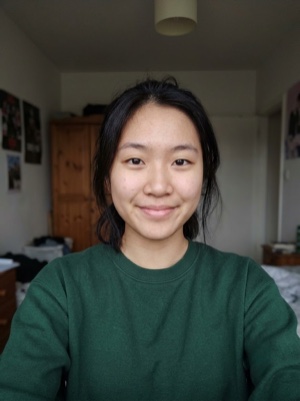
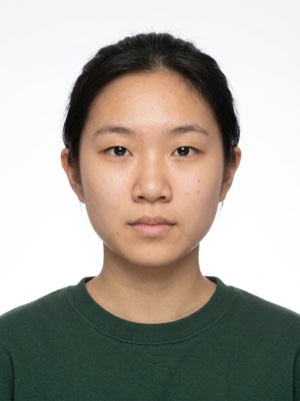
Upload your photo
- Size
- Frame
- Sheet
Which size do you need?
Upload any photo — we will find the face
How to print it, in three steps
- 01
Upload a photo — the tool finds the face and crops it to 50x70.
- 02
Choose the paper: an A4 sheet holds 16 photos, a 10x15 print holds 2.
- 03
Print at 100 % scale — “actual size”, not “fit to page”. Then cut along the grey lines.
Exact numbers for this document
| Print size | 50 × 70 mm |
|---|---|
| Head height | 31–36 mm chin to crown |
| Background | White or light |
What to know — passport (Canada)
How many 50x70 photos fit on a sheet
| Paper | With margins | Edge to edge |
|---|---|---|
| 10×15 | 2 | 4 |
| A4 | 16 | 16 |
| Letter (8.5×11 in) | 12 | 15 |
16 photos on A4
The print sheet is free. A document photo — by the AI
Free, right here
- 0110 × 15, A4 and ten more paper sizes
- 02Cut lines and a 300 DPI JPEG
- 03No watermarks
- 04The photo stays on your device
No sign-up, no card.
AI correction
When adjusting the file is not enough: fixes light, shadows, clothing and pose and makes the photo to the document’s rules. You see the result before paying.
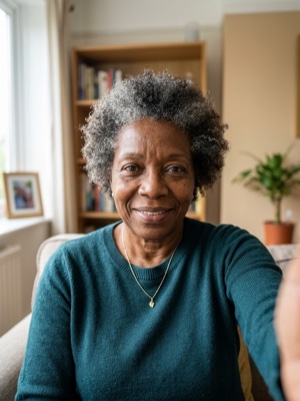
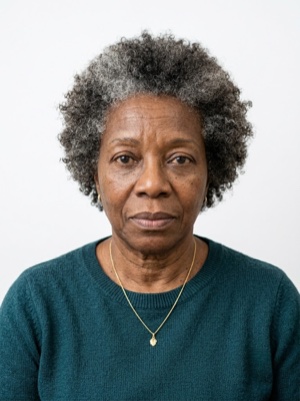
If it’s rejected, we refund you
Make a document photoFrequently asked questions
How many 50x70 photos will I get from one A4 sheet?
With a 5 mm margin you get 16; edge to edge, 16, if your printer can print borderless. A 10x15 print holds 2.
Why print at exactly 100 % scale?
The sheet is laid out at true size. “Fit to page” makes the photos larger or smaller than 50x70 — a ruler will show it straight away.