 India
Driving Licence Photo in India: Passport-Size Photo, Upload Under 50 KB in JPEG on Sarathi
Form 2 asks for a passport-size photo; online it goes to Sarathi as a JPEG of no more than 50 KB. An International Driving Permit needs three photos.
Key points
5 points- Form 2 covers the learner's licence, driving licence, renewal, duplicate and change of address or name.
- The form has a space for a passport-size photograph; online, the photo must be no more than 50 KB.
- The photo is uploaded on sarathi.parivahan.gov.in under «Upload Documents» → «Upload Photograph and Signature».
- Parivahan says the image file type should be JPEG; upload errors usually come from the file name or size.
- For an International Driving Permit (Form 4A) you enclose three copies of a recent passport-size photograph.
In India one application form — Form 2 under the Central Motor Vehicles Rules — covers the learner's licence, the driving licence, adding a vehicle class, renewal, a duplicate and a change of address or name. Every one of these routes asks for a photograph.
What Form 2 says about the photo
| Point | What the form says |
|---|---|
| Type of photo | Passport size photograph |
| Online application | Upload the photo of a size not more than 50 KB |
| Paper application | «Photograph» is item 5 in the list of documents to enclose |
IndiaDriver's License · requirements · check a photo
The form does not give millimetres or pixels. It only says «passport size» and, for the online route, the 50 KB ceiling.
How to upload the photo on Sarathi
- Open sarathi.parivahan.gov.in.
- Select your state.
- Click «Upload Document».
- Choose «Upload Photograph and Signature» in the «Upload Documents» menu.
Parivahan notes that this service depends on the state, so in some states the step may look different or not be offered online.
If the upload fails
- Read the error message: Parivahan advises checking the document name and size.
- Save the photo as JPEG — the FAQ says the image file type should be in «jpeg» format.
- Keep the file at 50 KB or less, as Form 2 requires.
International Driving Permit
For an IDP you fill in Form 4A. It has a space for a passport-size photograph and the line «I enclose three copies of my recent passport size photograph».
Need the file? Make a passport-size photo and a small JPEG on our India driving licence photo page.
05Questions
4 answers01What size photo do I upload for an Indian driving licence?
A passport-size photograph goes in the space on Form 2; when you apply online, keep the file at 50 KB or less.
02Which file format does Sarathi accept for the photo?
Parivahan says the image file type should be JPEG.
03Where do I upload the photo?
On sarathi.parivahan.gov.in: select your state, click «Upload Document», then «Upload Photograph and Signature».
04How many photos do I need for an International Driving Permit?
Form 4A wants three recent photos of passport size.
06Official sources
- Parivahan Sewa — Form 2: application for a learner's licence, driving licence, renewal or duplicate (PDF)
parivahan.gov.in - Parivahan Sewa — Form 4A: application for an International Driving Permit (PDF)
parivahan.gov.in - Parivahan Sewa — FAQ «How can I upload photo and signature?»
parivahan.gov.in - Parivahan Sewa — FAQ «While uploading Photo and signature, I face an error»
parivahan.gov.in - Internet Archive copy of the Parivahan FAQ on uploading the photo (27 January 2026)
web.archive.org
Author: Yevhen Kravchenko. Published . Checked against official sources on .
 USA
 United Kingdom
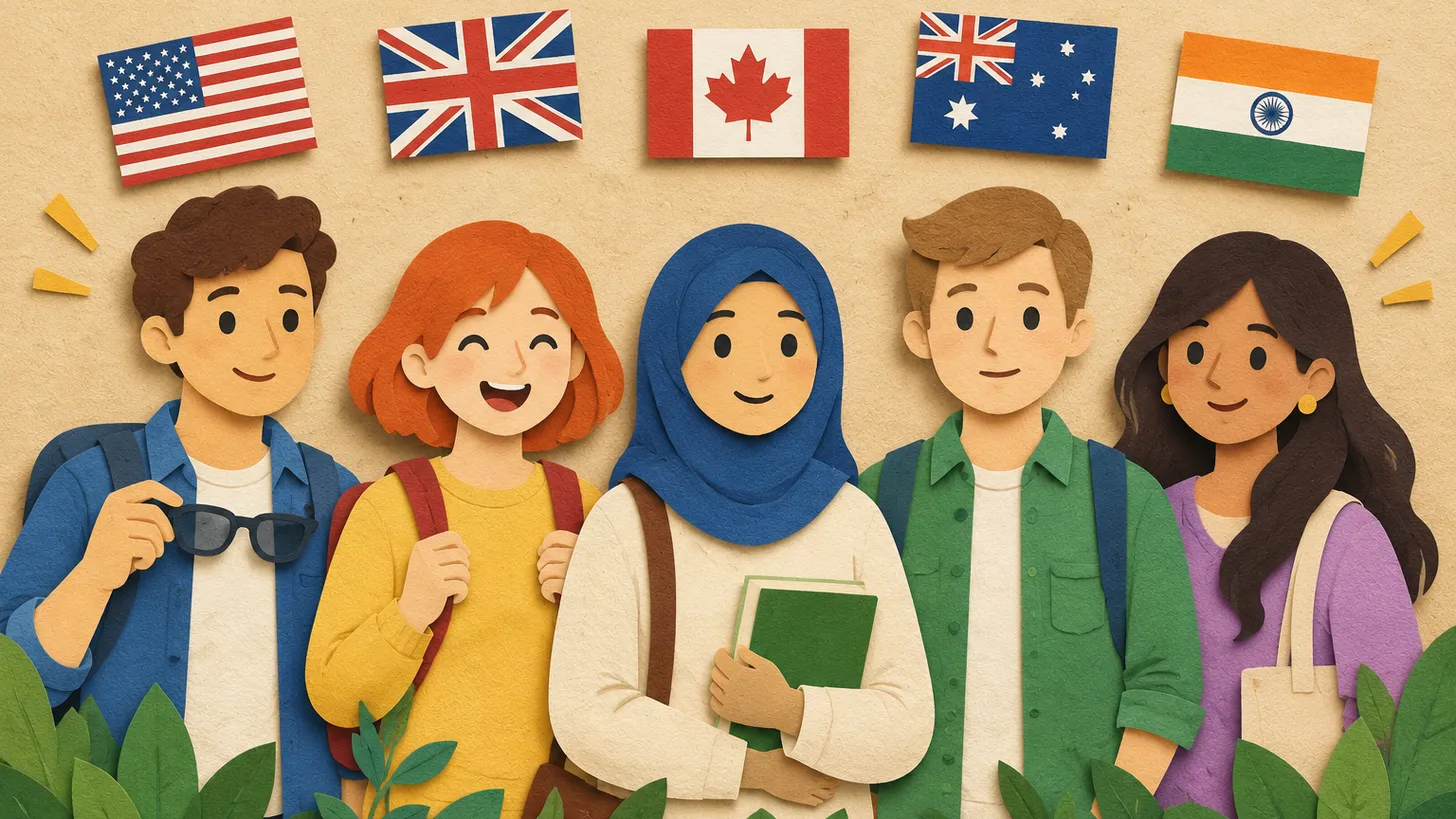
 Canada+2
Glasses, Smiling and Head Coverings in Passport Photos: US, UK, Canada, Australia and India Compared
Australia bans glasses (since July 2018), the US only allows documented medical cases, the UK and Canada allow them with no glare; smiles: only the US accepts one.
 USAUnited KingdomIndia+2
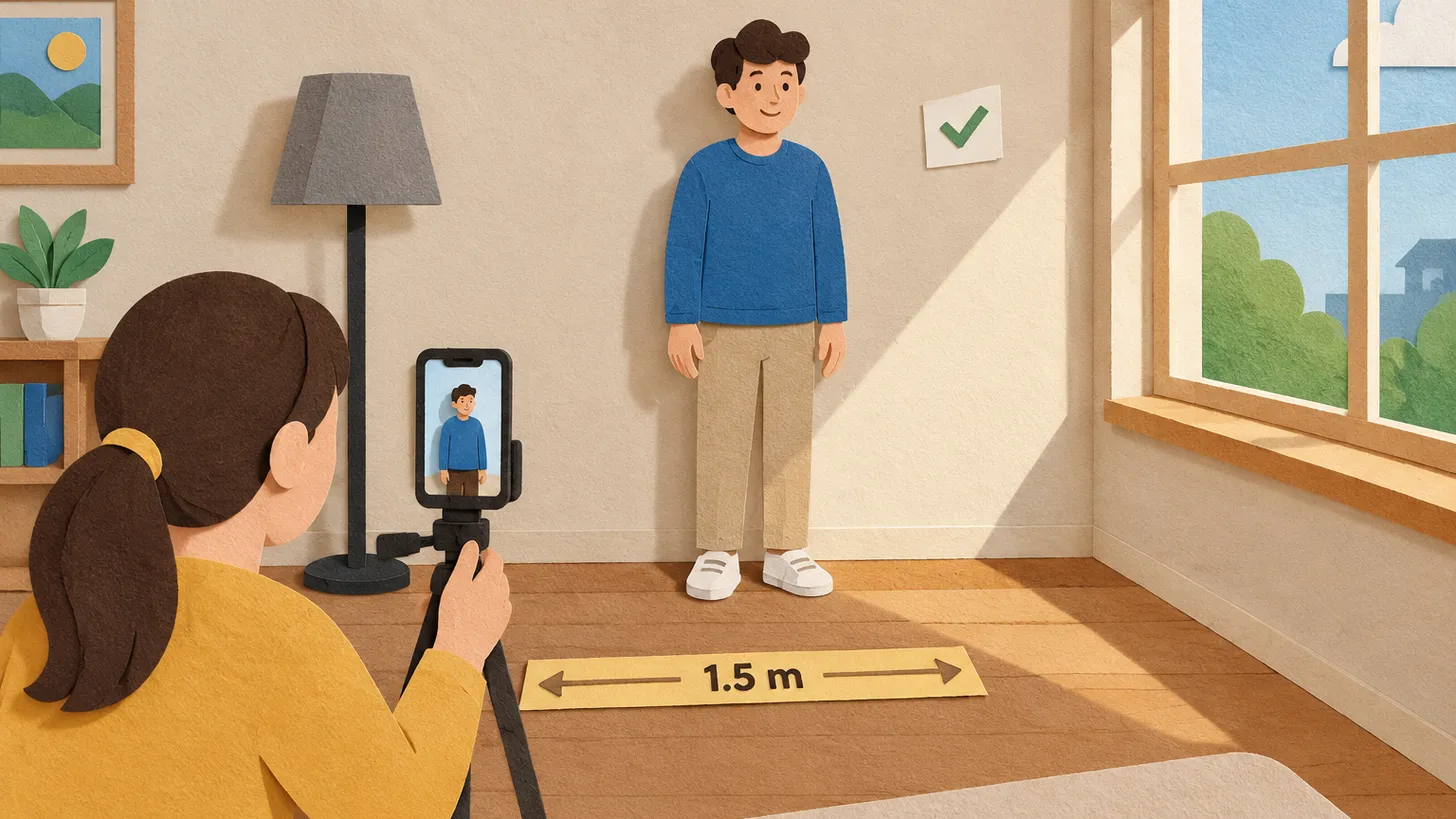
How to Take a Passport Photo at Home: Light, Distance and Background That Get Approved
Face a window, stand away from a plain light wall, shoot from 1.2–1.5 m with someone else holding the camera, no filters — and check the country's rules.
 India
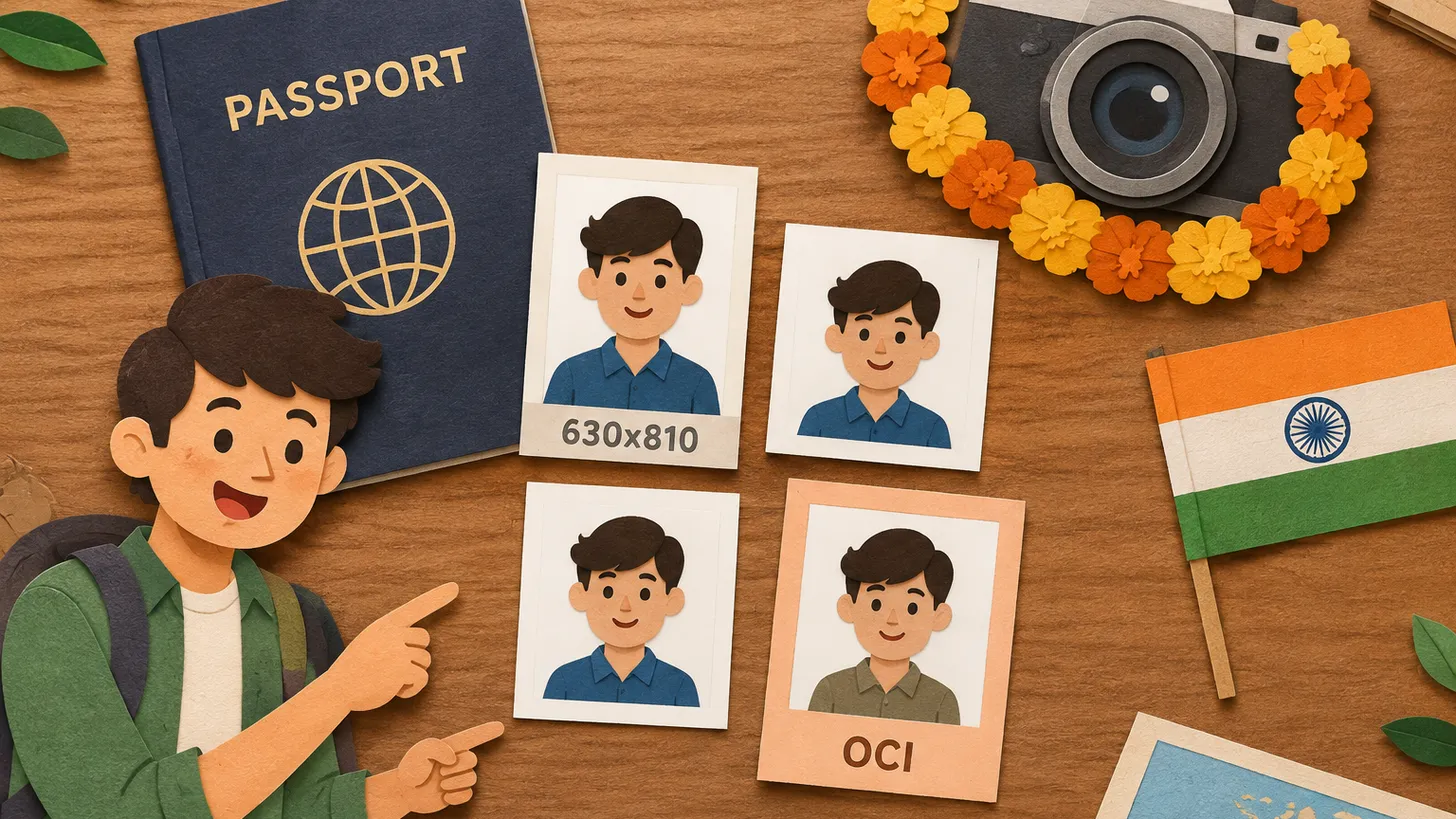
India Photo Requirements: Passport 630x810 px, Visa and OCI Square Files, and the "Not White" Trap
Indian passport photo: colour, 630x810 px, face 80–85%, white background; visa and OCI use square files, and the OCI background must not be white.
Make the photo for this document
Upload a selfie — we crop it to 35 × 45 mm, replace the background and check it against the document rules. Free preview.
Driver's License · IndiaUpload