 India
IndiaIndia Photo Requirements: Passport 630x810 px, Visa and OCI Square Files, and the "Not White" Trap
Indian passport photo: colour, 630x810 px, face 80–85%, white background; visa and OCI use square files, and the OCI background must not be white.
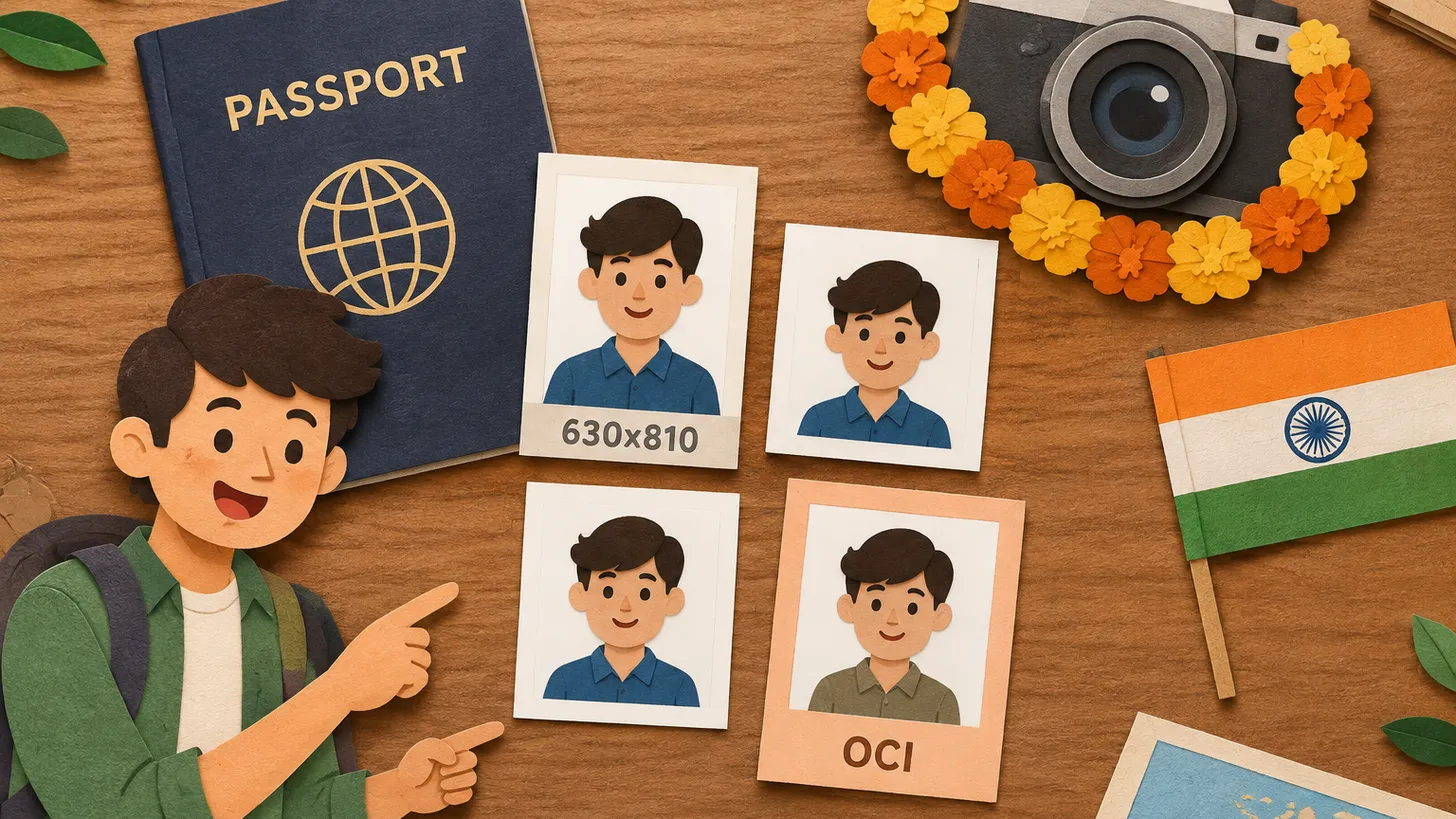
Key points
5 points- Passport Seva requires a colour photo of 630 x 810 pixels with the face taking up 80–85% of the frame and a white background.
- The passport photo must be unaltered by software and taken with uniform lighting — no shadows, flash reflections or red-eye.
- The Indian visa portal wants a square JPEG (10–300 KB for regular visas); OCI wants a square JPEG of 200–900 px, up to 200 KB, on a plain light-colour background that is specifically not white.
- The PAN form asks for two recent colour photos with white background, 4.5 x 3.5 cm.
- Glasses should come off to avoid reflections; religious head coverings are allowed only if the face from chin to forehead and both edges are visible.
“Passport size photo” is one of the most-searched photo phrases in India, and it is also one of the vaguest: an Indian passport, an Indian visa, an OCI card and a PAN card each ask for something different. Here is the checklist from the official pages of each service.
Indian passport (Passport Seva)
Passport Seva publishes ICAO-compliant guidelines for passport photographs. The rules, in the portal’s own words, include:
- a close-up of the head and top of the shoulders such that the face takes up 80–85% of the photograph;
- a colour photograph with dimensions of 630 x 810 pixels;
- unaltered by computer software;
- a white background;
- the applicant looking directly at the camera, with natural skin tones and appropriate brightness and contrast;
- eyes open and clearly visible, no hair across the eyes;
- uniform lighting with no shadows, no flash reflections on the face and no red-eye;
- mouth not open, a natural expression;
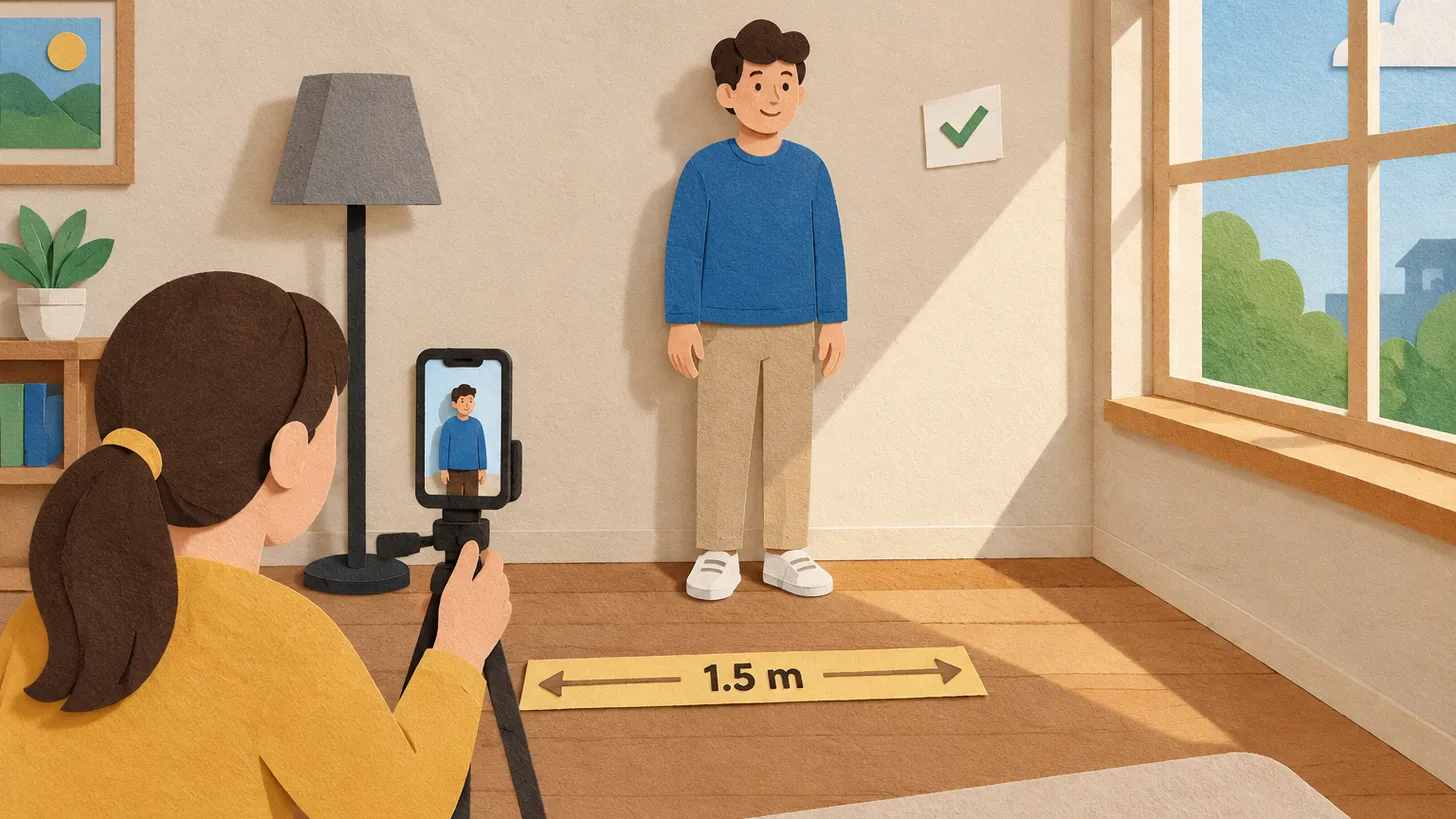
- taken from a distance of 1.5 metres from the camera, not blurred;
- full face, front view, the full head visible from the top of the hair to the bottom of the chin, centred in the frame without tilt.
On glasses, the guidelines say there should be no reflection from glasses and that glasses are to be taken off to avoid reflections. Head coverings are not permitted except for religious reasons, but the facial features from the bottom of the chin to the top of the forehead and both edges of the face must be clearly shown.
The four Indian photo formats compared
| Document | Format | Background |
|---|---|---|
| Passport | Colour, 630 x 810 px, face 80–85% of the frame | White |
| Regular visa (consular portal) | Square JPEG, 10–300 KB, equal height and width, no borders | Plain light-coloured or white |
| e-Visa | JPEG, 10 KB to 1 MB | See the e-Visa portal instructions |
| OCI card | Square JPEG/JPG, 200 x 200 to 900 x 900 px, up to 200 KB; not less than 51 x 51 mm; face about 80% | Plain light colour, specifically not white, no border |
| PAN (Form 93/95) | Two recent colour photos, 4.5 cm x 3.5 cm, affixed to the form | White |
IndiaIndian Passport · requirements
The OCI “not white” trap
Most photo services default to a white background, and for the Indian passport that is exactly right. The OCI portal is the opposite: the FAQ asks for a plain light-colour background and specifically says it should not be white. A white-background passport-style photo does not follow the OCI instructions. The OCI photo must also be square, not less than 51 x 51 mm, with the face covering about 80% of the picture, in JPEG/JPG between 200 x 200 and 900 x 900 pixels and no more than 200 KB.
Visa: square JPEG, small file
Indian Visa Online lets regular visa applicants upload a digital photograph. The regular (consular) visa portal requires JPEG format, a file size of 10–300 KB and equal photo height and width. The uploaded photo must show a full face, front view and open eyes, with the head centred from the top of the hair to the bottom of the chin, a plain light-coloured or white background, no shadows on the face or background, and no borders. The e-Visa portal publishes a different photo limit (JPEG, minimum 10 KB, maximum 1 MB); the 10–300 KB limit on that portal applies to the scanned passport bio-page.
Mistakes that get Indian photos rejected
- Using a passport photo for the OCI card. White background, wrong shape, wrong size.
- Face too small. A photo taken from too far away and not cropped closely; the passport photo needs the face to fill 80–85% of the frame.
- Glasses glare. Take the glasses off.
- Shadows on the wall behind you. Stand away from the wall and light the face evenly.
- Retouching. The passport photo must be unaltered by software.
To make the 630 x 810 px white-background passport version quickly, use our Indian passport photo tool; the OCI card and the visa have their own tools linked from the same page.
06Questions
5 answers01What is the size of an Indian passport photo in pixels?
630 x 810 pixels, in colour, with the face taking up 80–85% of the photograph and a white background.
02From what distance should the photo be taken?
The Passport Seva guidelines state a distance of 1.5 metres from the camera.
03Can I use a white background for OCI?
No. The OCI FAQ specifies a plain light-colour background that is specifically not white, without a border.
04What file size does the Indian regular visa accept?
JPEG between 10 and 300 KB, with equal height and width.
05Are glasses allowed for the Indian passport photo?
The guidelines say glasses should be taken off to avoid reflections; the eyes must be open and clearly visible.
07Official sources
- Passport Seva — Guidelines for ICAO-compliant photographs for passport applications (PDF)
mportal.passportindia.gov.in - Indian Visa Online — Instructions
indianvisaonline.gov.in - OCI Services — FAQ
ociservices.gov.in - Protean (NSDL) — PAN Form 93 guidelines
tinpan.proteantech.in
Author: Yevhen Kravchenko. Published . Checked against official sources on .
 USA
USA United Kingdom
 Canada+2
Glasses, Smiling and Head Coverings in Passport Photos: US, UK, Canada, Australia and India Compared
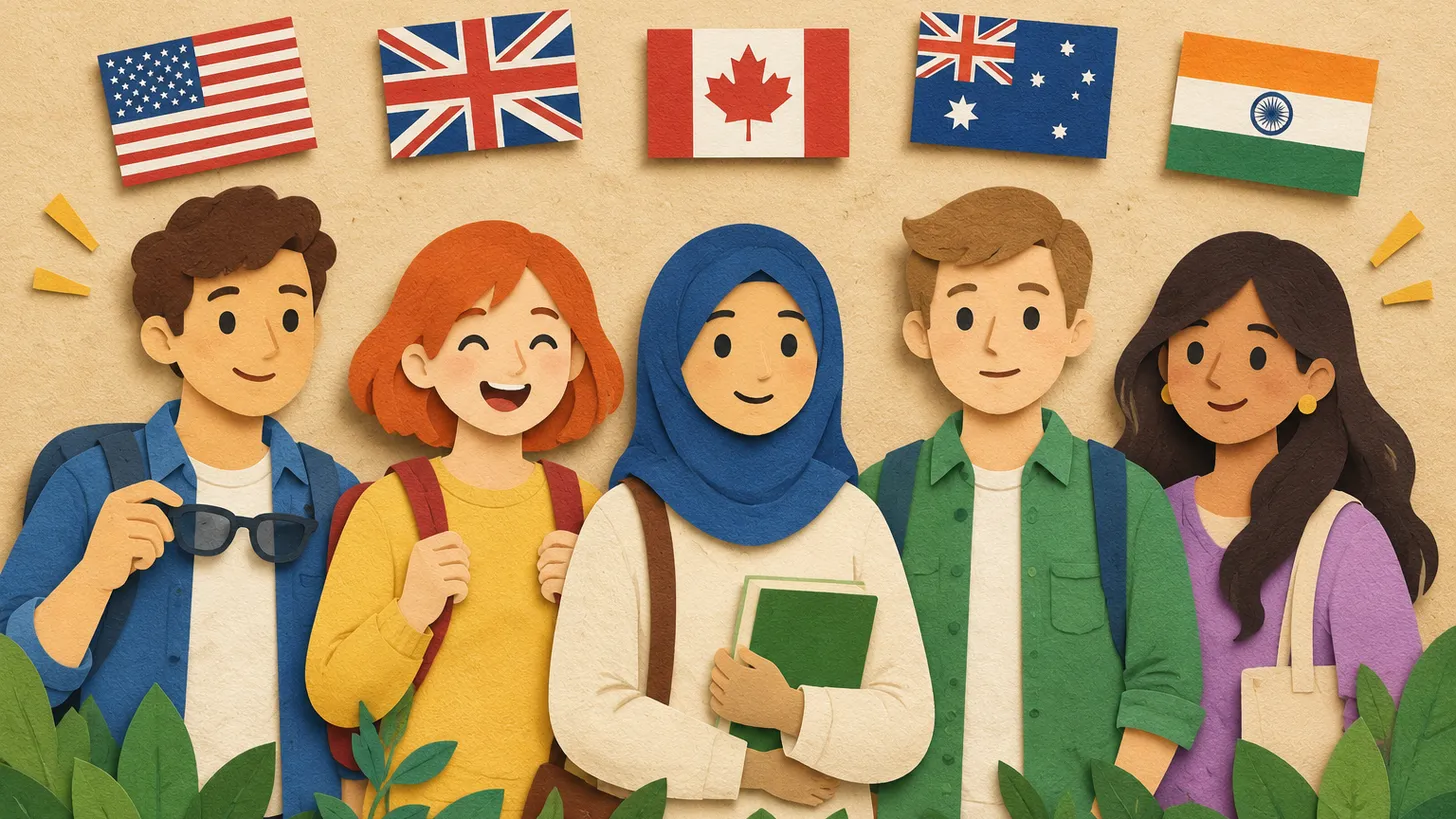
Australia bans glasses (since July 2018), the US only allows documented medical cases, the UK and Canada allow them with no glare; smiles: only the US accepts one.
 USAUnited KingdomIndia+2
How to Take a Passport Photo at Home: Light, Distance and Background That Get Approved
Face a window, stand away from a plain light wall, shoot from 1.2–1.5 m with someone else holding the camera, no filters — and check the country's rules.
 USAUnited Kingdom
 Germany+5
Passport Photo Size by Country: 18 Passports, 8 Different Formats — and Why One Photo Never Fits All
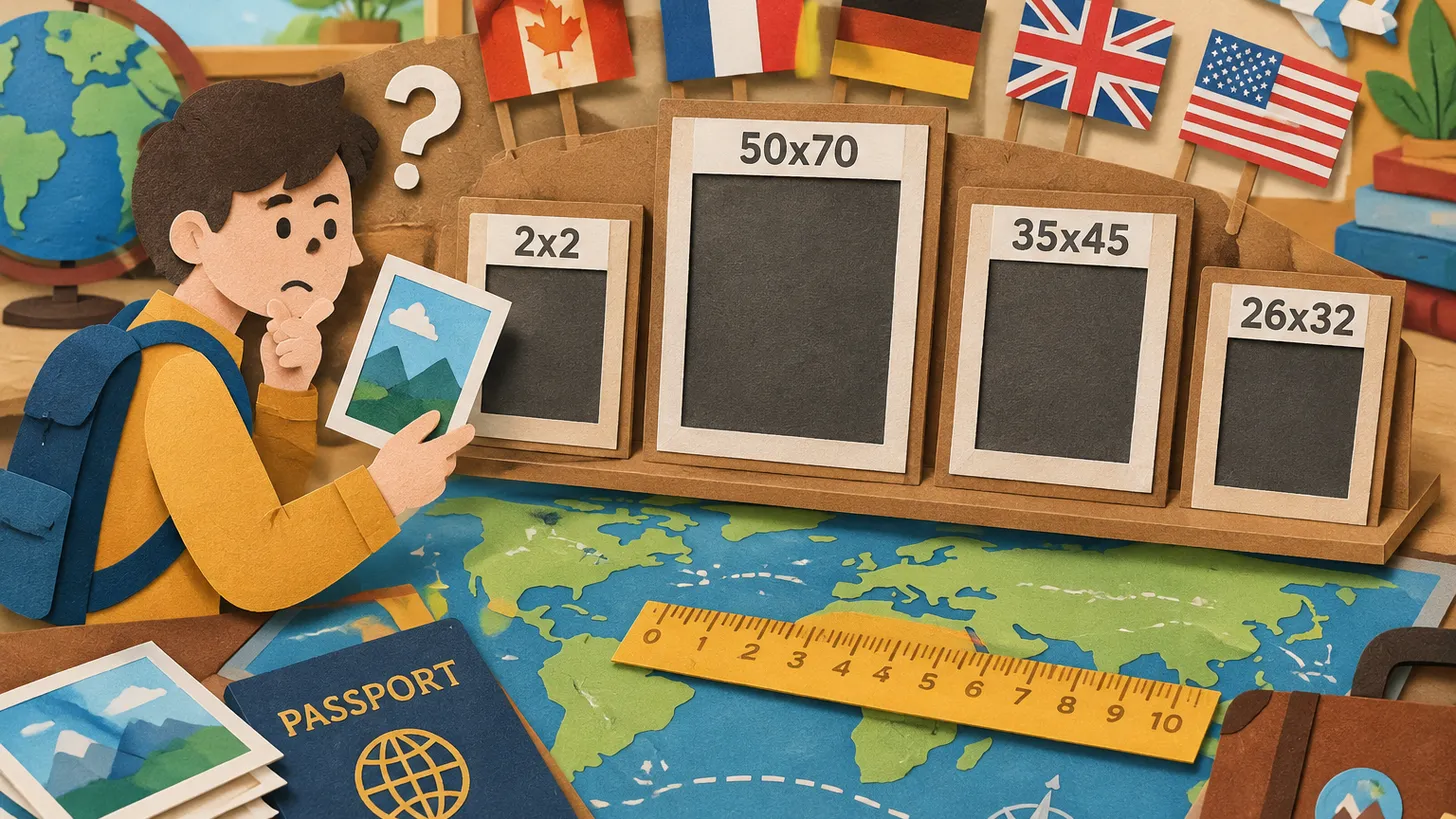
Of 18 passports we compared, 8 use 35x45 mm — but the US, Canada, Turkey, China, Spain and others don't, and head size ranges from 26 to 36 mm.
Make the photo for this document
Upload a selfie — we crop it to 35 × 45 mm, replace the background and check it against the document rules. Free.
Indian Passport · IndiaUpload