 India
IndiaIndia e-Visa and Passport Photo 2026: 51×51 mm Square, Requirements, Mistakes
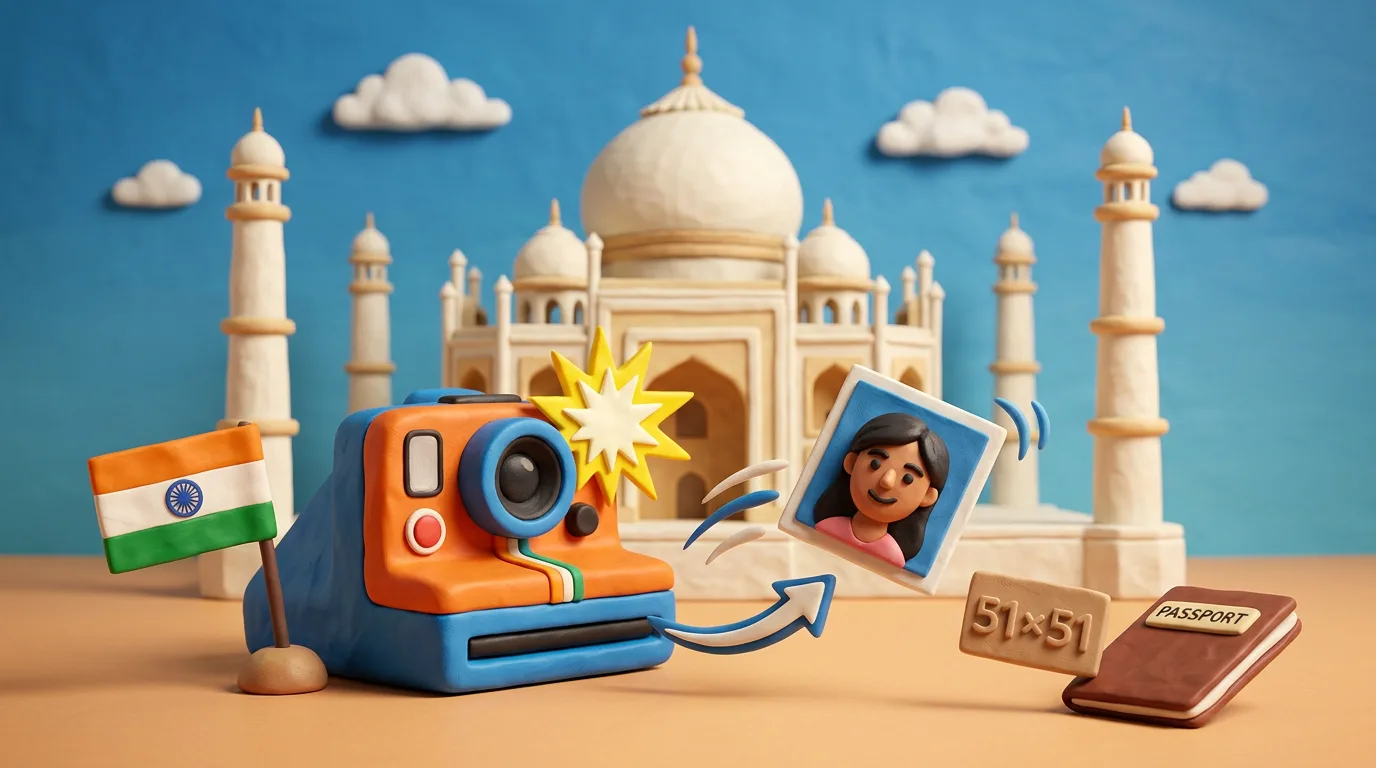
A photo for the Indian e-Visa is a 2×2 inch (51×51 mm) square, with a 1:1 aspect ratio, JPEG from 10 KB to 1 MB, a light plain (preferably white) background, and absolutely no glasses. The square format fundamentally sets India apart from most other countries.
Key points
5 points- India e-Visa uses a square format: 2×2 inches (51×51 mm), aspect ratio exactly 1:1 (height = width).
- Official portal requirements: JPEG, file from 10 KB to 1 MB; practical resolution range — roughly 350×350 to 1000×1000 px.
- Background — plain light or white; the head fully visible from the crown to the chin, centered.
- Glasses are not allowed (officially: "full face… without spectacles") — take them off before the shoot.
- OCI — 51×51 mm square, 200×200 to 900×900 px, JPEG up to 200 KB; the domestic passport (Passport Seva) uses a different format, 35×45 mm (online 630×810 px).
Short answer
For the Indian e-Visa on the official portal indianvisaonline.gov.in, the photo must be square: 2×2 inches (51×51 mm), aspect ratio exactly 1:1 (height equals width). This fundamentally sets India apart from most countries, where the photo is rectangular.
Exact requirements for the India e-Visa (2026)
| Parameter | Value |
|---|---|
| Shape | Square, 1:1 (height = width) |
| Physical size | 2×2 inches (51×51 mm) |
| Resolution (px) | practical range ~350×350 to 1000×1000 |
| File format | JPEG (.jpg) |
| File size | from 10 KB to 1 MB |
| Background | plain light or white |
| Head in frame | full head from crown to chin, centered |
| Glasses | not allowed |
| Recency | preferably taken within the last 6 months |
Official portal text: the face — front view, eyes open, without glasses ("without spectacles"), no shadows on the face or background, no borders. No hats (except religious head coverings that do not cover the face).
Note: the official e-Visa portal specifies only the format (JPEG), equal height/width, the background, and the file size of 10 KB–1 MB. The portal does not directly publish exact minimum/maximum pixels — the 350×350–1000×1000 px range is an established practical recommendation.
Glasses: a frequent cause of rejection
In an e-Visa photo, glasses are not allowed — the official requirement is worded as "full face, front view, eyes open and without spectacles." This applies to ordinary prescription glasses, sunglasses, and even frames without lenses. To avoid glare and shadows from the frame, take your glasses off before the shoot.
Common reasons for rejection
- The background is not plain light: dark, colored, patterned, or with a gradient.
- Shadows on the face or behind the head (even lighting is required).
- Glasses, sunglasses, heavy makeup.
- A blurred photo, or the face is not fully visible from the crown to the chin.
- Beauty filters, phone portrait modes, artificial background replacement.
- Non-square proportions (width ≠ height).
- An invalid file size (less than 10 KB or more than 1 MB) or a non-JPEG format.
Do not confuse it with other Indian documents
- Domestic passport (Passport Seva / PSK): format 35×45 mm (3.5×4.5 cm), rectangular. Online upload — 630×810 px, JPEG, light/white background. The square format is not used for the passport.
- OCI (Overseas Citizen of India): a 51×51 mm square, resolution from 200×200 to 900×900 px, JPEG up to 200 KB, plain light background (not white — unlike the e-Visa); glasses are permitted if the lenses are clear, without glare and tinting (per the official OCI Services specification).
How to prepare the photo
Anfas.Pro automatically crops the shot into a precise 51×51 mm (1:1) square, checks the JPEG format, the file size (10 KB–1 MB), the uniformity of the background, and that the head is fully in frame — reducing the risk of rejection before you even upload to the portal. Upload a selfie against a light plain background without glasses, and the tool does the rest.
06Questions
4 answers01Why is the photo for an India visa square rather than rectangular?
The Indian e-Visa portal requires equal height and width — a 1:1 square, 2×2 inches (51×51 mm). This sets India apart from many other countries and applies specifically to the e-Visa and OCI; the domestic passport uses a rectangular 35×45 mm format.
02Can I wear glasses in the photo for the e-Visa?
No. The official portal requirement is a front-facing photo with eyes open and "without spectacles" (without glasses). This applies to prescription and sun glasses as well as frames without lenses. Take your glasses off before the shoot to avoid glare and shadows.
03What file size and weight are required?
JPEG format, file weight from 10 KB to 1 MB, equal height and width (a 1:1 square). The background must be plain light or white. The practical resolution range is roughly 350×350 to 1000×1000 px.
04Is an e-Visa photo suitable for the domestic Indian passport?
No. The domestic passport via Passport Seva requires 35×45 mm (online 630×810 px), whereas the e-Visa and OCI use a 51×51 mm square. The formats are not interchangeable.
07Official sources
- Indian Visa Online — офіційний портал e-Visa (інструкції)
indianvisaonline.gov.in - Indian Visa Online — photo instructions
indianvisaonline.gov.in - OCI Services — офіційна специфікація фото (PDF)
ociservices.gov.in - Passport Seva — офіційний портал паспорта Індії
passportindia.gov.in
Author: Yevhen Kravchenko. Published . Checked against official sources on .
 USA
USA United Kingdom
 Canada+2
Glasses, Smiling and Head Coverings in Passport Photos: US, UK, Canada, Australia and India Compared
Australia bans glasses (since July 2018), the US only allows documented medical cases, the UK and Canada allow them with no glare; smiles: only the US accepts one.
 USAUnited KingdomIndia+2
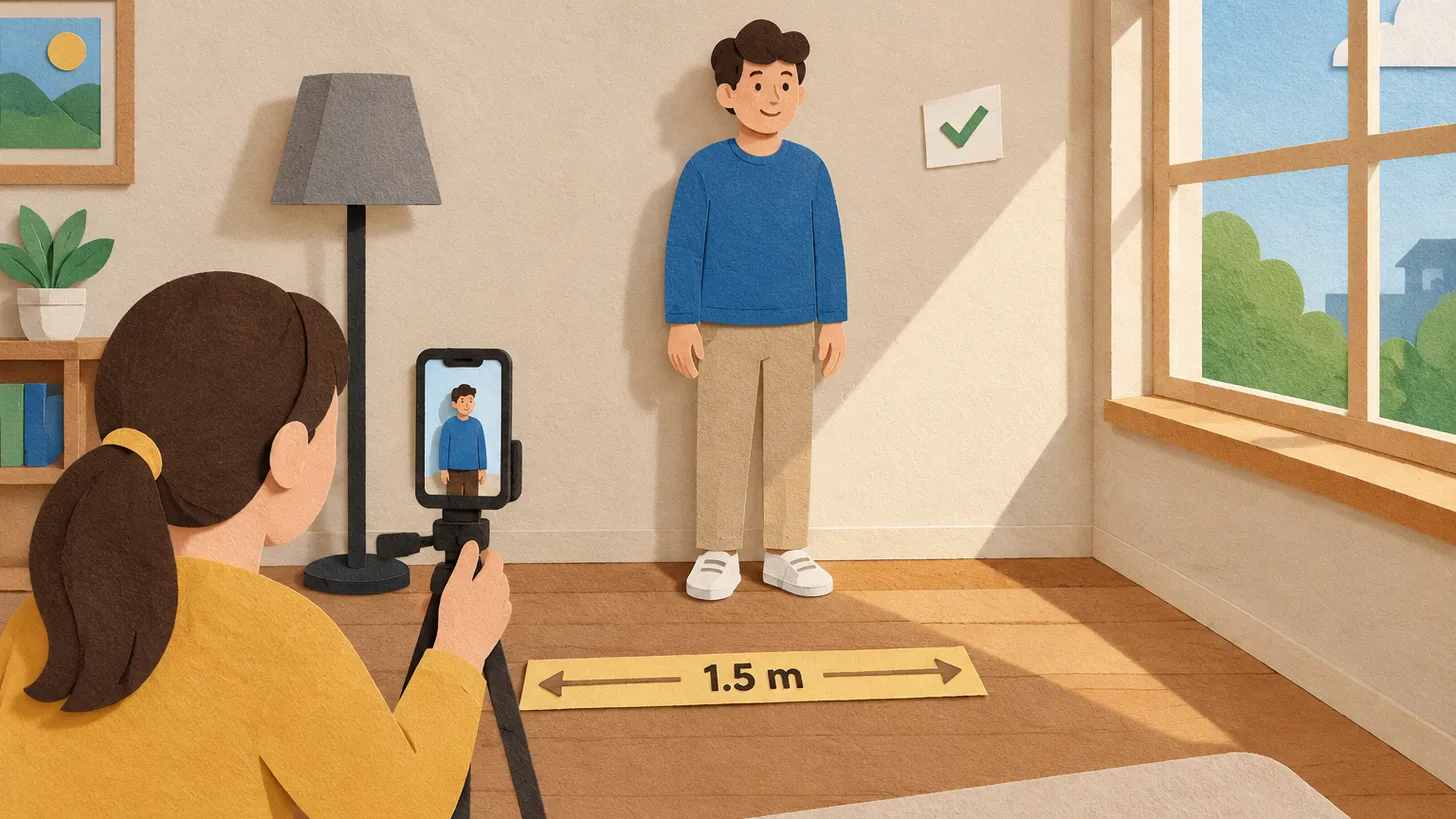
How to Take a Passport Photo at Home: Light, Distance and Background That Get Approved
Face a window, stand away from a plain light wall, shoot from 1.2–1.5 m with someone else holding the camera, no filters — and check the country's rules.
 India
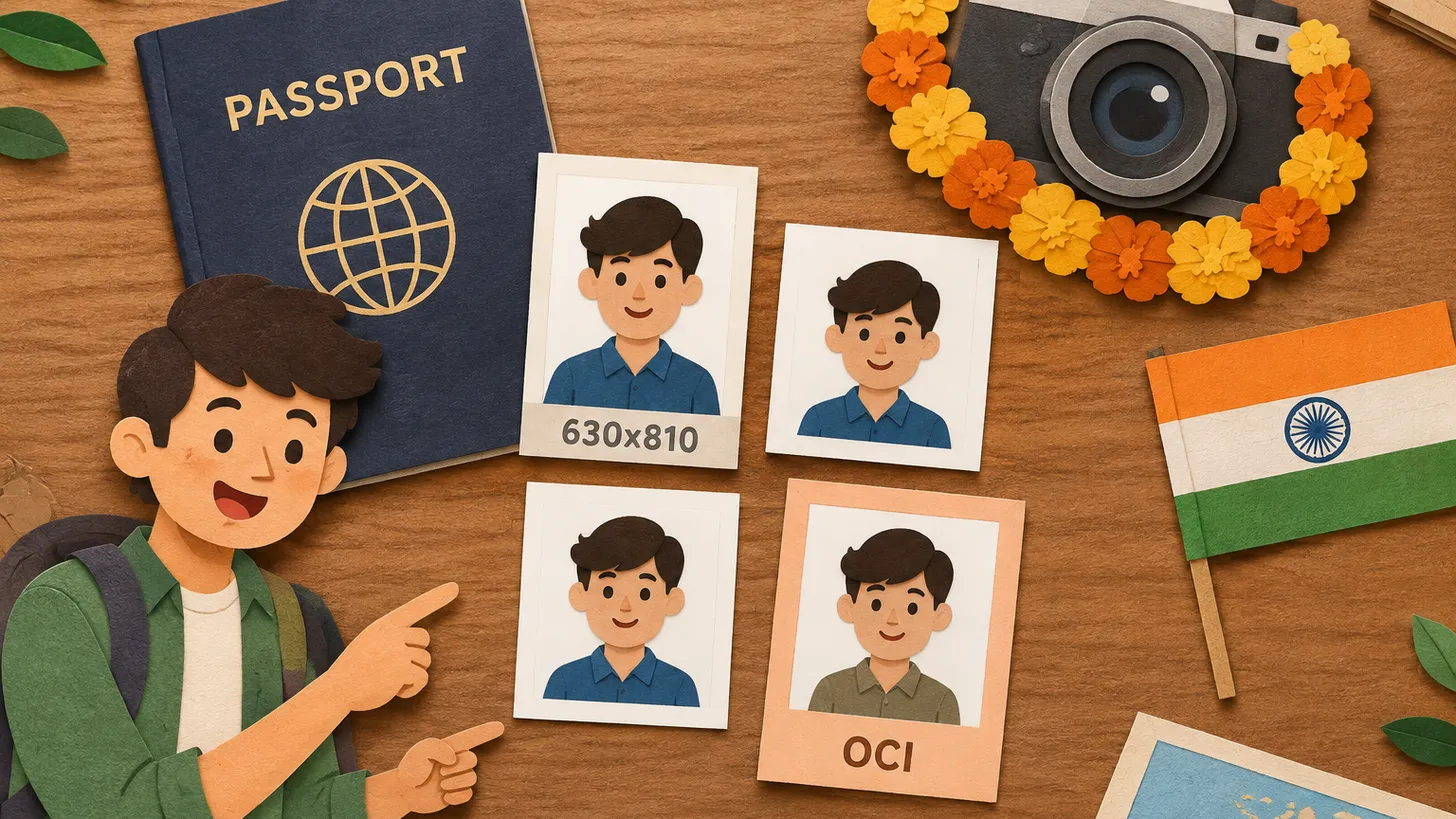
IndiaIndia Photo Requirements: Passport 630x810 px, Visa and OCI Square Files, and the "Not White" Trap
Indian passport photo: colour, 630x810 px, face 80–85%, white background; visa and OCI use square files, and the OCI background must not be white.
Make the photo for this document
Upload a selfie — we crop it to 51 × 51 mm, replace the background and check it against the document rules. Free.
India Visa · IndiaUpload