 India
IndiaIndia 2026: Launch of Digital e-OCI, New Rules for Photo (Non-White Background) and Signature
From June 30, 2026, India introduced digital e-OCI cards, abolishing physical booklets for new applicants, and updated the photo and signature requirements.
In this article · 6 sections
Key points
4 points- Launch of digital e-OCI: From June 30, 2026, India transitioned to electronic cards.
- Abolition of physical booklets: From July 8, 2026, new applicants are issued only digital OCIs.
- Photo requirements: Size 51x51 mm, light (but not white!) background, file up to 500 KB.
- Signature requirements: 1:3 proportion (width three times the height), file up to 500 KB.
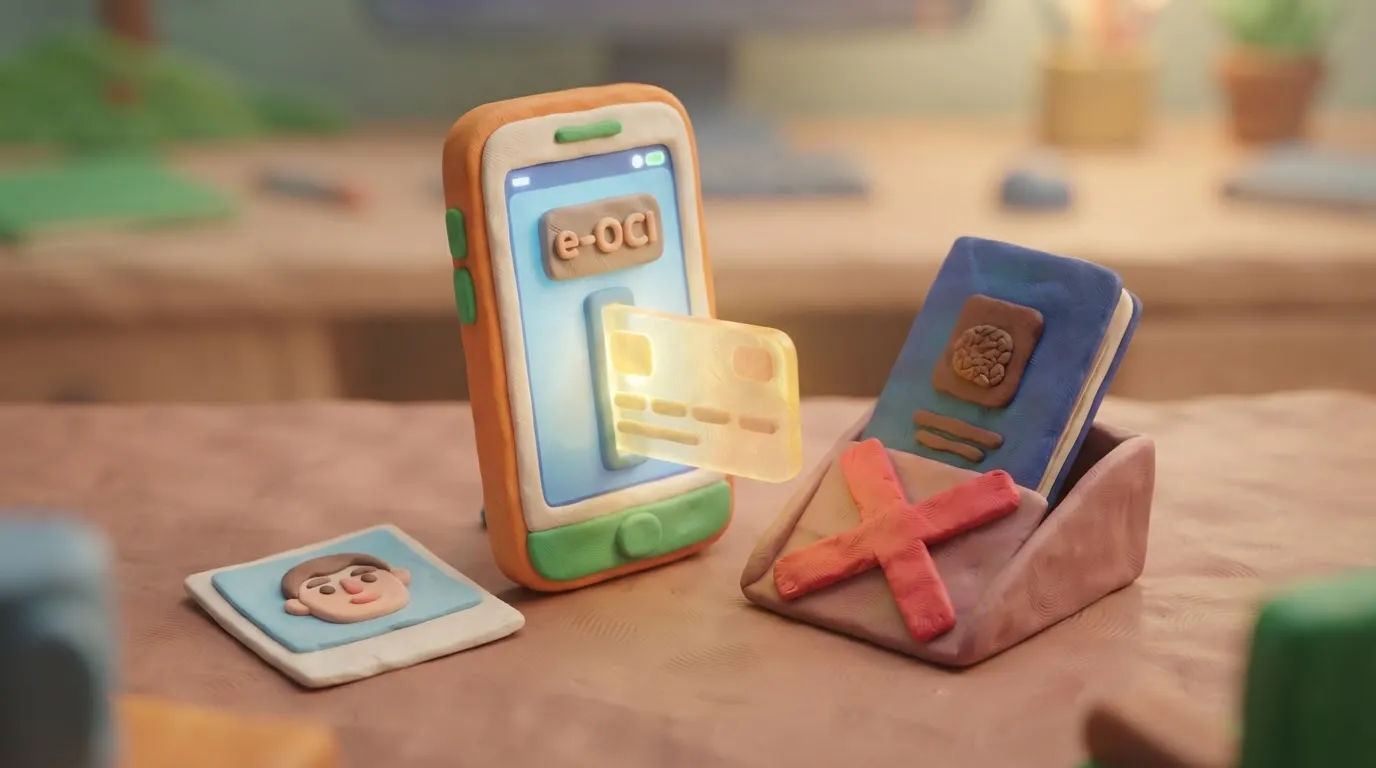
On June 30, 2026, the Ministry of Home Affairs of India (MHA) officially launched the e-OCI (Overseas Citizen of India) electronic card system. From July 8, 2026, new applicants will no longer be issued physical booklets — status will be confirmed exclusively in digital format through the official portal or mobile application. Along with the transition to the digital system, the government strictly controls the requirements for uploading photographs and signatures, non-compliance with which is the most common reason for application rejection.
What has changed
The main change concerns the document format. Existing physical OCI cards remain valid, but all new applicants will receive only the digital version (e-OCI). It can be downloaded to a smartphone via the ociservices.gov.in portal or the Indian Visa Su-Swagatam app.
Special attention should be paid to the technical requirements for files uploaded during the application process. Unlike the Indian passport, which requires a white background, the background for the OCI must be light, but not white.
| Parameter | Photo requirements (OCI) | Signature requirements (OCI) |
|---|---|---|
| Size / Proportions | 51x51 mm (square, 1:1) | 1:3 proportion (height to width) |
| Background | Light (e.g., light blue), NOT white | Plain white paper (no shadows) |
| Resolution | From 200x200 to 1500x1500 pixels | From 200x67 to 1500x500 pixels |
| Format and file size | JPEG / JPG, up to 500 KB | JPEG / JPG, up to 500 KB |
Who is affected
These rules apply to all foreign citizens of Indian origin (including Ukrainians who have relevant roots), as well as foreigners who have been married to Indian citizens or OCI holders for more than two years, and are applying for or renewing their OCI status.
What to do now
- Prepare the photo: Take a 51x51 mm photo on a light (non-white) background. Ensure the face covers about 80% of the frame.
- Prepare the signature: Sign with black or blue ink on plain white paper. Scan it and crop it to a 1:3 proportion (width must be three times the height).
- Check file sizes: Ensure both files are saved in JPEG format and their size does not exceed 500 KB.
- Submit the application: Upload the files on the official portal ociservices.gov.in. Once approved, generate your e-OCI via the portal or the Indian Visa Su-Swagatam app.
Common mistakes
- White background in the photo: This is the most common reason for rejection. The background must be light (e.g., light gray or light blue), but strictly not pure white.
- Incorrect signature proportions: If you upload a square image of the signature, the system will distort it, leading to application rejection. The width must necessarily be three times the height (1:3).
- Exceeding the size limit: Files larger than 500 KB will not be accepted by the system.
Rules change frequently — before taking action, always check the current requirements on the official government source provided above.
05Questions
3 answers01Do I need to exchange my old physical OCI card for a digital one?
No, existing physical OCI booklets remain valid for border crossing and accessing services. However, you can download the digital e-OCI version for convenience.
02What background is required for the OCI photo?
According to official requirements, the background must be light (e.g., light blue or light gray), but not pure white. Using a white background often leads to application rejection.
03What are the requirements for uploading a signature?
The signature must be made on white paper, scanned in JPEG format (up to 500 KB), and cropped to a 1:3 proportion (width must be three times the height).
06Official sources
- Embassy of India in Astana (Launch of e-OCI)
indembastana.gov.in - Consulate General of India in Seattle
indiainseattle.gov.in
Author: Yevhen Kravchenko. Published . Checked against official sources on .
 USA
USA United Kingdom
 Canada+2
Glasses, Smiling and Head Coverings in Passport Photos: US, UK, Canada, Australia and India Compared
Australia bans glasses (since July 2018), the US only allows documented medical cases, the UK and Canada allow them with no glare; smiles: only the US accepts one.
 USAUnited KingdomIndia+2
How to Take a Passport Photo at Home: Light, Distance and Background That Get Approved
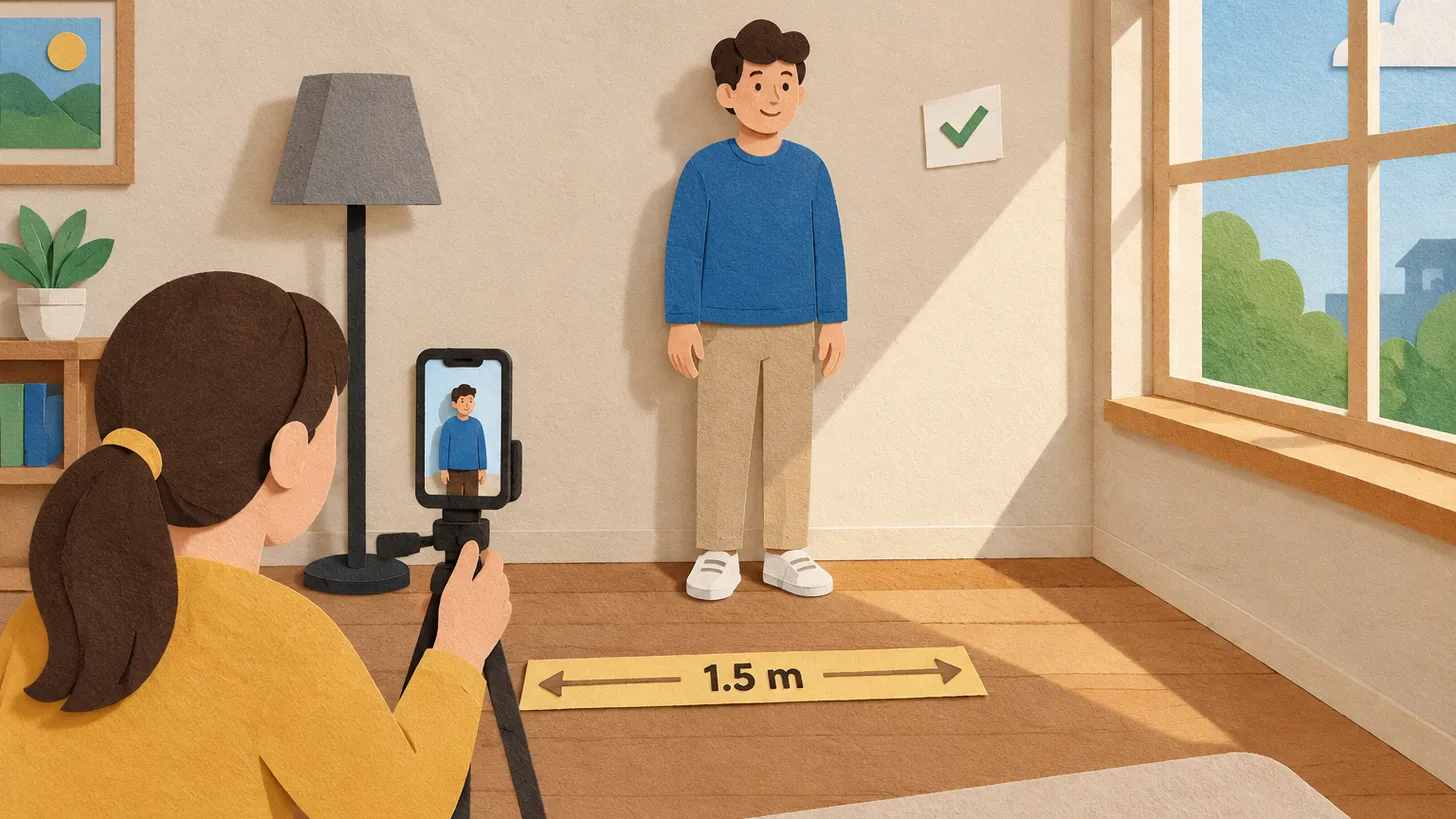
Face a window, stand away from a plain light wall, shoot from 1.2–1.5 m with someone else holding the camera, no filters — and check the country's rules.
 India
IndiaIndia Photo Requirements: Passport 630x810 px, Visa and OCI Square Files, and the "Not White" Trap
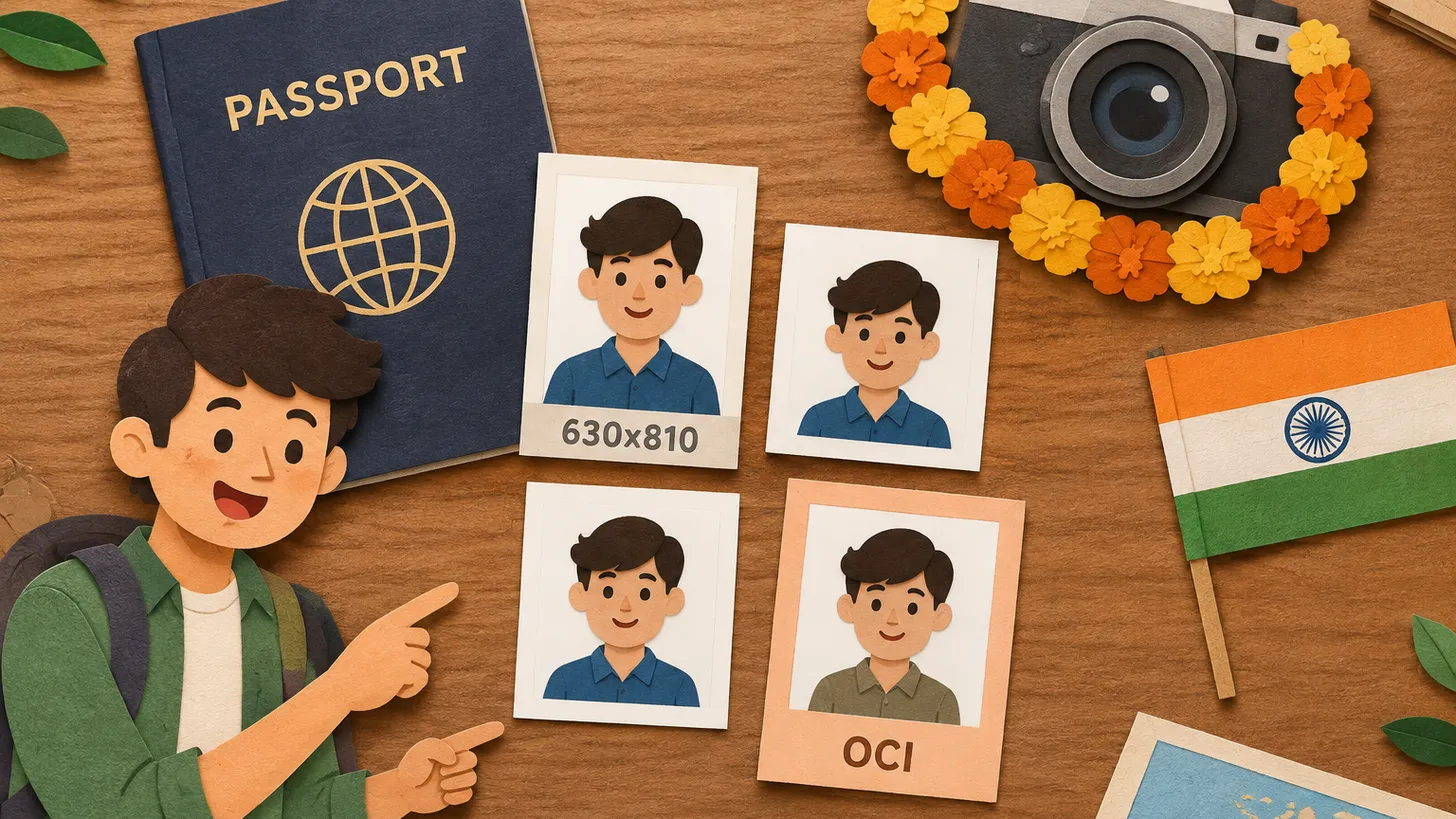
Indian passport photo: colour, 630x810 px, face 80–85%, white background; visa and OCI use square files, and the OCI background must not be white.
Make the photo for this document
Upload a selfie — we crop it to 51 × 51 mm, replace the background and check it against the document rules. Free.
OCI Card · IndiaUpload