Compress a photo to 1 MB online — free, in your browser
Bring a JPG, PNG or WebP photo under 1 MB with the best quality the limit allows — the maximum several e-Visa portals publish.
No sign-up · no watermarks · your photo stays in your browser
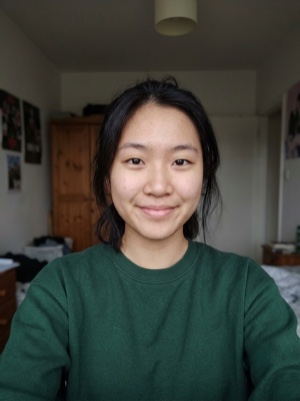
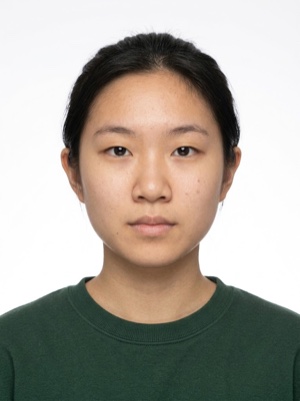
A heavy photo, under the portal’s limit
Compress a photo to 1 MB online. No lower bound here: the search keeps the best quality that still fits under the cap. Nothing is uploaded.
- 01
Upload the photo — JPG, PNG or WebP.
- 02
The tool keeps the best quality that still fits under 1 MB.
- 03
Download the JPEG and attach it to your application.
Compressing is free. A document photo — by the AI
Free, right here
- 01Everything right in your browser
- 02No watermarks
- 03The photo stays on your device
- 04As many times as you like
No sign-up, no card.
AI correction
When adjusting the file is not enough: fixes light, shadows, clothing and pose and makes the photo to the document’s rules. You see the result before paying.


If it’s rejected, we refund you
Make a document photoFrequently asked questions about document photos
Which portals cap the photo at 1 MB?
The e-Visa portals listed below publish exactly that maximum.
Is there a minimum size on this page?
No, and that is deliberate. No portal we track publishes a minimum anywhere near a megabyte, so pushing bytes back into a small file would waste quality for nothing. The tool aims for the best picture that still fits under 1 MB.
Is 1 MB 1024 KB or 1000 KB?
Forms count it both ways. This page keeps the file under 1,000,000 bytes, so it fits whether your form means 1000 KB or 1024 KB.