Compress photo to 50KB online — free, in your browser
Get a JPEG under 50 KB without wrecking the face: gradual quality search plus downscaling only when needed. For portals with strict upload limits.
No sign-up · no watermarks · your photo stays in your browser
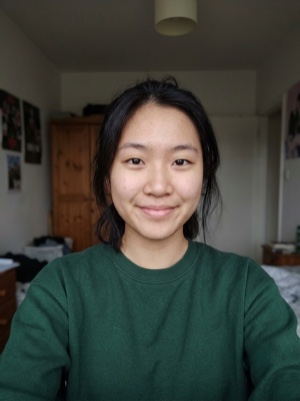
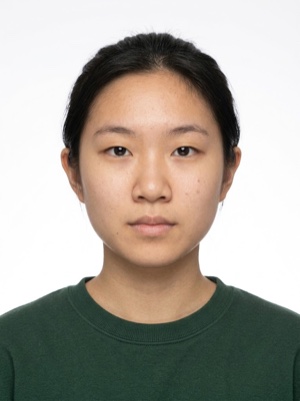
A heavy photo, under the portal’s limit
Compress a photo to 50 KB online: the tool finds the best JPEG quality under the limit and keeps the face sharp. Free, no upload — runs in your browser.
- 01
Upload a JPEG or PNG photo.
- 02
The tool steps the JPEG quality down until the file fits under 50 KB.
- 03
Compare the preview with the original and download the result.
Portals with tight file-size limits
Compressing is free. A document photo — by the AI
Free, right here
- 01Everything right in your browser
- 02No watermarks
- 03The photo stays on your device
- 04As many times as you like
No sign-up, no card.
AI correction
When adjusting the file is not enough: fixes light, shadows, clothing and pose and makes the photo to the document’s rules. You see the result before paying.


If it’s rejected, we refund you
Make a document photoFrequently asked questions about document photos
Which portals require files under 50 KB?
Very small caps are typical of older government systems. Indian application portals are the most frequent example, and Singapore's visa portal caps photo uploads at 60 KB. When a form states a maximum, the server usually hard-rejects anything larger — hitting the number precisely matters.
Will the face still be sharp at 50 KB?
Yes for typical document sizes: 50 KB comfortably fits a 600×600 px or 413×531 px JPEG at reasonable quality. The tool lowers quality step by step and reduces the pixel size only when the target cannot be reached otherwise.
Why not just take a screenshot of the photo?
A screenshot gives you random pixel dimensions, strips the print metadata and often lands as a PNG that is larger than the original JPEG. A controlled re-encode keeps the exact dimensions your portal expects and hits the size limit precisely.