Compress a photo to 300 KB online — free, in your browser
Reduce a JPG, PNG or WebP photo to under 300 KB — the cap most Schengen application portals put on a photo upload.
No sign-up · no watermarks · your photo stays in your browser
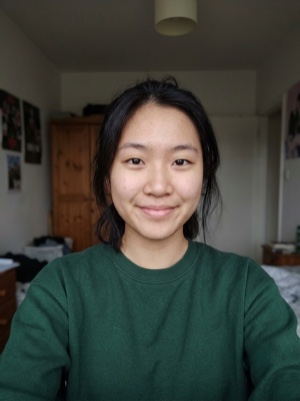
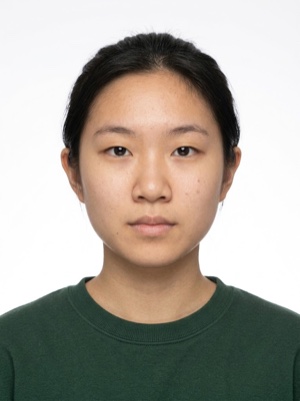
A heavy photo, under the portal’s limit
Compress a photo to 300 KB online: the same pixels are re-encoded into the 150–300 KB band, and 300 DPI is kept, so the print size stays.
- 01
Upload the photo you prepared for the application.
- 02
The tool re-encodes it into the 150–300 KB band without touching the framing.
- 03
Download the JPEG and attach it to the form.
Compressing is free. A document photo — by the AI
Free, right here
- 01Everything right in your browser
- 02No watermarks
- 03The photo stays on your device
- 04As many times as you like
No sign-up, no card.
AI correction
When adjusting the file is not enough: fixes light, shadows, clothing and pose and makes the photo to the document’s rules. You see the result before paying.


If it’s rejected, we refund you
Make a document photoFrequently asked questions about document photos
Is 300 KB the Schengen rule?
It is the cap most Schengen application portals publish, and that is how this page treats it. The ICAO standard behind Schengen photos fixes the print geometry — 35×45 mm — not a file size.
Does compressing to 300 KB change the print size?
No. The tool re-encodes the same pixels and writes 300 DPI into the file, so a 35×45 mm photo still prints as 35×45 mm. Only the number of bytes changes.
My photo is already under 300 KB. Should I still run it?
There is no need — the limit is a ceiling, and a smaller file passes it. Run the photo through only if the portal also states a minimum that your file is below.