Skip to content

News and guides · 582 articles

News: document photo requirements by country

What changed in passport, visa and residence photo rules — every update dated and sourced.

Often searched

July 2026

96 articles
NewsUnited Kingdom

UK ETA Photo Requirements 2026: Face Photo, Passport Scan, and App Rules

The UK is strictly enforcing its Electronic Travel Authorisation (ETA) system as of February 2026. Applicants must use the official UK ETA app or website to submit a physical passport scan and a compliant face photo. Strict biometric standards apply, including specific file sizes, dimensions, and the requirement to scan the passport's NFC chip.

4 min readUK Government (GOV.UK)
NewsGermany

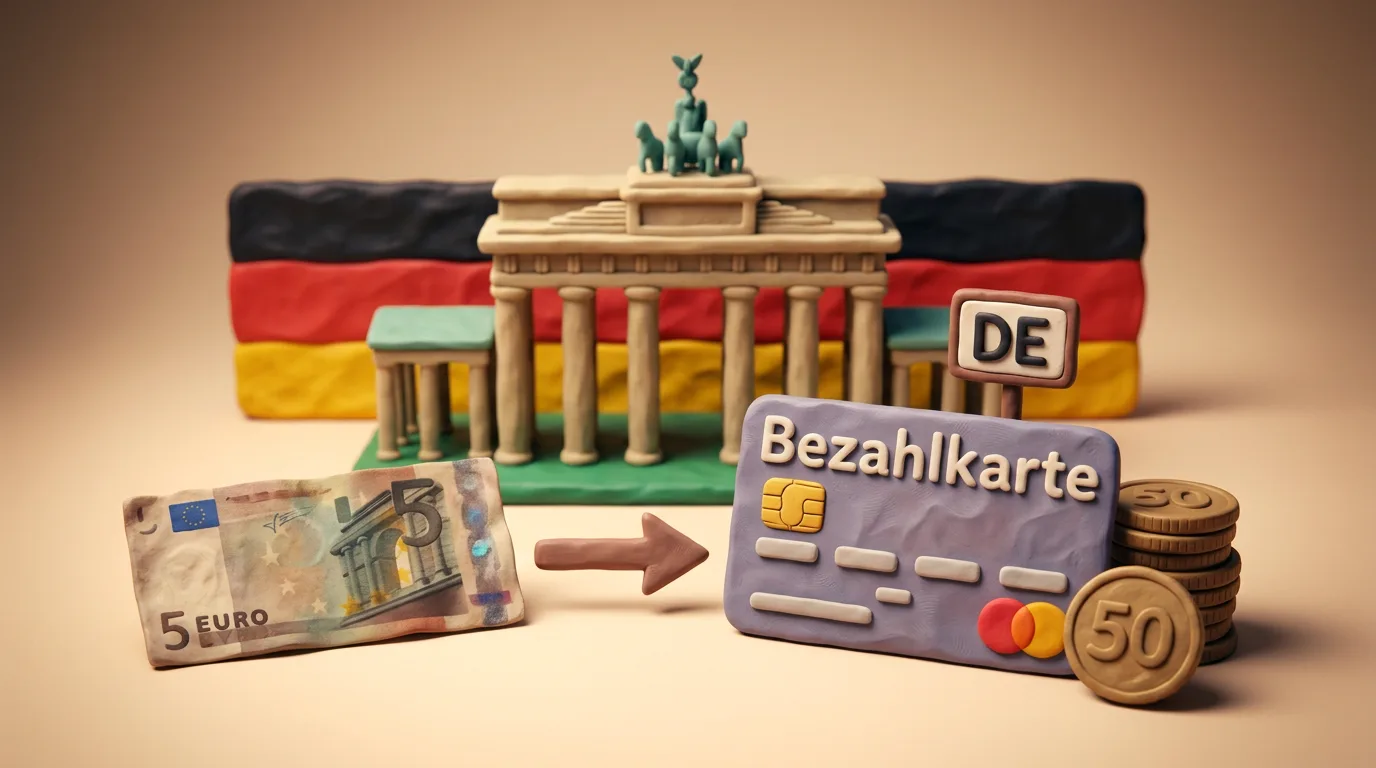
Germany: The Bezahlkarte Payment Card for Benefit Recipients — What It Means for Ukrainians in 2026

Germany has introduced the Bezahlkarte payment card for recipients of benefits under the Asylum Seekers' Benefits Act (AsylbLG). In 2026 it applies in all states except Berlin, with a cash limit mostly of €50 per month. It does not yet affect Ukrainians with temporary protection — they receive Bürgergeld. But a bill on changing the legal regime (Rechtskreiswechsel) may move those who arrived after 1 April 2025 to AsylbLG and, accordingly, to the Bezahlkarte. The switch was initially planned for 1 July 2026, but as of June 2026 the law has not yet been adopted and is stuck in the Bundesrat, so this date remains uncertain.

5 min readMediendienst Integration — Wo gilt was bei der Bezahlkarte?

June 2026

90 articles
Guide

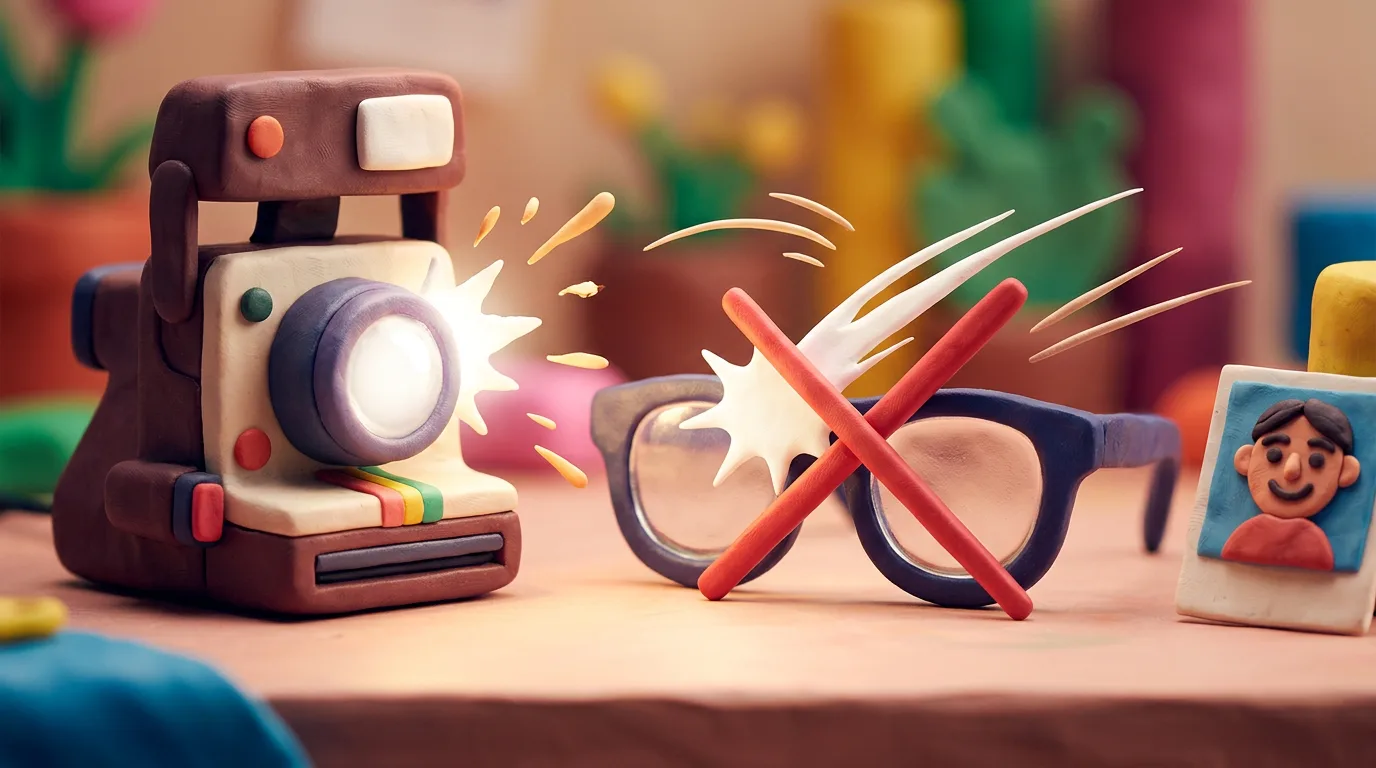
Glasses in Document Photos in 2026: Are They Allowed?

The global trend is unambiguous: it is best to take your glasses off for document photos. The US banned them entirely in passport photos from 1 November 2016 (the only exception being a documented medical reason). Where glasses are still allowed, the ICAO standard requires clear lenses with no glare or tint, and frames may not cover the eyes.

4 min readU.S. Department of State — Passport Photos (travel.state.gov)
Guide

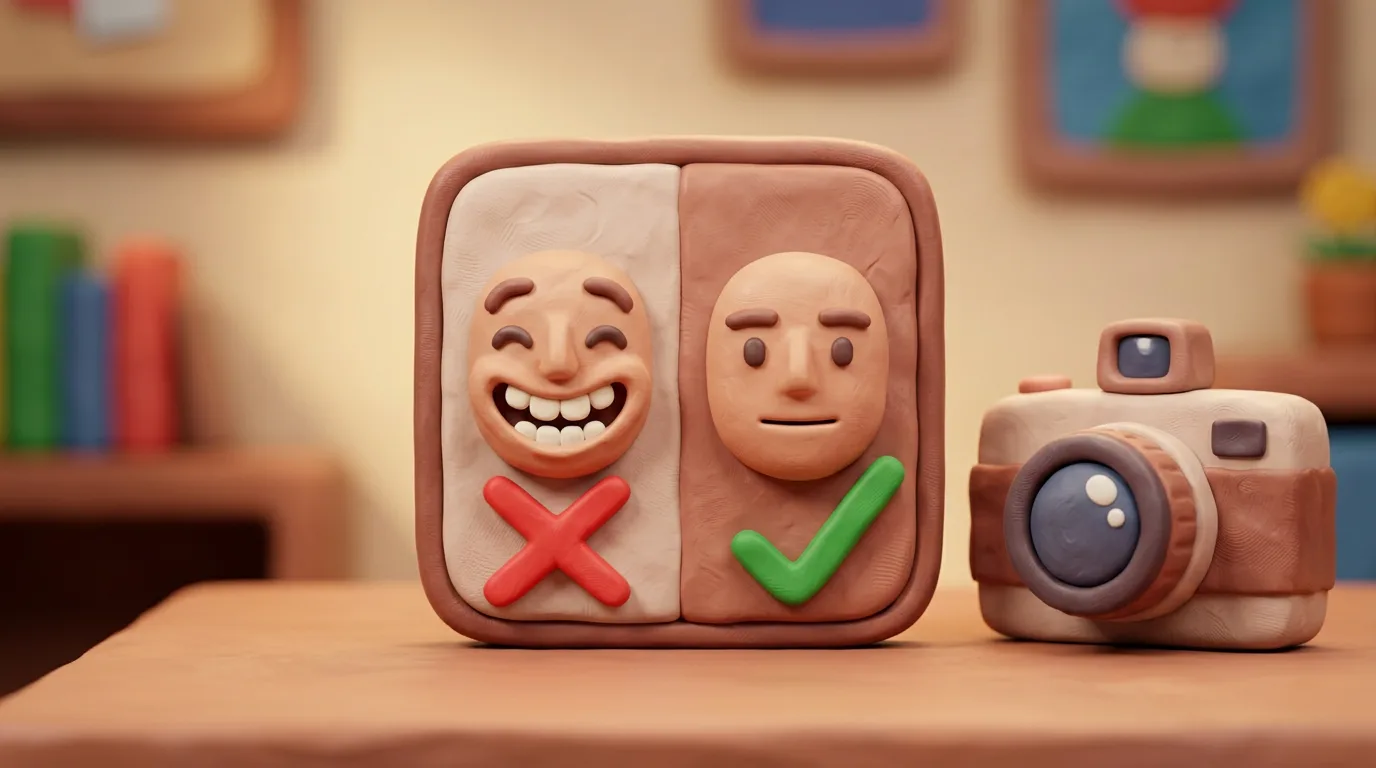
Neutral expression for your document photo in 2026

Almost every authority in the world relies on the ICAO Doc 9303 standard and requires a neutral facial expression. This is not a photographer's whim: a biometric system measures fixed facial landmarks, and a smile shifts the corners of the mouth, the cheeks and the area around the eyes, so matching against a live face at the border becomes less reliable. This guide explains the 2026 rules and how to get the photo right the first time.

6 min readICAO Doc 9303 (Machine Readable Travel Documents)
Guide

How to Take a Document Photo at Home With Your Phone 2026

Taking a passport or visa photo at home with your phone is entirely doable if you follow a few simple rules. The essentials are even, soft light with no shadows, a plain light background, the rear camera at eye level, and a neutral pose. This guide is universal: it builds on ICAO, GOV.UK and U.S. State Department requirements, so it works for almost any country. At the end you crop the shot to the required size with an online tool and add no embellishments.

7 min readGOV.UK — Get a passport photo: Digital photos
Guide

Why Document Photos Get Rejected in 2026 — and How to Fix It

More than half of applications are held up by a non-compliant photo. This checklist gathers the most common reasons document photos get rejected — for passports, visas and ID cards — from shadows and head size to filters and an out-of-date shot, and gives a concrete fix for each. Run your photo through this list before you apply and the risk of rejection drops sharply.

7 min readGOV.UK — Get a passport photo: digital photos
Guide

Head Coverings in Document Photos 2026: The Rules

The general rule for passport, visa or ID photos is simple: head coverings for fashion or convenience are not accepted. At the same time, leading authorities (the US State Department, GOV.UK) and the ICAO Doc 9303 standard make an exception for coverings a person wears daily for religious or medical reasons. A hijab, turban, kippah, religious headscarf and a medical wrap are allowed. The key condition is that the face is fully visible, nothing shadows the features, and a niqab or any veil hiding part of the face is not accepted. Some countries ask for a signed statement explaining the reason.

6 min readU.S. Department of State — Passport Photos
Guide

Retouching and Filters on Document Photos: Allowed in 2026

Modern passports and visas undergo automated face matching against your photo. So a document photo must accurately represent how you look right now. In this guide we break down which edits count as technical and safe, and which ones change your appearance and lead to rejection — based on official U.S. and UK requirements and the ICAO standard.

6 min readU.S. Department of State — Passport Photos
Guide

How Recent Must Your Document Photo Be? 2026 Guide

Photo recency is one of the most common rejection causes. This universal guide explains the 6-month rule, the UK's stricter exception (1 month), the separate requirements for children, and the situations when you must retake the shot even if it is technically still 'new'.

7 min readU.S. Department of State — Passport Photos
Guide

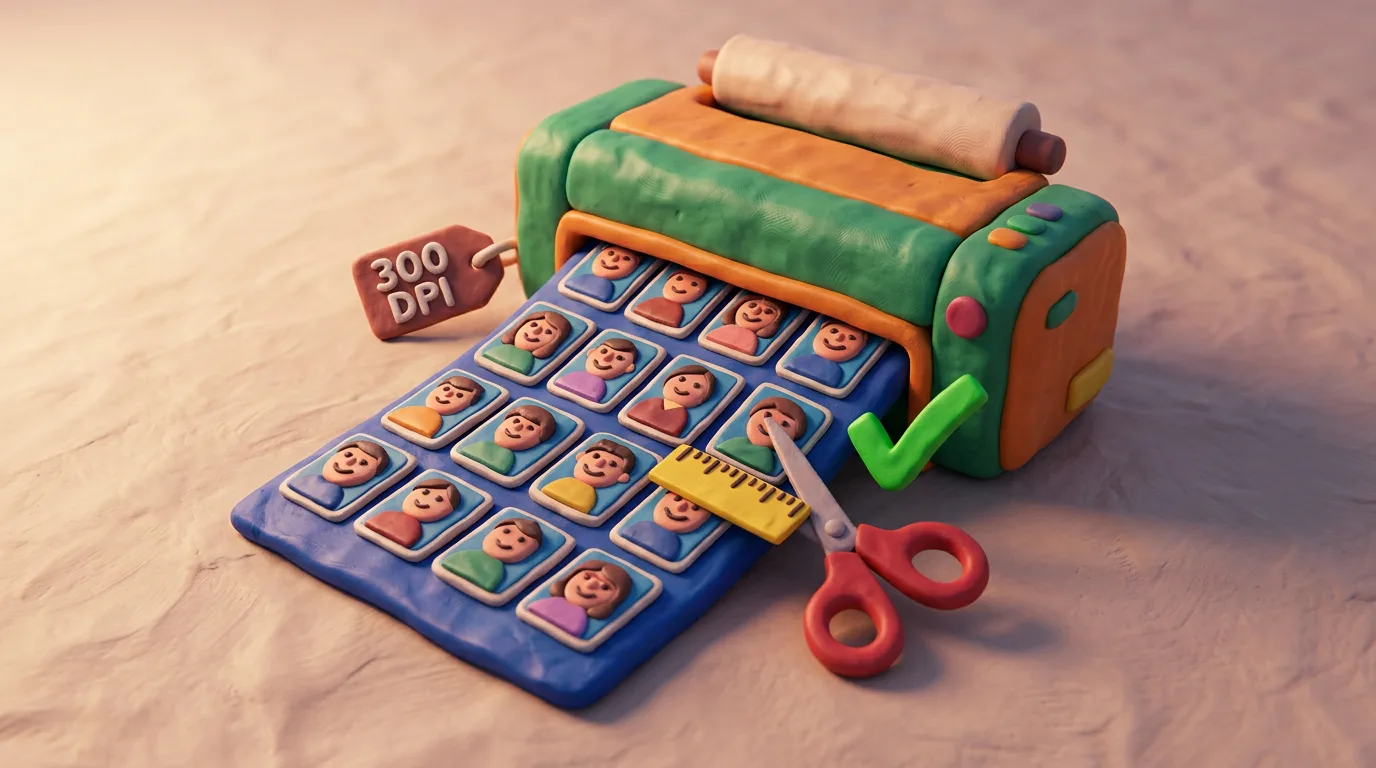
Printing Document Photos at Home 2026: Paper, DPI, Size

Printing document photos at home is doable, but the details decide everything: paper, resolution, exact size, colour and cut quality. This universal guide shows how to produce a print that won't be rejected at a paper submission, and when it's simply better to upload a digital photo online.

6 min readGOV.UK — Get a passport photo: photo requirements
Guide

Hair, Beard and Makeup in Document Photos 2026

For a passport, visa or ID photo there is one simple rule that the US State Department, GOV.UK and the ICAO Doc 9303 standard all agree on: the picture must match your ordinary, current appearance so that both a person and a machine can confidently recognise you. Hair may be worn down or up — what matters is that the full face is visible and casts no shadow. A beard and moustache are allowed if they are your everyday appearance, including a beard worn for religious reasons. Makeup is fine when light and natural; heavy or dramatic makeup that hides or changes your features can cause a rejection.

6 min readU.S. Department of State — Passport Photos
GuideVisa

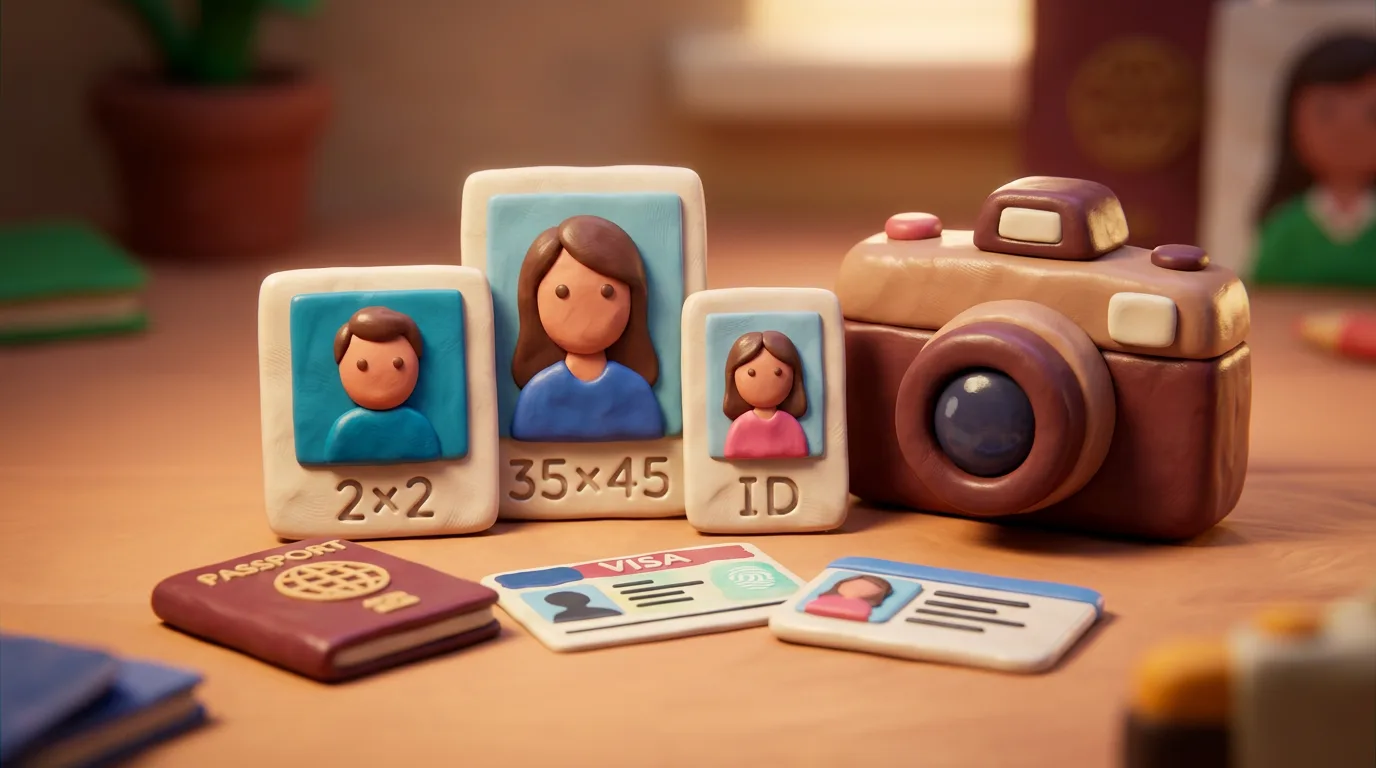
Passport vs Visa vs ID Photo in 2026: What's Different

Passports, visas and national ID cards usually require the same biometric baseline: a neutral expression, a plain light background, and a fully visible face. That makes any "document" photo feel interchangeable. In reality the exact spec differs by document and country — physical size, head proportion, background shade, digital file size, and how recent the photo must be. So a photo made for one document is not automatically accepted for another. In this guide we compare the three types and show what is usually the same versus what varies.

7 min readICAO Doc 9303 — Machine Readable Travel Documents
Guide

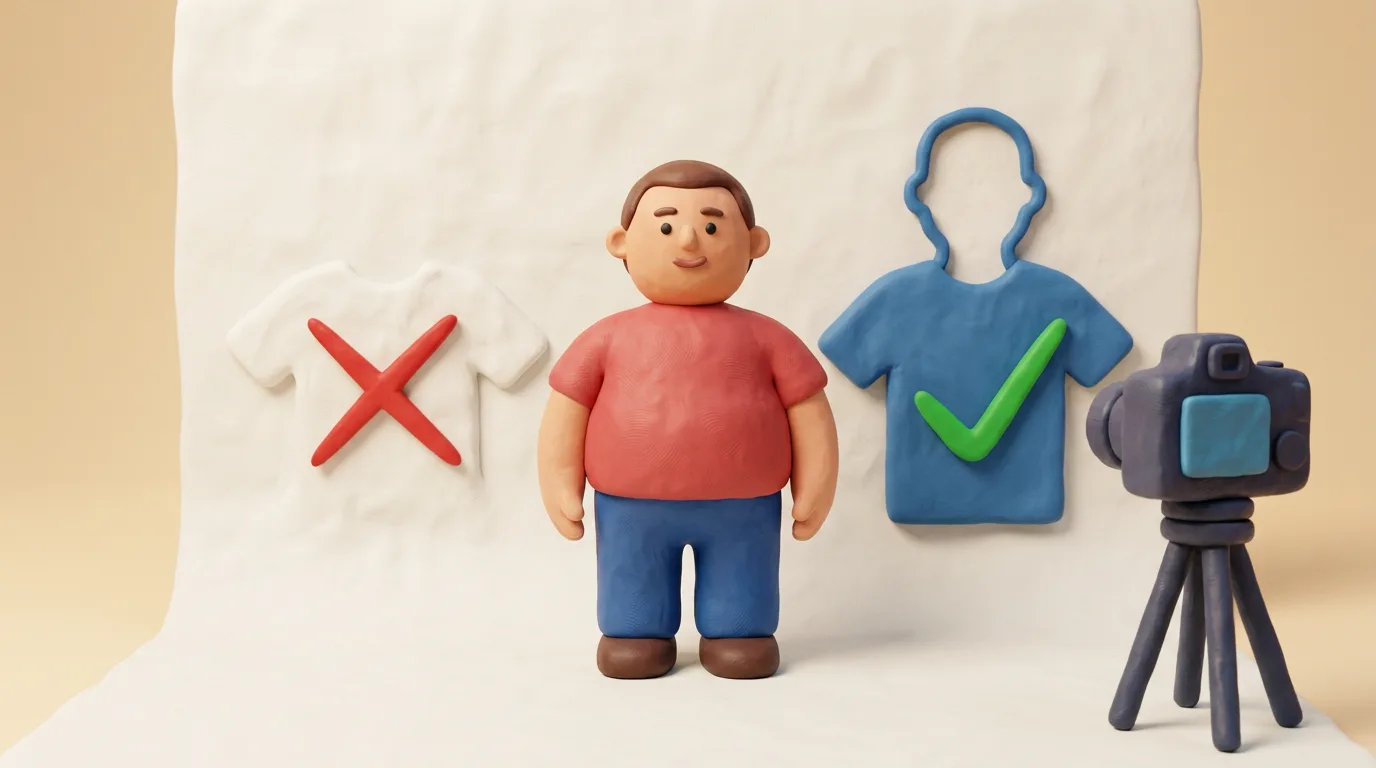
What to Wear for a Document Photo in 2026: Colours

A document photo should look like your everyday self, but your clothing also does a technical job: it must clearly separate the outline of your head and shoulders from the background. Because the background is usually white or light grey, a white or pale top blends into it and the outline is lost. This guide explains which colours to choose, what to avoid, and why uniforms and costumes get rejected — based on the standards of GOV.UK, the US State Department and ICAO.

6 min readGOV.UK — Photo standards (accessible)
Guide

Lighting and shadows in document photos: avoid rejection 2026

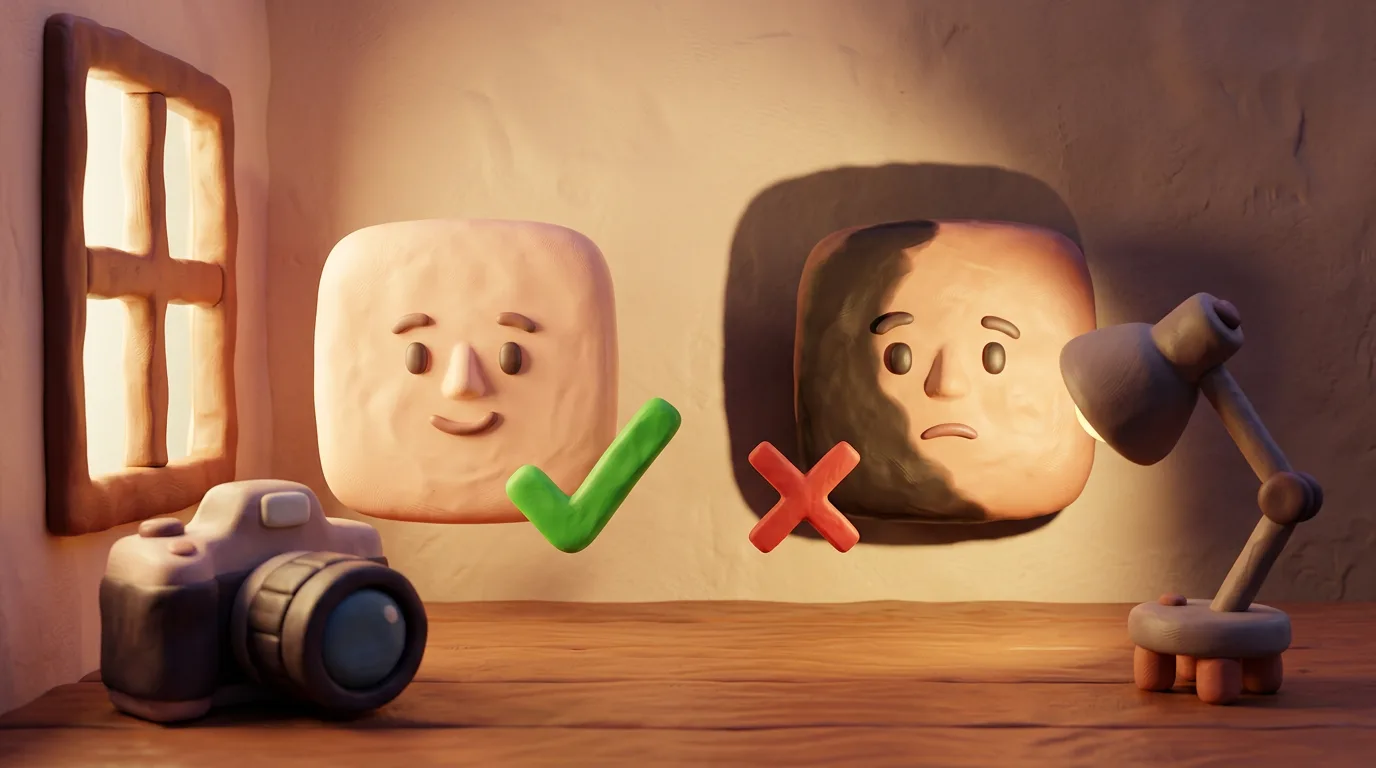
Uneven lighting and shadows are one of the most common reasons document photos are rejected. This universal guide explains what the light should look like under ICAO and national standards, how to avoid shadows on the face and background, why overhead light and direct flash are risky, and how to set up soft, even lighting at home.

6 min readGOV.UK — Passport photos: guidance for photographers
Guide

Eyes in Document Photos 2026: Open and Clearly Visible

The eyes are not just a portrait detail but a measured biometric landmark: recognition systems locate the eyes in the frame and expect them to be open, level and clearly visible. Because of this, most eye-related rejections are technical: a squint, a strand of hair, glare on glasses, or red-eye from a direct flash. In this guide we explain exactly how the eyes should look in a 2026 document photo, why it matters for biometrics, and how to avoid the common mistakes when you shoot.

7 min readICAO Doc 9303 — Machine Readable Travel Documents
Guide

Face Recognition at the Border: E-Gates and Photos 2026

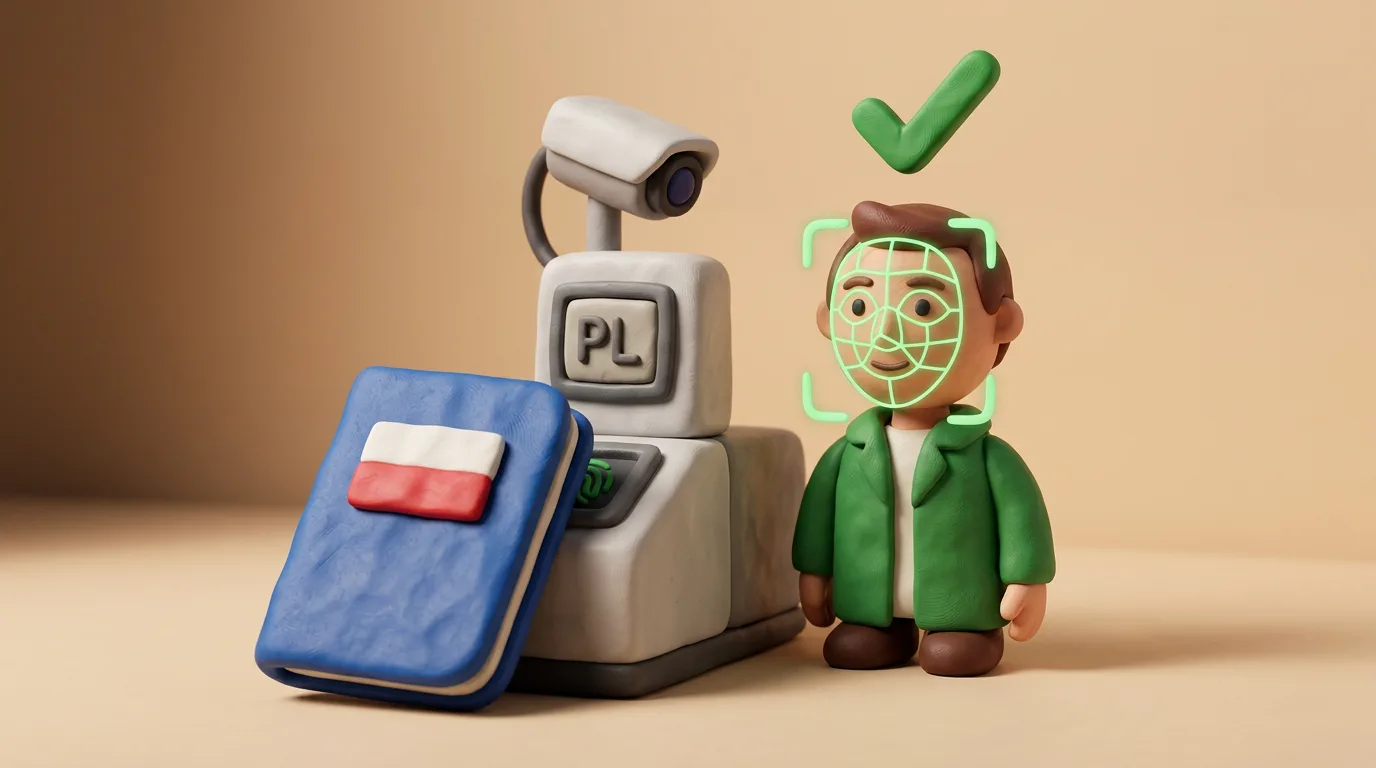
A modern passport carries a chip built to the ICAO Doc 9303 standard, holding your photo. At an automated gate (e-gate) a camera photographs you and compares your live face to the chip photo using 1:1 matching, measuring face geometry. That is why the "boring" photo rules exist: they make the image reliable for a machine. This guide explains the mechanics without alarm.

7 min readICAO Doc 9303 — Machine Readable Travel Documents
Guide

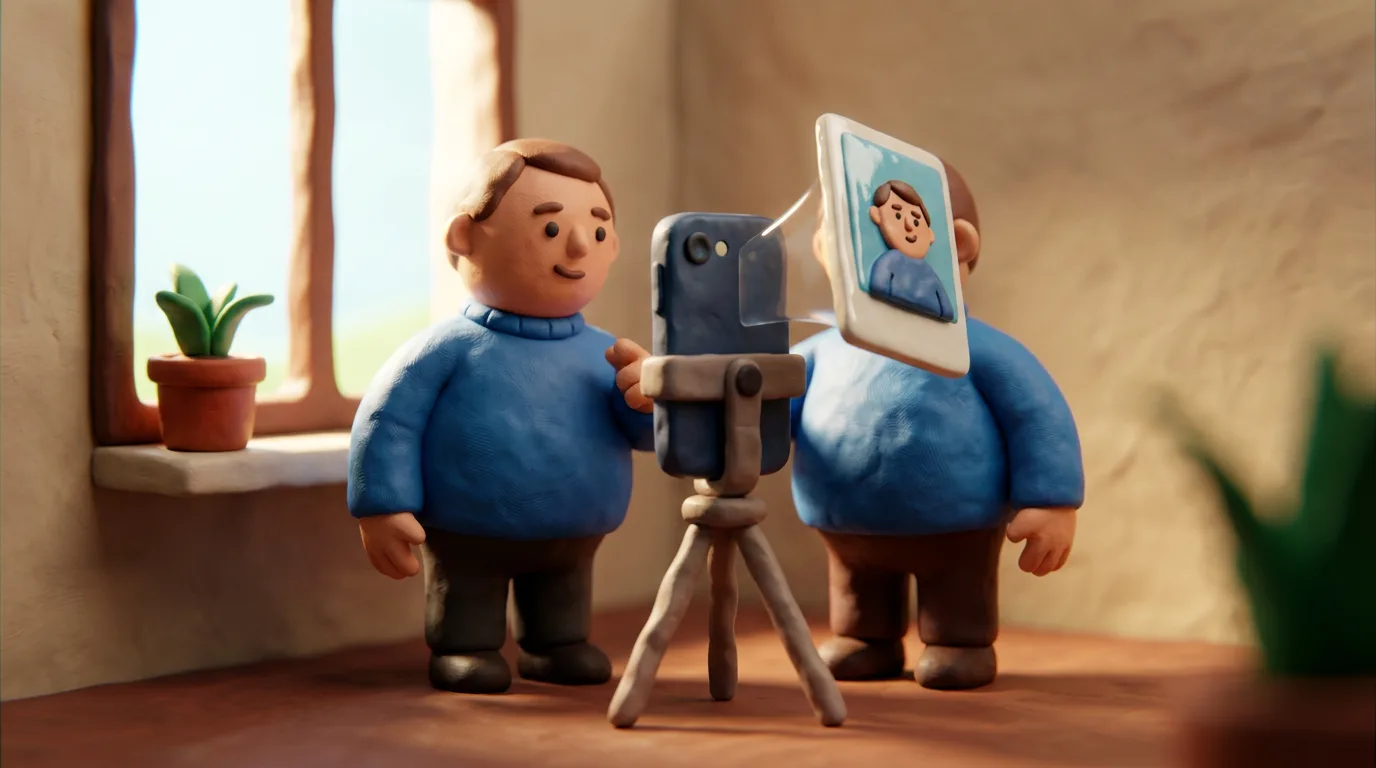
Can You Use a Selfie for a Document Photo in 2026?

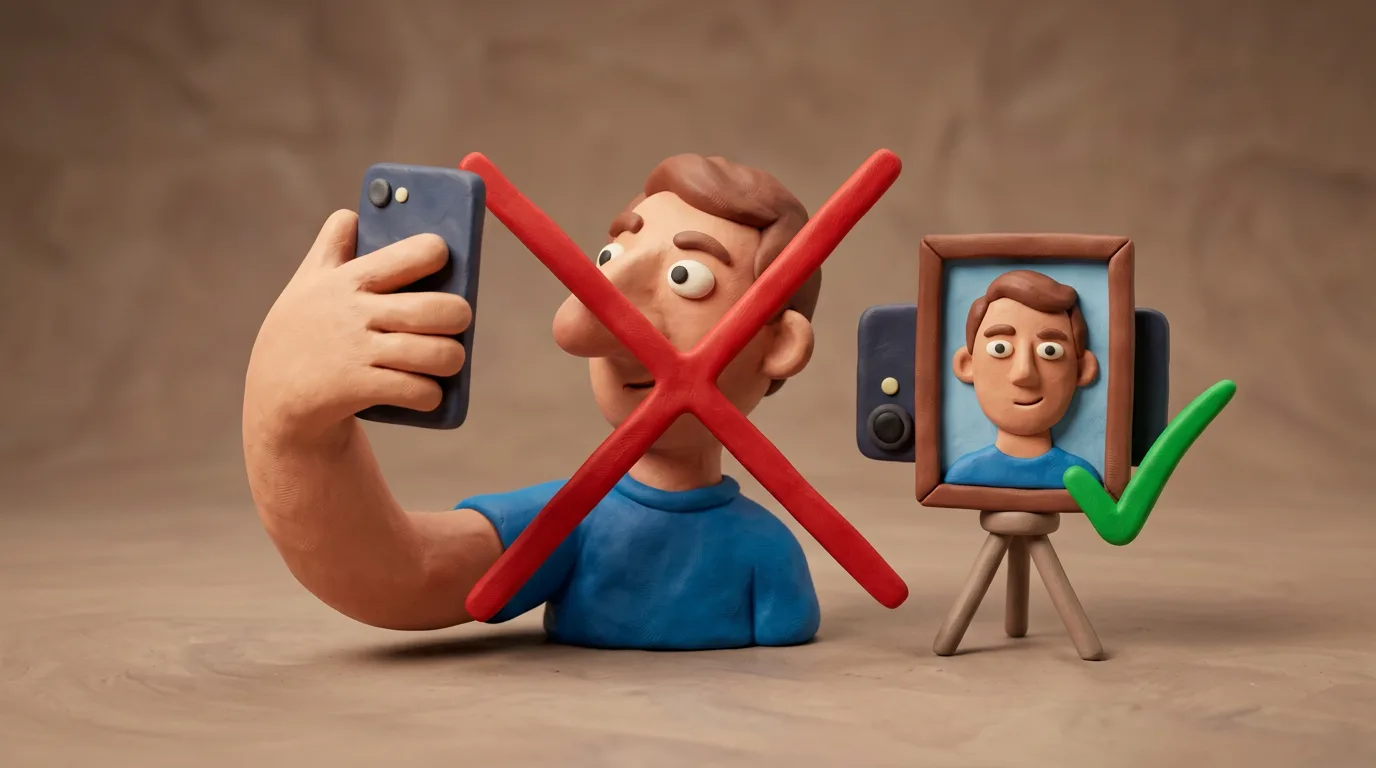
A selfie seems like a fast way to get a document photo, but it usually fails passport and visa requirements. The front camera has lower resolution, and an arm's-length shot is too close, distorting facial proportions in a way biometric checks reject. This guide explains why a selfie fails and shows how to self-shoot to spec — using the rear camera, a tripod or a helper, from the correct distance.

6 min readU.S. Department of State — Passport Photos ("No selfies")
Guide

How to Scan Documents With Your Phone for Online 2026

Online applications for visas, government services or study often need a clear scan of a document — a passport page, a certificate, a diploma. That is not the same as a face photo. This guide explains how to get a flat, sharp, glare-free scan with your phone and save it in the format the portal asks for.

6 min readGOV.UK — Uploading evidence as part of your visa application
Guide

File Format and Size for Document Uploads 2026

Online portals accept only certain formats (usually PDF, JPG/JPEG, sometimes PNG) and set a maximum file size — often 1, 2 or 5 MB, and sometimes pixel or DPI requirements too. This universal guide explains which format to choose when, and how to shrink a file without losing quality: lower the resolution to what is actually needed, export at a sensible JPG quality, convert a scan to grayscale. That way the file uploads successfully and stays legible.

7 min readGOV.UK Design System — File upload component
Guide

What happens to your document photo after upload (2026)

When you upload a photo of your passport or another document, you are handing over some of the most sensitive personal data about yourself. This guide explains what happens to the file at a reputable service, why a facial image can count as special-category biometric data under GDPR, what risks shady "free" tools and insecure connections create, and how to vet a service before you upload.

6 min readGDPR Art. 9 — Processing of special categories of personal data (EUR-Lex)
Guide

Strictest vs Most Relaxed Countries for Photos 2026

It can feel like every country invents its own rules for passport or visa photos, but almost all of them build on a single biometric standard, ICAO Doc 9303: neutral expression, plain light background, full face visible, recent photo. What makes some countries feel stricter is the detail — the shape and size of the frame, how they treat glasses, and how recent the photo must be. In this 2026 comparison we line up examples of stricter approaches (USA, UK) next to the common "standard" one (most ICAO-aligned countries) and explain what to check before you print.

7 min readU.S. Department of State — Passport Photos
Guide

AI, deepfakes and face morphing in document photos 2026

Authorities and ICAO are increasingly worried about face morphing — blending two people into one image so both could pass as the passport holder. That is why many countries no longer accept a photo you bring and instead capture it live at the office or require a strictly unedited photo. This guide explains how fakes are detected and why an honest applicant only needs to submit a genuine, recent photo.

7 min readICAO Doc 9303 — Machine Readable Travel Documents
Guide

Document Photo: Online vs Booth vs Studio 2026 Guide

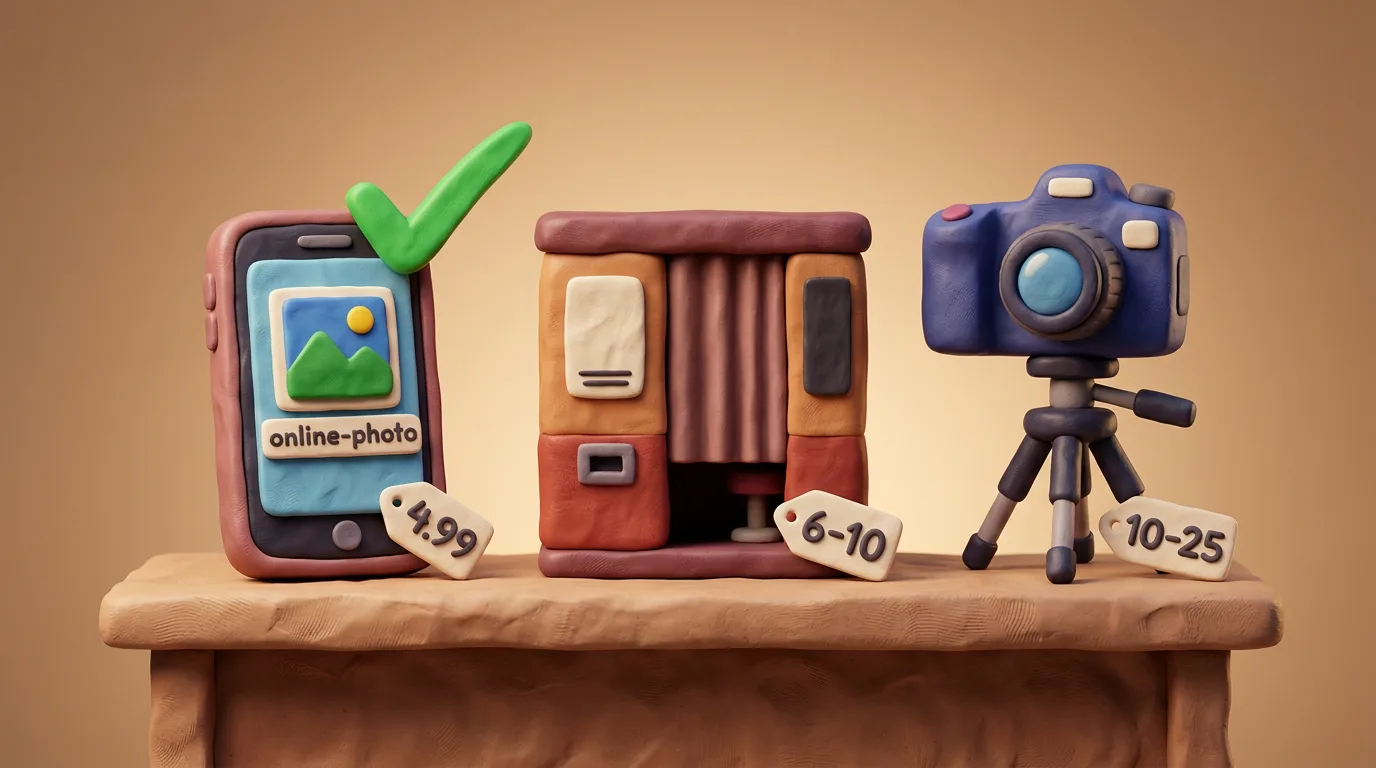
There are four main ways to get a document photo: an online tool, a photo booth, a studio with a photographer, or a phone app. They differ in cost, time, quality and convenience. This guide compares them honestly: an online tool is usually the cheapest and fastest, a booth is convenient on the spot, a studio gives the best quality, and apps vary. The photo must meet your country's requirements either way. The prices below are approximate and vary by country.

7 min readPost Office (UK) — Passport photos & digital check and send
GuidePassport

Online Passport Photos 2026: Are They Accepted?

The biggest fear before using an online service is «what if it gets rejected?». The honest answer: the method used to make the photo does not matter. Authorities only look at whether the image meets the specification. More than that, a growing number of official portals now require a digital photo upload. This guide explains what actually causes a rejection, how to stay safe with an online tool, and why a correctly made digital photo is exactly what authorities want.

6 min readU.S. Department of State — Passport Photo Requirements

Make your photo to the current rules

Pick your document and upload a selfie — we crop it to size, replace the background and check it. Free preview. The sizes come from the same official sources as the news.

Choose a document
Document photoChoose a document
Create preview · no card Free preview